XO3D Studio · 3D Animation
Instructional Animations: CGI for Assembly and Set-Up
Assembly, on screen.
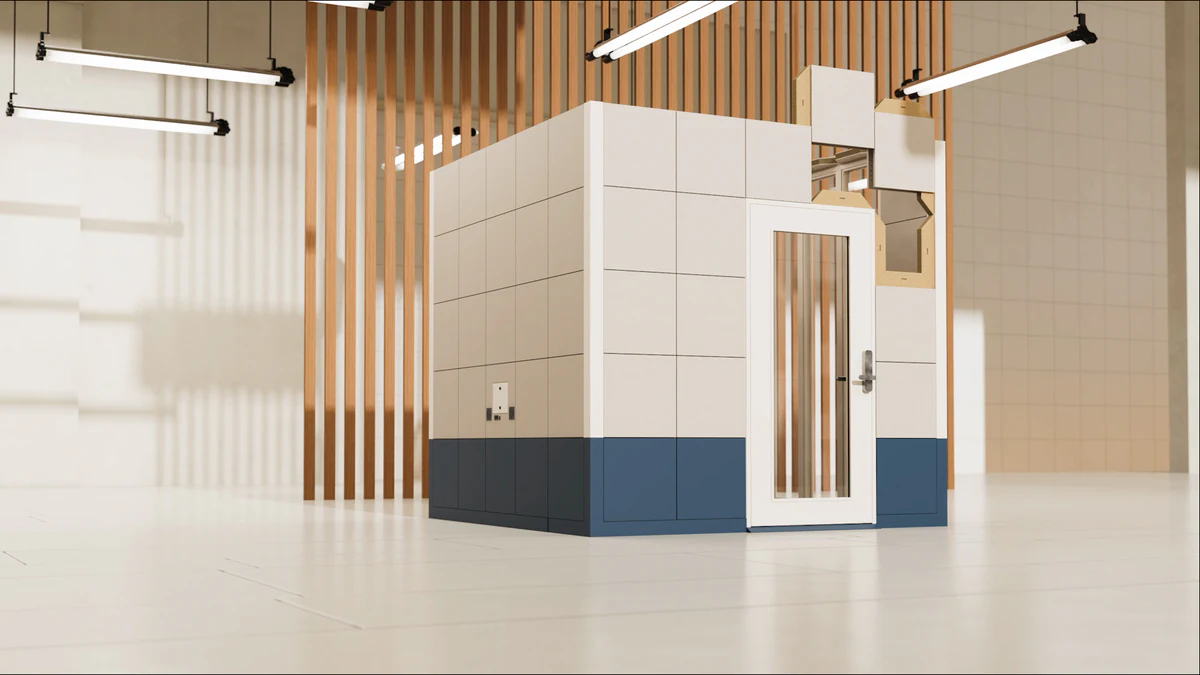
Instructional animation shows the parts, actions and order of a product procedure. Review the sequence with the product team and decide what labels, narration or pauses the audience needs.
Overview
Motion that teaches, not just decorates.
Products that require assembly or set-up historically shipped with paper instructions or PDFs. Neither performs well, users skip steps, misassemble parts and generate support tickets.
Instructional animation solves this. Directed motion at deliberate pace, showing each step, catches misassembly before it happens. Available on PDP, in packaging QR codes, in CRM onboarding and in support content.
What's covered
The main varieties, in detail.
Advantages
Why brands commission it.
Make the assembly sequence visible.
Show the connection points and order of assembly clearly. Review the procedure with the product team rather than inferring correct use from appearance alone.
Lower support load.
Users who watch a clear instructional animation ask fewer support questions.
Improved first-run experience.
First hour with the product sets the tone for the whole relationship. Instructional animation raises that first hour.
Multi-language friendly.
One source animation localises across every market. Repeat expense per language stays low.
Trade-offs
What to plan for.
Pacing is a discipline.
Instructional pacing is slower than marketing pacing. Getting the beats right takes iteration.
Real assembly review essential.
Design and manufacturing teams should review the animation against actual assembly. Errors here undermine the whole point.
Updates require re-rendering.
When the product changes, the animation must update. Plan the refresh cycle.
Voiceover coordination.
Multi-language voiceover adds coordination overhead. Plan the language list up front.
Process
How the work is produced.
- STAGE 1
Brief and step list.
Every assembly or set-up step captured, in order, with any critical warnings identified.
- STAGE 2
Storyboard and animatic.
Storyboards and an animatic establish the shot list, timing and camera direction. Review the sequence and product details before final materials, lighting and rendering.
- STAGE 3
Modelling and animation.
3D asset structured for component-level animation. Steps animated at teaching pace.
- STAGE 4
Voiceover and on-screen text.
Voiceover recorded, subtitles timed, on-screen text placed for every language in scope.
- STAGE 5
Product-team review.
Engineering or product review before final render, catching any misordered or unclear steps.
- STAGE 6
Delivery.
Master files, platform encodes, QR-code-linkable versions and localised outputs delivered.
Who this is for
Built for teams shipping the launch.
Product marketing and customer experience teams at brands with assembled or set-up-heavy products.
IKEA-style furniture brands, appliance brands, tech hardware and outdoor gear. In-house creative teams supporting product documentation.
Case studies
Recent work.


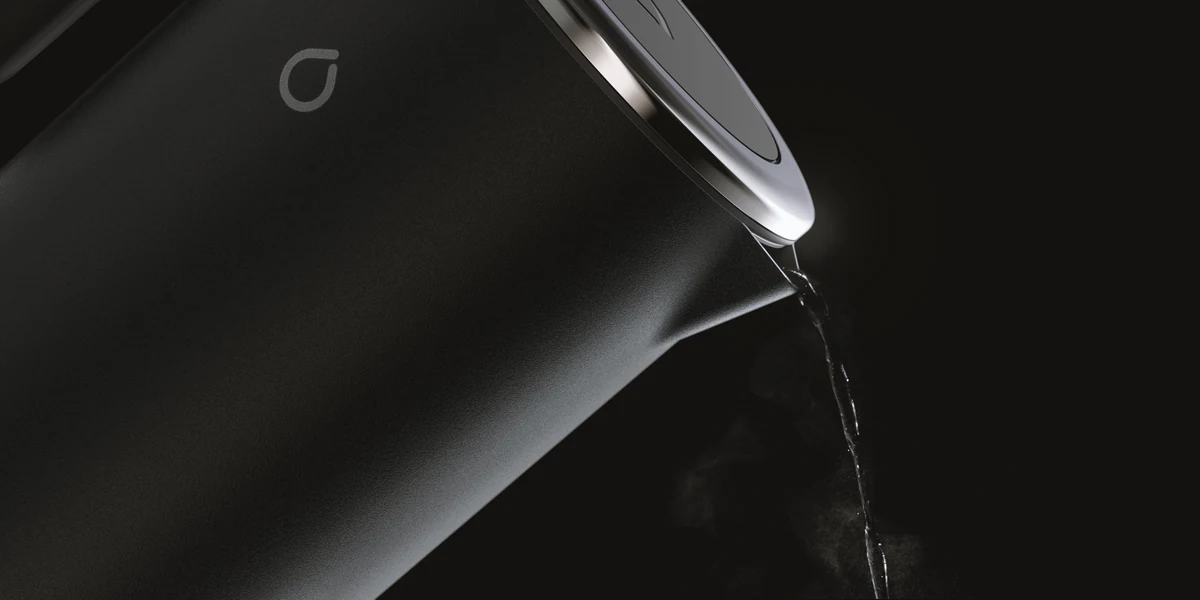
Petalite EV charger launch, applying the disciplines in this guide.
View case study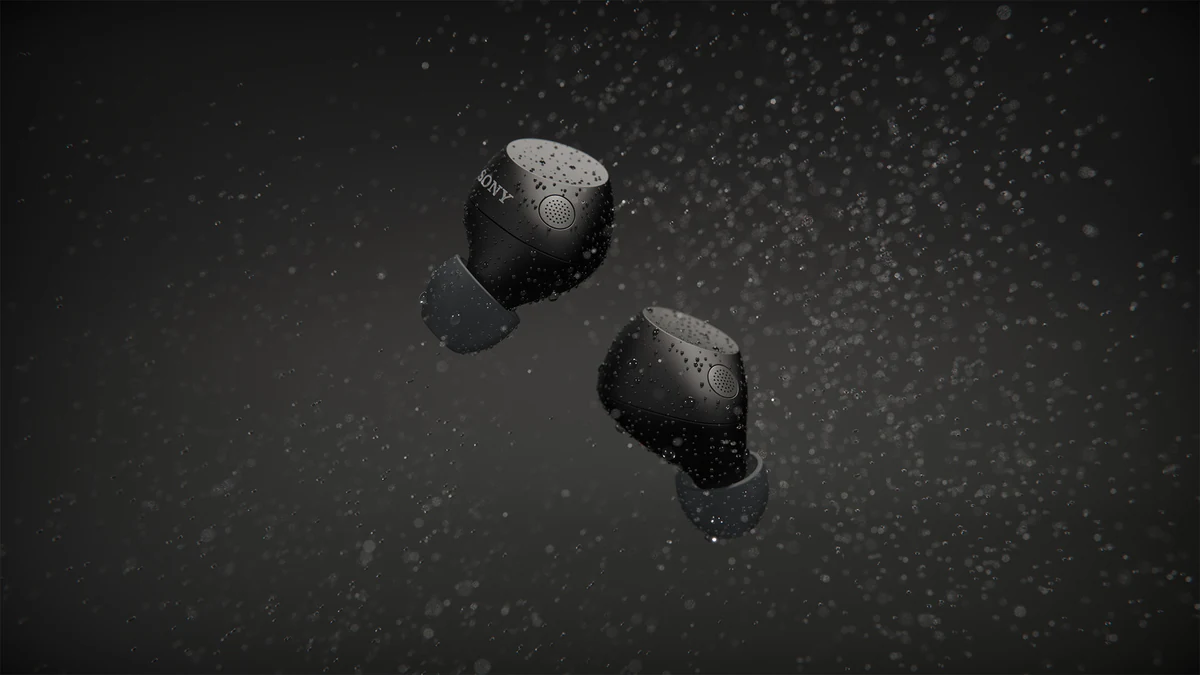


Sony WF-C710 for ImageNova: two short animated segments for the launch commercial, plus rendered colourways composited into product photography.
View case study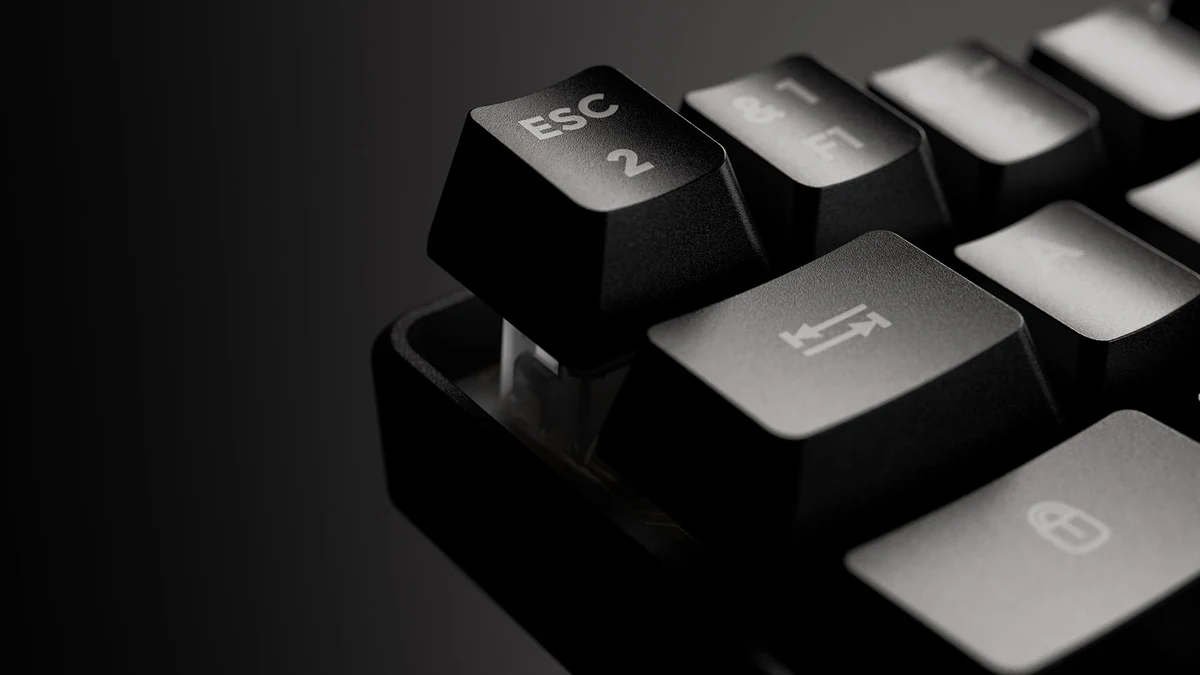

G-Lab keyboard launch. One 3D build driving film, stills and interactive content.
View case studyTestimonial
The team at XO3D were a pleasure to work with on one of our big projects. They rendered, batched, and saved out literally thousands of images for us. Every single one of these images came out perfect.
For the wider topic, see 3D product animation. For published examples, see XO3D’s explainers for Bio-Synergy’s DNA testing kit and VivaCity’s AI traffic sensors.
To commission an instructional sequence built from CAD, see our 3D product animation.

FAQ
Common questions, answered.
How is instructional different from marketing animation?
Pacing, camera language and copy all serve teaching, not persuasion. Steps are shown at teaching pace with clear beats and pauses.
Can we localise for multiple markets?
Yes. Voiceover, subtitles and on-screen text can all be localised. Plan the language list at brief.
Do instructional animations replace paper instructions?
Often, yes. Regulatory or legal reasons sometimes require paper anyway, but animation is more effective for actual user comprehension.
Can we host on our own site?
Yes. Delivered as MP4 or HLS video plus optional interactive step-through if needed.

Working on a project?
Tell us about it.
Thomas or Alex replies personally, usually within one working day.