XO3D Studio · 3D Animation
3D Furniture Animation: Uses, Process and Range Coverage
Every range, every finish, in motion.
3D furniture animation uses motion to explain a piece: how modules connect, how a room changes, how an action such as a closing door reveals the finished space. It is built from your drawings or CAD, so the film shows your product, your range and your finishes.
Why furniture animation
Motion that explains the piece.
Stock furniture clips cannot show your own product, range or room. A product-specific film is built from your design, like the Modulite film XO3D made for Allwood Joinery.
Use motion when movement explains the product: modules that connect, drawers and doors that open, a piece that changes a room. Where a still answers the question, a still may be the better choice.
Allwood Modulite
What the Modulite film explains.
Which furniture film answers your buyer’s question?
Pick the shot by the question it has to answer. The Modulite clips above cover four of them. The last two rows are applications to scope: XO3D has no published film of that kind yet.
| Buyer question | Useful shot | Information needed | Published XO3D example |
|---|---|---|---|
| What is this product? | Hero launch film | Approved model, the story, voice-over and sound direction | Modulite hero film |
| How do the parts connect? | Close connection sequence | Part geometry, connection details and the assembly order | Modulite connection sequence |
| How does it look in a real room? | Interior transitions | Room types, finishes, light and mood references | Modulite kitchen and living transitions |
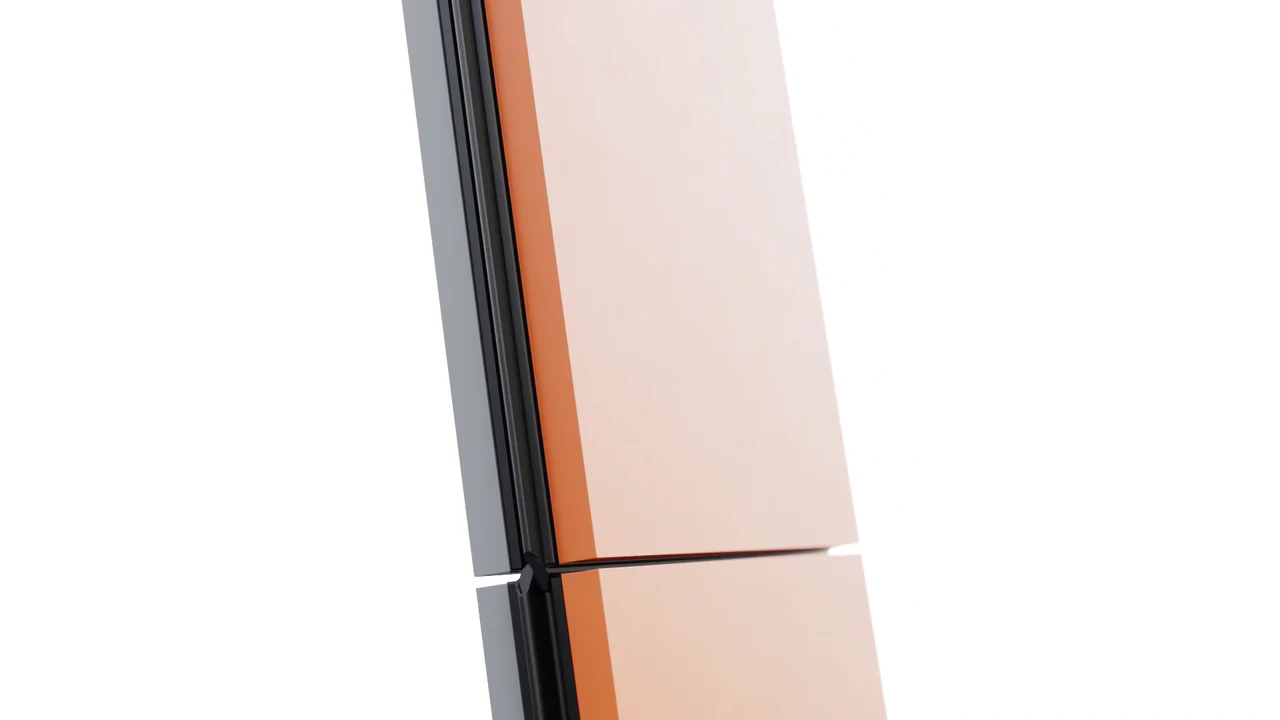
| What does an action change? | A product action used as a transition | Movement reference for the door, drawer or panel | Modulite closing-door transition |
| How does the fabric look and fall? | Upholstery close-up or fabric change | Physical fabric samples, fabric specification, the cushion and seam structure | Application to scope |
| Convertible or multi-position furniture | Mechanism sequence | Mechanism drawings and every position the piece takes | Application to scope, no published XO3D example |
For colour changes on any product, the animated colourways guide covers the technique in general; it is not a furniture project.
What to send before furniture animation starts
These are the inputs that let a film be scoped. Not every file will be usable as supplied: drawings may need modelling, and CAD may need cleaning or restructuring before parts can move. Send what you have and it will be assessed.
| Input | What it settles |
|---|---|
| Source revision | Which drawings or CAD revision the film shows, so review notes refer to the same design |
| Component names | What each part, module or fitting is called, so movement and notes match |
| Moving-part reference | How doors, drawers, panels or modules actually move, and what must not move |
| Material approval | Physical samples or approved swatches for every timber, fabric and finish on screen |
| Room approval | Whether the room is illustrative or must match a real space, and who signs it off |
| Delivery requirements | Length, aspect ratios, sound, captions and where each version will run |
Name one reviewer on your side for the product and one for the creative. Prepare the product brief with the template, and read Furniture and interiors CGI for how XO3D works across furniture, joinery and fitted product.
Check the movement before the final render
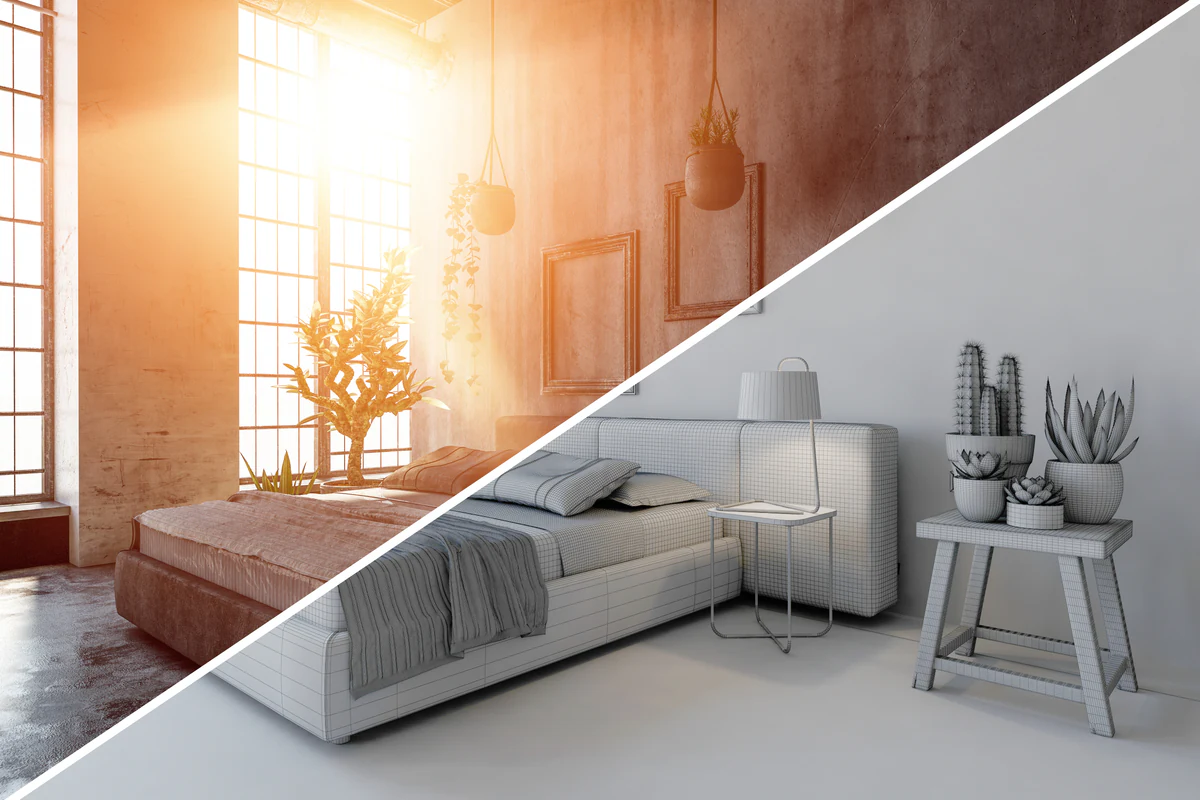
On the Modulite project, every shot was reviewed in greycard before final light. The case study records that this let Allwood check motion, timing and each connection early, before materials and lighting were finished.
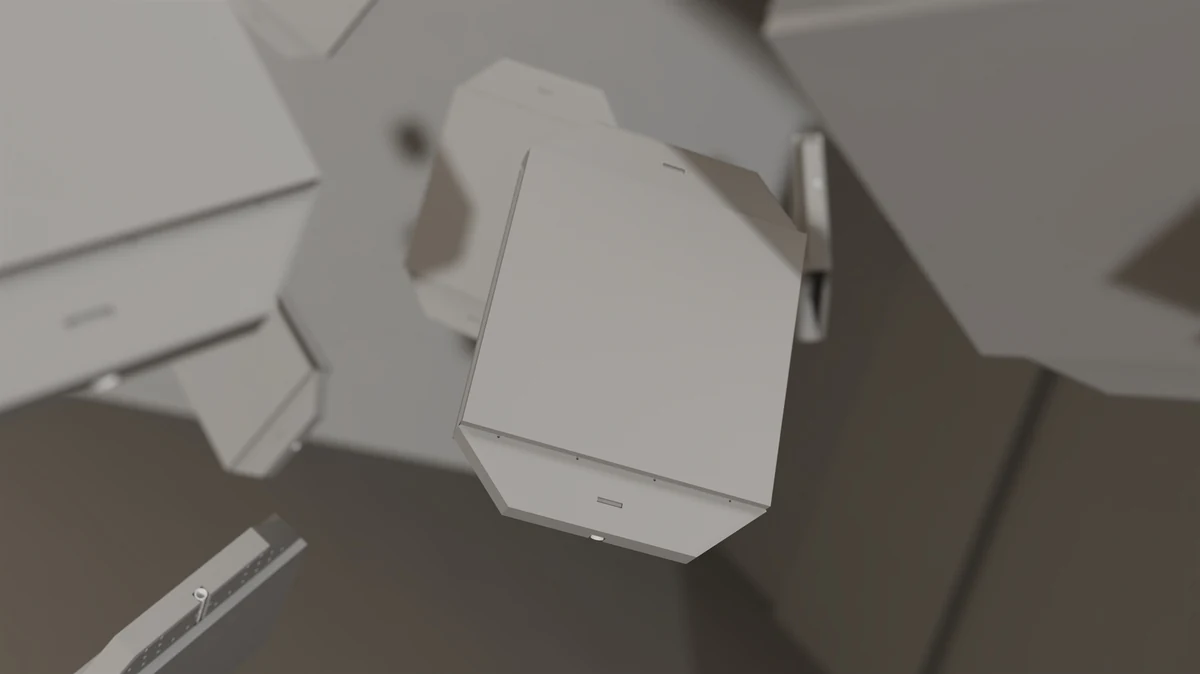
For your own film, settle these before the final render:
- Who approves the assembly logic and the order parts move in?
- Which parts must not move, and which details must stay visible?
- Is the room illustrative, or must it match a real space?
- Which finishes must read accurately, and against which references?
For parts that separate or assemble in sequence, see exploded and assembly animation.
Studio film or catalogue imagery?
Hero launches and directed range work, where each shot carries a brand standard, fit a studio engagement. Repeatable catalogue imagery across many SKUs is a different, fixed-scope job, and XO3D routes it to Render Roll.
For catalogue stills and their cost, see Render Roll’s product rendering cost page. For a planning figure on a film, use the Labs animation price calculator.
The main site does not publish prices.
Most furniture films need stills too. Plan the stills alongside the film, so both come from the same approved model.
For a commercial brief, define the range, target platforms and lifestyle context first, then scope director-led furniture CGI around that job. For sibling topics, see furniture modelling, product animation planning and interior modelling.
For a launch film built around a single hero piece or a whole range, see our 3D product animation studio. When you are ready, tell us about your furniture film.
Advantages
Why brands commission it.
Plan controlled product variations.
An approved model can support further finishes and configurations. Each change still needs suitable source information, material review and output checks.
Modular systems become tangible.
Movement can show how a modular system connects and adapts in a way a single still cannot.
Restage without a location.
The furniture sits inside a modelled interior, so the room or the piece can change while the other stays. Each new room or restyle is still new work to render and review.
Use motion when movement explains the product.
Choose the message and the placement first, then compare creative performance in your own campaign.
One build, planned outputs.
A hero film, product page loop, social cut and stills can draw on the same 3D asset. Each one is planned for where it will run.
Trade-offs
What to plan for.
Fabric realism needs modelling investment.
Photoreal fabric is a discipline. Boucle, velvet, linen and leather all require careful material and light setup. Expect real modelling time.
Range fidelity depends on brief quality.
Missing dimensions or ambiguous fabric spec show up in the finished animation. A clear brief reduces rework.
Restaging is not free.
Restaging is quicker than a new photo shoot, but each new environment or restyle still needs rendering time. Not a swap-and-go operation.
Some categories still lean photography.
Vintage, heritage and lived-in editorial furniture campaigns still benefit from live-action. CGI is not always the fastest route.
01
Product source
Confirm the approved revision, dimensions and material references.
02
Purpose and format
Agree what the audience needs to see and where the work will appear.
03
Review and delivery
Name the reviewers and record the outputs and approval dates.
Process
How the work is produced.
- STAGE 1
Brief and range list.
Silhouettes, variants, colourways, environments and target platforms agreed at kick-off.
- STAGE 2
3D modelling.
Silhouettes modelled and structured for reuse. Materials set up for swap. Hierarchy set for assembly animation.
- STAGE 3
Environment and interior.
A modelled interior context is built or reused, ready to host every silhouette in the range.
- STAGE 4
Animation.
Cameras, part movement, colourway transitions and mechanism animation directed and blocked.
- STAGE 5
Rendering and compositing.
Full-quality renders composited and colour-graded. Grade, glow, depth of field land here.
- STAGE 6
Delivery.
Master files and the versions agreed in the brief, encoded for the channels where they will run.
Who commissions furniture animation
Built for furniture brands scaling range and channel.
Furniture, homeware and interior brands running wide ranges across ecommerce, retail and paid social. Direct-to-consumer furniture brands scaling PDP experience.
Interior designers marketing signature ranges. Agencies delivering integrated furniture launches. In-house creative teams supporting seasonal launches and range extensions.
Case studies
Recent work.
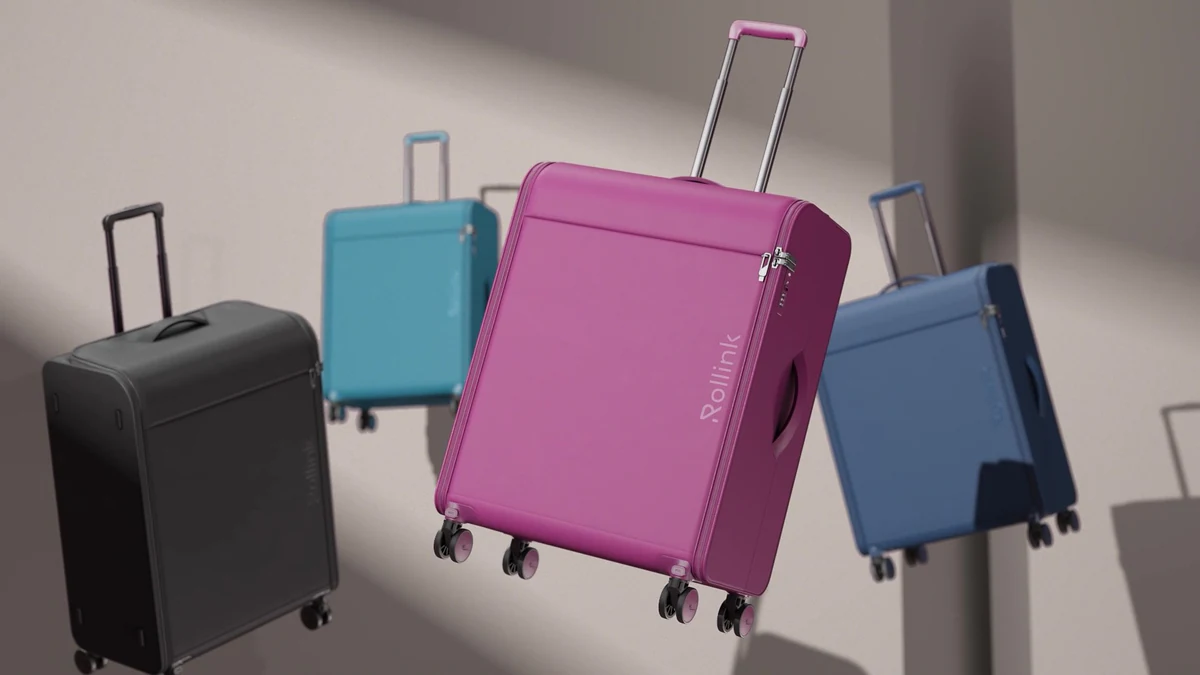
Allwood Modulite is the furniture project. The other two cards are other product categories, shown for the same approach of one 3D build feeding several outputs.
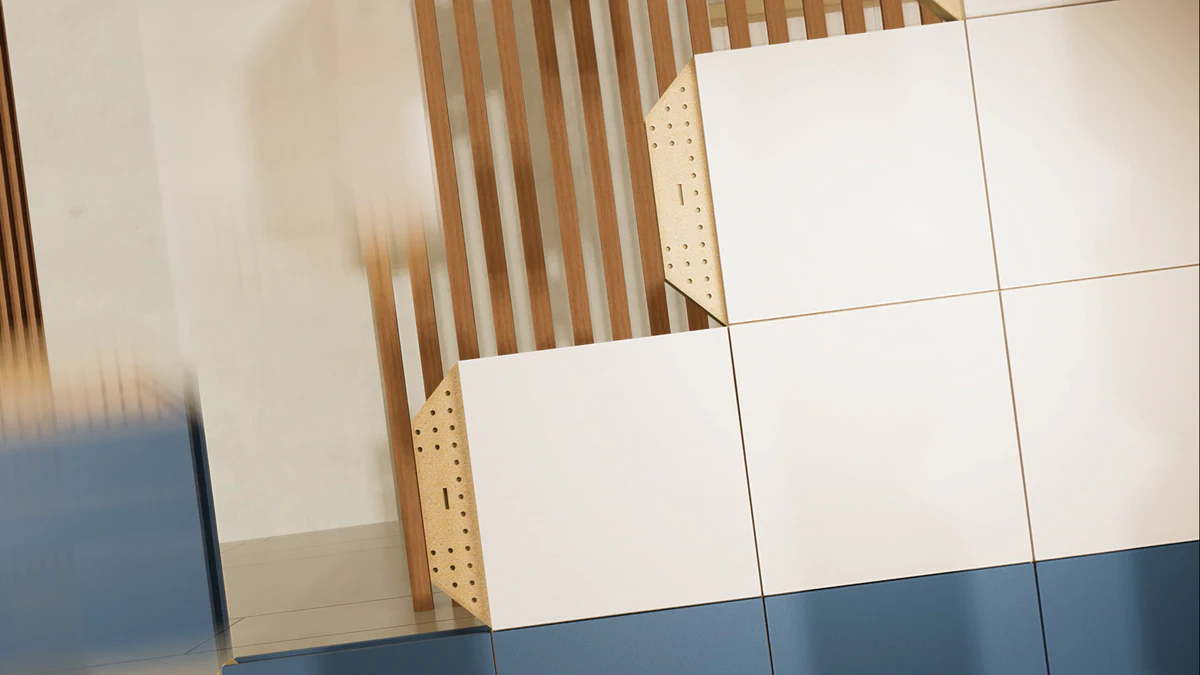
Allwood Joinery Modulite: a hero film with voice-over and sound, connection sequences, interior transitions and greycard review passes for a modular joinery system.
View case study

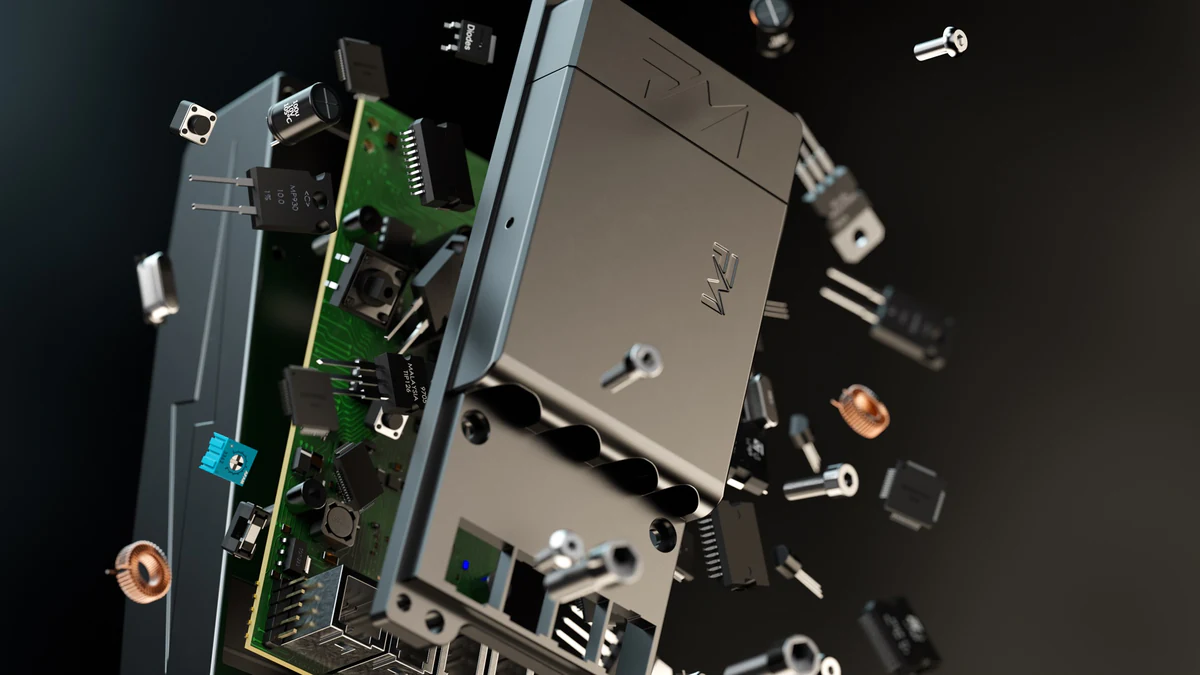
Another product category: the Petalite EV charger. Full launch animation set from one CGI build, hero film, exploded and lifestyle motion.
View case study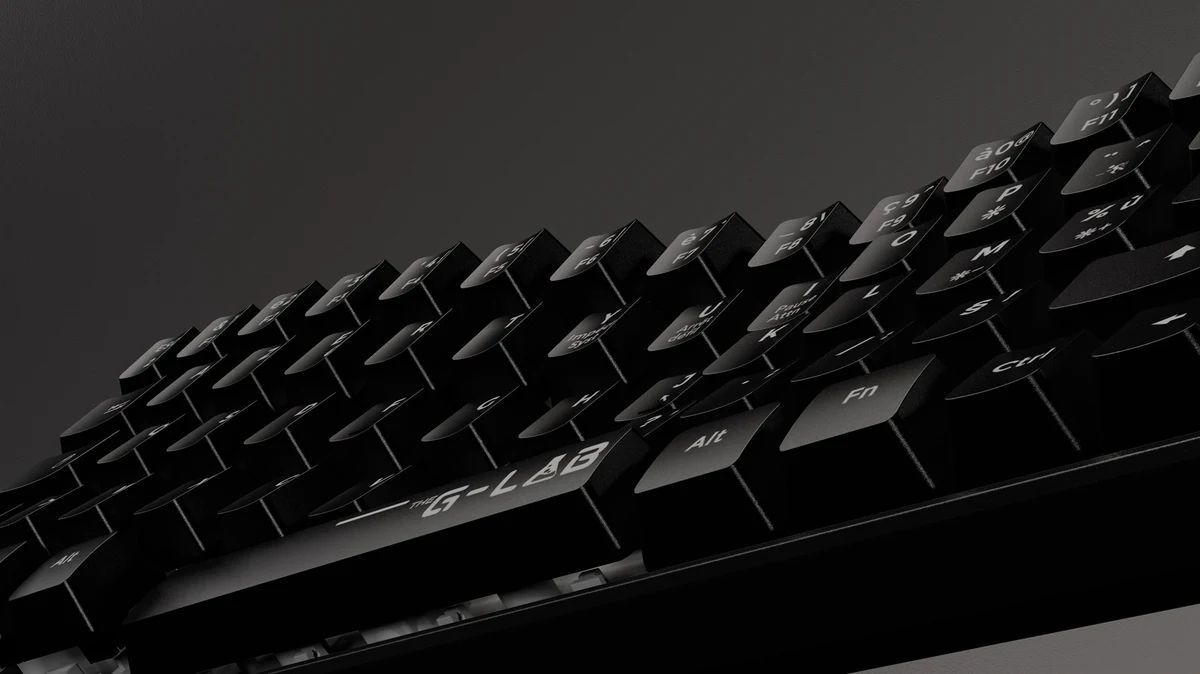

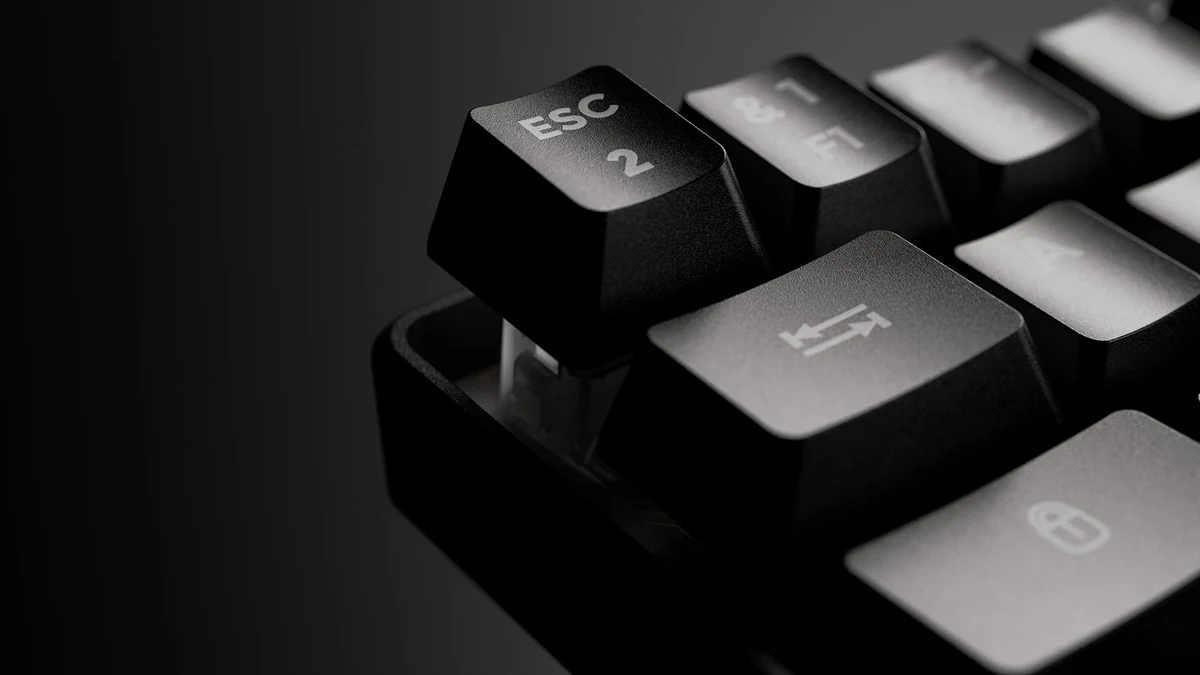
Another product category: the G-Lab gaming keyboard. Hero animation, exploded views and colourway sweeps from one 3D build.
View case studyTestimonial
The team at XO3D were a pleasure to work with on one of our big projects. They rendered, batched, and saved out literally thousands of images for us. Every single one of these images came out perfect.

FAQ
Common questions, answered.
Can 3D furniture animation match photography?
It can come very close when the drawings or CAD, the material references and the lighting are right. Fabric needs particular care, and lived-in editorial scenes often still suit photography.
How does furniture animation scale across ranges?
An approved model can support further finishes and configurations. Each change still needs suitable source information, material review and output checks.
What source files do you need?
Technical drawings or CAD where available, fabric and finish spec, colourway list, dimensions, mood boards and any reference imagery.
How long does a furniture animation project take?
It depends on the number of pieces and moving parts, whether the rooms are new or reused, and the review rounds. The schedule is agreed when the scope is set.
Your next project
Show arrangement and assembly.
Furniture motion is useful when movement explains the design. Agree modules, fittings and dimensions before planning room changes or assembly sequences.
A route to consider
Product CGI Films
A product film developed through creative treatment, storyboard, animatic, product review and final picture and sound.
Bring these three things.
- Which parts move or connect?
- What dimensions and finishes are approved?
- Which room settings are useful?
Start with an outline. We review the product, intended outputs and timing before agreeing the production scope.