Service
CGI Solutions.
CGI Solutions is XO3D's flexible, director-led engagement for brands that need a mix of CGI deliverables, film, stills, interactives and AR, built from one approved 3D asset across multiple touchpoints. It suits tech, industrial and premium consumer brands that need several formats from a single product build rather than one fixed deliverable.
Selected clients
Sony work via ImageNova. Ferrari and Burberry work via KCD.
CGI solutions
End-to-end CGI for product-led brands.
CGI gives creative control over product views, materials, lighting and movement. Start with the campaign message and approved product information, then define the film, stills and channel versions the launch requires.
XO3D builds CGI solutions for brands that need impactful, immersive online experiences, from product film and exploded sequences to configurators, AR previews and ecommerce-grade renders.
Why it matters
Built to perform.
Build one visual system.
Plan stills, motion and interactive outputs around one approved product source and creative direction.
Support buyer confidence.
Use the right CGI format to explain the product clearly, then measure it against the brand's own baseline.
Control production.
Develop product imagery without relying on every physical sample, location or camera setup being available at once.
Built for every channel.
One approved asset can support film, stills, interactive, AR and configurator content with a consistent visual language.
What we deliver
Every CGI tool in one studio.
From product films to AR-ready assets, planned around one approved product source with consistent direction. Each capability links to the page that scopes it.
Product Animations
Explainer videos, feature films, product demos and adverts that give each product a clear visual story.
Turntable & 360° Views
Smooth, seamless rotations that give customers a complete view of your product from every angle. Confidence-building at the point of decision.
Exploded Views
Still and animated exploded views show internal structure, design complexity and assembly logic with clarity.
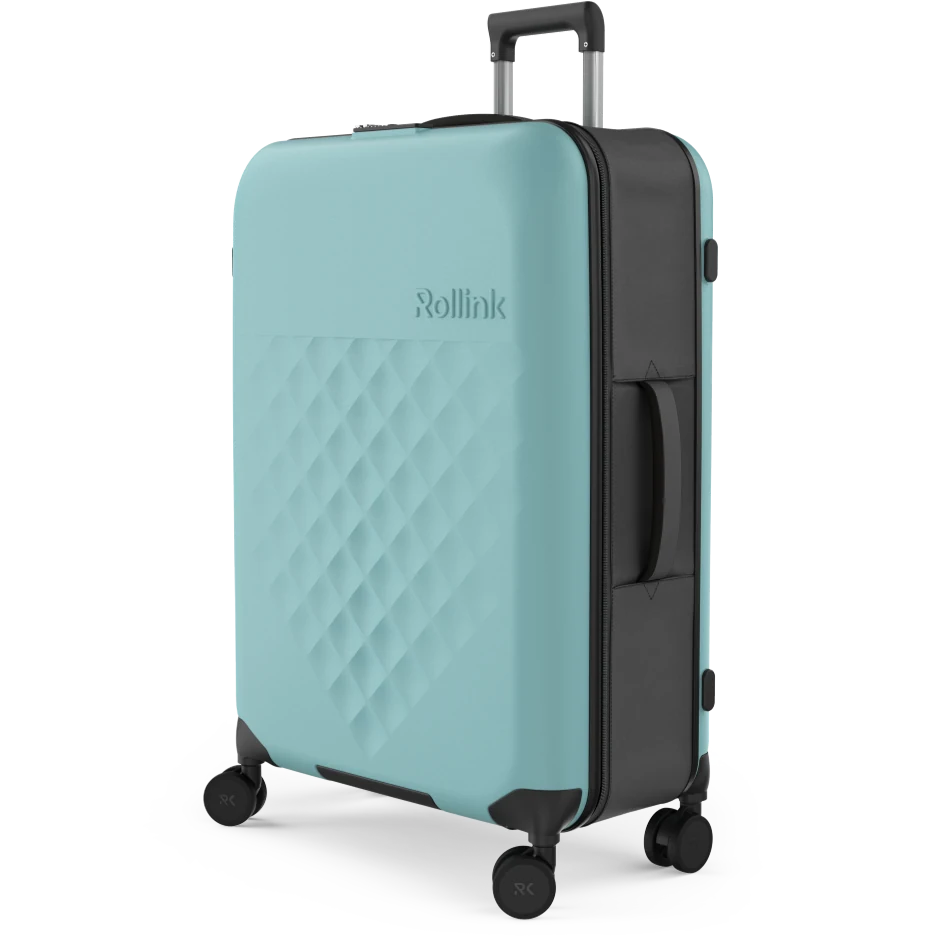
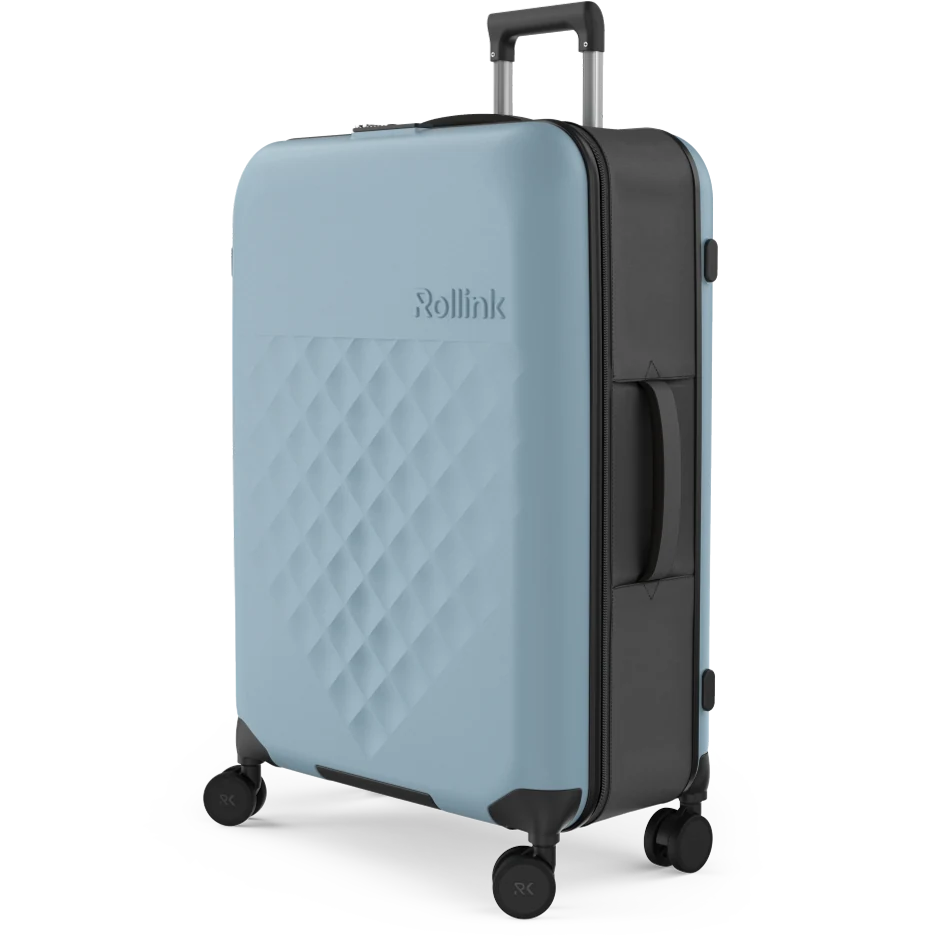
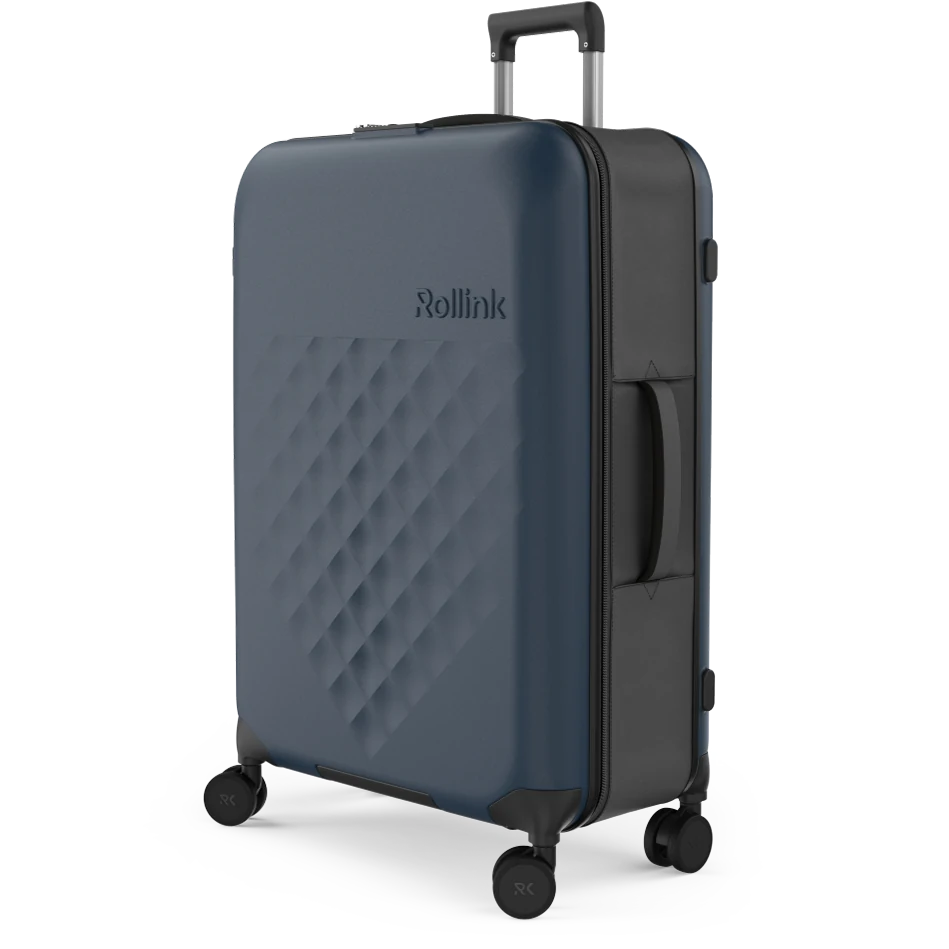
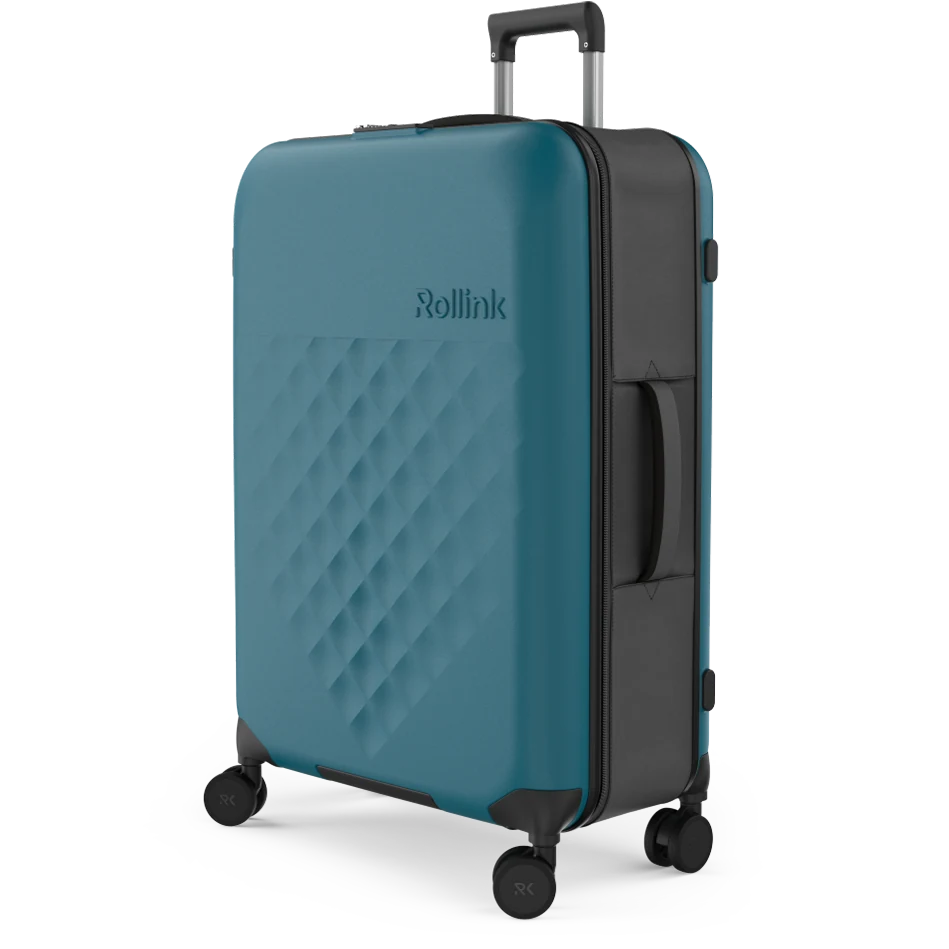
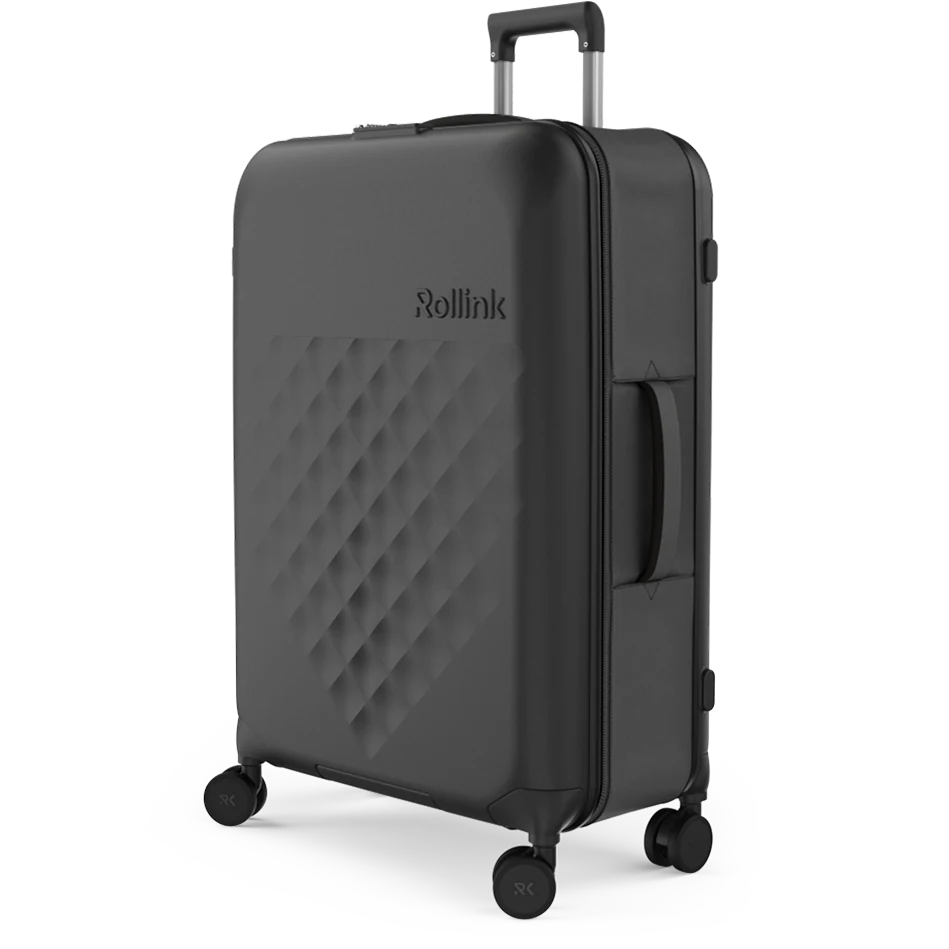
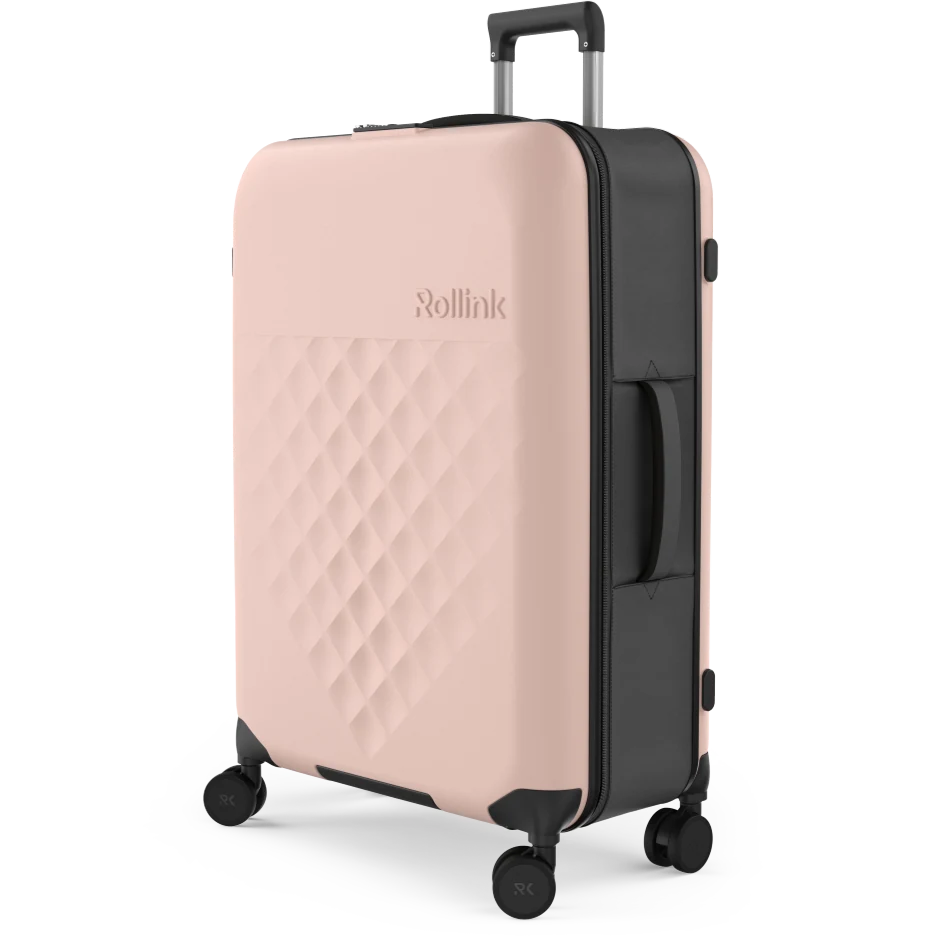
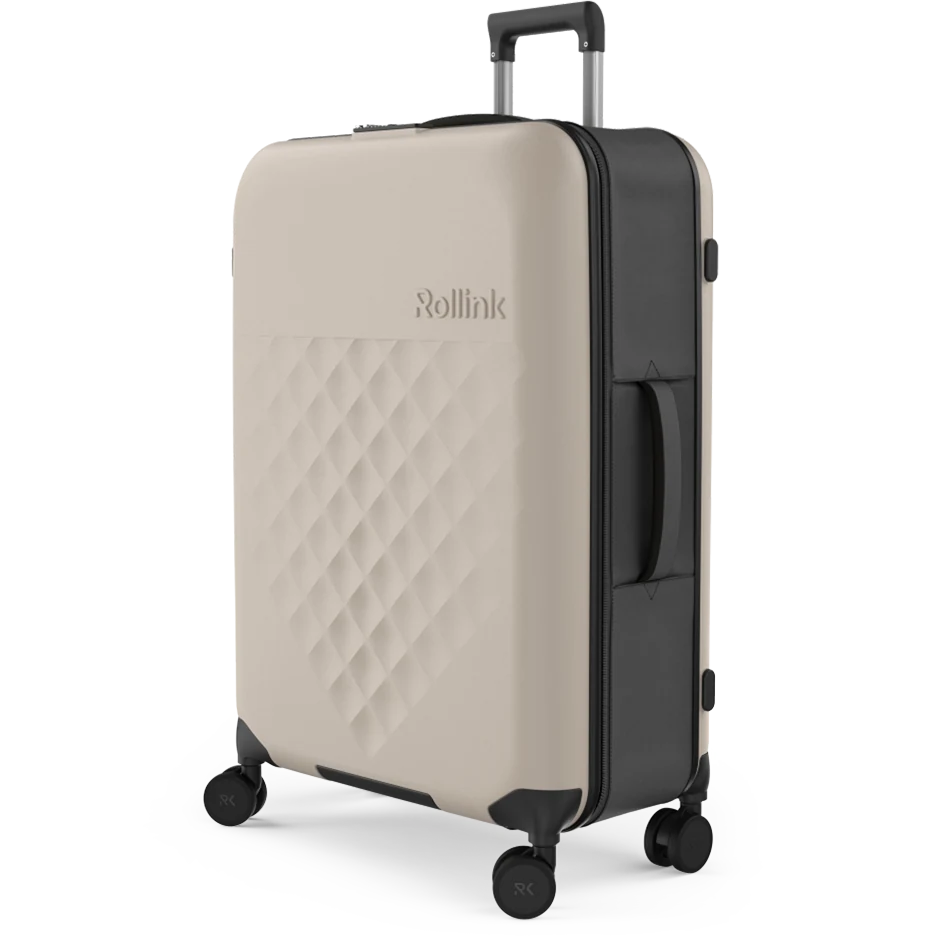
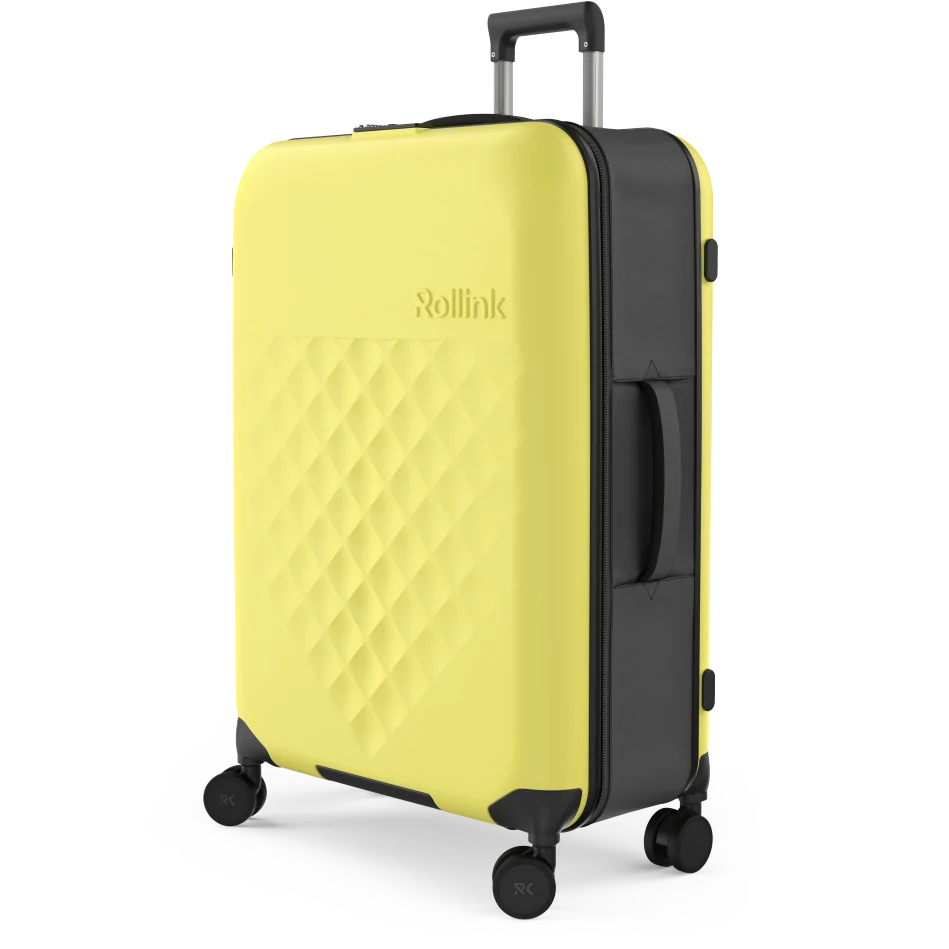
Rollink colour selector
Colour: AquiferInteractive Product Configurators
A production configurator can let buyers compare colour, finish, size and feature options, with its rules, data and integration scoped as a project of its own. The demonstration here is simpler: a Rollink colour selector. Click a swatch to compare the eight colourway renders. It swaps the image and label only; it does not check option rules, sizes or prices. Rollink built the colour selector on its own site from XO3D’s colourway imagery.
Product AR
Drag and rotate the G-Lab keyboard model in the browser. On a supported phone or tablet, "View in your space" opens it in augmented reality; device support and the model file both need checking for each project.
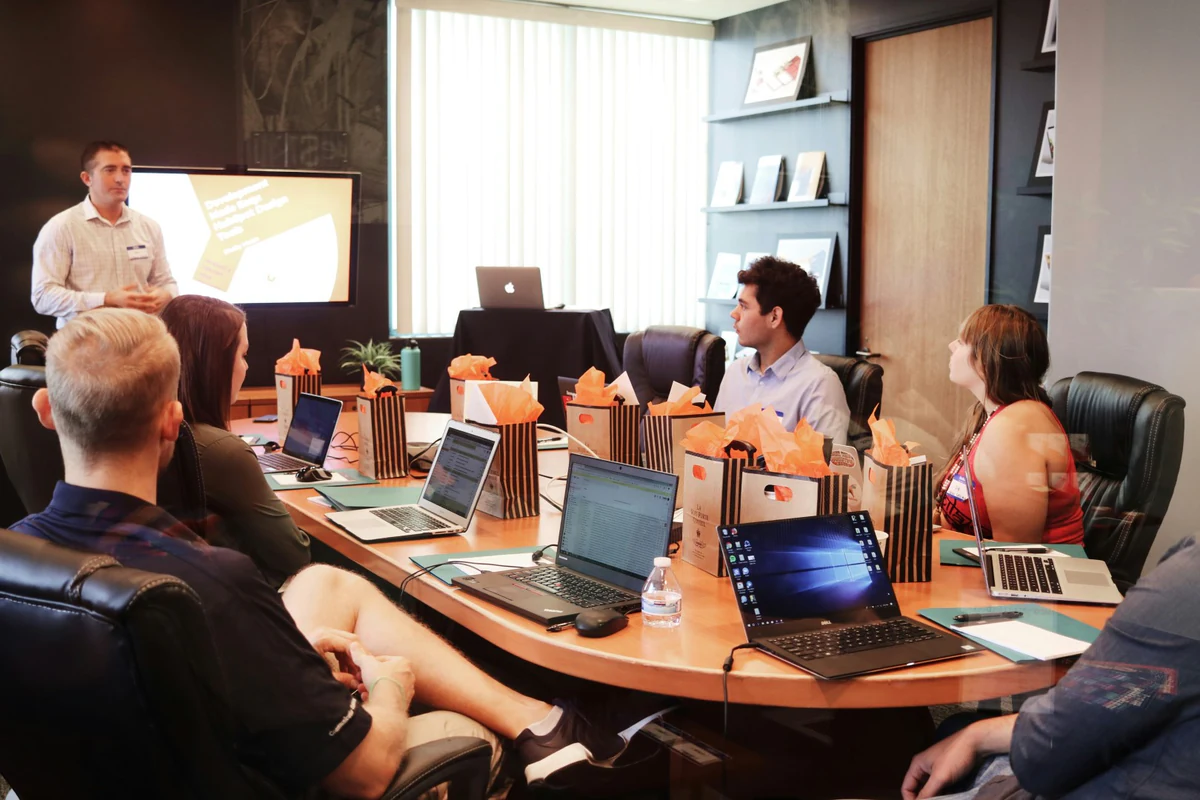
CGI for Marketing Agencies
CGI production alongside your agency team, with responsibilities and credit agreed for the project. We follow your existing creative direction for hero films, campaign visuals and situational marketing.
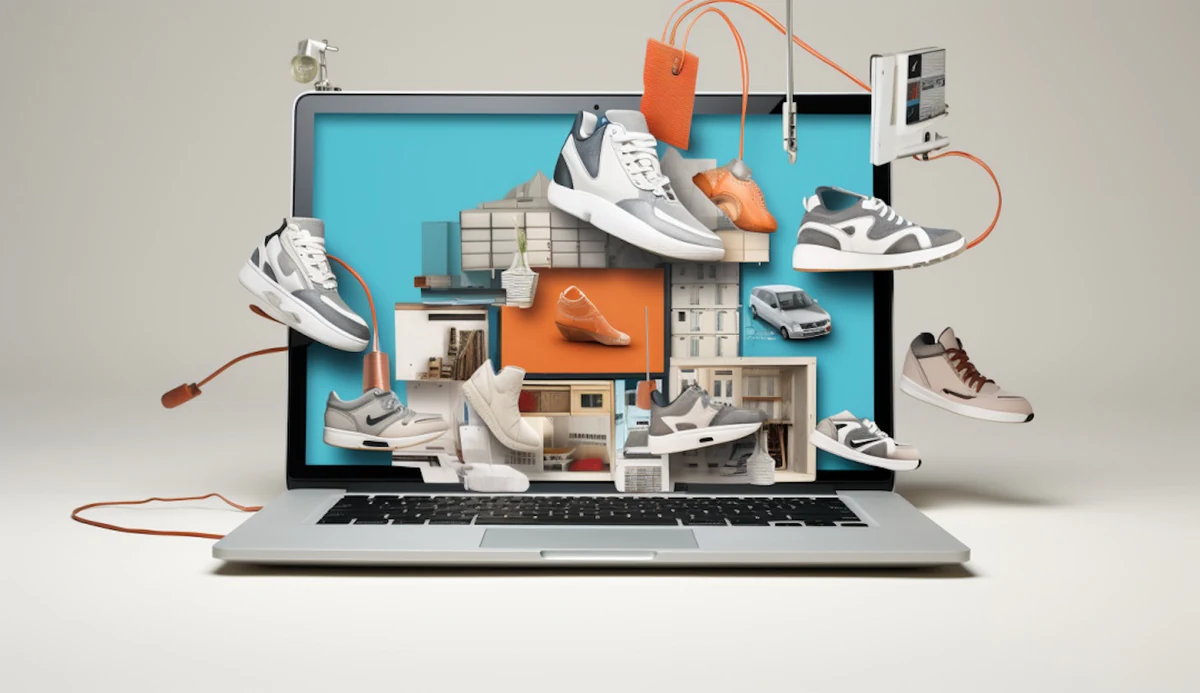
Ecommerce Renders
Product page imagery designed around the decisions a buyer needs to make, from studio views to lifestyle compositions and feature-led detail.
Mixed CGI deliverables
Choose the output for the product question.
Start with what the buyer needs to understand, then pick the format that answers it. The table shows possible routes and the published work behind each one. It is not a bundle: a project produces the outputs agreed in its scope, and each extra format is planned and reviewed in its own right.
| Question to answer | Format | Published proof | Next page |
|---|---|---|---|
| How does the product look and feel? | Product film | G-Lab Keyz Hydrogen launch film | Product CGI films |
| How does it work inside? | Exploded animation | G-Lab Keyz Hydrogen exploded views | Exploded view animation |
| Which colour or finish suits me? | Colourway renders, or a colour selector | Rollink colour selector and colourway stills | Product configurator |
| What does it look like from every side? | 3D viewer or 360 view | G-Lab keyboard model on this page | Product interactives |
| Will it fit, and how will it look in my space? | Product AR, where devices and the model file support it | G-Lab keyboard model on this page | Product AR |
| Which views sell it on the product page? | Directed product stills | Glen Dimplex range cooker stills | 3D product rendering |
Before you brief
What to bring to a mixed CGI brief.
You do not need every answer before the first conversation. These six points let us recommend which outputs to make first and which can follow.
- The product information you have: CAD, drawings, samples or references, and which revision they show.
- The audience, and what they need to understand about the product.
- The key messages, in order of importance.
- The delivery channels: web, social, events, retail or sales.
- The outputs you need first, and the date you need them.
- The person who will review and approve the work.
Check delivery requirements, prepare CAD for visualisation and use the CGI brief template. New to the term? Read what product CGI is (computer-generated imagery, applied to products). When you are ready, discuss a mixed CGI brief.
Who it's for
Built for brands that scale on content.
XO3D works with consumer, technical and industrial brands needing premium CGI across every channel, from launch through to ongoing campaign activity.
Common briefs come from marketing agencies that need CGI production alongside their own team, with responsibilities and credit agreed for the project, ecommerce teams building product page assets, and brand teams driving campaign output. We work within your existing creative direction.
Selected work
Selected product CGI work.
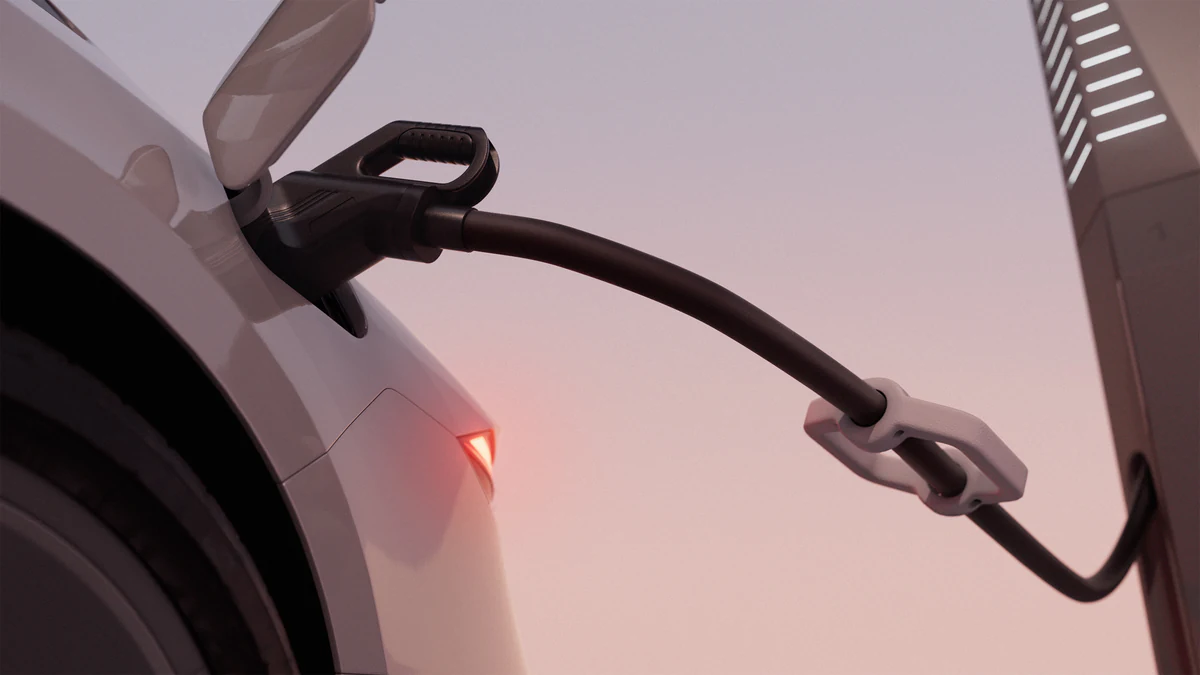
Engineering-grade CGI for EV charging infrastructure, including hero stills, explainer animation and stakeholder-ready visual content.
View case study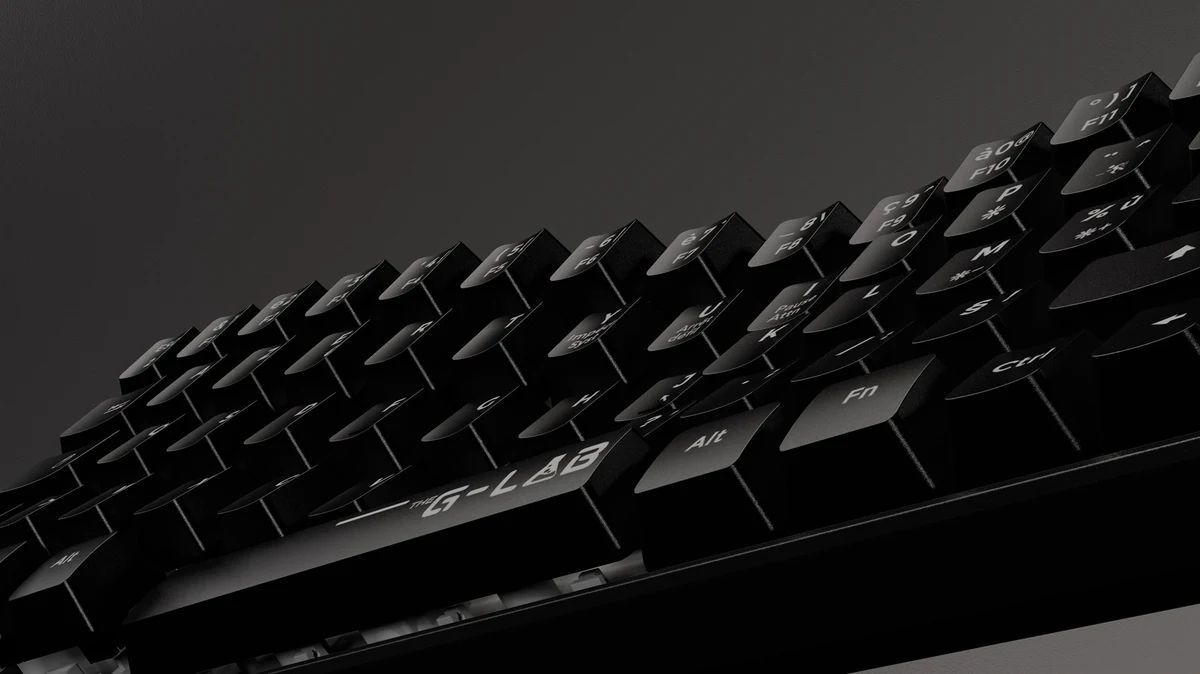
Feature-led product CGI showcasing materials, form and RGB lighting, built for launch marketing and ecommerce.
View case study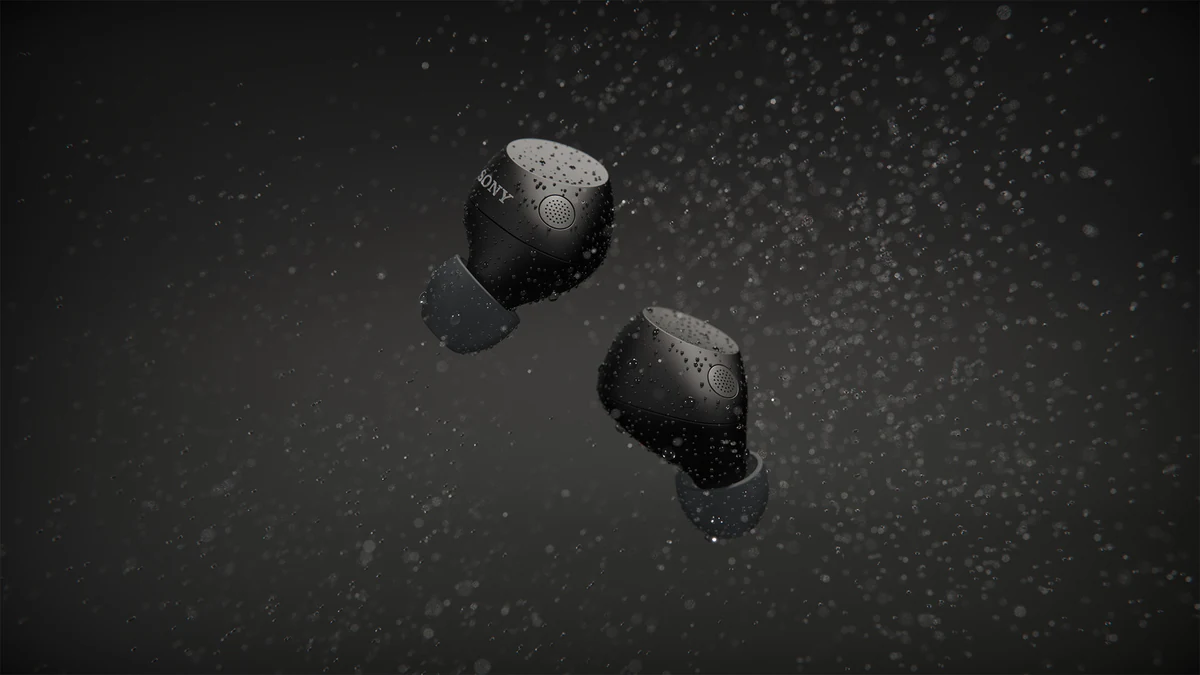

Sony WF-C710 for ImageNova: two short animated segments for the launch commercial, plus rendered colourways composited into product photography.
View case studyEnquiry overview
From first brief to delivery, in outline.
A summary of how an enquiry becomes a project. The full sequence, with its review stages, is on the production process page.
- Step 01
Share the brief.
Send CAD files, sketches, reference imagery or a written brief outlining the product, channels and intended use.
- Step 02
Define the solution.
We agree the CGI outputs, technical direction, timeline and review stages before production starts.
- Step 03
Create and refine.
Each output is developed through structured review stages, with feedback incorporated cleanly at every milestone.
- Step 04
Deliver final assets.
Approved files are prepared for every channel: web, social, print, presentation and ecommerce.
The advantage
Why brands choose XO3D.
Built from technical inputs.
XO3D works from CAD files, drawings and reference material to create content before physical samples are available.
End-to-end capability.
Film, stills, interactive, AR and configurator content, produced inside one pipeline with one creative direction.
Made for commercial output.
Every asset is sized, graded and prepared for the channel it ships to.
Structured for smooth delivery.
Clear stages, focused feedback and responsive communication keep projects moving efficiently.
FAQ
Common questions, answered.
What are CGI solutions?
How can CGI support a product launch?
How do you check CAD before producing photorealistic CGI?
The checks that go into a 3D model before calling it photorealistic are: it will go into a 3D rendering software and we will check how the lighting interacts with the faces and the edges to make sure we're getting realistic light bounces off the surfaces and there's no facets or incorrect edges.
Can I customise the interactive features?
What kind of products work best with CGI?
How is CGI different from product photography?
Your next project
Choose the programme around the launch.
The right combination may be one film, a set of stills or a connected launch suite. Start with the communication problem so the production scope follows a clear purpose.
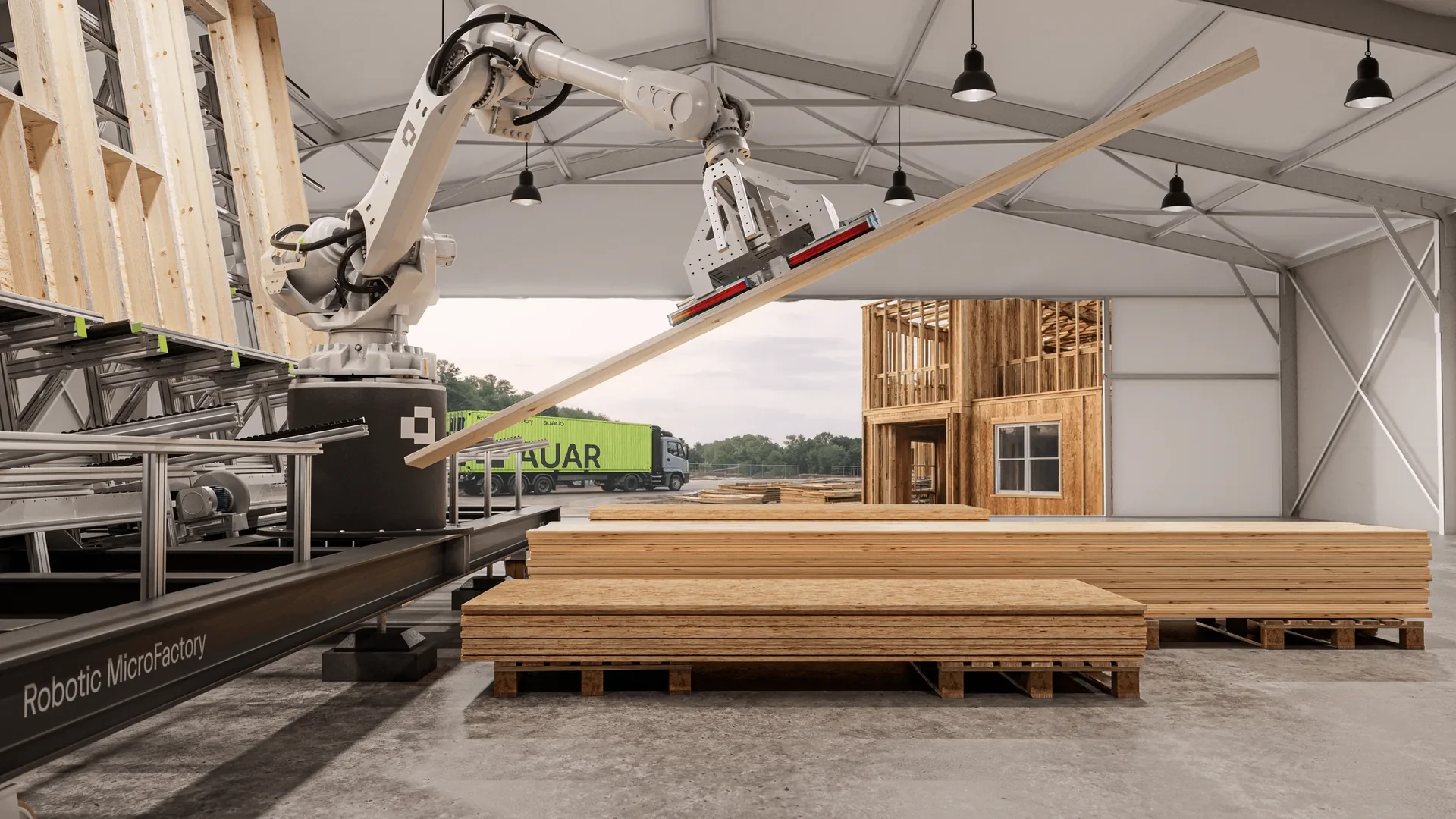
A route to consider
Launch Visuals
A directed launch suite: film, stills and channel versions, scoped around the product story and release plan.
Bring these three things.
- What is the launch objective?
- Which product information is ready?
- Which outputs are needed first?
5.0 from 76 Google reviewsLovie Awards 2026: Bronze and People's Lovie
Pick a time that suits you. Open the calendar on its own page
Start with an outline. We review the product, intended outputs and timing before agreeing the production scope.