Service
Product Configurator.
XO3D configurators let buyers explore approved product options in a browser, with a clear path from the selection to the next conversation.
Start a conversationSelected clients








Sony work via ImageNova. Ferrari and Burberry work via KCD.
Product choices, made visible.
A product configurator lets buyers choose permitted product options and see the corresponding result. The visual can use prepared image layers or a real-time 3D model; the appropriate route depends on the choices, views and destination website. XO3D, a director-led product CGI studio in Stevenage, UK, prepares the models, materials and rendered views needed for the agreed colour, finish, size or component options. New geometry and additional views may need further production. Controls, interactions, supported browsers and integration are agreed before development, previews are shared at each milestone, and the finished experience is delivered as embed code or a component for the agreed product page, campaign site or sales tool. Performance and a static fallback are part of the brief.
On whether to use a configurator platform or a CGI studio
When a brand asks me whether to use a 3D configurator platform or commission a CGI studio, my first question back is: what level of quality does your product configurator need?
Come to a CGI studio and define exactly how you want your product to look, and the studio can make a custom build. That can mean much higher quality, and more features or fewer, depending on what you need.
Why it works
Choices the buyer can see.
Make the options clear.
Show buyers what changes between approved options. Measure understanding and completed next steps against the existing experience.
Build the agreed options.
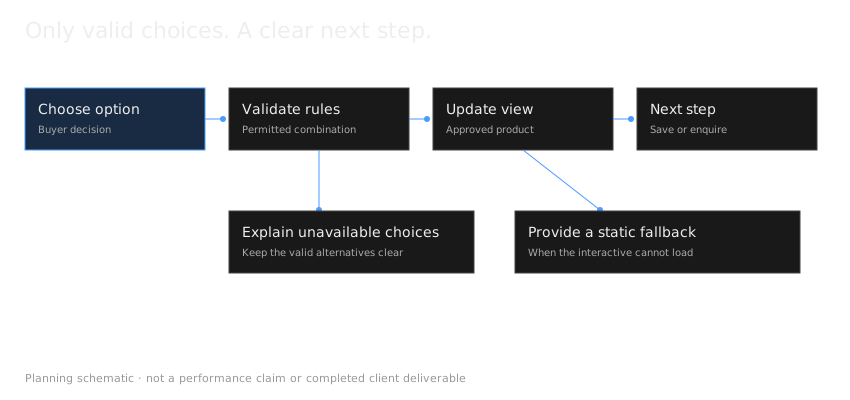
Prepare the models or image layers each option needs. Define valid combinations and unavailable states before development.
Cross-platform performance.
Set a device and browser test matrix, asset limits and an accessible static fallback before release.
Integration scoped to your site.
Review your platform, security policy and data handoff before choosing an iframe or component integration.
What we deliver
Scope the right outputs.
Colour & Finish Selectors
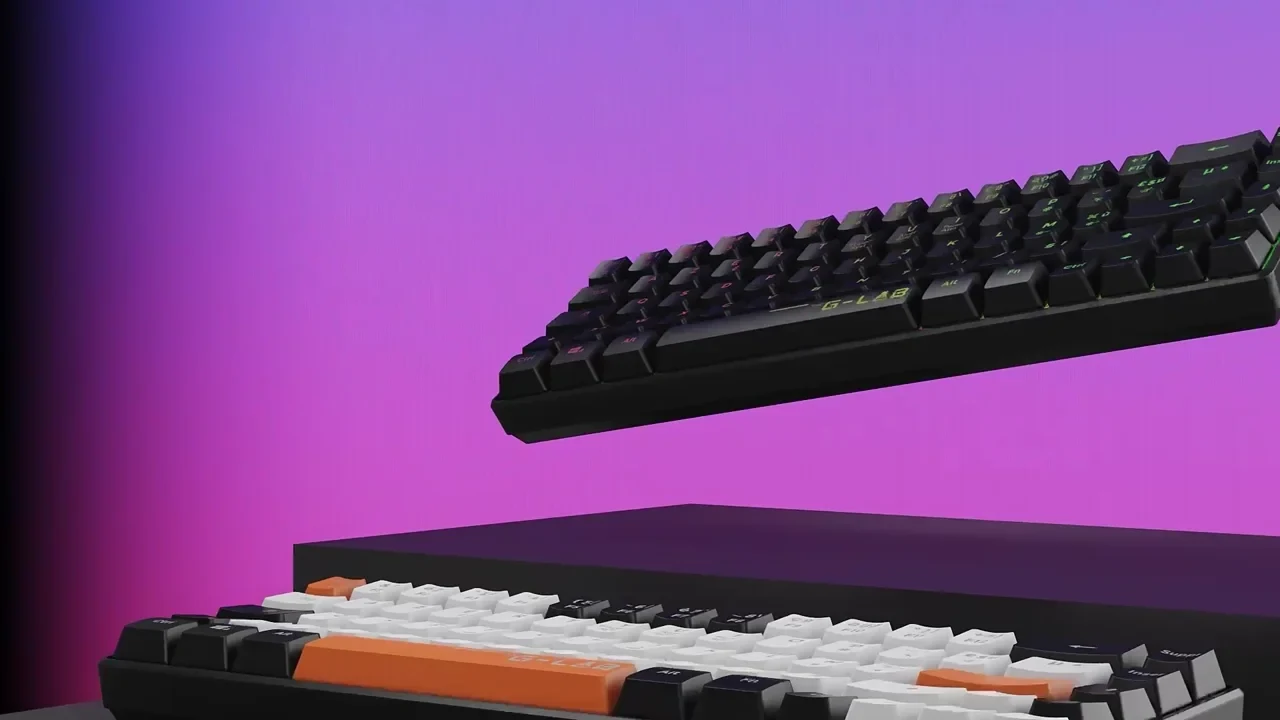
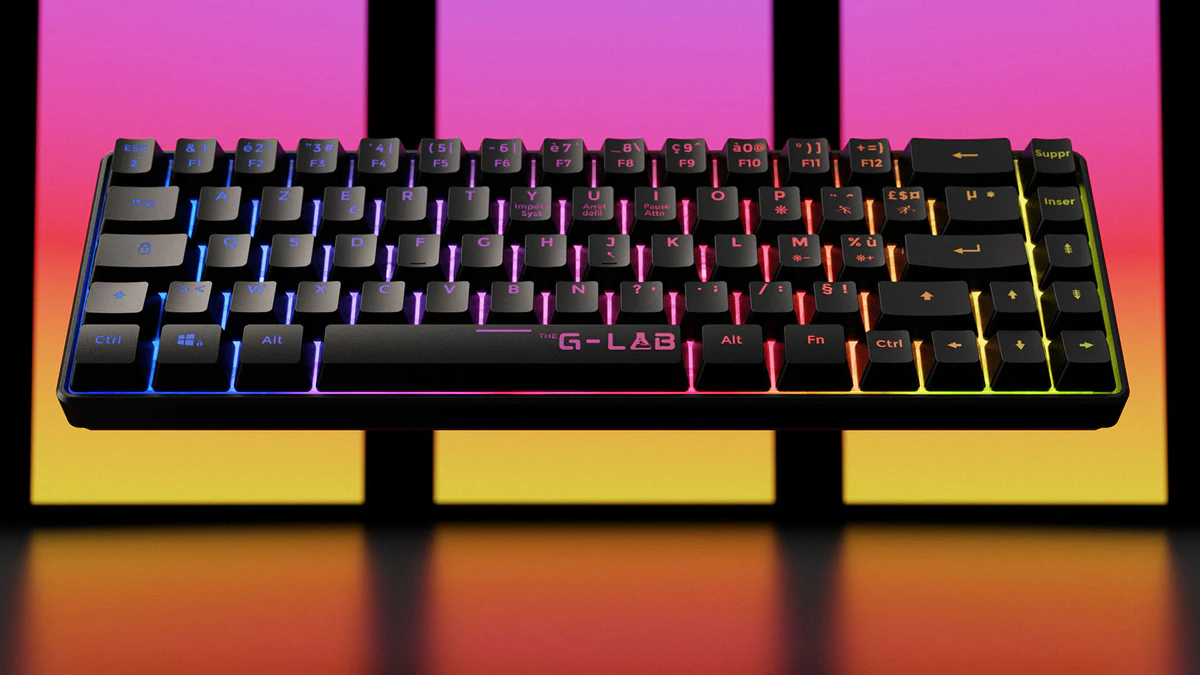
Switch between the available colour, finish or material options in one view. The viewer shown is a studio demo, not client work.
Interactive Visualisers
Beyond simple selectors, interactive walk-arounds, exploded views and hotspot annotations all in one experience.
Process
Define the experience before development.
- 01
Share the brief.
Send CAD files, reference imagery and the configuration options you want to offer.
- 02
Define the experience.
We agree controls, interactions, platforms (web / mobile) and integration before development starts.
- 03
Build and refine.
Configurator developed through structured stages, with shareable previews at every milestone.
- 04
Deliver and embed.
We provide an embeddable experience ready for your CMS, ecommerce platform or sales tool.
Acumen: product options and website integration
XO3D built the Acumen furniture demonstration from 114 rendered image layers. Visitors can change timber grade, table edge, wood finish, leg shape and steel-frame finish. The demonstration shows how prepared renders can show product options without a real-time 3D model.
XO3D’s web developer, Lemuel, handled integration into the client’s website. Later option updates were not included in that project. For a new configurator, agree the available choices, permitted combinations, integration responsibilities and update scope before development. The configurator feasibility guide explains those decisions.
The Rollink Flex 360 project shows the modelling and imagery behind a product range. Configurator platform or CGI studio? explains the distinction between the colour selector on XO3D’s site and the configurator built by Rollink’s team, alongside the model preparation needed for browser and AR delivery.
FAQ
Common questions, answered.
How do you choose between a 360 viewer and a configurator?
We will decide by looking at the client product and what features and what add-ons the product may or may not have. Whether they need a simple 360 viewer, or they need to be able to configure and show multiple different colors or configurations of the product. Like add-ons, for example a baby cart that might have different kinds of wheels, different kinds of arms, different kinds of fabrics, colors, etc.
What do you check before a configurator is approved for mobile?
So the checking on a mobile phone of the 360 viewer or configurator is done, depending on what the process, whether we're creating one or the other. A lot of the time it will be done at the end of the project so that we're checking it's all correct and everything looks and feels correct. However, knowing that we also need to make sure early on that the phone is going to require a certain amount of megabytes of data so that it's able to load quickly. So through experience we know that models need to be roughly 10 MB, and then they can load quite quickly on most devices.
What is a product configurator?
What platforms does a configurator run on?
Can it integrate with my ecommerce platform?
Is a colour selector the same as a product configurator?
Can our developers build the experience using XO3D's assets?
What could customers configure in the Acumen furniture project?
Are later configurator updates included automatically?
Other product services
There's more.
Start the conversation
Got a product with variants? Let's configure it.
We reply to every brief personally, usually within one working day.
About the studio
XO3D is a director-led product CGI studio. Founded by Thomas Howcroft in 2017 and incorporated as XO3D Ltd (UK Companies House 11876020) in 2019, when Alex Mann joined as co-founder. Based at the Business and Technology Centre in Stevenage, UK, with representation at 244 Fifth Avenue, New York. We work with tech, industrial and premium consumer brands on product films, launch stills and interactive experiences.