
Service
Product Interactives.
XO3D creates immersive 3D product interactives that turn browsing into engagement.
Selected clients








Sony work via ImageNova. Ferrari and Burberry work via KCD.
3D interactive services
Interactive product experiences that drive informed decisions.
Interactive 3D lets buyers examine a product before they own it. They can rotate the view, inspect details and compare finishes, with controls designed around the choices they need to make.
XO3D builds configurable product experiences, AR visualisers and WebGL environments for ecommerce, marketing and sales teams. Each brief defines the product options, approved assets, target devices and publishing requirements. Explore the working examples below, then tell us about the experience your audience needs.
On the difference between a configurator and a product interactive
A product configurator is mostly used on an e-commerce website, for a product that comes in different configurations: add-ons, colours or features that the buyer can select and use.
A product interactive, such as a 360 viewer, shows a set product. It is rendered as images, and the buyer can't change the features of the product the way they can in a configurator.
Why it matters
Built to perform.
Clarify product choices.
Let buyers compare finishes, configurations and product details within one controlled experience.
Support buyer confidence.
Show scale, form and available options more clearly than a fixed gallery can, then measure the result against a defined control.
Keep your range consistent.
Build approved colourways, angles and finishes from a shared 3D asset, with consistent lighting and materials across the range.
Let buyers explore.
Give customers control of the view, with product details and choices they can examine at their own pace.
What we deliver
Every interactive format in one studio.
From 360° spherical viewers to in-browser AR, built from one Master Asset, with consistent direction across every output.
Product 360° Spherical Experience
Push beyond simple turntables. A full 360° spherical view lets buyers explore your product from every angle, top, bottom and detail close-ups included.
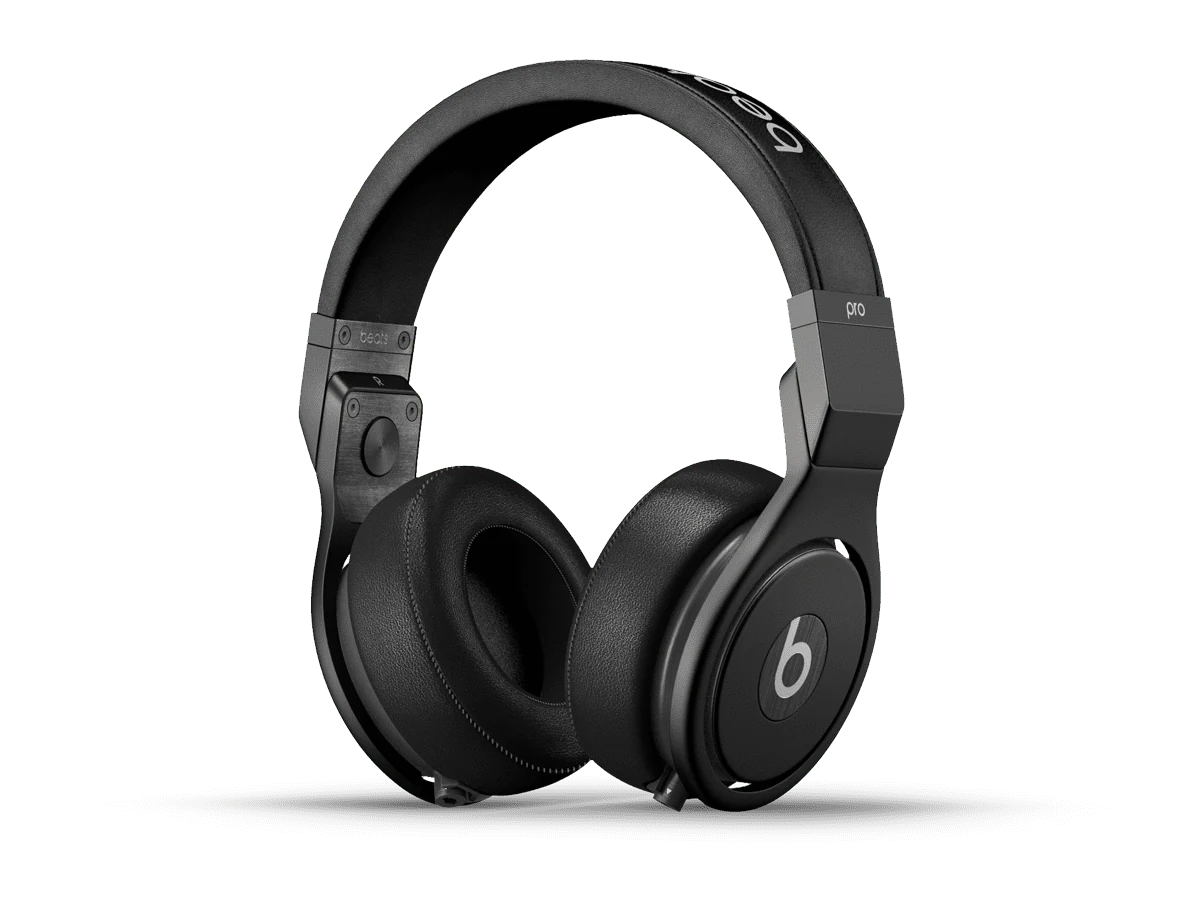




 Colour: Black
Product Colourways
Show product variations in one place. Colour and finish selectors let buyers compare the available options within the same view. The selector shown is a studio demo, not client work.
Product Turntables
360-degree spin renders built for ecommerce, engaging, interactive and confidence-building at the point of decision. Drop them straight onto a product page and let the product sell itself.
Interactive Exploded Visuals
Drag-to-explode mechanisms reveal internal structure, components and engineering detail. Buyers can explore how the parts of a complex product fit together.
In-Browser AR
Place products in the real world with augmented reality. Drag, rotate and preview at true scale, directly in the browser, no app download required.
Who it's for
Built for ecommerce and launch-driven brands.
We work with consumer electronics, fashion, premium consumer goods and technology brands where the buyer needs more than a static image to commit. Conversion economics justify a richer, exploratory product experience.
Briefs come from ecommerce teams building product page assets, brand teams driving launch activity and marketing agencies needing white-label interactive production, delivered as embed-ready code for your own site.
Selected work
Interactive work from our case studies.
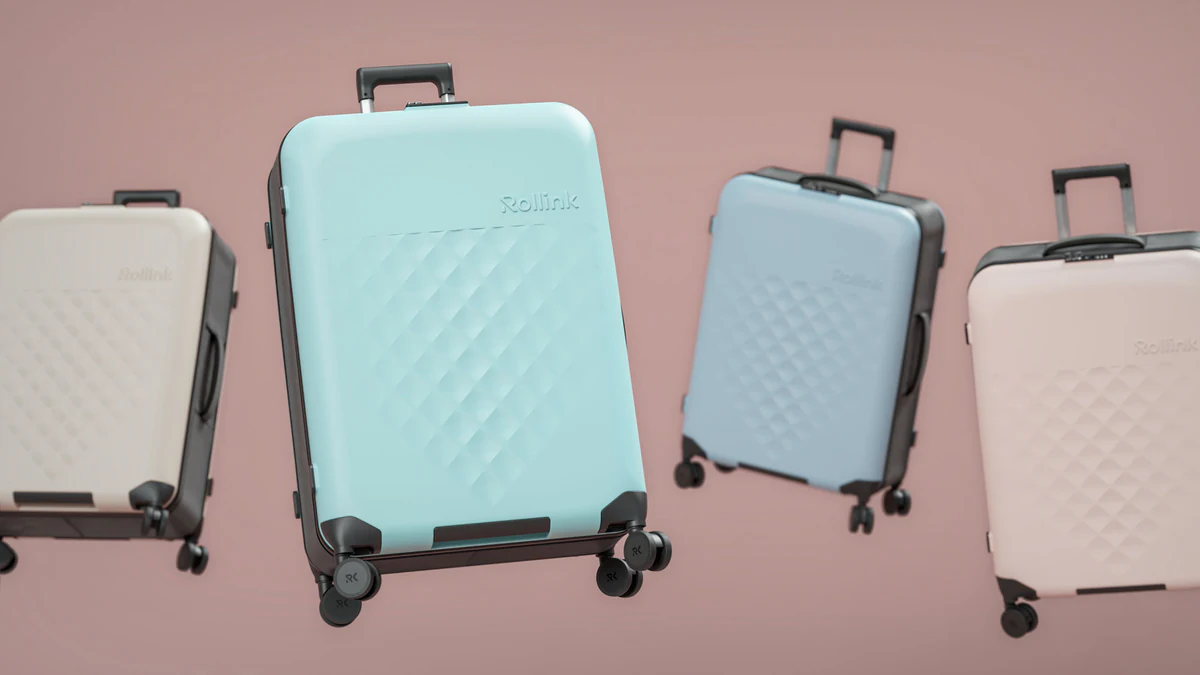
Rollink
The colourway imagery Rollink used to build the colour selector on its own site. We built our own interactive version to show the full colour range.
View case study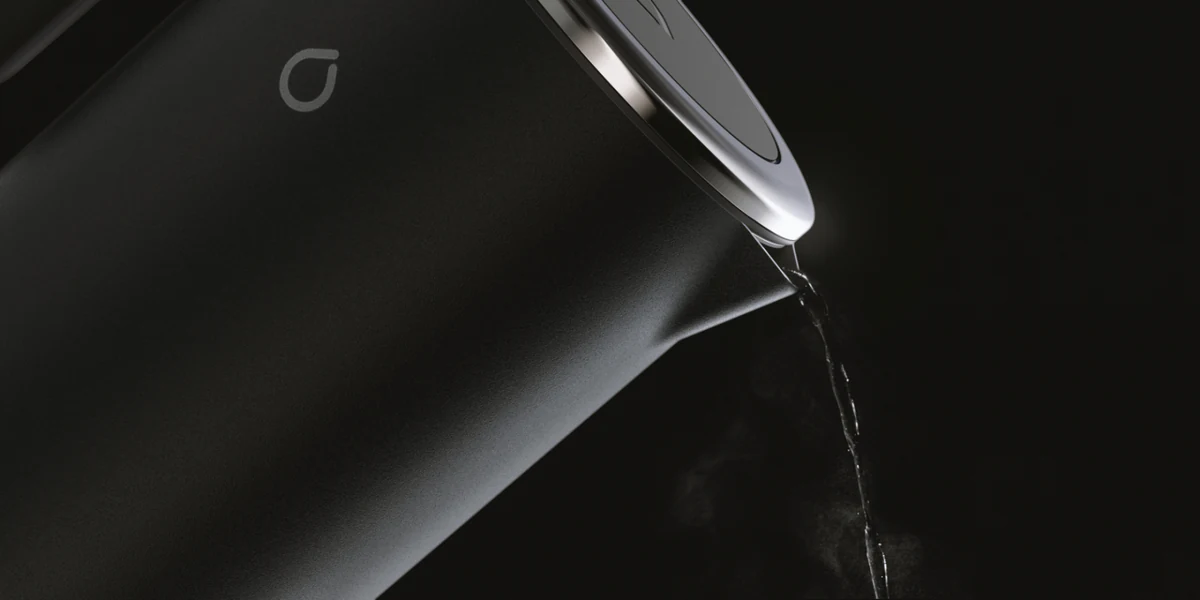
Smarter
A 360-degree iKettle viewer XO3D built for its own website, from the five-colourway renders made for Smarter.
View case study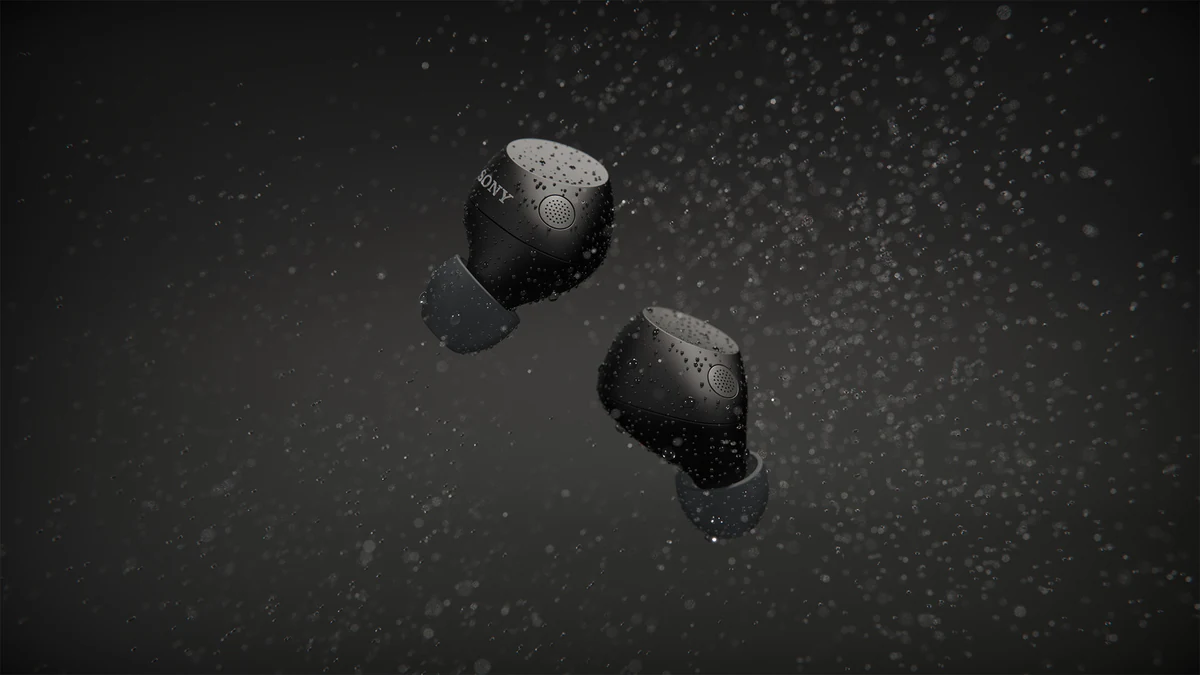
ImageNova
Interactive content for Sony's web pages, made for ImageNova ahead of the WF-C710 commercial.
View case studyHow we work
Four steps. No surprises.
- Step 01
Share the brief.
Send CAD files, sketches, reference imagery or a written brief outlining the product, output platform and intended use.
- Step 02
Define the interactive.
We agree the scope, viewer type, configuration options, hotspots, hosting and integration, before development begins.
- Step 03
Build and refine.
The experience is developed through structured review stages, with shareable previews at every milestone.
- Step 04
Deliver final assets.
Embeddable iframe, hosted experience or downloadable assets, ready for your CMS, ecommerce platform or sales tools.
The advantage
Why brands choose XO3D.
Built from technical inputs.
We work from CAD files, drawings and reference material to create accurate interactive assets before physical samples are available.
Designed for performance.
Real-time, frame-accurate and optimised, built to load quickly and run smoothly on every device, including mobile.
Made for commercial output.
Every interactive is built to convert, clear callouts, intuitive controls and embedding that fits your existing site.
Structured for smooth delivery.
Clear stages, focused feedback and responsive communication keep projects moving efficiently.
FAQ
Common questions, answered.
How do you choose between a 360 viewer and a configurator?
We will decide by looking at the client product and what features and what add-ons the product may or may not have. Whether they need a simple 360 viewer, or they need to be able to configure and show multiple different colors or configurations of the product. Like add-ons, for example a baby cart that might have different kinds of wheels, different kinds of arms, different kinds of fabrics, colors, etc.
What do you check before a viewer or configurator is approved for mobile?
So the checking on a mobile phone of the 360 viewer or configurator is done, depending on what the process, whether we're creating one or the other. A lot of the time it will be done at the end of the project so that we're checking it's all correct and everything looks and feels correct. However, knowing that we also need to make sure early on that the phone is going to require a certain amount of megabytes of data so that it's able to load quickly. So through experience we know that models need to be roughly 10 MB, and then they can load quite quickly on most devices.
What are 3D product interactive images?
How can 3D product interactive images benefit my business?
Can I customise the interactive features of my 3D product images?
Who builds and hosts the interactive, XO3D or our own developers?
What kind of products work best with 3D product interactive images?
How are 3D product interactive images different from traditional product photography or video?
When is a rendered 360-degree viewer enough?
Your next project
Turn interaction into a clear brief.
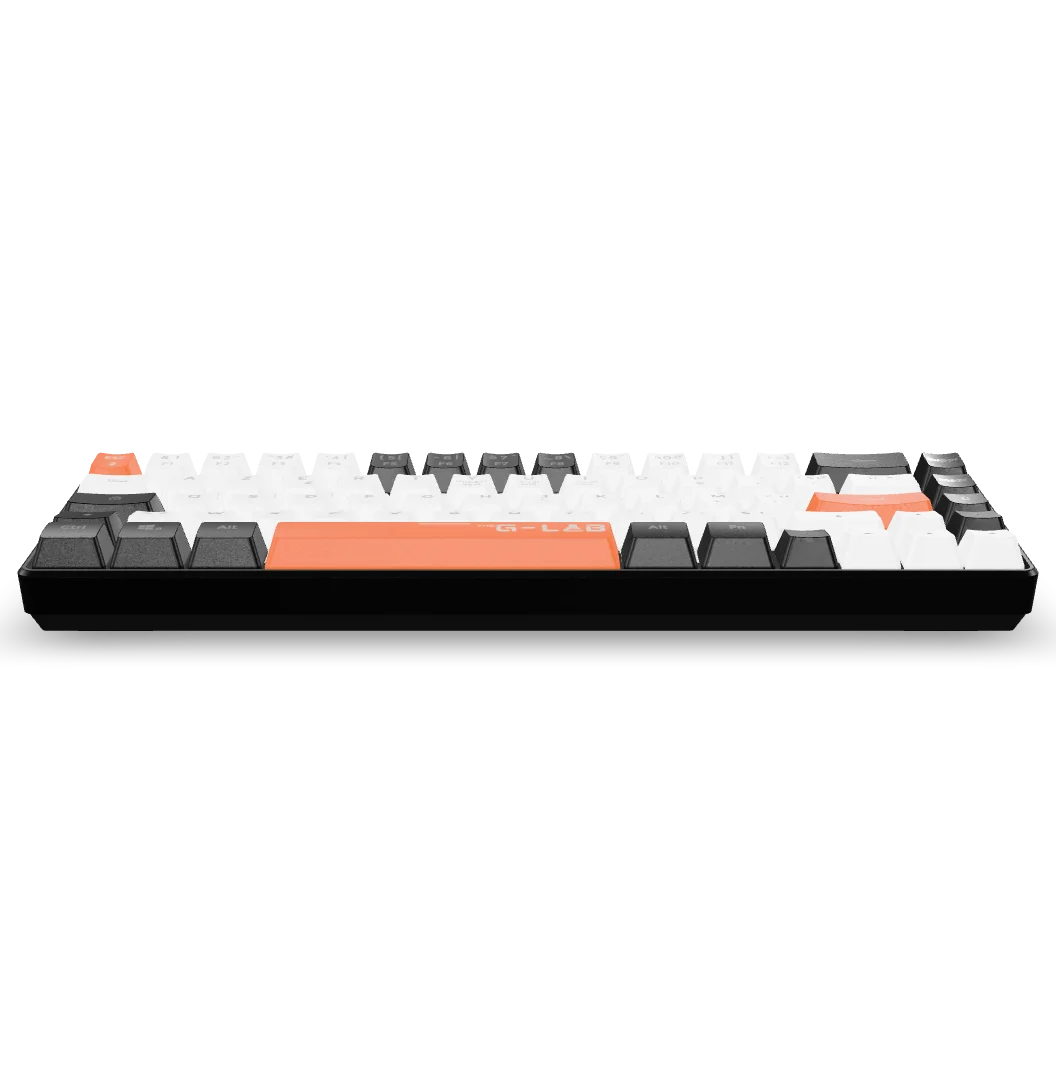
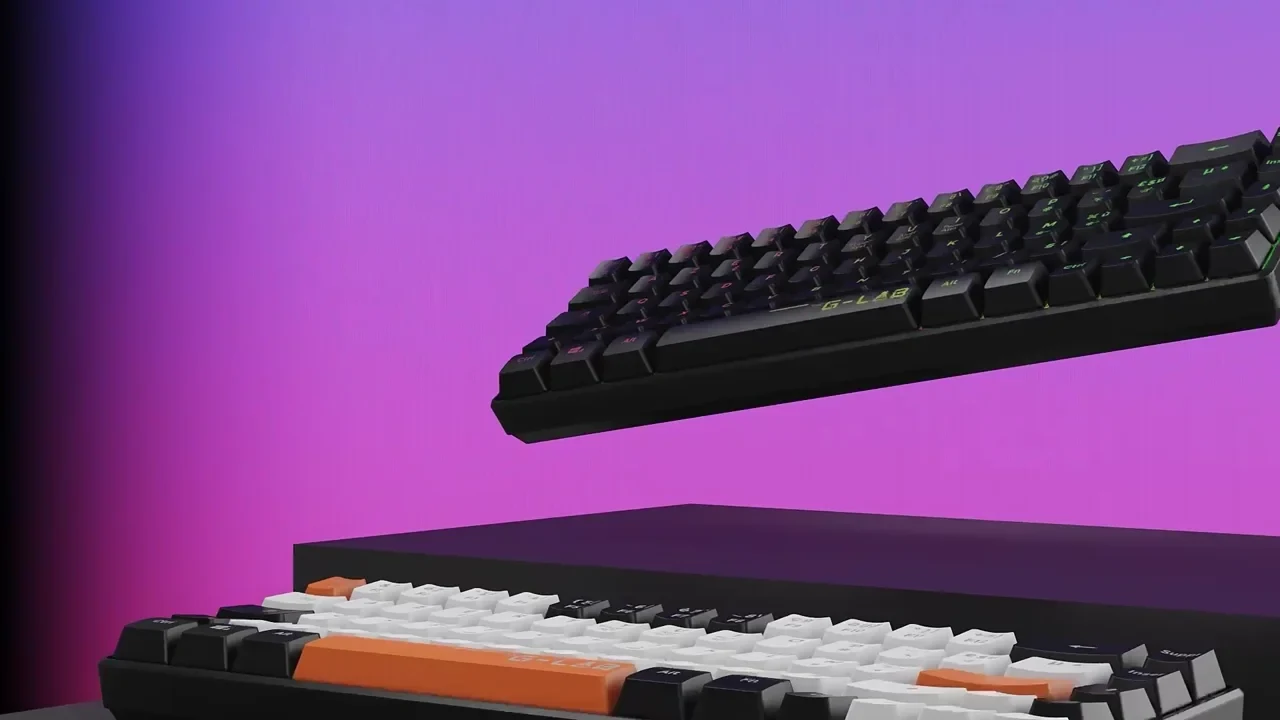
Start with what the visitor controls and why. A rotation, option selector and guided explanation need different assets and testing. The keyboard film is product-detail evidence, not a configurator case study.
A route to consider
Product interactives
A product experience scoped around a useful interaction, supported devices, model performance and a clear fallback.
Bring these three things.
- What question does interaction answer?
- What options and rules are required?
- Which devices and host platform are involved?
Start with an outline. We review the product, intended outputs and timing before agreeing the production scope.