XO3D Studio · 3D Animation
Animated Colourways: Product Marketing that Shows Every Variant
Every variant, in motion.
Animated colourways present approved product finishes through a controlled sequence. Keep camera and lighting consistent where comparison matters, and review each finish against a reference.
Overview
One shot. Every colourway. Every material state.
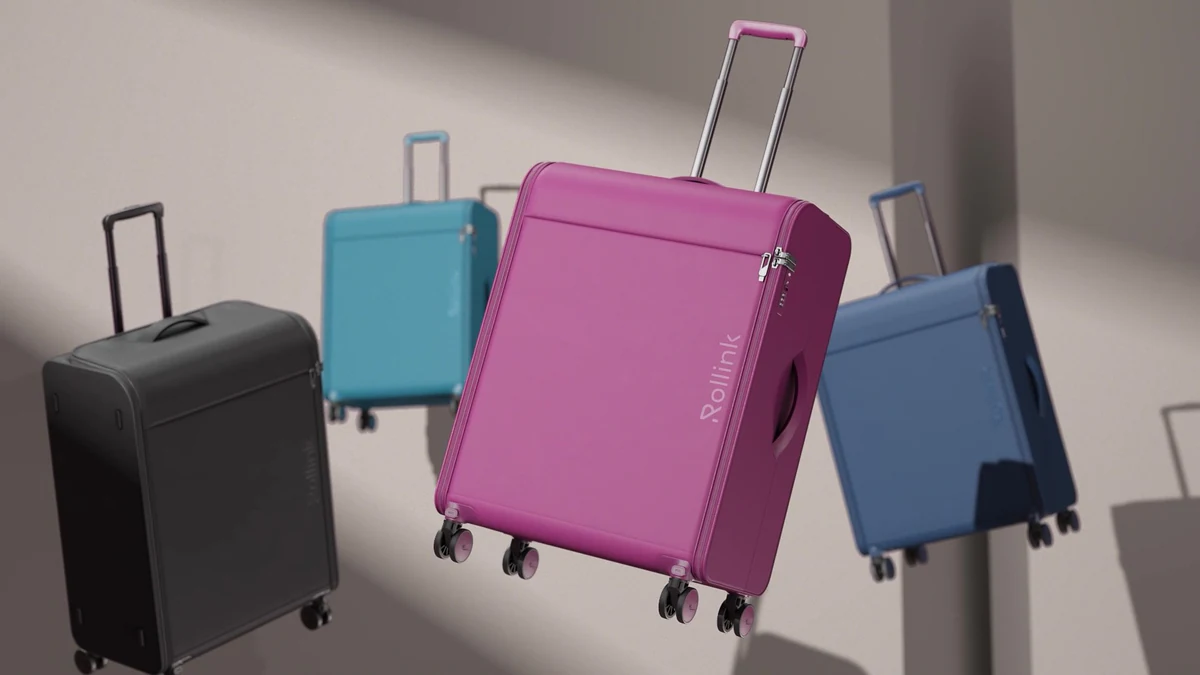
Product ranges with multiple colourways benefit disproportionately from animated variant reveal. Static grids show variants side by side. Motion shows them replacing each other in place, which is much more effective at communicating range at a glance.
Suitable product geometry can support both stills and animated finish changes. Agree the actual variants and review their materials before rendering the sequence.
What's covered
The main varieties, in detail.
Advantages
Why brands commission it.
Range coverage in one shot.
A single animated shot communicates a whole range at a glance.
Support product inspection.
A clearer product view can support inspection and comparison. Any effect on sales, conversion or returns needs evidence from the actual audience, placement and measurement period.
One asset, every runtime.
Cycle reveal cut into hero, vertical, square and loop from one animation source.
Plan later colour additions.
Once the base scene exists, adding a new colourway is a re-render, not a new shot.
Trade-offs
What to plan for.
Requires colourway list at brief.
Every colourway needs Pantone or hex codes at brief. Late additions are possible, but each one adds render time.
Material transitions need care.
Some material state changes (matte to gloss) can look artificial if not directed properly.
Not a substitute for still range grid.
Buyers still need side-by-side range grids for direct comparison. Motion complements rather than replaces.
Process
How the work is produced.
- STAGE 1
Brief and colourway list.
Every colourway spec, order and any hero variants identified.
- STAGE 2
Materials pass.
Every material state authored to accurate Pantone or hex reference.
- STAGE 3
Camera and lighting lock.
One directed camera and lighting rig used across all variant states.
- STAGE 4
Animation and transitions.
Colour states cycled through with directed transition timing.
- STAGE 5
Render and finish.
Full render pass and compositing. Grade tuned across every colourway.
- STAGE 6
Cut-downs and PDP loops.
Hero cycle cut into short-form and silent loops for platform use.
Who this is for
Built for teams shipping the launch.
Product marketing and ecommerce teams at brands with multi-colourway ranges.
Agencies delivering integrated launch briefs with variant coverage. In-house creative teams scaling PDP experience.
Case studies
Recent work.
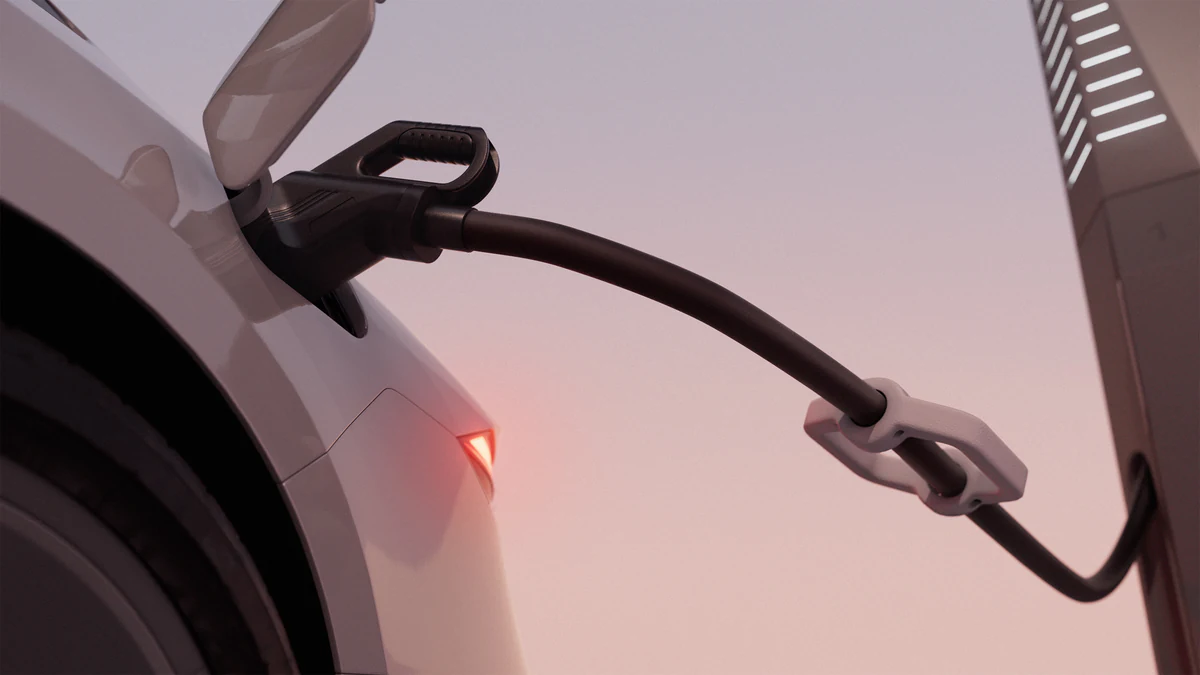

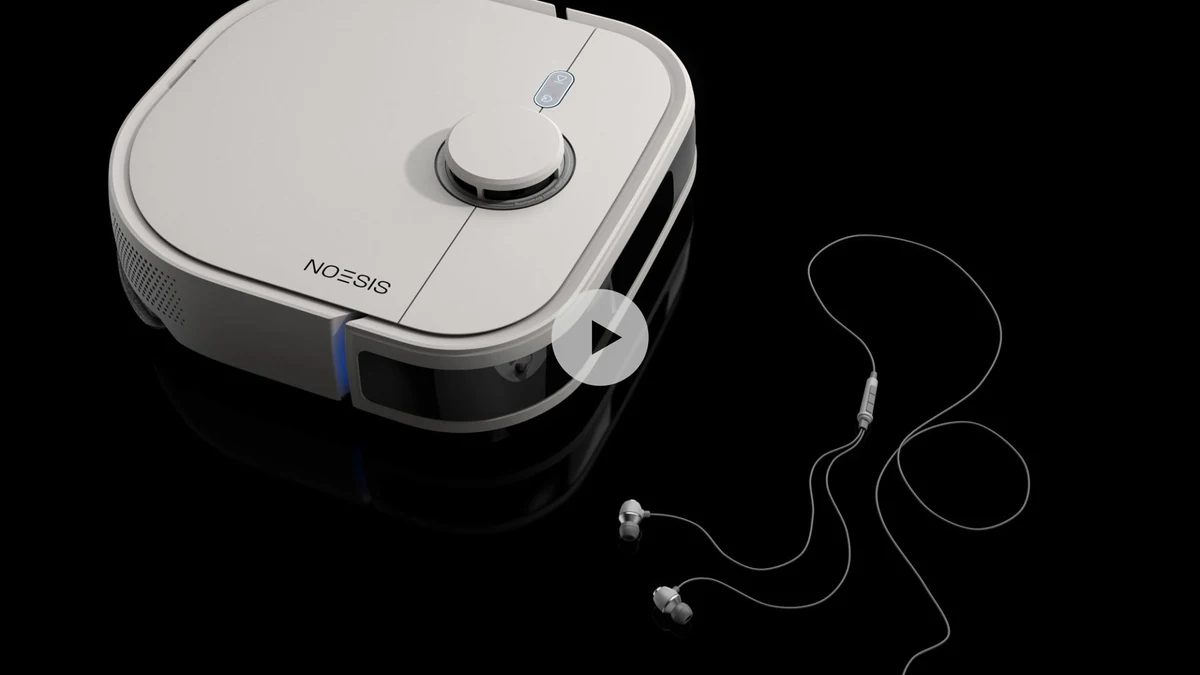
Petalite EV charger launch, applying the disciplines in this guide.
View case study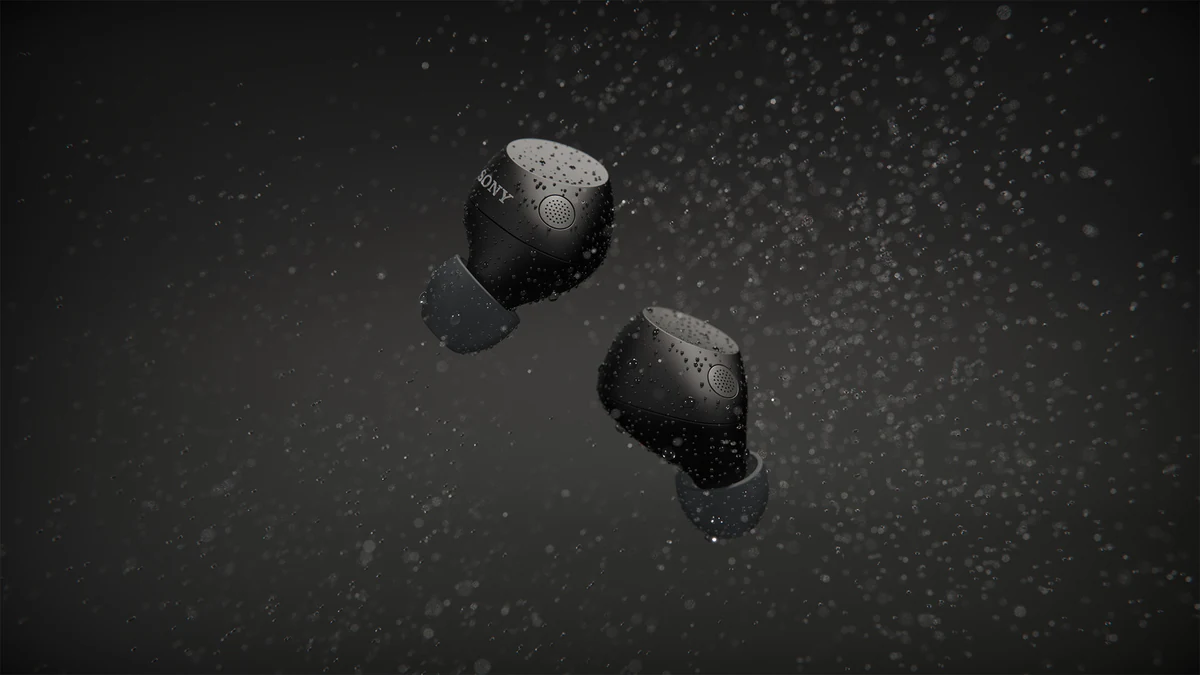


Sony WF-C710 for ImageNova: two short animated segments for the launch commercial, plus rendered colourways composited into product photography.
View case study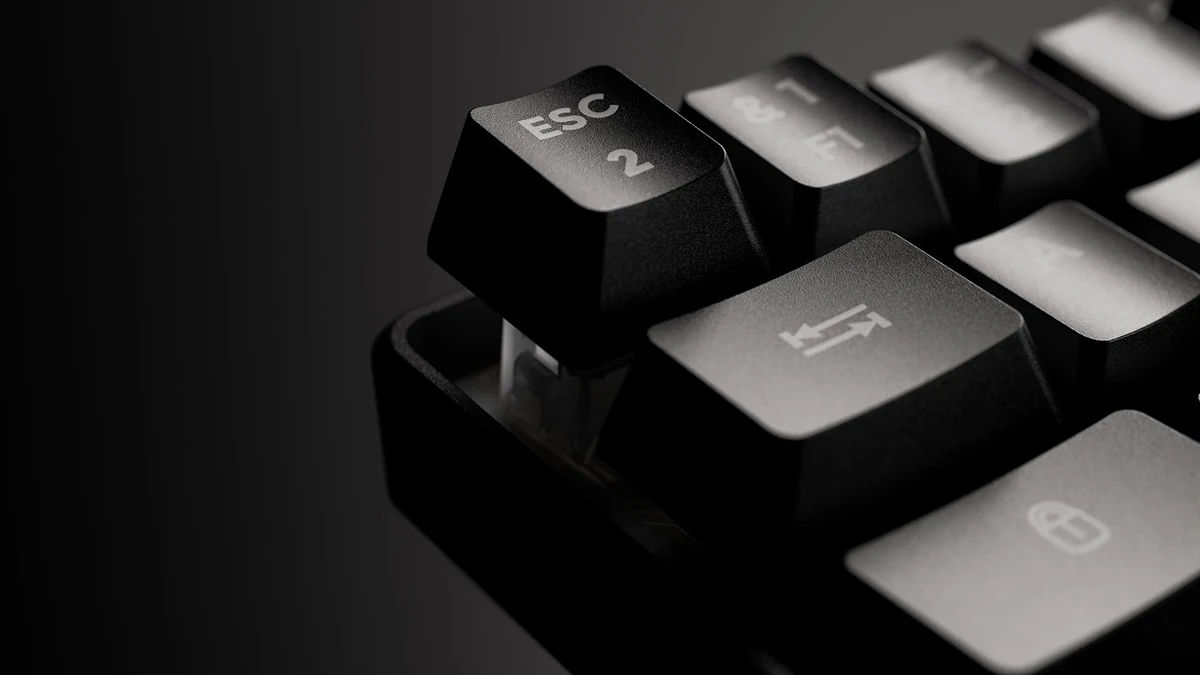
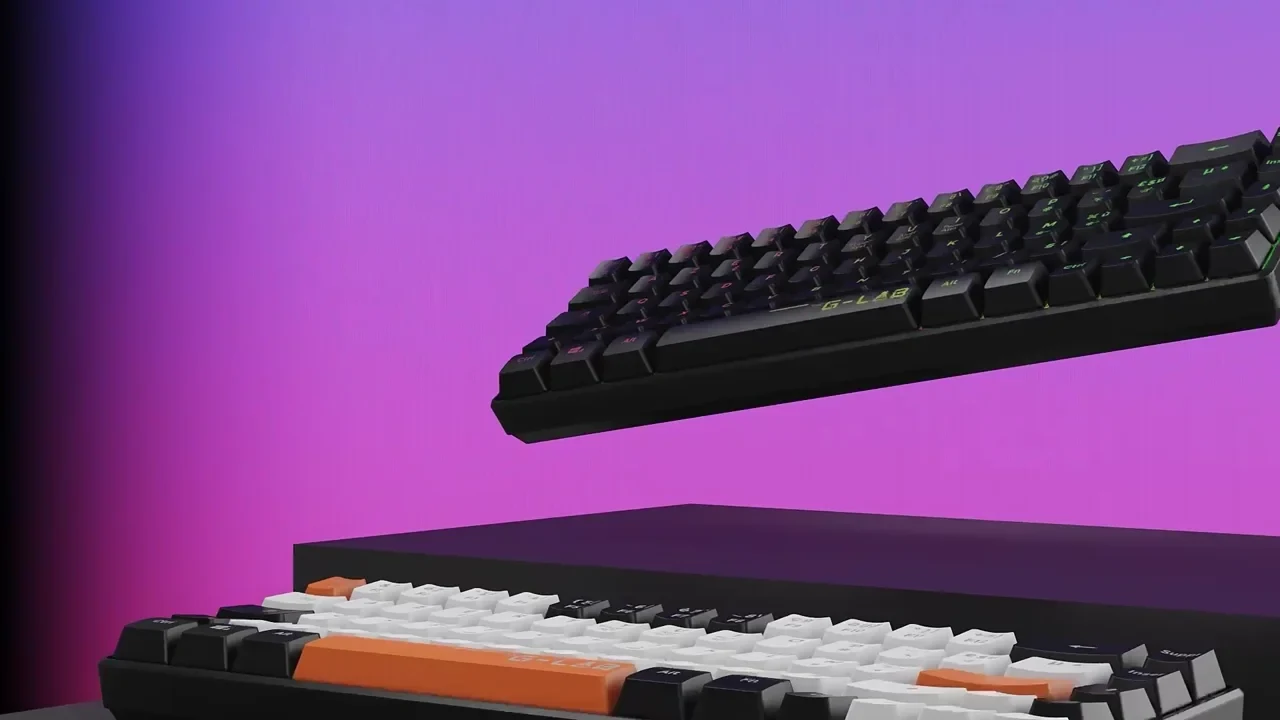
G-Lab keyboard launch. One 3D build driving film, stills and interactive content.
View case studyTestimonial
The team at XO3D were a pleasure to work with on one of our big projects. They rendered, batched, and saved out literally thousands of images for us. Every single one of these images came out perfect.
For sibling topics, see 3D product animation and product turntables.

FAQ
Common questions, answered.
How many colourways can one animation show?
Practically up to 8 or 10 cleanly in a hero shot. Beyond that, split into multiple takes or use split-screen approaches.
Can we add colourways after launch?
An approved model can support further finishes and configurations. Each change still needs suitable source information, material review and output checks.
How does this feed a configurator?
The individual colourway states render as separate layers or images, feeding a PDP configurator that swaps between them.
How long does an animated colourway shot take?
It depends on the colourway count and the asset. Social formats from an existing asset typically take 1 to 2 weeks, and a new hero film 4 to 7 weeks. From scratch or CAD, the model build is scoped first.
Your next project
Make the differences easy to compare.
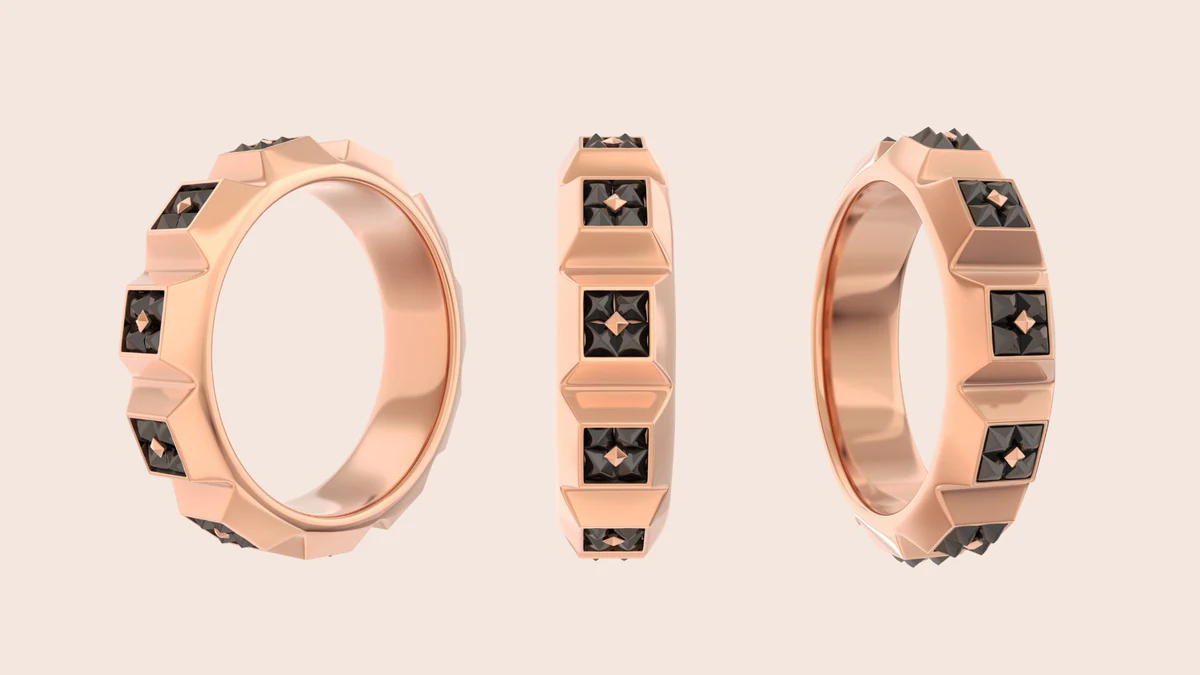
Keep camera and lighting consistent where comparison matters. Each finish still needs an approved reference; a colour value alone may not describe gloss, texture or metallic behaviour.
A route to consider
Product CGI Films
A product film developed through creative treatment, storyboard, animatic, product review and final picture and sound.
Bring these three things.
- Which finishes are required?
- What samples define them?
- Should variants appear together or in sequence?
Start with an outline. We review the product, intended outputs and timing before agreeing the production scope.