
AI Rendering in 2026: A Studio's Honest Read
TL;DR
AI has become genuinely useful in professional rendering for denoising, upscaling, and material generation, but it does not replace the material research, lighting judgement, and brand oversight a Creative Director brings to a frame. The tool is not the differentiator; who is directing it is.
AI has become genuinely useful in professional rendering, and it has not replaced the person directing it. Studios now use AI for denoising, upscaling, and material generation while a Creative Director holds geometry accuracy, material fidelity, and brand consistency. Here is where the line actually sits in 2026.
The trends, tools, and craft decisions shaping product visualisation, and what’s still hype.
If you’ve been paying attention to the 3D and CGI space, you’ve heard a lot about AI. Some of it sounds transformative. Some of it sounds like it threatens the discipline entirely. Separating the two takes a clear-eyed look at what AI actually does well, and what it structurally cannot do.
88% of marketers now use AI in their daily roles, and the AI-powered e-commerce market is projected to reach £40 billion by 2033. That is real momentum. At the same time, 62% of visualisation professionals say AI is not fully production-ready, and 77% cite inconsistency as a concern.
Which AI Rendering Tools Are Production-Ready in 2026?
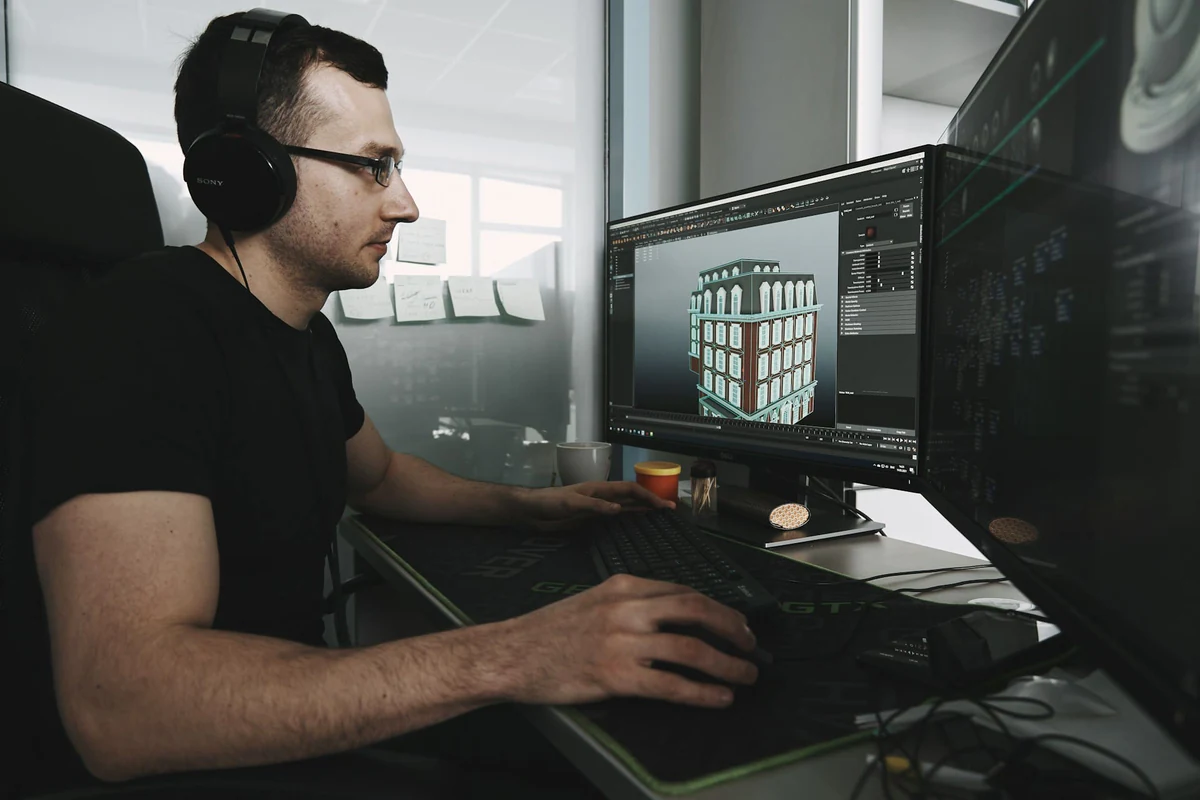
Not everything labelled “AI” is experimental. Some AI-powered tools have become indispensable in professional 3D workflows.
AI Denoising in Modern Rendering Workflows
This is the quiet workhorse of modern rendering. Tools like NVIDIA OptiX and Intel Open Image Denoise are now built into virtually every major renderer: V-Ray, Corona, KeyShot, Blender. They analyse a partially-rendered image and intelligently fill in the gaps, cutting render times by 50 to 70 percent with no visible loss of quality.
It is one of the rare cases where AI simply makes the process faster with no meaningful trade-off.
AI Upscaling for High-Resolution Product Renders
NVIDIA’s DLSS 4 and comparable technologies let a studio render at a lower resolution and intelligently upscale to 4K or 8K. Lumion’s AI upscaler can produce 8K output at several times the speed of traditional rendering.
For a marketing team, this means higher-resolution assets are available without the production time that used to be required to reach that resolution.
AI Material Generation for Faster 3D Asset Creation
Chaos, the company behind V-Ray and Corona, introduced an AI Material Generator that builds render-ready PBR materials from a single photograph. Upload an image of a surface, and albedo, normal, and roughness maps are generated in seconds.
It is particularly useful for secondary materials and environment detail, where speed matters more than the precise art direction a hero material needs.
These tools save real production time on the parts of the process that were never where the craft lived in the first place: cleanup, iteration, and technical groundwork.
What AI Rendering Technologies Are Emerging in 2026?
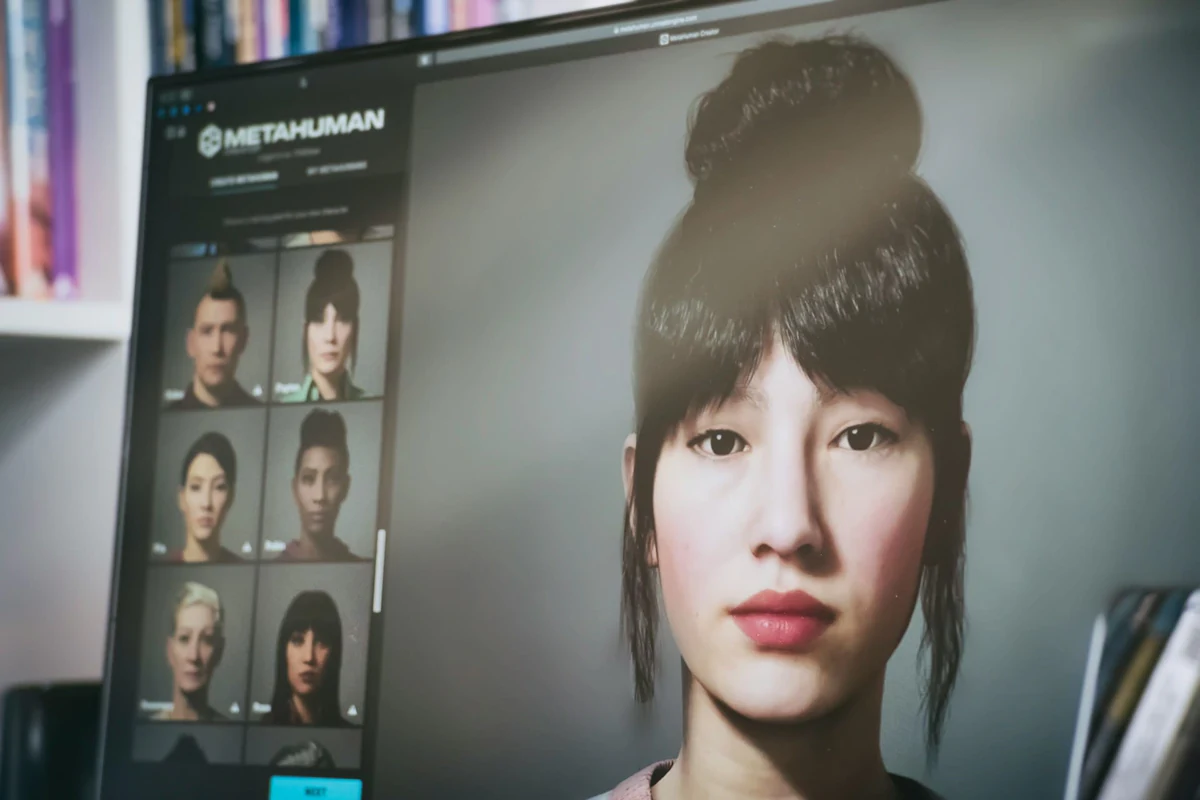
Then there is a category of AI tools that is impressive but not yet ready for commercial-grade work. Understanding the limitations matters, because these tools are improving fast.
Text-to-3D AI Tools: Where Are They Now?
Platforms like Meshy AI, Tripo 3.0, and Rodin made real progress through 2025. A text description now produces a textured 3D model in minutes. Tripo’s latest version claims “production-ready” topology, and the results are more usable than a year prior.
The reality: these models typically need 30 to 50 percent manual cleanup before commercial use. They are strong for props, background assets, and early concepting. They are not yet reliable for a hero product or precision e-commerce work where geometric accuracy is the entire point.
Can AI Product Photography Replace Traditional CGI?
Several platforms now claim to generate product shots entirely through AI. The pitch is straightforward: no photography, no 3D modelling, just a prompt.
The limitation is equally straightforward. Research shows AI still struggles with the precision commercial product visualisation demands: metallics, glass, reflections, and fine texture regularly come out slightly wrong.
Not wrong enough to reject immediately. Wrong enough to undermine buyer confidence on close inspection, which is precisely where a premium product gets evaluated.
For a premium brand, close enough is not a standard.
How Are Professional Studios Actually Using AI Rendering?
Here is what is actually happening in professional studios: AI is not replacing human expertise. It is accelerating the parts of the process that were never where the expertise lived.
The most effective workflows use AI for speed and exploration while a human holds quality and accuracy. A typical structure looks like this:
- AI generates concepts and variations quickly: exploring multiple directions in hours rather than days.
- A Creative Director refines geometry and enforces accuracy: correcting what AI gets wrong before it goes further.
- AI accelerates rendering and post-production: denoising, upscaling, material generation.
- A Creative Director handles revisions and final quality control: confirming brand standards before anything ships.
One studio described their approach as using AI for “brainstorming multiple ‘looks-like’ concepts during the early ideation phase,” then moving to traditional 3D production for the work itself.
For a marketing team, this hybrid approach means more creative options to choose between during concepting, and final quality controlled by the same human judgement it always was.
Why Does AI Rendering Create Brand Consistency Challenges?
This is the issue that should concern a marketing team most: AI and brand consistency do not naturally coexist.
Brand consistency measurably increases revenue, by 10 to 33 percent according to industry research. Inconsistency actively erodes the equity a brand has already built, and AI, by its nature, introduces variability.
Brand strategist Ham Maghazeh explained to Venngage: “If your brand doesn’t have clarity, consistency and creative intent baked into its system, AI will only magnify the mess.”
The core problem is structural: the same prompt generates a different result every time. Each output is a variation, not a replication. AI has no inherent understanding of a brand’s guidelines. It cannot reliably replicate an exact product specification. Text, packaging, and precise detail remain difficult.
This is exactly where a Creative Director becomes essential, not optional. The discipline is to use AI for speed while applying material and brand expertise for control: building an accurate 3D model as a reusable source of truth, then using AI to accelerate everything built around it.
The 3D model is the brand asset. AI helps a studio use it faster. It does not decide what the asset should look like.
What Are the AI Rendering Opportunities for Marketing Teams?
Despite the caveats, there are real opportunities here, approached with the right expectations.
Earlier Visualisation Ahead of Manufacture
AI-enhanced workflows let a brand visualise a product before it exists physically. A campaign can launch earlier, build anticipation ahead of production, and iterate on design without waiting on a physical prototype.
More Product Variations From a Single Model
Once a 3D model exists, AI-assisted workflows make producing variations far more efficient. Colour options, different environments, seasonal updates, lifestyle contexts, a single 3D asset generates a wide range of marketing visuals without reshooting or re-rendering from scratch.
Interactive 3D and AR Product Experiences
AR product experiences, 3D configurators, and WebGL viewers are becoming accessible. Major e-commerce platforms are investing heavily in 3D content, and brands using interactive 3D report measurable conversion increases.
Sharper Creative Briefing and Concepting
AI helps a studio understand creative intent faster. Concept exploration that used to take weeks can happen in hours, leaving more time for the refinement and strategic judgement that actually determines whether the final work lands.
What Should Marketing Teams Watch For With AI Rendering?
A few areas warrant real caution:
Quality gaps. AI-generated product shots are frequently too low in fidelity for high-resolution packaging or premium campaign work. They can work for social. They rarely hold up for print or a premium application under close inspection.
Intellectual property. Fully AI-generated content cannot be copyrighted in the US. Training data may include copyrighted material. Commercial use terms vary significantly by platform. This is an evolving legal area worth understanding before committing to it.
Uncontrolled DIY iteration. Time spent on revisions, fixes, and quality control on an unsupervised AI workflow adds up quickly. Brand consistency breakdowns and inaccurate product representation carry real consequences of their own.
Over-promising. Claims that sound too good to be true generally are. Quality 3D work still requires real time and real expertise, AI assistance included.
What Should You Ask a CGI Studio About Their AI Use?
Evaluating a studio or partner, these questions surface whether they use AI strategically or as a substitute for expertise:
- Which parts of your process are AI-assisted versus human-led?
- How do you enforce brand consistency across AI-assisted work?
- Can you show examples of AI-assisted work you have delivered?
- What is your quality control process before anything is signed off?
- How does AI change your production process on a project like mine?
- Will I own the 3D assets for future use?
The best answers will be specific and honest about both the capability and the limitation.
The Future of AI Rendering: What This Means for Your Marketing
AI rendering is not the revolution some claim, and it is not nothing either. The studios that lead through 2026 will be the ones combining AI’s technical capability with human judgement, without sacrificing the material accuracy and brand alignment that actually make a frame convincing.
For a marketing team, the opportunity is more creative range: more variation to choose from, more concepts explored before committing to one. But the discipline matters more than the tool. AI amplifies whatever direction it is given, including a lack of one.
The tool was never the differentiator. Every studio has access to the same AI tools now. What separates forgettable output from CGI that makes the case for a product is the same thing it always was: a Creative Director on every frame, doing the material research and making the lighting decisions AI cannot make for itself.
Discuss your brief to talk through how that applies to your next campaign.
Start the conversation
Have a product worth showing?
We reply to every brief personally, usually within one working day.
FAQ
Common questions, answered.
Which AI rendering tools are production-ready for marketing in 2026?
NVIDIA OptiX, Intel Open Image Denoise, DLSS 4, and Chaos's AI Material Generator are all in active professional use. They cut render times substantially, enable 4K-8K upscaling, and generate PBR materials from photographs.
What AI rendering technologies are emerging but not yet reliable for commercial work?
Text-to-3D tools like Meshy AI and Tripo 3.0 are improving quickly but still need significant manual cleanup before commercial use. AI product photography still struggles with precision on metallics, glass, and fine texture.
How do professional studios actually use AI rendering?
In a hybrid workflow - AI accelerates concepting, denoising, upscaling, and material generation, while a human Creative Director controls geometry accuracy, material fidelity, and brand consistency before anything ships.
Why does AI rendering create brand consistency problems?
The same prompt produces a different result every time, and AI has no inherent understanding of a brand's material language or product specification. Without a Creative Director enforcing consistency, that variability compounds across every asset.
What should I ask a CGI studio about how they use AI?
Ask exactly which parts of their process are AI-assisted versus human-led, how they enforce brand and material consistency across AI-assisted work, and who owns the resulting 3D assets.
Start the conversation
Got a product worth showing? Let’s talk about what it needs to do.
We reply to every brief personally, usually within one working day.