
XO3D Studio · 3D Rendering
3D Jewellery Rendering: Materials, Light and Use Cases
Every facet, every finish, in software.
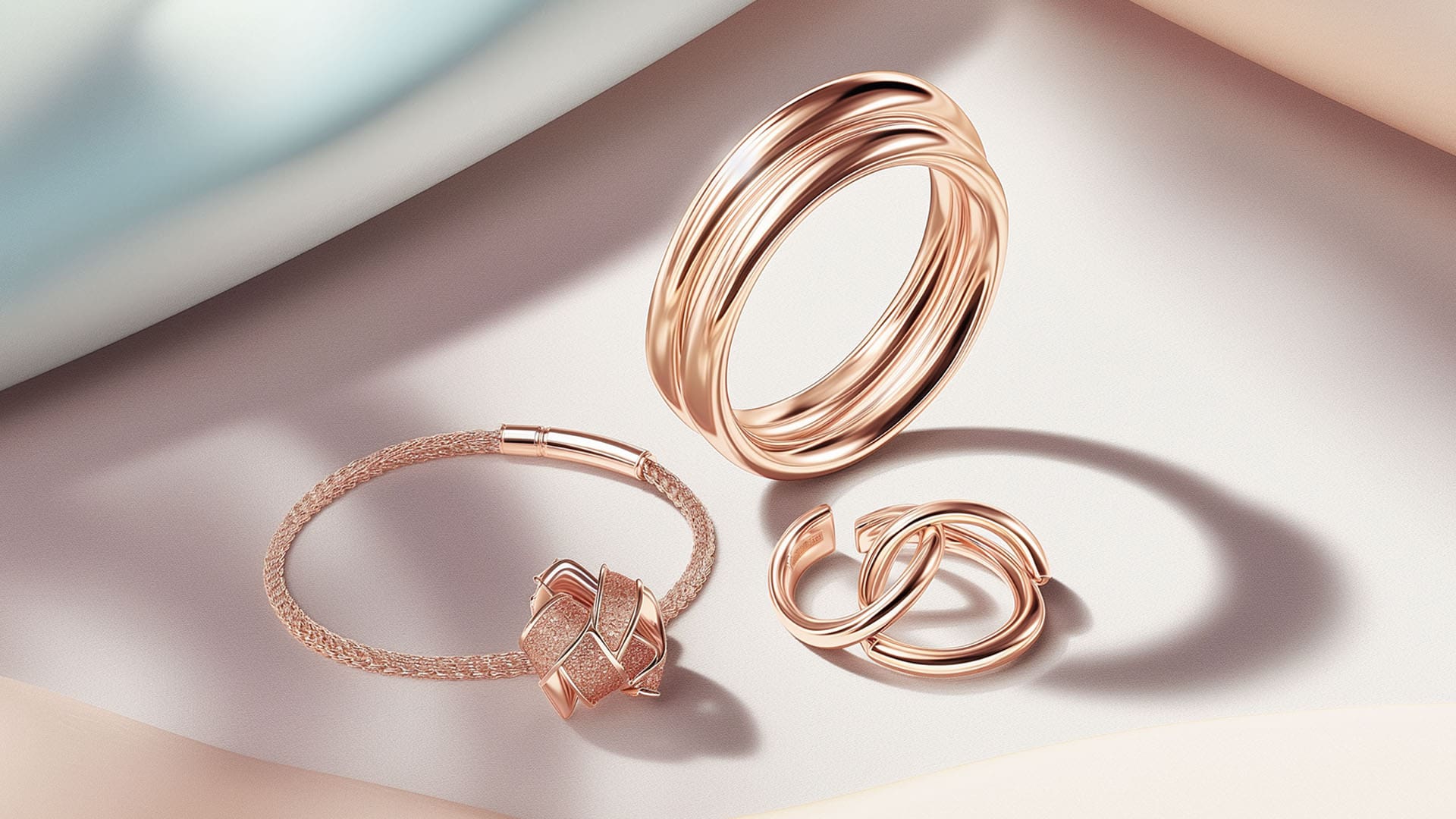
3D jewellery rendering lets brands present precious metals, stones and craftsmanship at macro scale. Direct the light, camera and material around approved references, with the model and output planned for hero imagery, product pages and campaign visuals.
Why jewellery rendering
Direct the close-up.
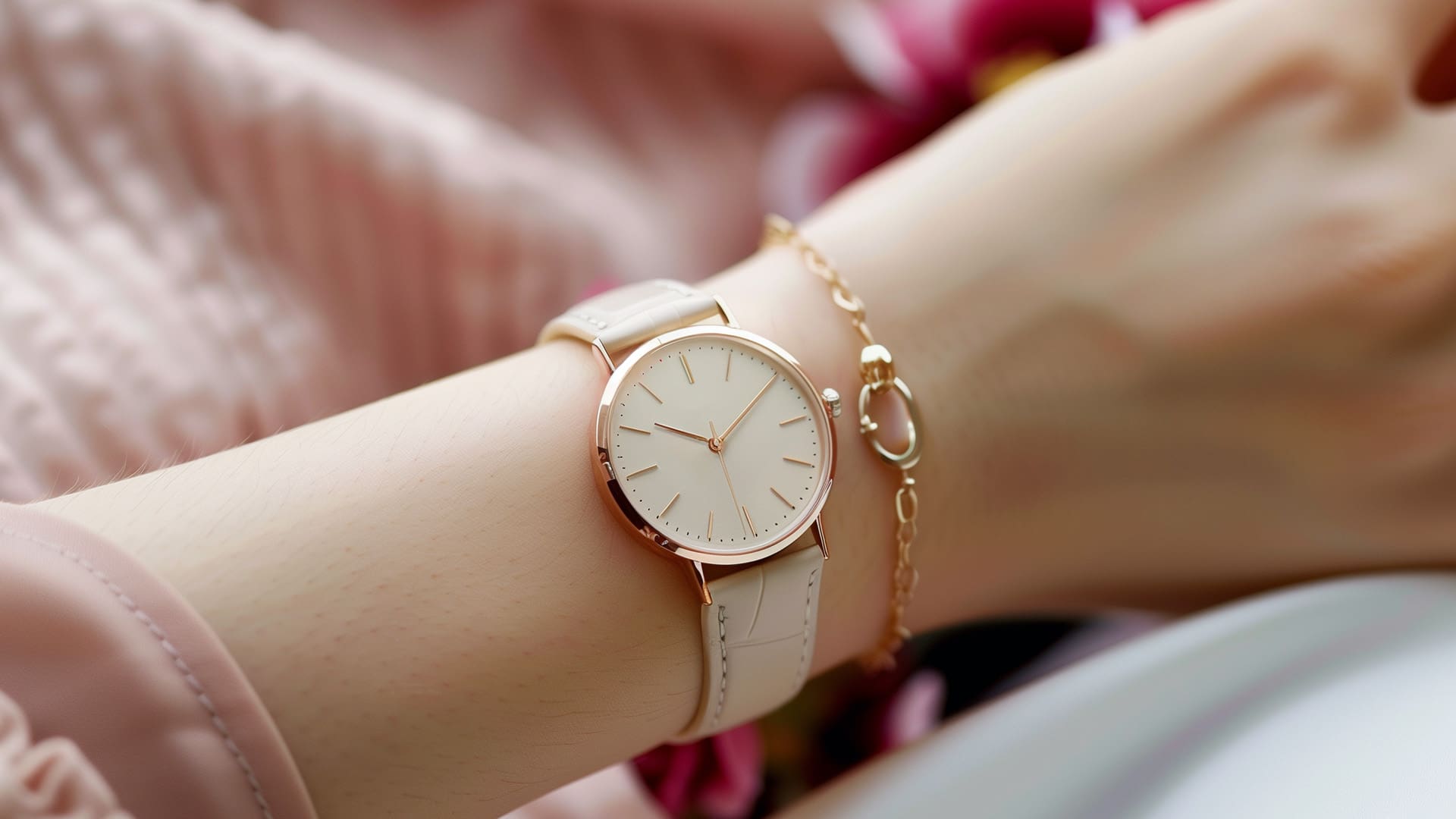
Jewellery rendering brings small details into close view. Camera position, focus and lighting are directed around the metal, stone and setting, then judged against the available product references at the intended display size. A convincing image depends on the source model and material work as well as the lighting.
CGI can represent a jewellery design from approved references before a finished piece is available. Review proportions, settings and materials before using the image as a product representation.
What's covered
The main varieties, in detail.




Advantages
Why brands commission it.
Macro without a physical rig.
Plan camera position, focus and light around the detail the viewer needs to see. Review the result at its intended display size.
Materials reviewed against references.
Stone appearance and metal reflections need careful material and lighting work. Compare them with approved references rather than relying on a preset alone.
Range coverage from one build.
An approved model can support further material options. Changes to the stone cut, setting or shape may require additional modelling as well as material review.
Work from the available source.
CAD, dimensions and reference photographs can provide a starting point without moving the finished piece. Confirm what is sufficient for the planned views before production.
Launch before manufacture.
With CAD or design intent, campaign imagery runs before the piece exists in metal.
Trade-offs
What to plan for.
Stone realism is specialist.
Diamond, emerald, sapphire, opal all behave differently. Photoreal stone work takes skill and render time to achieve properly.
Metal is unforgiving of shortcuts.
High-polish gold and platinum show every lighting flaw. HDRI selection and directed catch-light matter.
Very close macro needs strong CAD.
At extreme close-up, model quality matters. Well-built CAD or hero-poly modelling essential.
Editorial worn work still leans live-action.
Vintage, worn or documentary jewellery editorial still often benefits from photography.
Macro
Directed close-ups
Plan focus, light and camera position around the details that matter.
1 build
Planned variants
Reuse the approved model where suitable; review new geometry and materials.
References
Source material
Agree the CAD, dimensions and material references before production.
Process
How the work is produced.
- STAGE 1
Brief and reference.
Pieces, stones, metals, mood direction and target platforms agreed at kick-off.
- STAGE 2
Modelling.
Model the piece against approved dimensions and references, with the prongs, setting and surface detail needed for the planned views.
- STAGE 3
Stone and metal materials.
Develop the stone and metal appearance using the available material references, then review it under the intended lighting.
- STAGE 4
Lighting rig.
HDRI plus directed pins to shape catch-lights on metal and dispersion in stones.
- STAGE 5
Camera and composition.
Macro cameras placed using photography principles. Composition tuned to sell the piece.
- STAGE 6
Rendering and finish.
High-sample renders composited and colour-graded. Delivered at hero-campaign quality.
Who commissions this
Built for teams shipping the launch.
Jewellery brands running launches, seasonal ranges and premium campaigns. In-house creative teams supporting ecommerce and PR imagery.
Agencies delivering integrated luxury or jewellery briefs. Custom and bespoke jewellers producing pre-manufacture visualisation for clients.
Testimonial
The team at XO3D were a pleasure to work with on one of our big projects. They rendered, batched, and saved out literally thousands of images for us. Every single one of these images came out perfect.
For a commercial brief, define the pieces, target platforms and campaign moment first, then scope director-led jewellery CGI around that job. Where a piece needs film, see jewellery animation. For sibling topics, see jewellery animation and the 3D rendering hub.
Why gemstone lighting matters
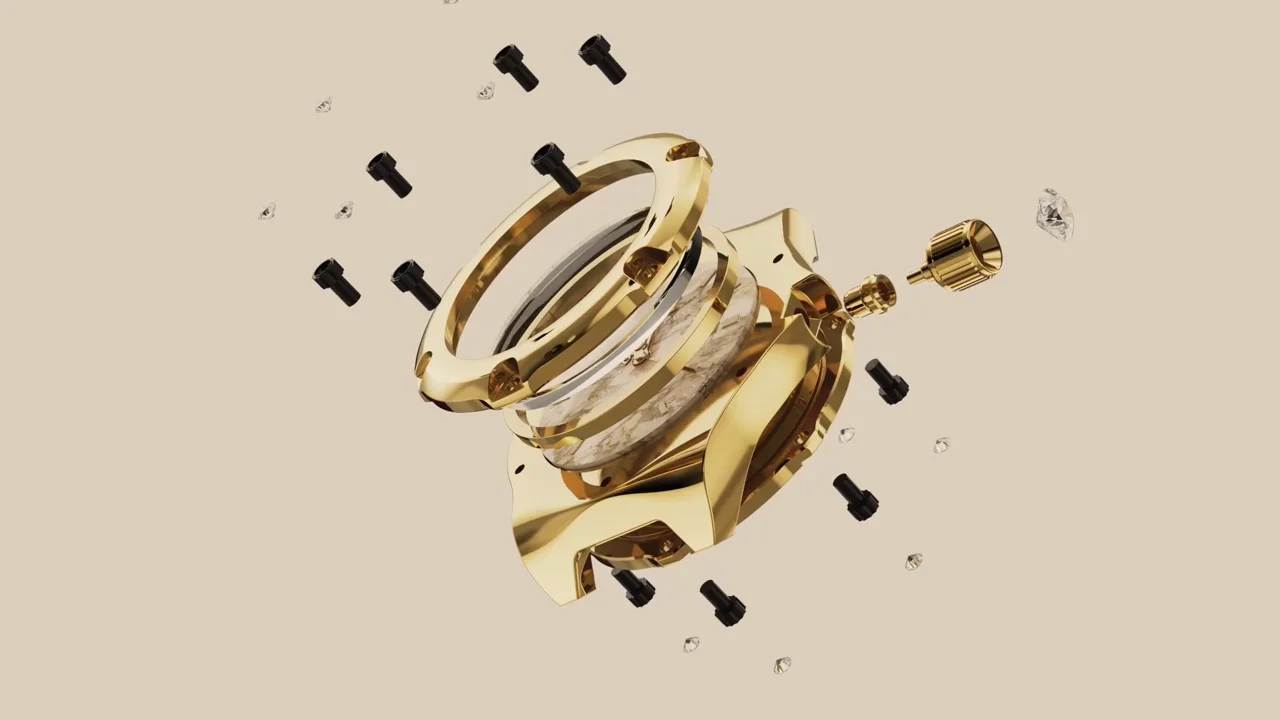
The Baresi & Caine Stella Luce film extended website imagery into a watch film showing the face, case detail and reflective finish. It demonstrates watch-film craft; a new jewellery piece needs its own stone and metal references.
For jewelry rendering or animation, a gemstone looking fake is all about the sparkle of the gemstone, and the lighting needs to be spot on here because a lot of rendering solutions have already built-in gemstone settings, which are good, but then it really comes down to the lighting, making that gemstone spark and really pop off the page.

FAQ
Common questions, answered.
Can CGI match real jewellery photography?
CGI can support photorealistic jewellery imagery, but the result depends on the model, material references, lighting and intended viewing scale. Review the piece against approved references before treating the image as its product representation.
How is stone dispersion handled?
The stone material and lighting need to be developed for the piece and reviewed against suitable references. A gemstone preset alone does not establish a convincing result; the cut, setting and intended close-up also need visual review.
Do you need CAD to render a piece?
CAD is the fastest route, but photography of a physical sample plus dimensions also works as source material.
How long does a jewellery rendering project take?
A still image suite of 8 to 20 images typically takes 2 to 3 weeks from approved source. Full range coverage across multiple pieces and stones is scoped individually.


Your next project
Review the finish at the intended scale.
Macro imagery exposes small differences in form and surface. Establish the reference for metal, stone and setting before approving lighting. The Stella Luce watch film shows reflective product craft; the new piece still needs its own material review.
A route to consider
CGI stills and campaign visuals
Directed product stills with an agreed shot list, material references, environments and delivery formats.
Bring these three things.
- What metal and stone references exist?
- Which details need macro treatment?
- What is the final display size?
Start with an outline. We review the product, intended outputs and timing before agreeing the production scope.