XO3D Studio · 3D Rendering
Exploded Views: Every Part, Rendered
The assembly, laid bare.
Exploded views separate a product's components in space, showing how it goes together in a single frame. One of the highest-impact still shapes in engineering-led launch content, technical PR and crowdfunding education.
The short answer
An exploded view separates a product into its parts, spaced along the lines they assemble on, so every component and how it fits can be seen. Engineers use it in manuals and parts catalogues. Product teams use a rendered exploded still or film to show what is inside a product that a camera cannot open. This guide covers the types, the uses and how XO3D builds one from your CAD.
To commission an exploded still or film, see exploded view and cutaway animation, part of XO3D's Technical CGI work.
What is an exploded view?
The same thing goes by several names: exploded-view drawing, exploded diagram and exploded image. Each shows the parts of an assembly pulled apart along the axes they fit on, in the order they go together, with every part kept close enough to its neighbours that the relationship stays readable.
A single-axis explode moves every part along one line, which suits stacked assemblies. A multi-axis explode moves parts in several directions, which suits products built outwards from a core. Technical illustrations are often drawn isometric, with the three axes at equal angles, or orthographic, as flat front, side and top views. Explode lines trace the path each part travels, so the reader can follow how it returns to its place. In the varieties below, an axial explode is single-axis and a radial explode is multi-axis.
Three groups rely on them: engineers and technical authors documenting an assembly, product marketers showing what is inside, and students learning how things are made. The drawing convention has a long history, set out in Wikipedia's entry on exploded-view drawings, and the related production terms are defined beside the exploded view in the CGI glossary.
Overview
One frame that carries the whole engineering story.
Exploded views are the still equivalent of exploded animation. Where the story is the assembly, the value proposition sits inside the product, or the launch needs to signal engineering credibility, exploded stills consistently outperform hero packshots.
The still lives on PDP, in press releases, on crowdfunding pages, in investor decks and inside launch films. Same 3D asset drives every variant.
On why the product detail comes first
Some VFX houses work to a much looser tolerance, especially on texturing. They tend to focus on the creative, abstract kind of shot rather than the detail of a product. At XO3D the focus is the intricate detail of the product and its textures.


Your next project
Choose what the separation explains.
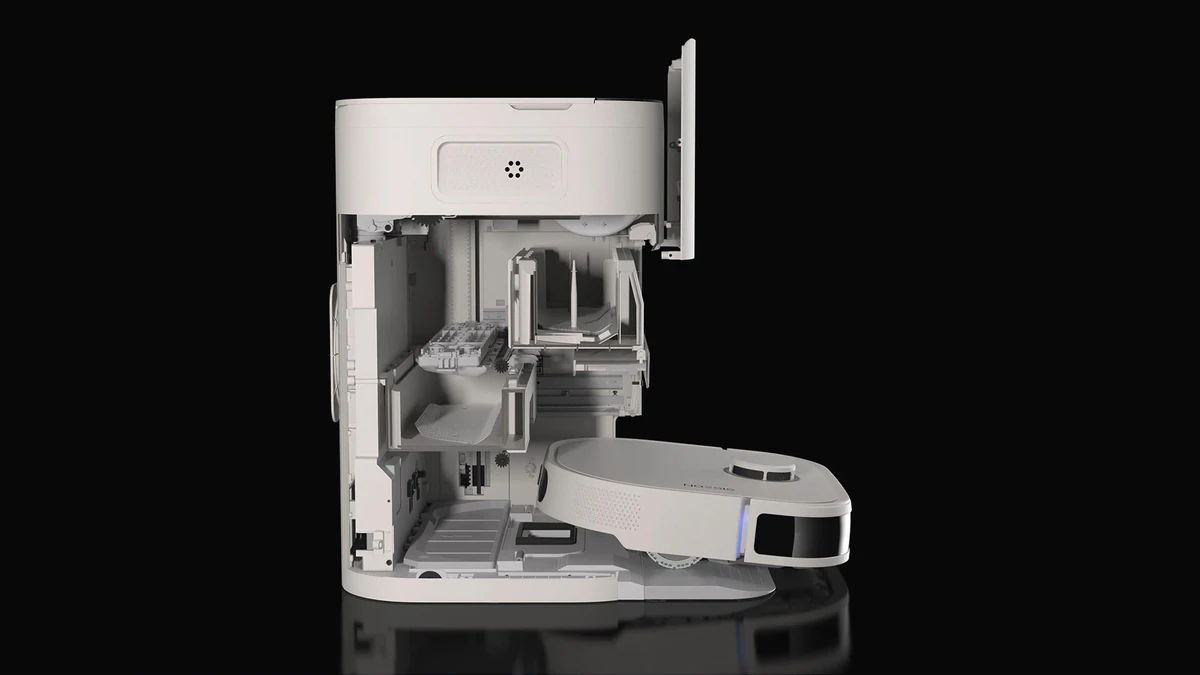
An exploded view should make component relationships clearer. Agree which parts move, how far they separate and whether labels are needed before refining the final image.
A route to consider
Exploded view and cutaway animation
An exploded or cutaway sequence built from your CAD, with the part order agreed against your engineering data and reviewed in greycard before finishing.
Bring these three things.
- Which components need to be visible?
- What relationship should the view explain?
- Who checks the assembly?
5.0 from 76 Google reviewsLovie Awards 2026: Bronze and People's Lovie
Pick a time that suits you. Open the calendar on its own page
Start with an outline. We review the product, intended outputs and timing before agreeing the production scope.
Advantages
Why brands commission it.
Communicates engineering in one frame.
An exploded still packs more engineering information into one image than any other still shape.
Cross-audience reuse.
Same still works for launch marketing, investor decks, PR, sales enablement and PDP infographics.
High-impact hero image.
Exploded stills often earn the campaign hero slot for engineering-led launches.
Reusable at print scale.
Rendered high-resolution once, reused across print, packaging and out-of-home.
Trade-offs
What to plan for.
Requires proper component hierarchy.
The 3D asset must be structured with clean part separation. Late hierarchy fixes are expensive.
Every part must model well.
Exploded stills reveal every component at close range. Under-modelled parts show immediately.
Not every product benefits.
Products with little meaningful internal complexity get less from an explode still.
Composition takes iteration.
Balanced, readable exploded compositions take real time to arrange.
Process
How an exploded view is built from your CAD.
An exploded view is only as credible as the assembly behind it. XO3D builds the still with the same part-order and greycard discipline as its exploded view and cutaway animation work, and your team signs off at three points: the part order, the greycard and the final frame.
STEP is the safest default source file, and native SolidWorks, Rhino or Inventor files preserve more of the assembly hierarchy. Supplied CAD is rarely the final render-ready model, so most projects involve some remodelling, and every part of an exploded view is seen close up. Before you send files, the CAD to 3D prep checklist covers clean-up, scale and export. For what survives the move from engineering data to imagery, read from CAD to CGI; for the limits of any render, read what a render proves and does not prove.
- STAGE 1
Assembly audit and hierarchy.
Check the CAD revision and rebuild the part hierarchy so every component that moves can move on its own. Exported CAD often arrives flattened into one object.
- STAGE 2
Part order from your engineering data.
Which parts separate, which stay assembled, in what order and how far. The order comes from your engineering data, as it did for the Squire Locks films, and your product team approves it.
- STAGE 3
Greycard review.
Part positions, spacing, intersections and framing are checked in grey, before materials and lighting. The greycards go to your team for approval before the work moves on.
- STAGE 4
Lighting and materials.
A directed lighting rig for the composed scene, with materials tuned across every visible part, because an exploded view shows each one up close.
- STAGE 5
Hero render.
A high-sample render pass with grade and finish, at the resolution the use needs.
- STAGE 6
Callout and print variants.
Callout-annotated, print-resolution and cut-down social versions, all produced from the approved master render for your final sign-off.

Who this is for
Built for teams shipping the launch.
Engineering-led product marketing teams. Industrial, robotics, appliance, medical and consumer electronics brands.
Crowdfunding and pre-order launches leaning on engineering credibility. Agencies delivering technical launches.
Case studies
Exploded views on real products.
Five XO3D projects where the explode carries the story, each described as its case study records it. Watch the Squire Locks Inigma exploded film, the Duux Neo exploded film and the Plumis Automist film.
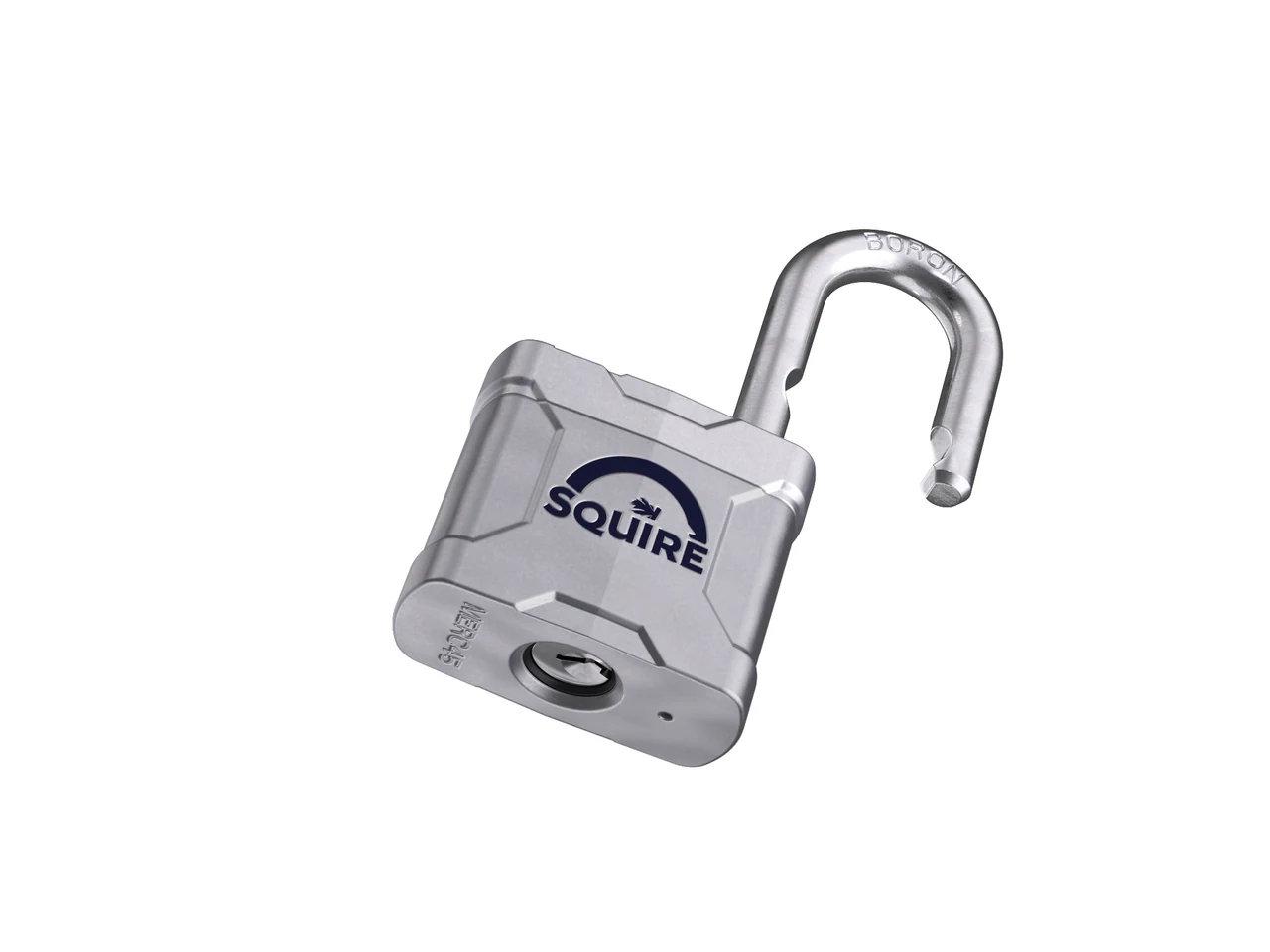
Squire Locks Inigma and Boron, with Curious Agency. The part order was worked from Squire's engineering data, and the headline exploded view was made as a static render for print, trade catalogues and dealer materials.
View case study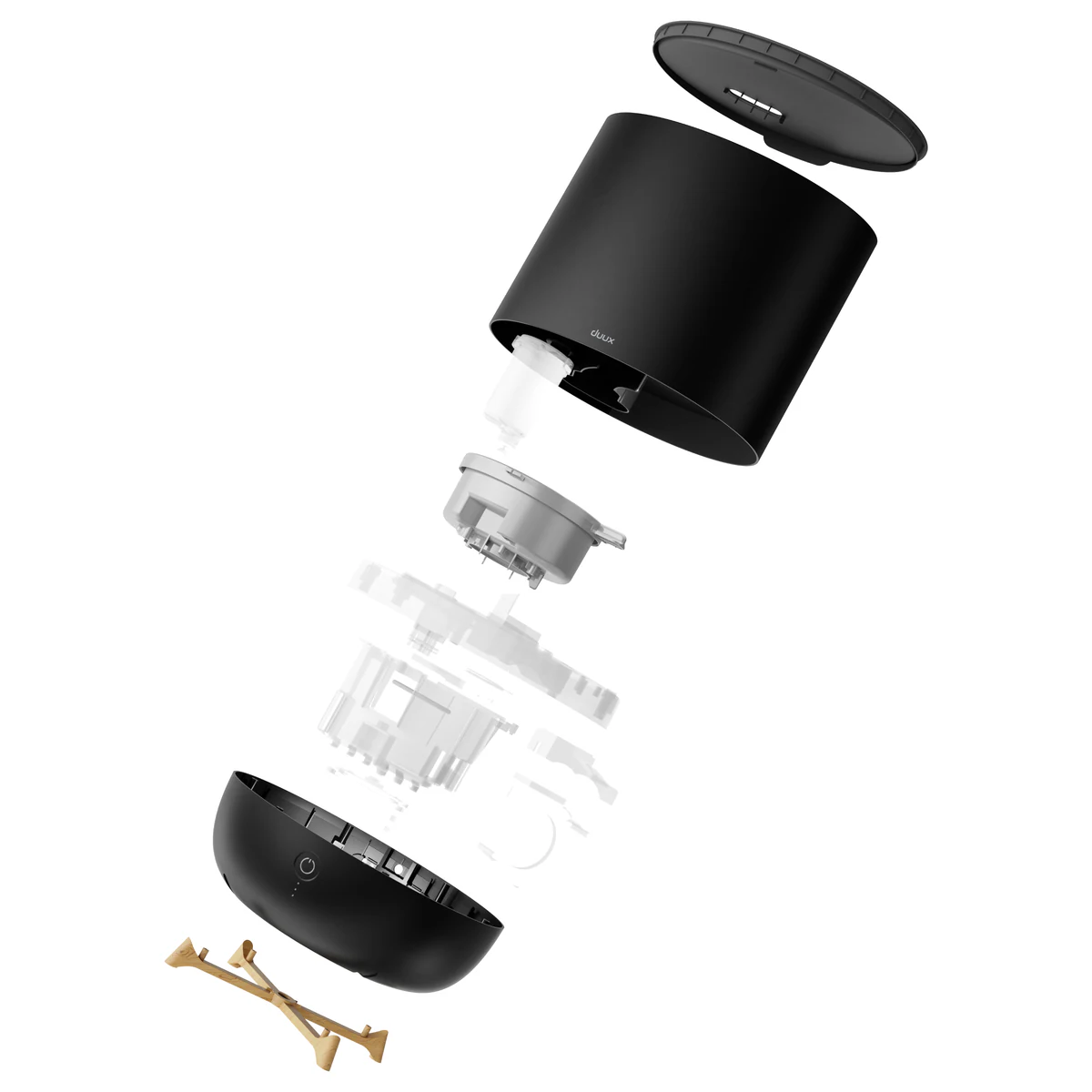
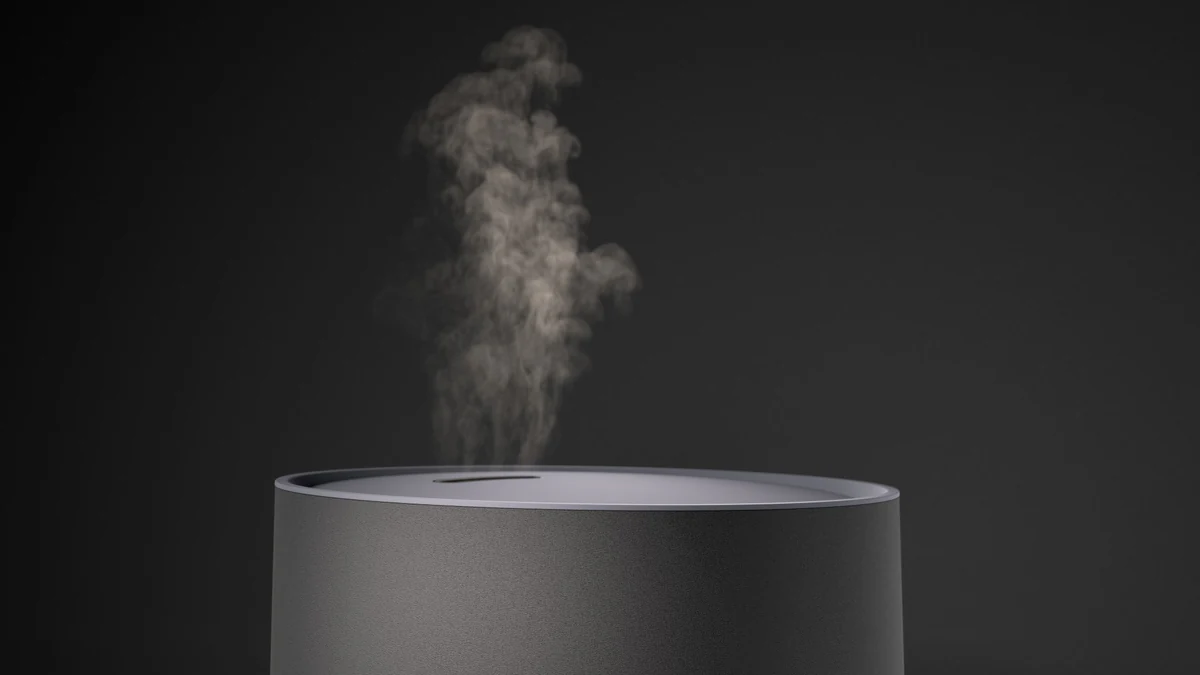
Duux Neo humidifier. An 8-second exploded film breaks the Neo down into its component layers to reveal the interior mechanics, with exploded stills from the same CGI source in every colourway.
View case study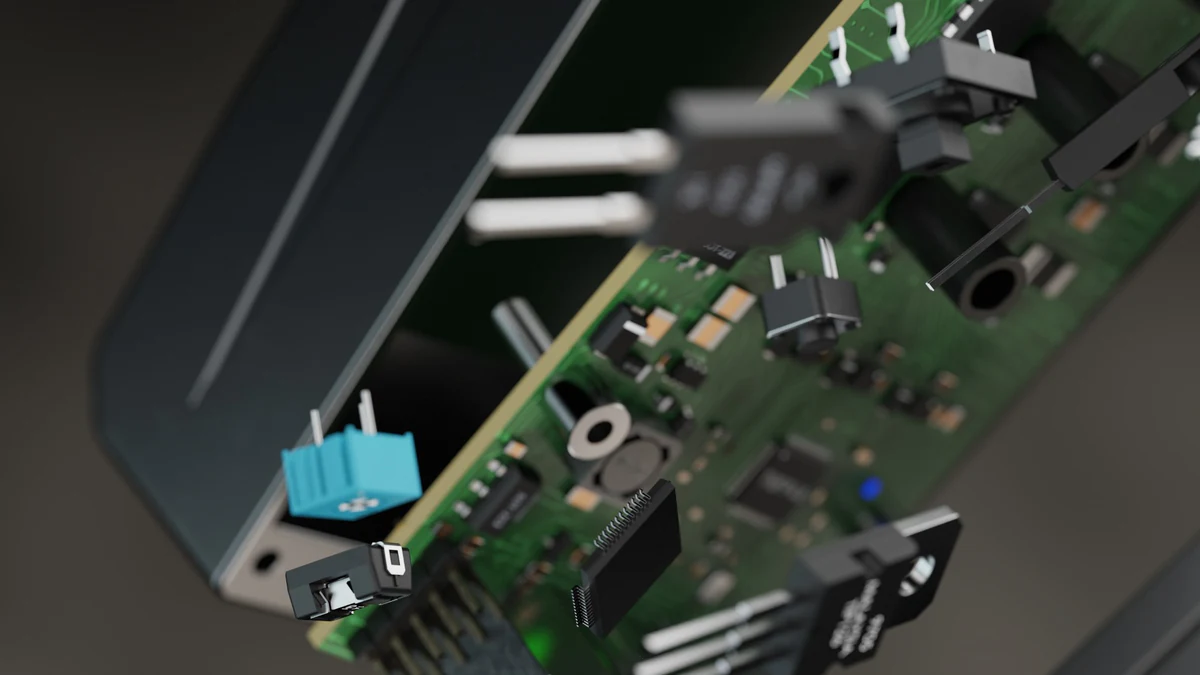
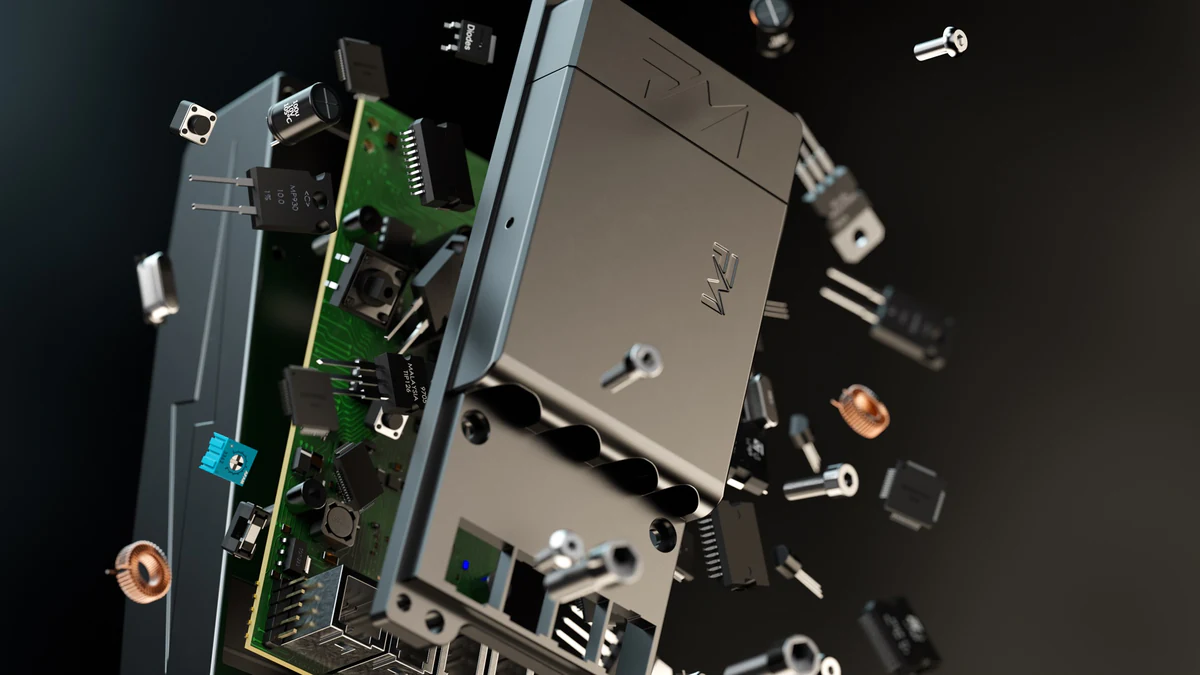
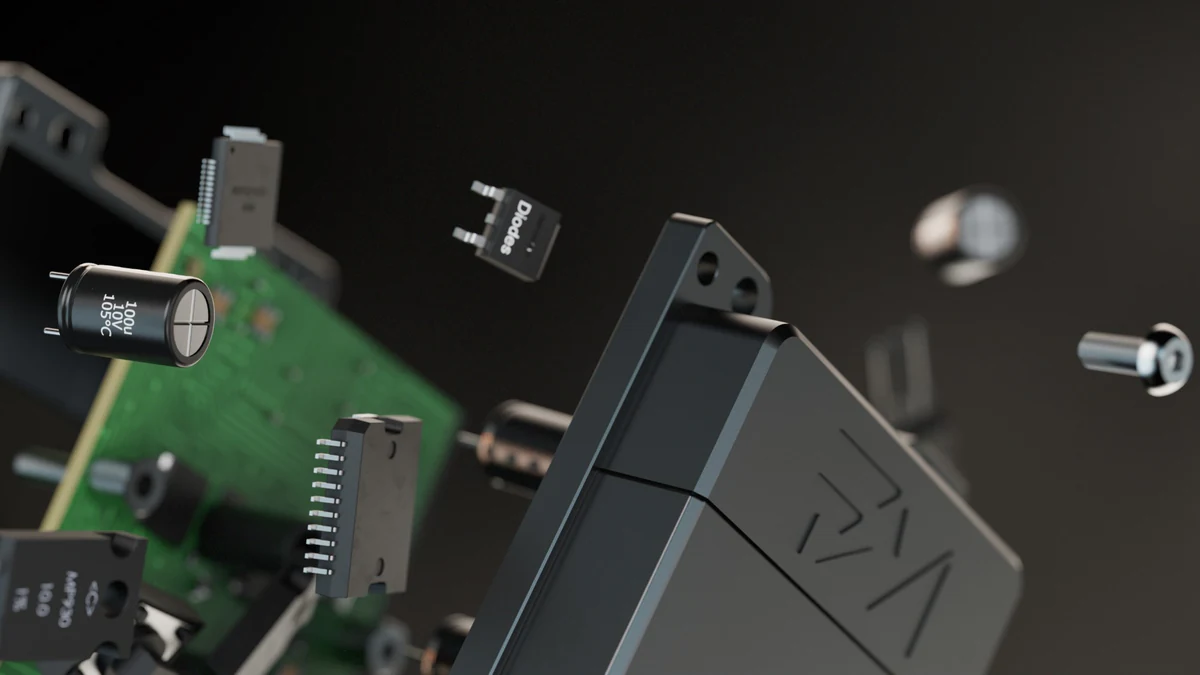
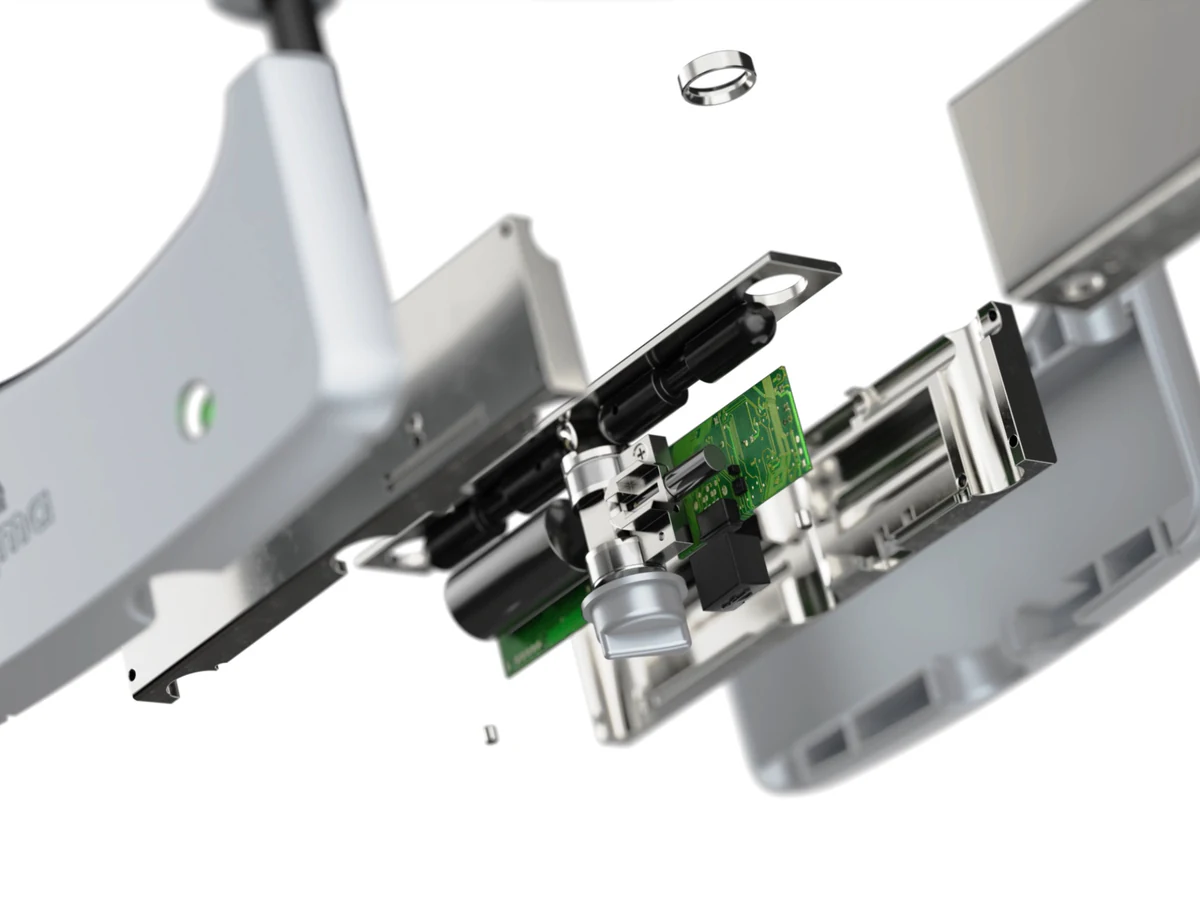
Flash Motors Infinity X controller, for CES 2024. Exploded views take the controller apart into its housing, circuit board and assembly components, with stills from the same build for the product page and trade marketing.
View case study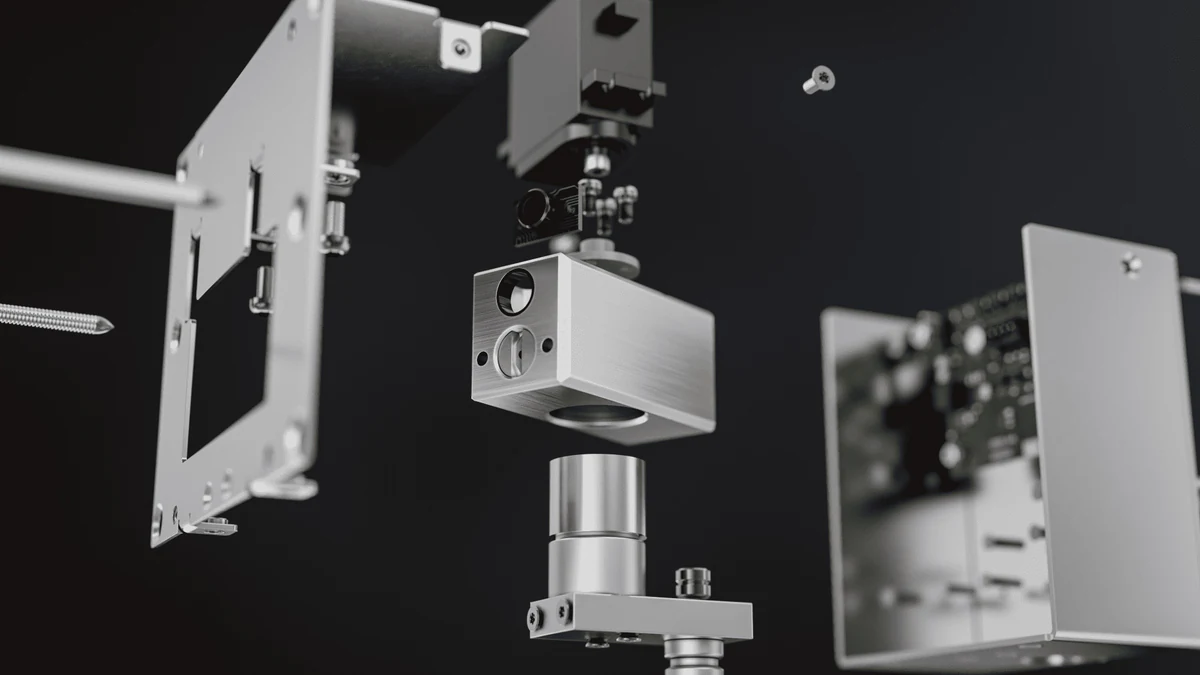
Plumis Automist nozzle. A precision exploded animation reveals the inner workings, with every component sequenced and labelled, built for the web, social channels and trade-show loops.
View case study
G-Lab Keyz Hydrogen keyboard. An exploded escape-key sequence separates the key components on screen, a close-up moment inside the 40-second launch film.
View case studyTestimonial
The team at XO3D were a pleasure to work with on one of our big projects. They rendered, batched, and saved out literally thousands of images for us. Every single one of these images came out perfect.
Exploded view, cutaway or cross-section?
Four ways to show the inside of a product, often confused. For where a technical look sits among other product looks, see choosing a render style. All four can be built from the same 3D asset.
| Technique | What it shows | Best use | Typical deliverable |
|---|---|---|---|
| Exploded view | Every part separated along the line it assembles on | How a product goes together and what it contains | A still or a short film |
| Cutaway | The product with part of its outer shell removed | Internal parts in their working positions | A still or a film |
| Cross-section | A slice through the product on one plane | Internal layout, wall thickness or flow paths | A still, often paired with an explode |
| Assembly animation | Parts moving into place in sequence | Build order, set-up or a mechanism in use | A film or a step-by-step sequence |
A section and an explode can also combine, so interior detail shows as parts separate: the exploded animations guide shows a pedestal-fan cross-section built that way. To commission any of the four, see cutaway and exploded view animation.
Uses beyond the launch
Most of what people search for under “exploded view” has nothing to do with a launch campaign. The same render does several other jobs.
Assembly manuals and parts catalogues
The original job of the exploded view: show every part, its position and the order it fits, so a reader can identify a component or rebuild the assembly. Numbered callouts tie each part to a parts list. The headline exploded render for Squire Locks was made for print, trade catalogues and dealer materials.
Service and repair
An exploded view shows which part comes out first and what sits behind it, which is why repair guides and replacement-part pages rely on them.
Training and sales enablement
Sales and support teams use an exploded still or film to explain the inside of a product without dismantling a sample in front of a customer. Product teams also use exploded stills before a sample exists; see pre-manufacture visualisation.
Variant comparison across colourways
One exploded build can be rendered in every finish of a range. The Duux Neo was produced in four colourways, Black, Deep Blue, White and Greige, with an exploded view for each.
Why do clients ask for an exploded view?
Thomas Howcroft, Founder and Creative Director, on what is often behind the request:
A lot of the times clients don't really want to explain exactly how the internals of their product work. A lot of them are just looking for a really impressive CGI shot, an exploded view brings that to everyone, who's always amazed at the complexity of products, and everyone gives it that wow factor.
For sibling topics, see exploded animations and product rendering. To show the same assembly in motion, see director-led product animation. To commission an exploded view or a cutaway animation, see exploded view and cutaway animation, part of our Technical CGI work.

FAQ
Common questions, answered.
What is an exploded view?
An exploded view shows a product's parts separated along the lines they assemble on, in assembly order, so each component and how it fits can be seen in one image. It is used in assembly manuals, parts catalogues and product marketing.
Is an exploded view the same as an exploded-view drawing?
Yes. Exploded view, exploded-view drawing, exploded diagram and exploded image all describe the same technique. A drawing is usually a line illustration in a manual; a rendered exploded view is the photoreal still or film version made from a 3D model.
What is the difference between an exploded view and a cutaway?
An exploded view separates a product's components in space. A cutaway, or cross-section reveal, opens the product up to show its internal detail as a section through it. The two can combine, so interior detail shows as parts separate, and both come from the same 3D asset.
What is an exploded view used for?
Assembly manuals, parts catalogues, service and repair guides, training, and product marketing that needs to show what is inside. The headline exploded render for Squire Locks, for example, was made for print, trade catalogues and dealer materials.
What files do you need to make a rendered exploded view?
STEP is the safest default for CAD, and native SolidWorks, Rhino or Inventor files preserve more of the assembly hierarchy. FBX or OBJ works if the product exists only as a mesh. Add finish references and say which components must stay separate.
Does an exploded render prove the product is engineered correctly?
No. The model is built to the CAD or drawings you supply, and your team approves the part order and relationships at the greycard stage. The finished render is a visual asset, not a substitute for engineering validation.
Can exploded views be produced from CAD?
Yes, and CAD is the ideal source. Component hierarchy is usually already structured, saving significant modelling time.
Do exploded views work for consumer products?
They work best where the value proposition is inside the product. Simple consumer goods with little internal complexity get less from an explode still.
Can we produce exploded stills before manufacture?
Yes. With CAD, exploded stills are often finalised months before the physical product ships.
What resolution should exploded stills render at?
For hero use, 4K minimum (3840 wide). Print-first uses need real-world print size at 300 DPI, which can go to 8K or higher.