
Airdri
Hand Dryer Animations.
XO3D’s CGI content suite for Airdri, white box product stills, creative lifestyle renders and explainer animations covering maintenance and airflow, all built to slot straight into the brand’s ecommerce and marketing system.
Maintenance clip
A maintenance clip from the Airdri suite.
This 12-second clip comes from the maintenance explainers in the suite. The cover comes off, a panel at the base of the unit slides out and a replacement slides in, then the cover goes back on. It is one clip from a wider set of films and stills, not a full launch film. Watch the Airdri maintenance clip on its film page.
The Brief
Showcase the product, flexibly, across every environment.
Airdri needed a content set that could carry this industrial product across every product page and campaign, with white box images, lifestyle stills in different environments and explainer videos showing maintenance and airflow.
Photography alone couldn’t deliver the flexibility they needed. The product had to be placed in restrooms, commercial spaces and hospitality interiors, without physical shoots, and with consistent lighting across every cut.
We built a CGI library covering the full set: airflow explainers, multi-angle product stills, transparent cut-outs and lifestyle renders. Every asset shares the same lighting language so the brand stays consistent everywhere it appears.
Project answer
Why use CGI for this project?
- What we made
XO3D created a CGI content suite for Airdri's hand dryers, including white-box product stills, lifestyle renders and maintenance and airflow explainers.
- Why CGI
CGI let the same product appear across commercial, hospitality and washroom settings without separate physical shoots, while keeping the lighting and finish consistent.
- What was delivered
Airdri received multi-angle stills, transparent cut-outs, lifestyle scenes and explainer animation from one coordinated visual pipeline.
Film gallery
See this project in motion.
The Work
From airflow to in-context, one pipeline.
The rest of the suite: an airflow explainer, short hero loops, an angled product cut and a website-context mockup, each made for a different job.
How the dryer works, made visible.
A short CGI airflow sequence shows what photography can’t: air leaving the dryer, drawn as blue lines on a clean white background. It was made for product pages and sales material, as a visual representation rather than an engineering measurement.
A clean front-on hero loop.
A short front-on loop of the product, made as a headline asset for product pages, decks and campaigns. Brand-led lighting keeps the visual language consistent across the catalogue.
A three-quarter cut for context.
A subtle 1x zoom on the front-angled view, designed to communicate scale and form for use in feature blocks, hero modules and lifestyle slots across the Airdri website.
Built for the Airdri product pages.
A laptop mockup of a product page, showing how the stills and films were designed to sit together in an ecommerce layout. It is a presentation mockup made from the delivered assets, not a recording of the live website.
Asset map
One product, several communication jobs.
A hand dryer has to be understood by more than one reader. A buyer wants to see the finish. A facilities team wants to know how the unit opens. A product page needs views that sit together. The brief asked for white box images, lifestyle stills in different environments and explainer films for maintenance and airflow, so each part of the suite answers a different question.
The table maps the published assets to those questions, and is plain about what each one does not show. The mockup presents the assets on a product page layout; it is not proof of how the live site uses them. For more industrial product CGI, or a technical product explanation of your own, start with the job each asset has to do.
| Job | Existing asset | The question it answers | Shown here as | What it does not show |
|---|---|---|---|---|
| Maintenance explanation | The 12-second maintenance clip | How is the unit opened and a part at its base swapped? | A short film with the cover removed and the internal housing shown | It is one clip, not a full maintenance or installation guide. |
| Airflow representation | The airflow sequence | Where does the air leave the dryer? | A short loop with the airflow drawn as blue lines on white | It is a visual representation, not an airflow measurement. |
| Neutral product angles | Four stills on white and two short loops | What does the unit look like from each side? | Front, below and three-quarter views, plus front and angled loops | They show form and finish, not dimensions. |
| Warm and cool interior context | Six washroom stills in two palettes | How does each design look on a real wall? | One washroom composition, styled beige and brown or green | The rooms are CGI sets, not photographs of installed units. |
| Website-context presentation | The laptop mockup | How do the stills and films sit together on a product page? | A product page layout shown on a laptop | It is a presentation mockup, not a recording of the live site. |
Lifestyle Renders
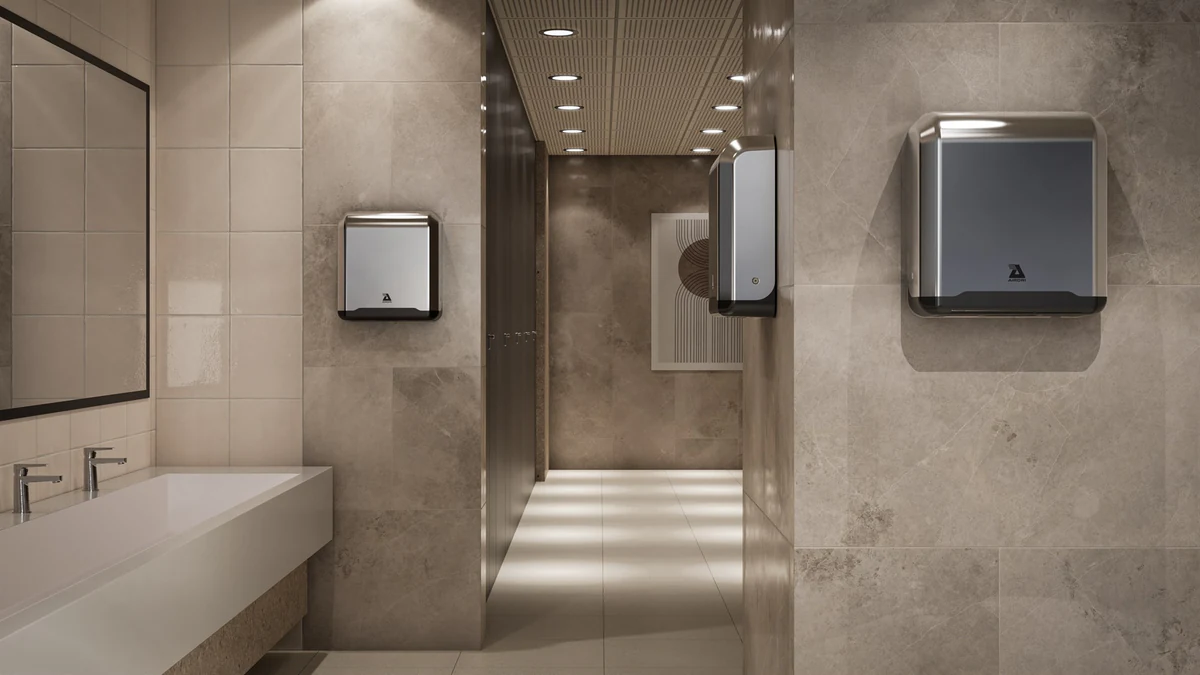
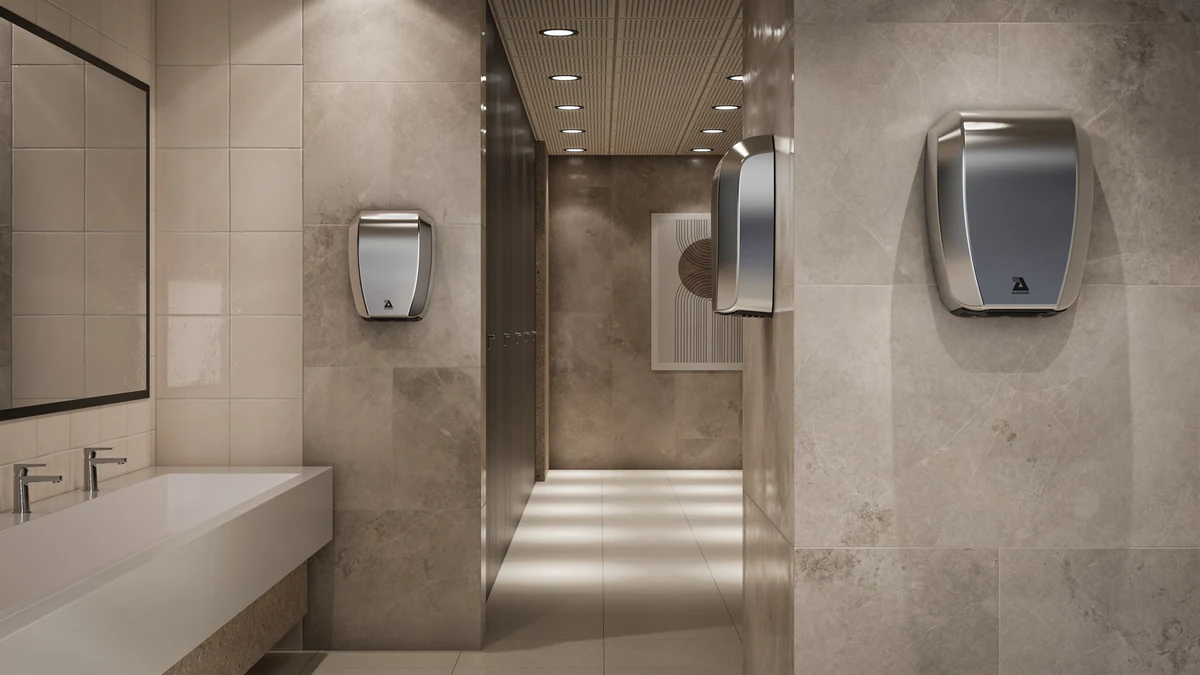
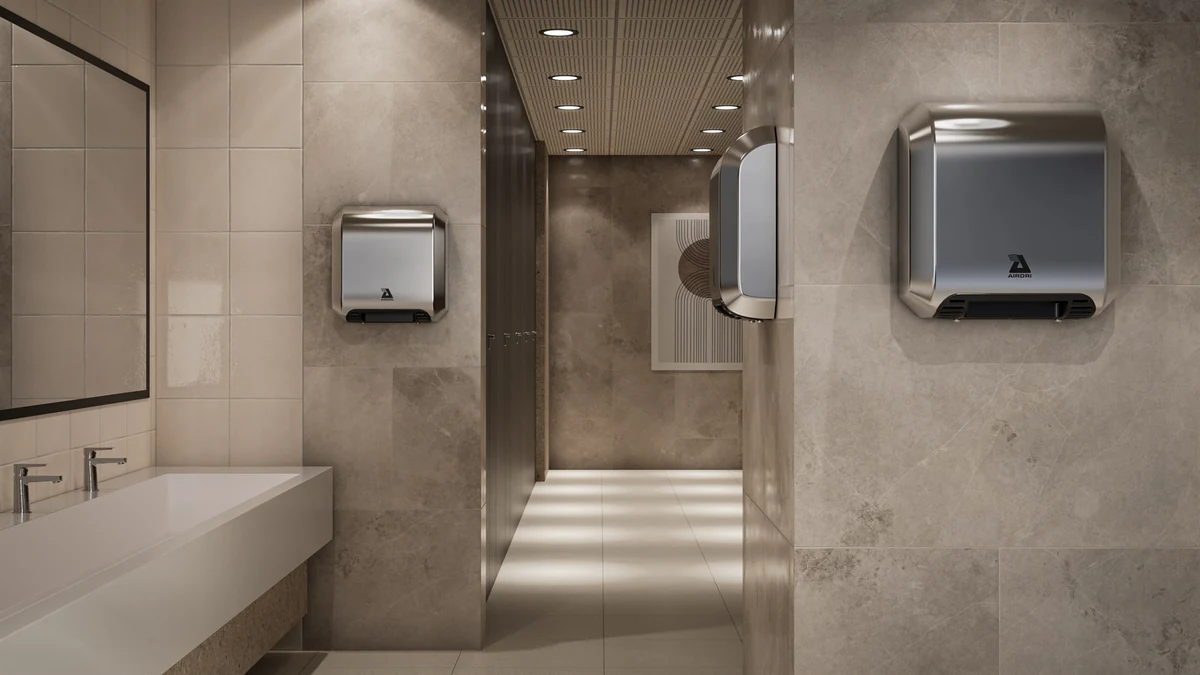
Warm interiors, beige and brown variations.
The interior stills answer one question: how does each dryer look on a real washroom wall? They keep the same room, camera and light, and change only the unit, so three different Airdri dryer designs can be compared side by side. This warm palette uses stone-effect walls and a pale basin, made for product pages that need scale, context and finish.
Environment Variations
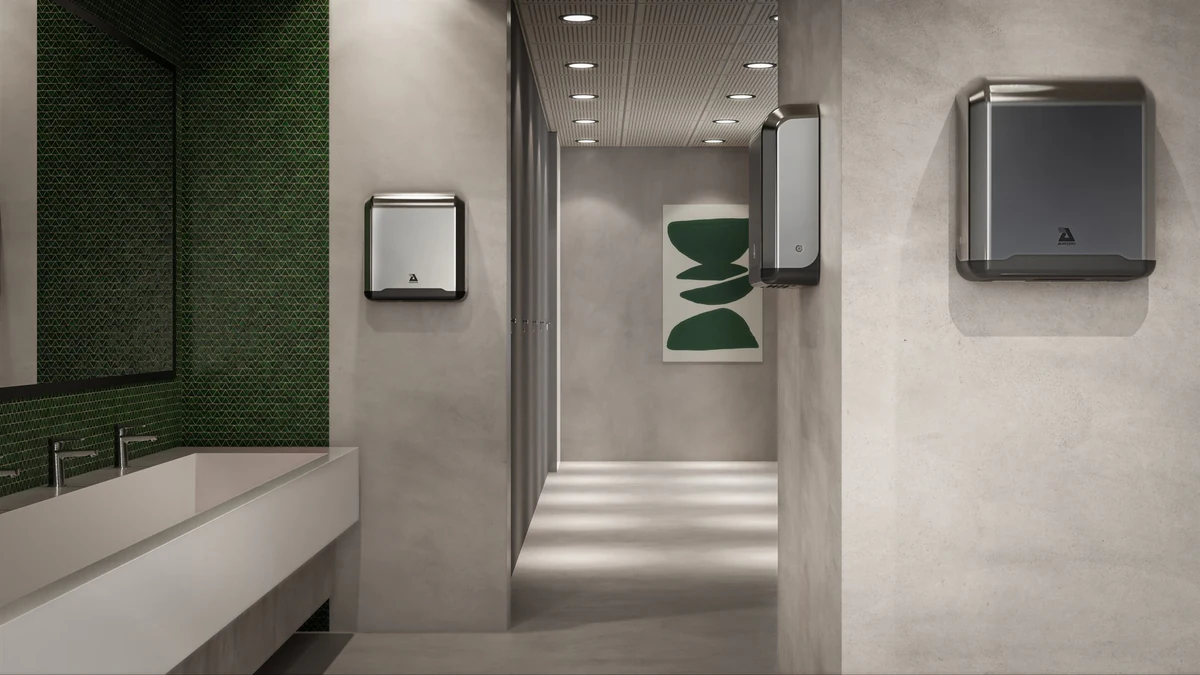
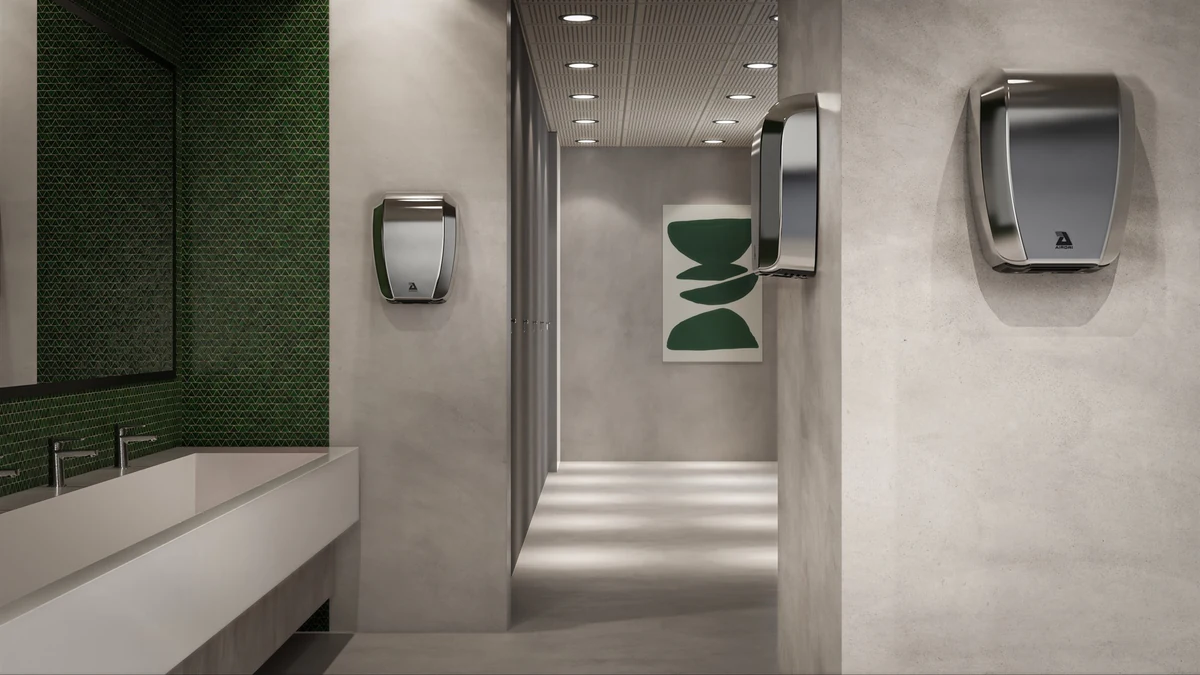
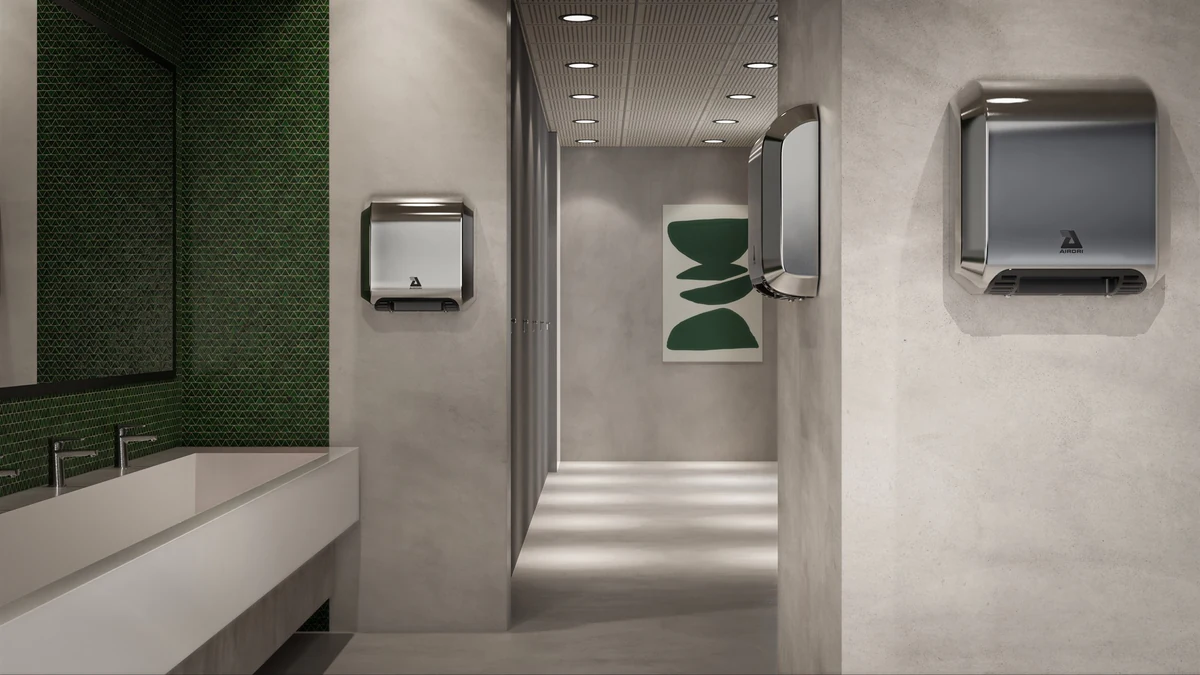
Cool interiors, green palette variations.
The same washroom composition restyled with a green tiled wall and green artwork, showing the same three dryer designs. Keeping the room fixed means the palette, not the camera, is the only change between the two sets. One build, several looks: see choosing a render style.
Product Stills
Multi-angle CGI for ecommerce.
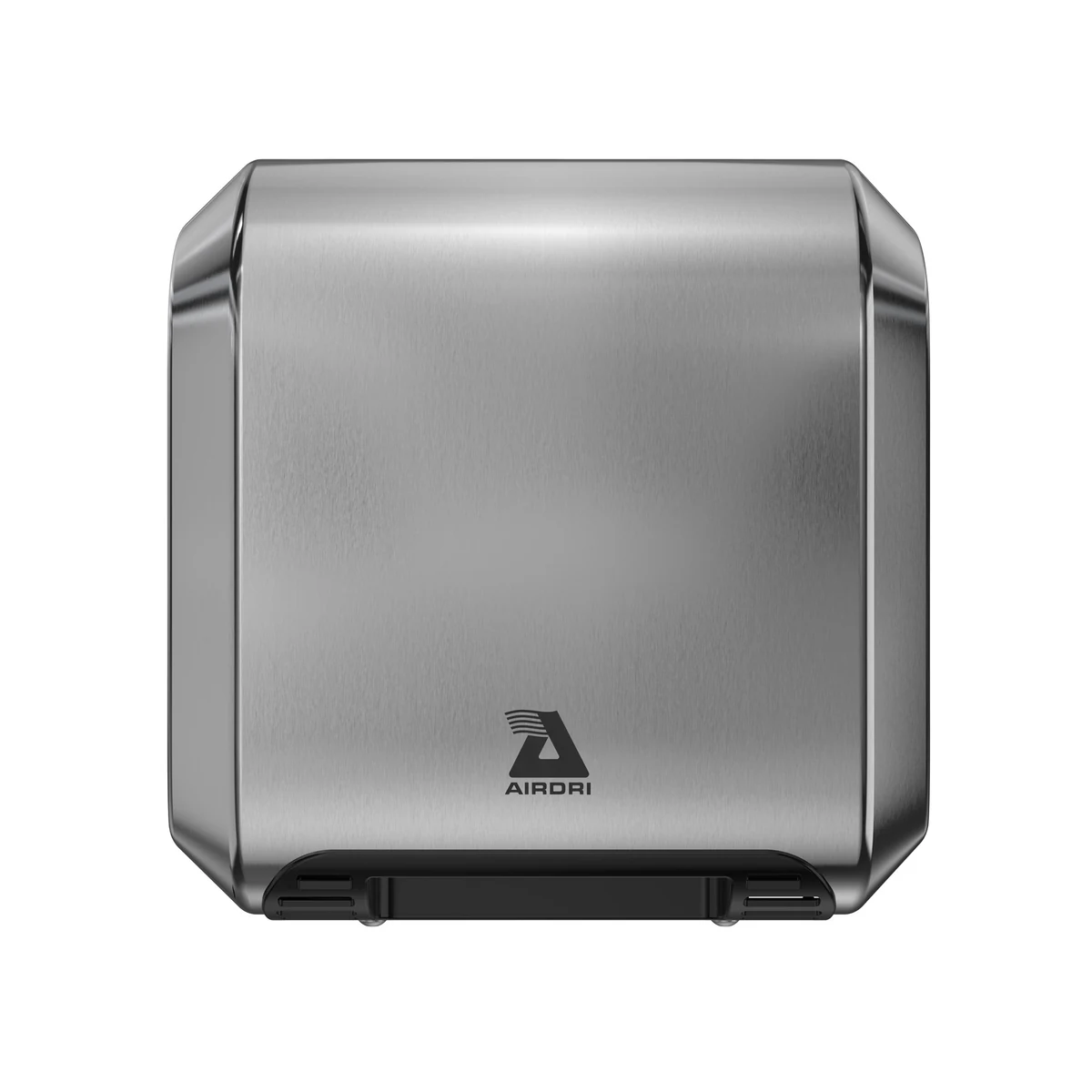
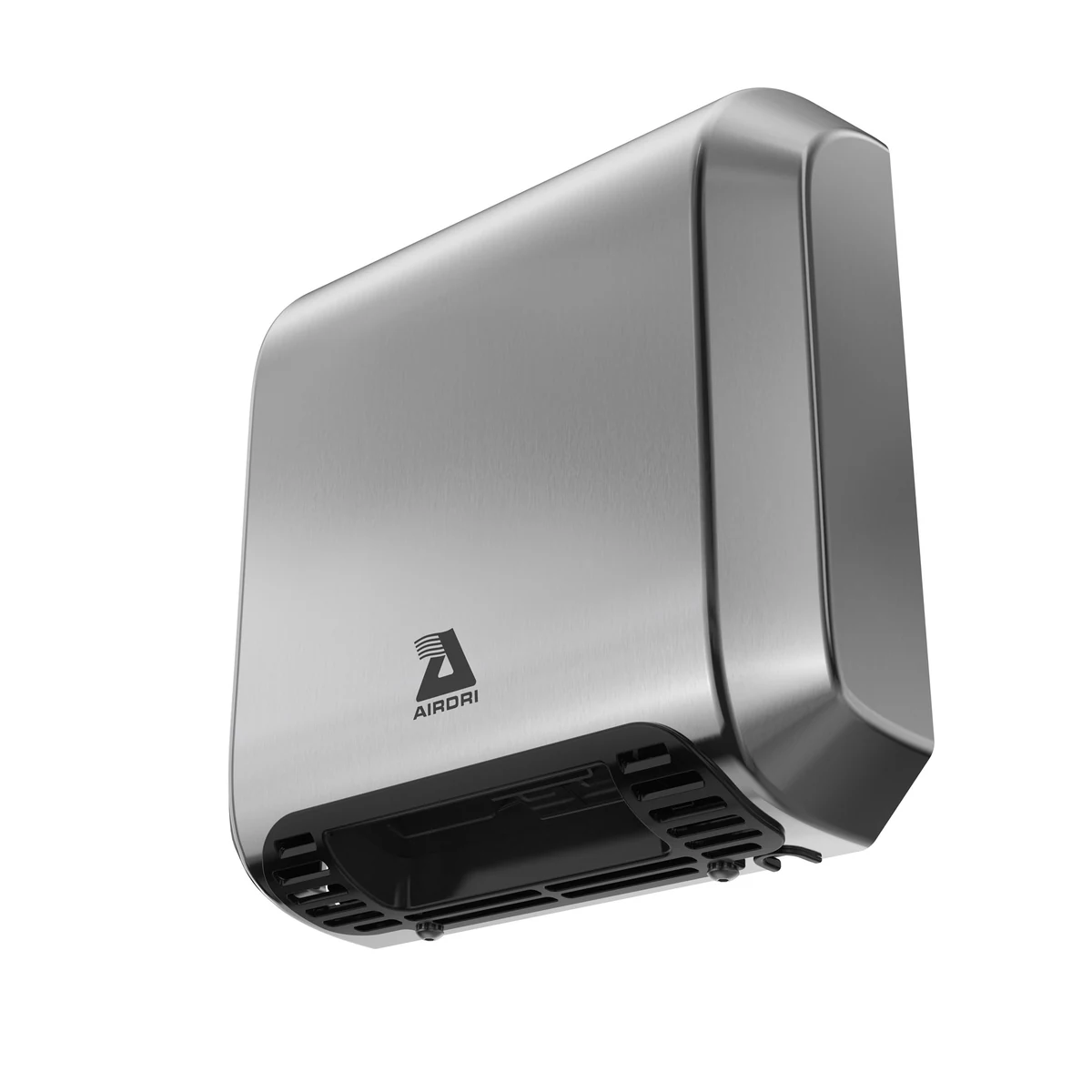
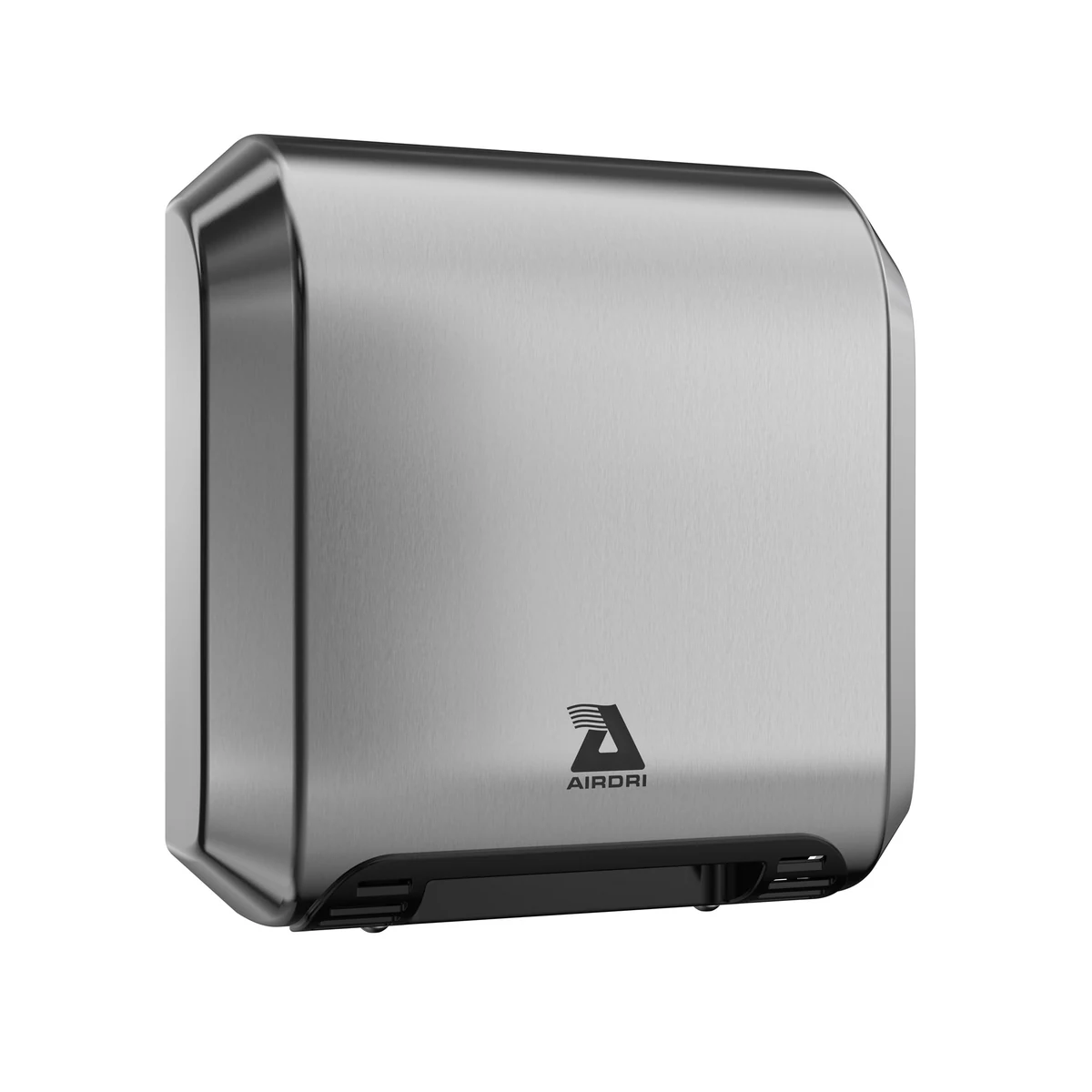
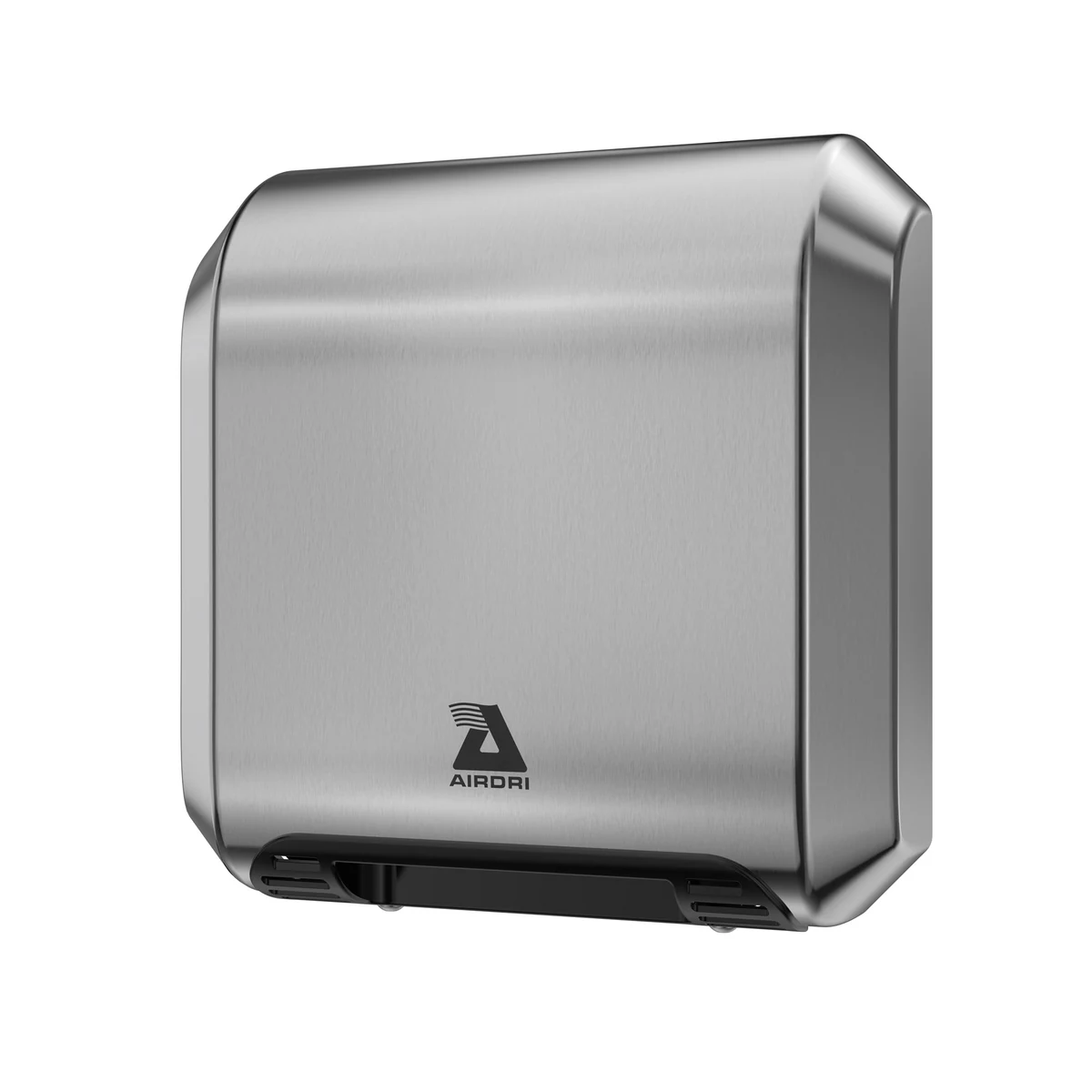
Neutral views answer a different question: what does the unit look like from each side? Four stills on white show one design from the front, from below, and in three-quarter view from the left and the right. They were made for product pages, spec sheets and marketing collateral, and show form and finish rather than dimensions.
Behind the Scenes
From greycard to final setting.
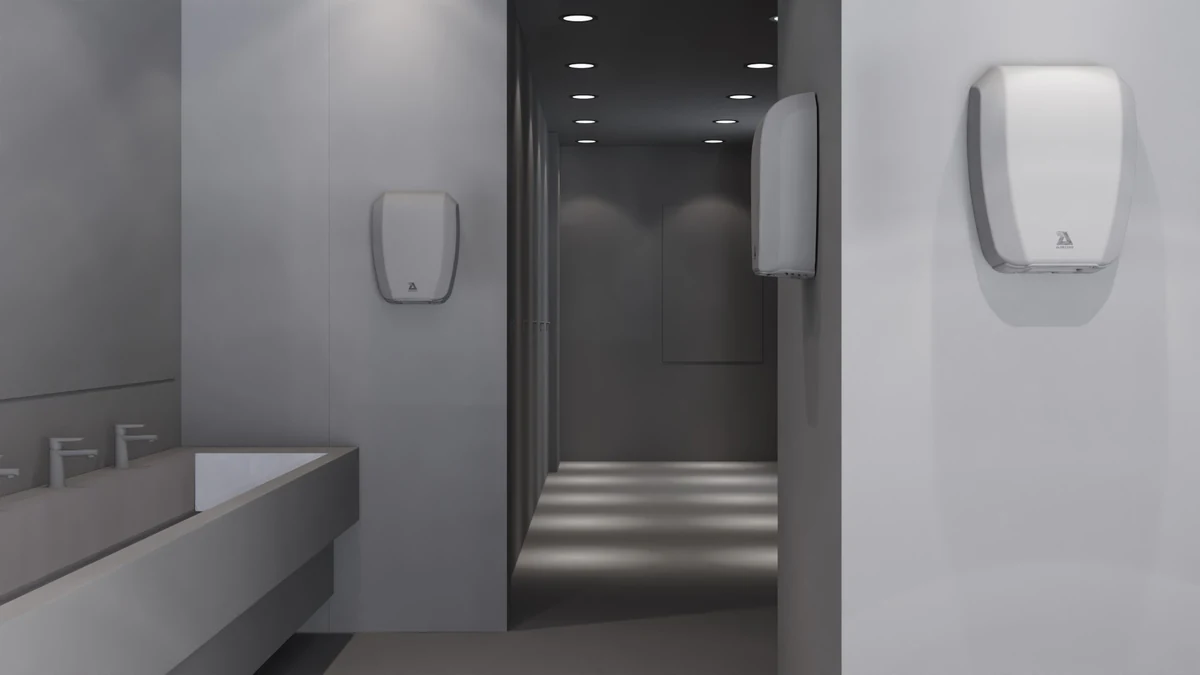
These two frames show the same washroom from the same camera position. The left frame is a greycard preview: plain, untextured surfaces and a light dryer, so the layout, the scale of the unit on the wall and the run of the corridor can be read without colour or material getting in the way.
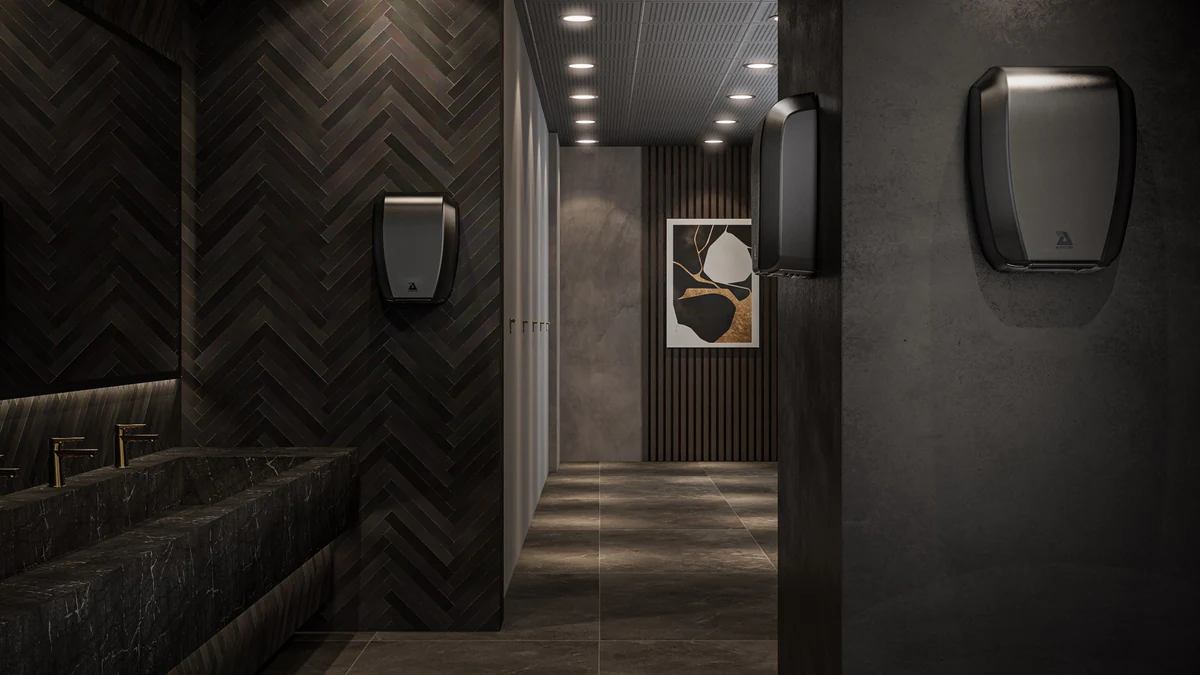
The right frame is the final render. The composition holds, while the setting changes completely: herringbone tiles, a dark stone basin, timber slats, framed artwork and a dark finish on the dryer, under warmer, lower light. The pair shows what a greycard is for. It settles where things sit before the look is built on top. The same washroom composition also carries the warm and green sets above, with the dryer swapped. What the pair does not show is a revision history: it is two stages of one frame, not a record of the rounds between them.
Your next project
A brief of your own.
Use the Hand Dryer Animations project as a reference for the decisions you want to discuss. Identify the product detail, camera treatment or explanation that matters to your own audience, then scope the new work around your product.
A route to consider
Technical CGI
An explanation of a product or mechanism built from approved source information, with technical review before finishing.
Bring these three things.
- What is useful about the Hand Dryer Animations reference?
- What is different about your product?
- Where and when does the work need to appear?
5.0 from 76 Google reviewsLovie Awards 2026: Bronze and People's Lovie
Pick a time that suits you. Open the calendar on its own page
Start with an outline. We review the product, intended outputs and timing before agreeing the production scope.
Related work
More from the studio.
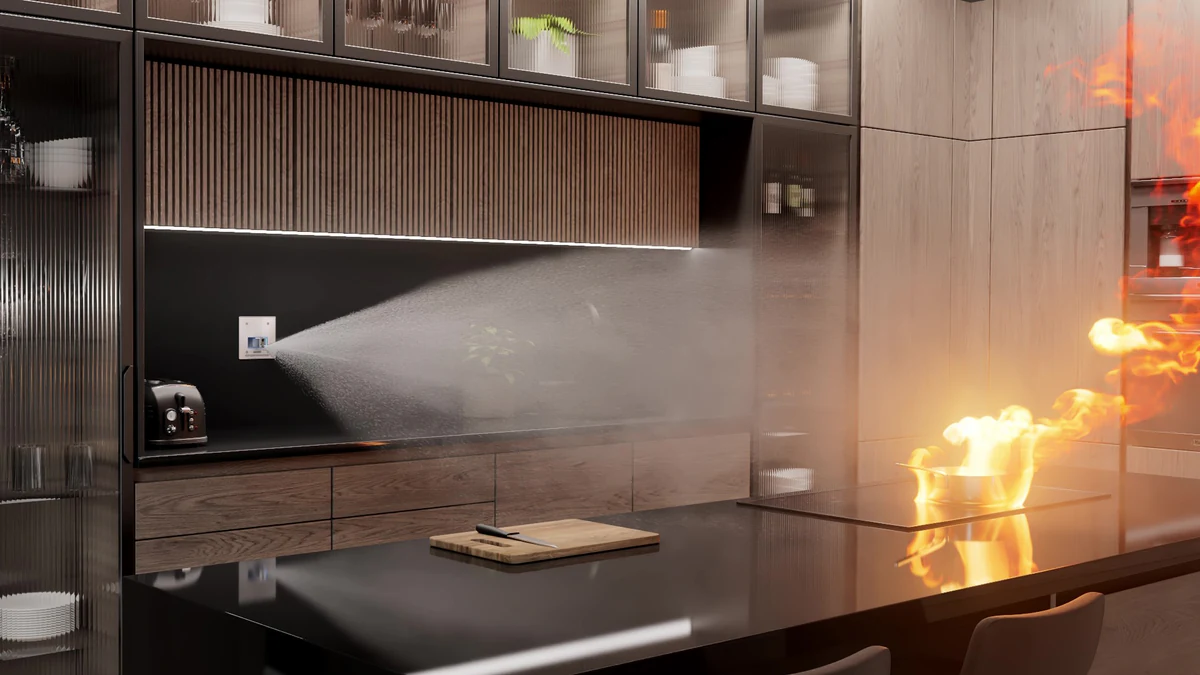
Plumis
XO3D created a CGI and VFX launch system for Plumis’s Automist fire-suppression product, combining photoreal interiors, technical animation and simulated smoke, fire and water.
View case study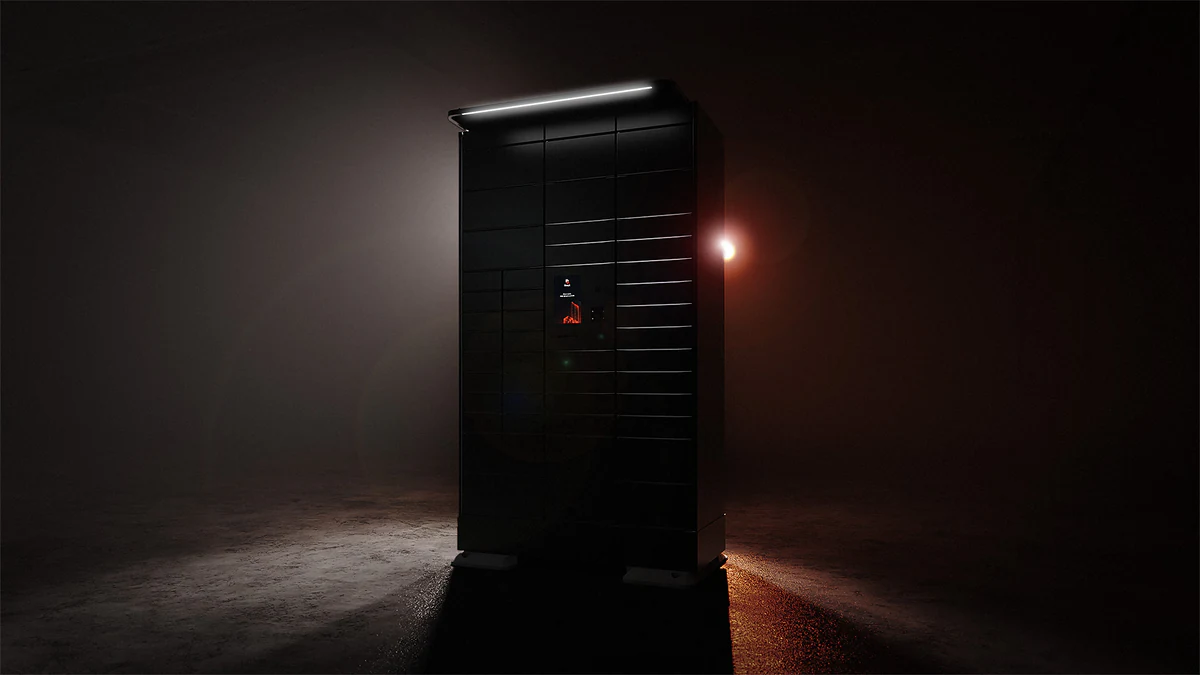
Bloq.it
XO3D created 10 photoreal renders and a 54-second product animation for Bloq.it’s next-generation smart locker.
View case study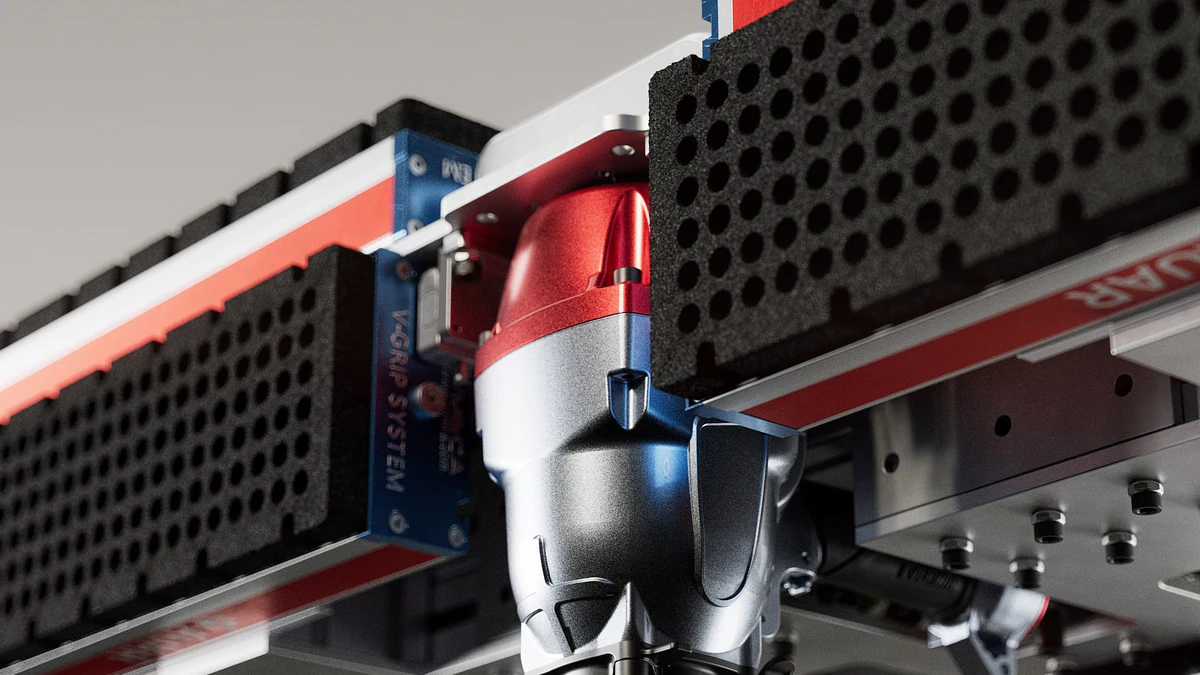
AUAR
XO3D built a product CGI film and content suite for AUAR’s deployable MicroFactory and its automated timber-panel construction system.
View case study
What challenges were there during production?
Studio Commentary.
Integrating the hand dryers into varied lifestyle environments meant matching lighting, textures and context to each setting so the CGI felt photographed, not rendered.
We used high-resolution textures and advanced lighting techniques to keep the product grounded in every scene, from clean commercial washrooms to warmer hospitality interiors.
Researching real-world installation setups gave us the reference needed to build authentic lifestyle renders, and a CGI library Airdri can keep reusing across product pages and campaigns.