XO3D Studio · Industry
Industrial & Engineering CGI.
XO3D creates CGI for products where the complexity of the engineering is the story, and the CGI has to honour it completely.
Selected clients







Sony work via ImageNova. Ferrari and Burberry work via KCD.
Overview
A CGI studio that answers to the engineering team, not just the marketing team.
Industrial and engineering products make specific demands of a CGI studio. The mechanism has to move in the right order. The material has to read as the finish the product really has, not a generic approximation. The details that matter to the engineers have to stay true to the source data. And the people reviewing the output often include the engineers who designed it.
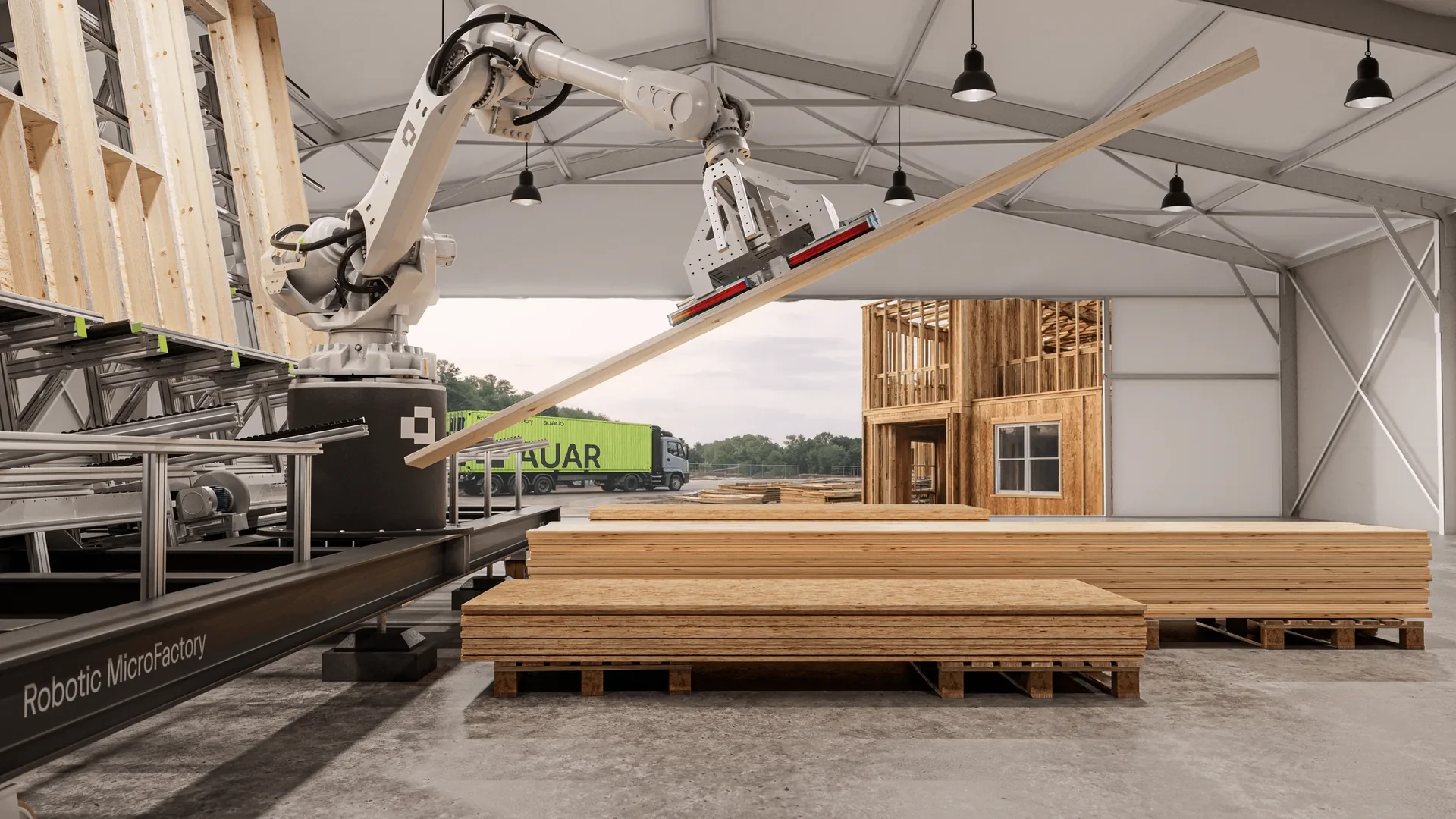
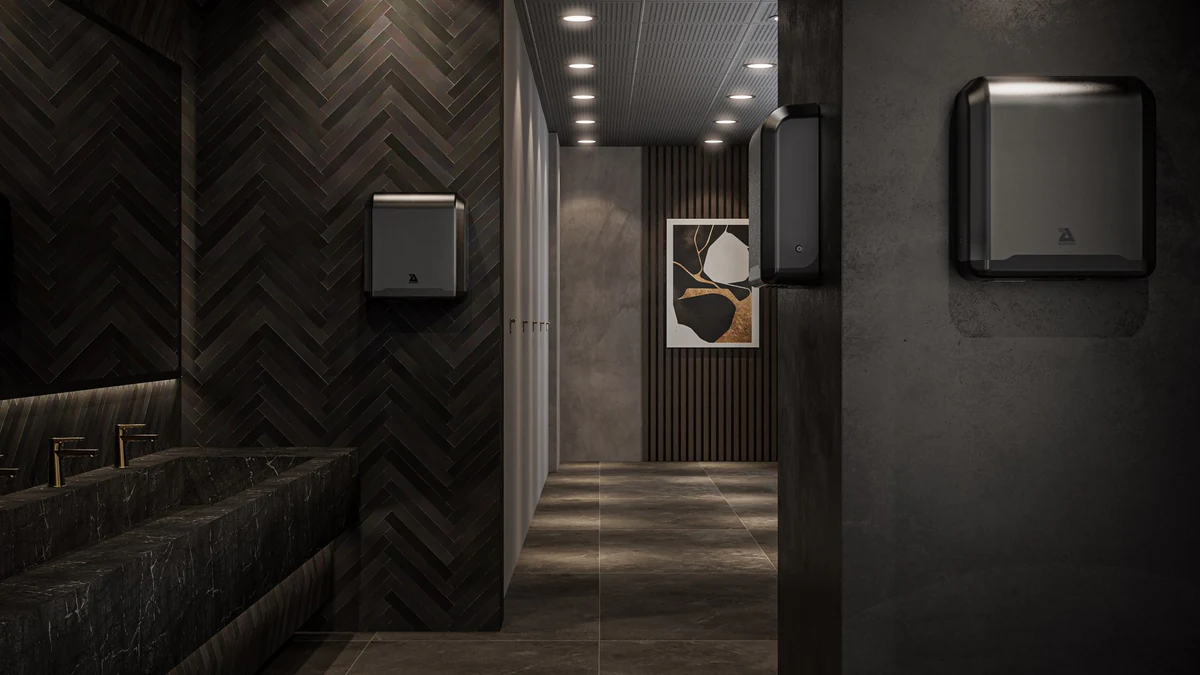
XO3D's industrial work includes AUAR's robotic MicroFactory and the Plumis Automist fire suppression system, both shown below. Our Technical CGI service is built around modelling from your CAD, a review route agreed with your technical team and materials matched to the references you supply. Each project starts with 3D product modelling from your CAD. To explain an internal assembly, see our exploded view work and the guide to exploded views for engineering-led products. To communicate a product before manufacture, CGI can show a design before the first unit exists.
Selected work
See the system before the detail.
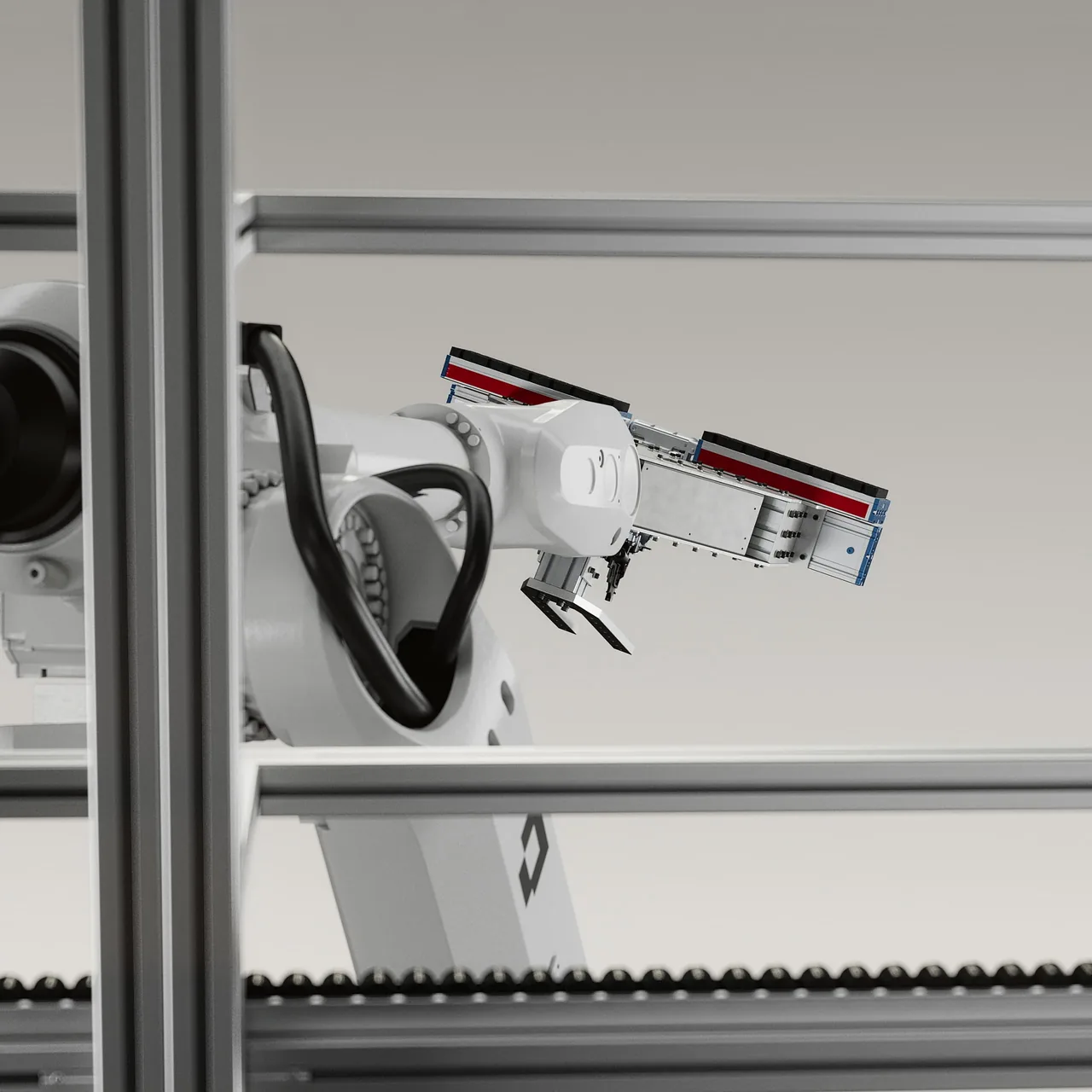
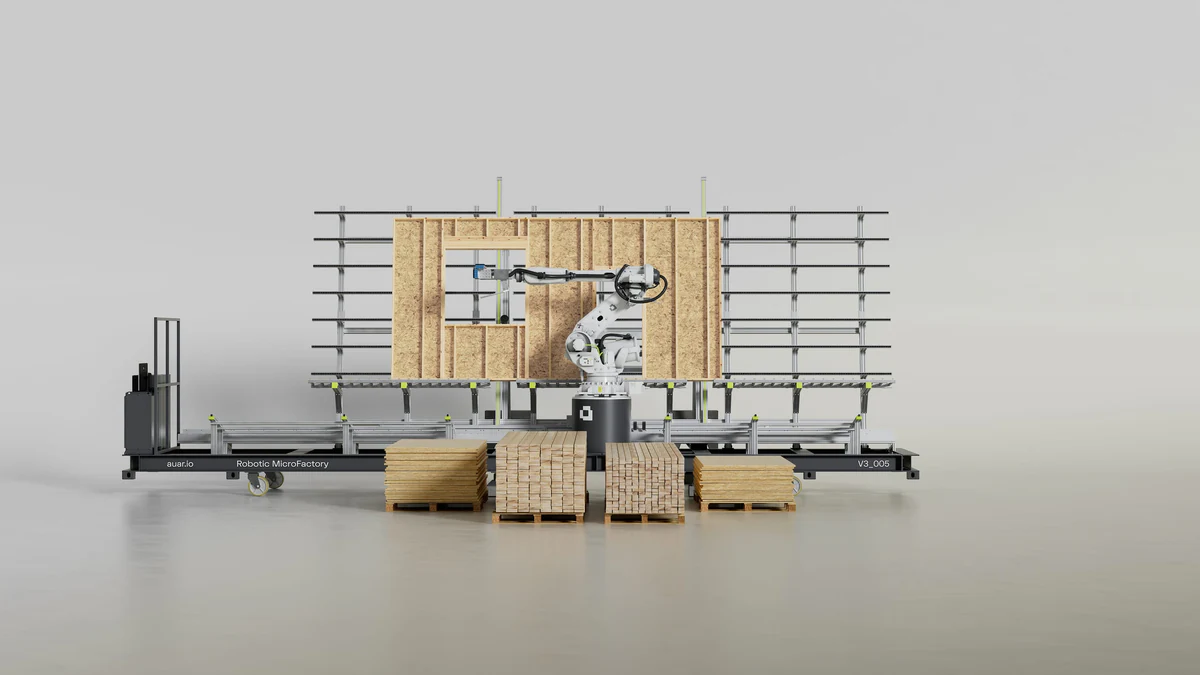
A large industrial system is easier to follow when the viewer sees all of it first. In XO3D's film for AUAR's robotic MicroFactory, wide frames establish the shipping container, the rail-mounted robot cell and the timber stock before close-ups show the arms and grippers at work. Containers, pallets and timber stacks give the system its working scale.
The detail shots then explain the working sequence, through to a finished wall panel. Context first, then the mechanism, then the result: a useful order for any complex equipment.
Choosing the approach
Choose the explanation your audience needs.
A camera move should answer a question. An internal view should expose the feature that matters. A label should clarify a specific point rather than fill a frame. Start from what the audience needs to understand.
| Communication task | Useful visual approach | Reference |
|---|---|---|
| Reveal an internal assembly | An exploded view: the parts separate in order, with labels. | Plumis Automist: an exploded, labelled animation of the nozzle. See the Plumis technical sequence |
| Understand a larger working system | A wide-to-detail film: context first, then the mechanism, then the result. | AUAR MicroFactory: container, robot cell and a finished wall panel. Watch the AUAR film |
| Coordinate a launch story across film and stills | One product build used for a film, a still library and short motion loops. | AUAR: a 36-second film, 24 stills and supporting motion assets. See AUAR's launch suite |
These are marketing communication films. They are not installation training, regulatory evidence or engineering analysis.

Technical review
Agree what must remain exact.
Identify the source revision, the details that must remain exact and the person who can approve them. Agree the explanation before finishing the image. List known dimensions, the operating order and anything still uncertain, so assumptions are visible rather than hidden in a finished frame.
Marketing and engineering need a shared approval route. When feedback changes the product rather than its presentation, record the affected version and outputs. A communication image depicts the approved source and explanation; it is not engineering analysis or certification.
Source, sequence, look, output: an agreed review route, not a fixed process.
- SOURCE
Source and revision
Share the CAD, drawings, photographs and movement references you have, and name the current revision. We review what is supplied and list the gaps and assumptions before modelling begins.
- SEQUENCE
Sequence in grey
The operating order and the camera are agreed in a storyboard and a grey pass, before materials and lighting. This is the point for your nominated technical reviewer to check the sequence.
- LOOK
Materials and finish
Materials and finishes are matched to the references and specifications you supply. Where a finish is not documented, the reference is agreed with your reviewer rather than assumed.
- OUTPUT
Output and sign-off
Formats follow where the work will be shown. Technical and marketing feedback is collected at each agreed review, and the person named at the start approves the details that must remain exact.
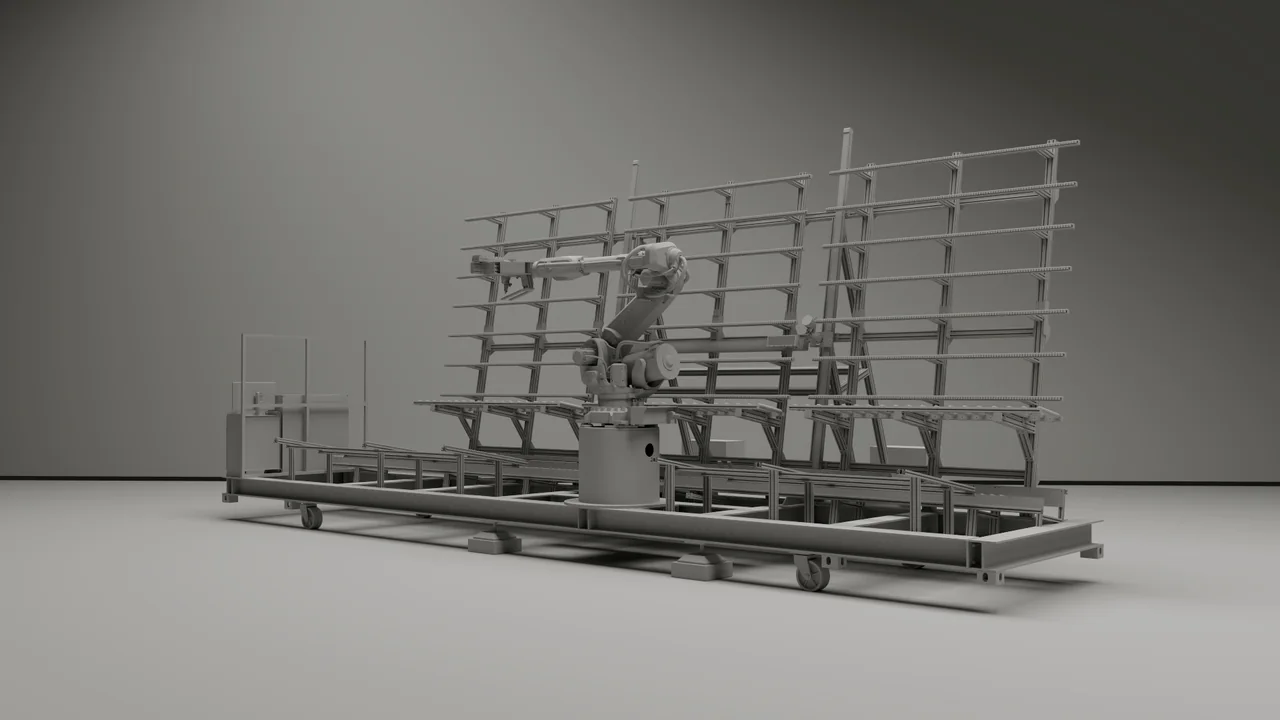
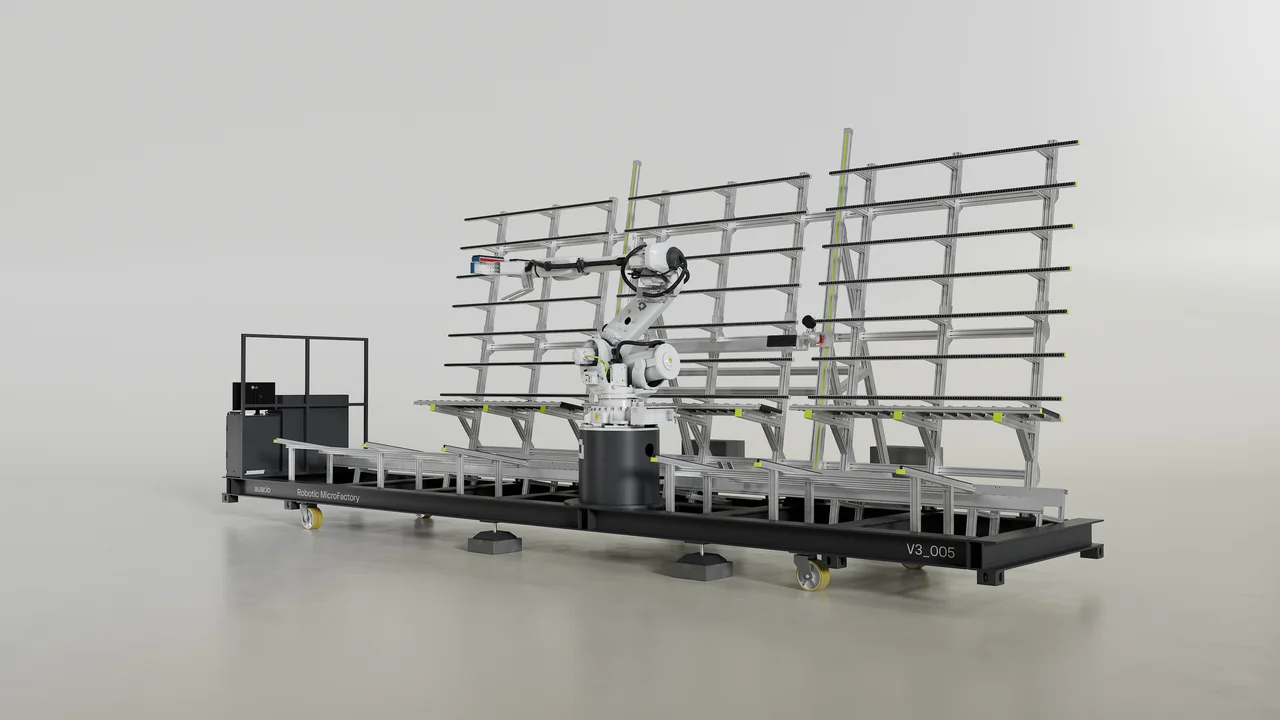
The comparison shows what the grey stage decides. It does not prove dimensions, which come from the supplied model. See the full AUAR process material.
What We Produce
What the work can include.
How it works, shown in order
Assembly sequences, mechanism reveals and operating animations that show how a product works, in the order agreed with your technical reviewer, for audiences from engineers to investors.
Precision meets narrative
Films that explain a product's technical value with the visual quality of a launch film, planned for marketing and technical sales from one brief.
Component-level clarity
Exploded assembly views, cross-sections and labelled component renders for technical sales materials and product documentation.
FAQ
Industrial CGI questions.
What should a manufacturer prepare for a machinery demonstration film?
Why review the sequence before the materials and lighting?
What CAD file formats does XO3D accept?
What if the product design changes during production?
Is CGI a substitute for engineering analysis?
Can confidential products be discussed?
Start the conversation
Have a complex engineering product that needs a specialist studio?
Share what the product does, who needs to understand it and which details must remain exact. We'll tell you whether we're the right studio for it.
- What must the audience understand?
- Which technical references are available: CAD, drawings, photographs, movement footage?
- Where will the work appear?
If the product is confidential, tell us what can be shared first, and agree how sensitive files are handled before sending them.