
Amazon A+ Content: A Complete Guide for Product Brands
TL;DR
Amazon A+ Content replaces the plain product description with image and text modules. Basic A+ allows up to five modules per product and Premium up to seven, according to Amazon's UK seller guide. The images inside those modules are the part a brand has to plan, and one 3D build can supply them all.
Amazon A+ Content is the image and text section that replaces the plain product description on an Amazon product page. Amazon describes two tiers, Basic and Premium, plus a separate Brand Story.
This guide sets out what each tier allows, the module limits and image sizes Amazon publishes, and what the images inside those modules need to do. It ends with how XO3D builds A+ images from one 3D master asset.
For repeatable white, transparent and soft-shadow ecommerce images across a catalogue, Render Roll is the fixed-scope route.
What is Amazon A+ Content?
Amazon A+ Content, once called Enhanced Brand Content (EBC), lets brand-registered sellers add images, comparison charts and formatted text to a product listing. It appears under the Product Description section of the product detail page, in place of the standard text description.
Amazon’s UK and US seller pages both say A+ Content is free for eligible sellers. Amazon’s UK guide says you need a Professional selling plan, Brand Registry approval, a registered trade mark and at least one published ASIN on Amazon.co.uk.
Basic, Premium and Brand Story
- Basic A+ is available to every eligible brand. It uses image, text and comparison chart modules.
- Premium A+ (sometimes called A++) adds larger images, video, interactive hotspots, carousels and Q&A modules. Amazon’s UK guide describes it as available to qualifying brand owners.
- Brand Story is a separate “From the brand” carousel about the brand rather than one product.
What does Amazon say A+ Content does for sales?
Amazon publishes its own figures, from its own internal data, and they differ by marketplace:
- Amazon’s UK seller guide says UK sellers who publish Basic A+ typically see a 3 to 10% uplift in conversion rate, and that Premium A+ can push that to 20% or more.
- Amazon’s US page says Basic A+ can increase sales by up to 8%, and well-implemented Premium A+ by up to 20%.
These are Amazon’s marketing figures, not a promise for any one listing. Measure your own listing before and after a change.
Amazon A+ content templates: modules, limits and sizes
In A+ Content Manager, a “template” is a choice of modules. Each module is a fixed layout: an image with text, a row of images, a comparison chart, and so on. The template a seller fills in is the set of modules, so the planning work is deciding which question each module answers and which image it needs.
Checked 2 November 2026. Source: Amazon’s UK A+ Content guide and US A+ Content page.
- Basic A+: up to five modules per product.
- Premium A+: up to seven modules per product.
- Image width: 970 pixels, at a 72 DPI minimum.
- File size: 2 MB maximum per image.
- Height: the UK guide gives 970 x 300 pixels as a minimum for standard modules and 970 x 600 pixels as the largest image a module can include.
Amazon changes these rules. Confirm the size for each module in A+ Content Manager before final images are rendered.
Basic and Premium A+ side by side
| Feature | Basic A+ | Premium A+ |
|---|---|---|
| Modules per product | Up to five | Up to seven |
| Image and text modules | Yes | Yes, with larger images |
| Comparison charts | Yes | Enhanced comparison charts |
| Brand logos and technical specification tables | Yes | Not listed separately |
| Video modules | No | Yes |
| Interactive hotspots | No | Yes |
| Clickable image or video carousels | No | Yes |
| Q&A modules | No | Yes |
| Who can use it | Professional plan and Brand Registry | Brands that meet Amazon’s Premium criteria |
Sources: Amazon’s UK A+ guide and US A+ page, checked 2 November 2026.
What each module family needs from its images
| Module family | Tier | What the image must do | What a 3D master asset supplies |
|---|---|---|---|
| Image and text blocks | Basic | Show what the product is, then one feature per block, readable on a phone | A directed hero render and feature close-ups from the same model and lighting |
| Comparison charts | Basic, enhanced in Premium | Show every model or variant from the same angle | Matching renders of each variant or colourway |
| Brand logos and technical specification tables | Basic | Support the numbers with a clear product view | Clean front, side and detail views |
| Larger images | Premium | Carry a hero or lifestyle scene at full width | A lifestyle render built around the product |
| Video | Premium | Show the product moving or in use | A product film or cut-down rendered from the same model |
| Hotspots and carousels | Premium | Let the shopper explore parts or scenes | Detail stills and lifestyle scenes from one build |
Premium A+ eligibility
Amazon’s UK guide gives two figures. One section says you need at least 5 approved A+ submissions to unlock Premium. Its FAQ says sellers need at least 15 approved Basic A+ projects and a Brand Story live on their Store. Amazon’s US page gives no separate Premium rule. Check the current requirement in A+ Content Manager before planning a Premium launch.
How to create Amazon A+ Content
- Log into Seller Central with a Professional selling account.
- Open A+ Content Manager. Amazon’s menus move; search for “A+ Content Manager” in Seller Central if it is not where you expect.
- Choose the product (the ASIN) the content is for.
- Pick the modules. Decide which question each module answers before choosing layouts.
- Add images and text. Upload images at the size each module asks for, and keep claims to what you can support.
- Preview and submit. Check the desktop and mobile previews, then submit for review. Amazon’s UK guide gives a decision within 7 business days, and 7 to 14 business days for indexing and moderation.
What we build for A+ content
XO3D makes the product images that go into A+ modules. We build one 3D master asset from CAD or reference, then render the hero, feature details, variants and lifestyle scenes from it, so every module matches. These projects show the kind of listing and e-commerce imagery involved, in each case study’s own words:
| Project | What the case study shows |
|---|---|
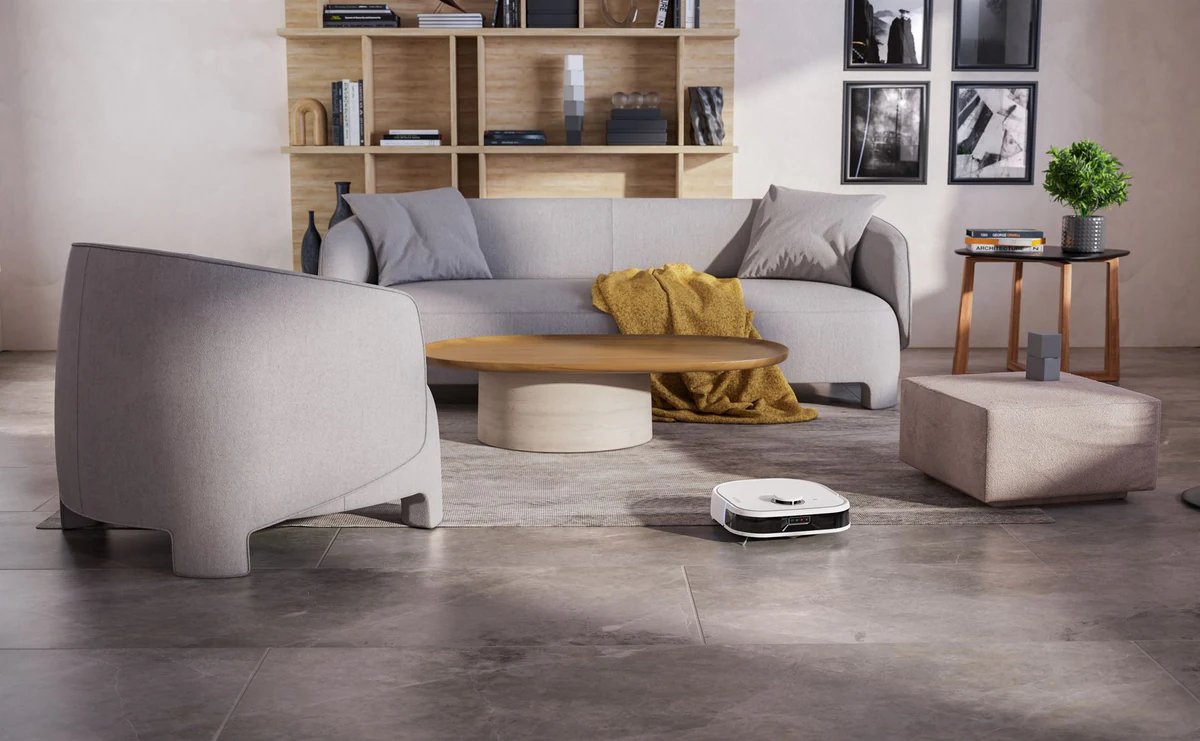
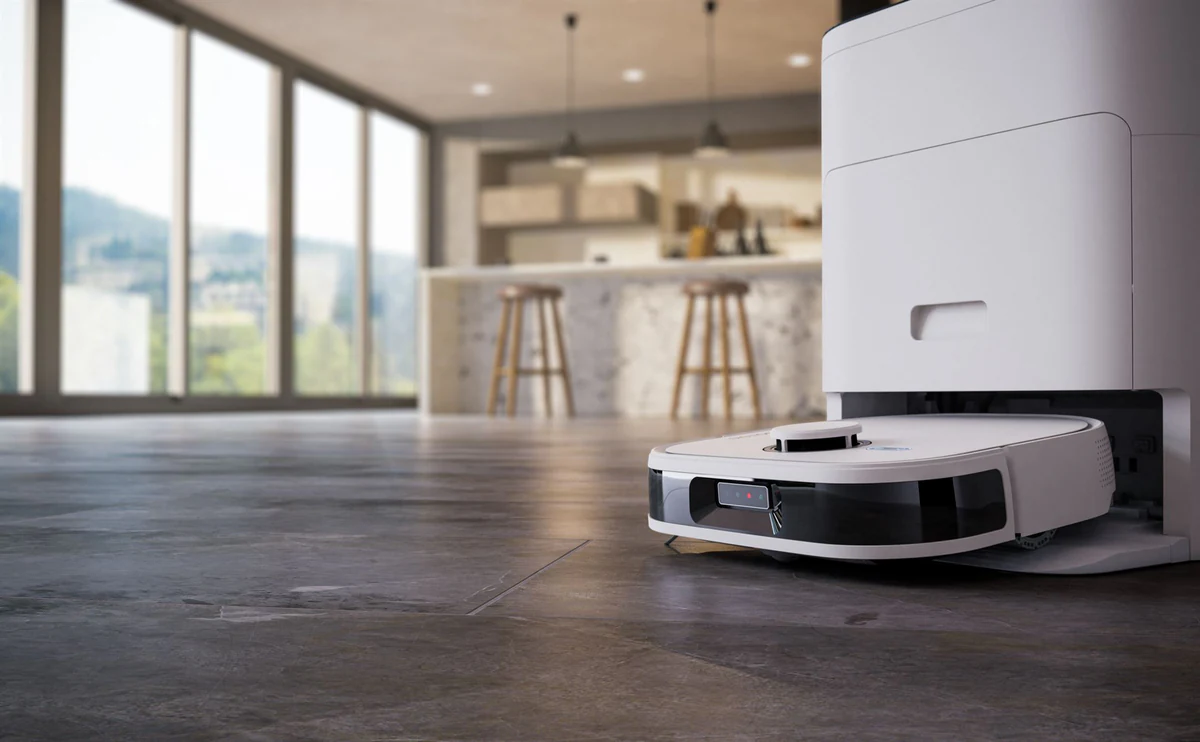
| Noesis Florio robot vacuum | A product render library of 11 angles and an Amazon listing set of lifestyle renders: dining, kitchen and living room scenes, plus feature close-ups |
| G-Lab Keyz Hydrogen keyboard | 4K stills and a multi-colourway showcase across the Keyz Hydrogen range |
| Sony WF-C710 earphones, with ImageNova | Rendered colourways composited into ImageNova’s product photography for retailer-ready hero imagery |
| Rollink Flex 360 suitcase | E-commerce SKU stills across 4 sizes and 8 colourways |
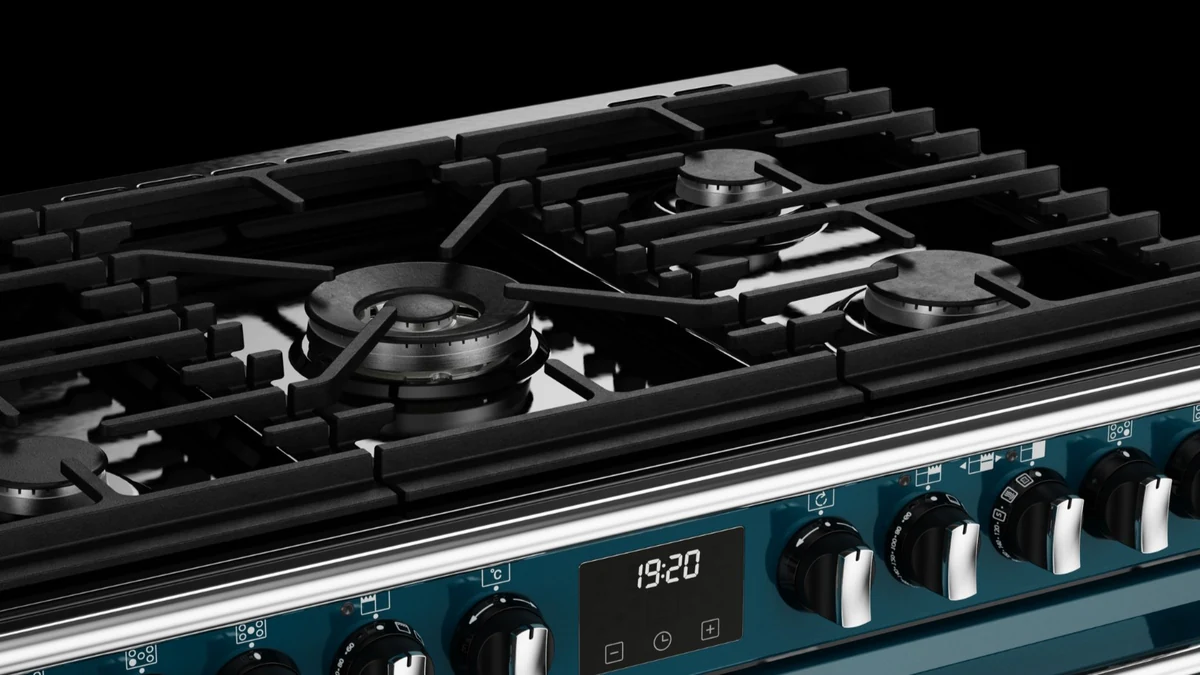
| Glen Dimplex and Stoves UK cookers | 650 CGI images across 42 products, eleven colourways, one locked lighting rig |
For a launch set built this way, see 3D product rendering for launches and CGI for e-commerce product listings. The wider picture, from the main image to the gallery and A+, is in Amazon listing images: the full image stack. If you are weighing a shoot against a render, read CGI or photography for marketplace images.
Why use 3D rendering for your Amazon A+ content?
A+ modules ask for several images of the same product. 3D rendering makes them from one source:
- Product visualisation from every angle. The hero, feature close-ups and comparison views share one model, one lighting rig and one colour standard.
- Variants without reshoots. Colourways and sizes render from the same build, which keeps comparison charts consistent.
- Images before the product exists. A render can be made from CAD before stock arrives, so A+ is ready for launch day.
- Motion for Premium. Premium A+ accepts video, and a product film can be rendered from the same model.
A+ itself shows still images and, in Premium, video and hotspots. A rotating 3D viewer is not one of the module types Amazon lists.
Play the turntable: a Rollink Flex 360 suitcase rendered by XO3D.

Don’t know where to start? Use our CGI brief template, or simply send us a message with a rough idea of what you’re trying to create and we will be in touch.
How to optimise your Amazon A+ content
Creating A+ Content is the first step. These checks help it do its job:
- Answer one question per module. Each module has room for one idea. Lead with the feature a shopper asks about first.
- Write for search and for people. Use the words customers search for, naturally, in your text.
- Design for mobile. Many shoppers view A+ on a phone. Check every module in the mobile preview, and keep text in images large enough to read.
- Keep the brand consistent. Fonts, colours and image style should match the rest of the listing and your own site.
- Use images that explain. Show details, scale and use. A clear feature close-up often says more than a paragraph.
- Keep claims supportable. Only state what you can back up. Amazon reviews A+ submissions before they go live.
To check a listing’s current images against these points, try the ecommerce image audit tool. For what each listing image type is for, see ecommerce product visuals on XO3D Labs.
Testing your results
After A+ goes live, measure it against the listing before the change:
- Compare like with like. Look at conversion over matching periods before and after publishing, allowing for promotions and seasonality.
- Test one change at a time. If you test layouts or images, change one thing so the result means something.
- Read customer questions and reviews. Repeated questions show which module is missing or unclear.
- Look at competing listings. See which questions they answer, then answer them better with your own product.
Amazon A+ Content is where a listing can show the product properly. Plan the modules, confirm Amazon’s current rules, and make the images answer the questions shoppers ask.
Get in touch with our team to plan the images for your A+ content.
Start the conversation
Have a product worth showing?
We reply to every brief personally, usually within one working day.
FAQ
Common questions, answered.
What is the difference between Basic and Premium A+ content?
Basic A+ allows up to five modules per product: text, images, comparison charts and brand logos. Premium A+ allows up to seven and adds larger images, video, interactive hotspots, carousels, Q&A modules and enhanced comparison charts. Amazon's UK guide describes both; Premium needs a record of approved A+ submissions first.
What is Amazon A+ Content?
A+ Content is the section of an Amazon product page that replaces the plain text description with image and text modules. Amazon makes it available to sellers with a Professional selling plan whose brand is enrolled in Brand Registry. Amazon's UK and US seller pages say it is free to use for eligible sellers.
What modules are in Basic and Premium A+ content?
Amazon's UK guide lists text, images, comparison charts and brand logos for Basic, plus image and text blocks and technical specification tables. Premium adds larger images, video, interactive hotspots, clickable carousels, Q&A modules and enhanced comparison charts. A separate Brand Story adds a 'From the brand' carousel.
How many modules can one A+ listing use?
Amazon's UK guide gives up to five modules per product for Basic A+ and up to seven for Premium A+. Plan which question each module answers before any images are made, because the module count limits how many images and messages the section can carry.
What size are A+ content images?
Amazon's UK guide gives a 970-pixel width, a 72 DPI minimum and a 2 MB maximum file size. It gives 970 x 300 pixels as a minimum for standard modules and 970 x 600 pixels as the largest image per module. Confirm the size for each module in A+ Content Manager before final renders.
Who can create A+ content?
Amazon's UK guide says you need a Professional selling plan, Brand Registry approval, a registered trade mark and at least one published ASIN on Amazon.co.uk. Amazon's US page also allows a Brand Representative or Reseller role on a brand enrolled in Brand Registry.
How long does A+ content review take?
Amazon's UK guide gives two timings: a decision within 7 business days, and 7 to 14 business days for indexing and moderation. Allow for the longer figure in a launch plan, and keep final images ready in case a module is sent back for changes.
What are the eligibility requirements for Premium A+ Content?
Amazon's UK guide gives two figures. One section says at least 5 approved A+ submissions. Its FAQ says at least 15 approved Basic A+ projects and a Brand Story live on your Store. Amazon's US page gives no separate Premium rule. Check the current rule in A+ Content Manager.
Why use 3D rendering for A+ content images?
A+ modules need several images of the same product: a hero, feature details, comparisons and lifestyle scenes. One 3D build can supply all of them with matching light and colour, including colourways and products that are not yet manufactured. A+ itself shows still images and, in Premium, video.
Start the conversation
Got a product worth showing? Let’s talk about what it needs to do.
We reply to every brief personally, usually within one working day.