
XO3D Studio · Use Case
CGI for E-Commerce Product Listings.
Make every product feel part of the same brand. XO3D directs packshots, colourway variants and lifestyle imagery, planned around the channels where your range will appear.
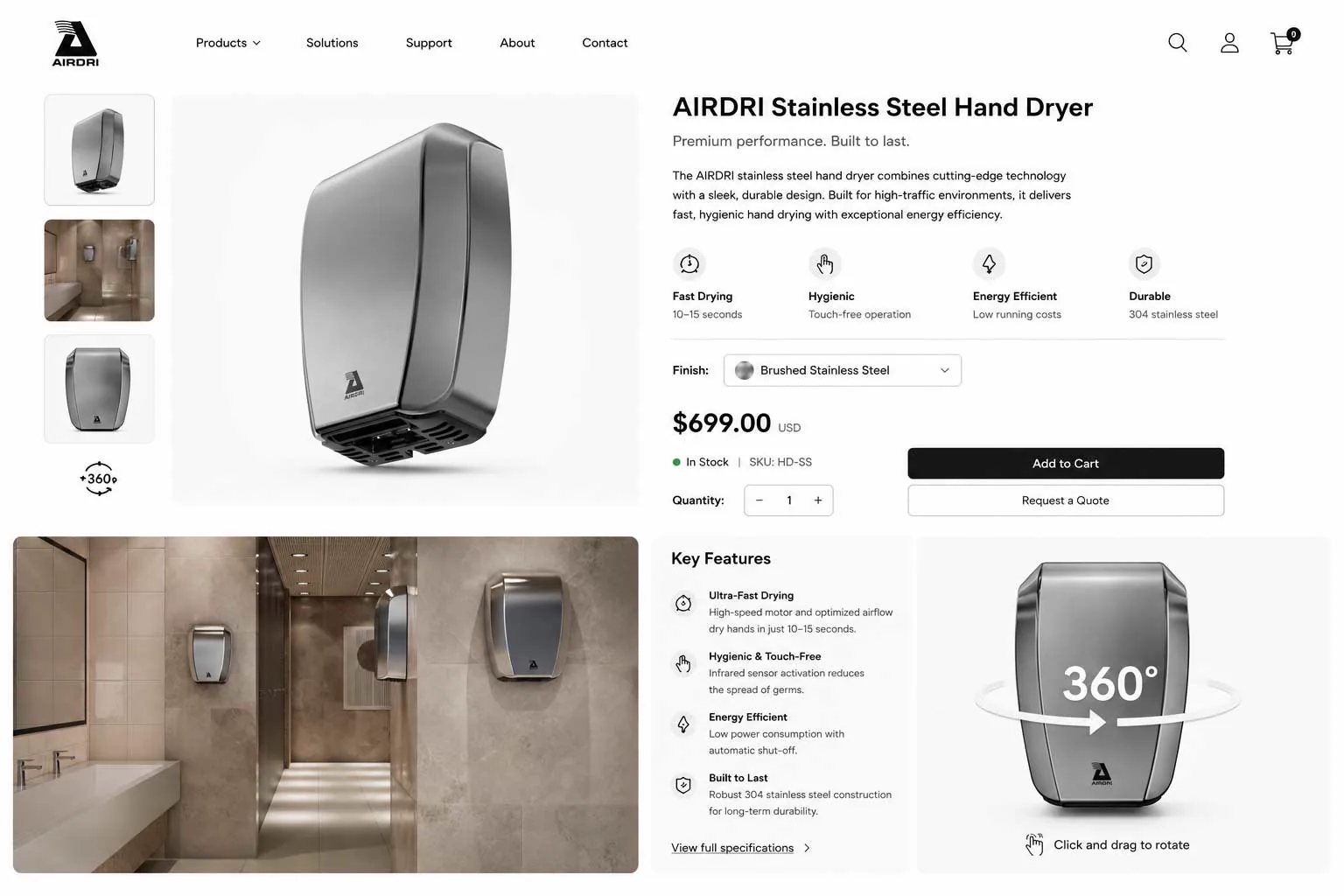
This page is about imagery for a whole product range. If you are new to the method, start with what product CGI is.
A product page may need a clean packshot, a contextual image, close-up detail and a film or interactive view. The useful combination depends on what a customer needs to understand. Establish the materials, scale, colour references and intended placements before production begins. When the answer is a film, plan a product-page animation around one shopper question.
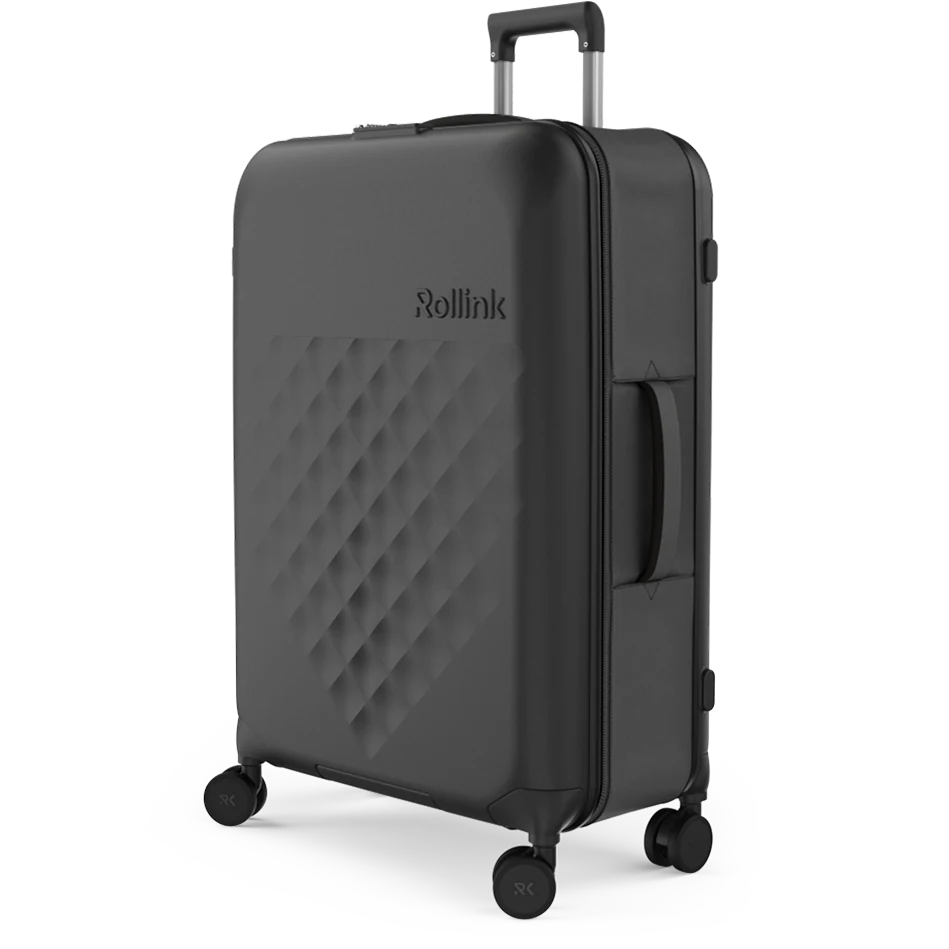
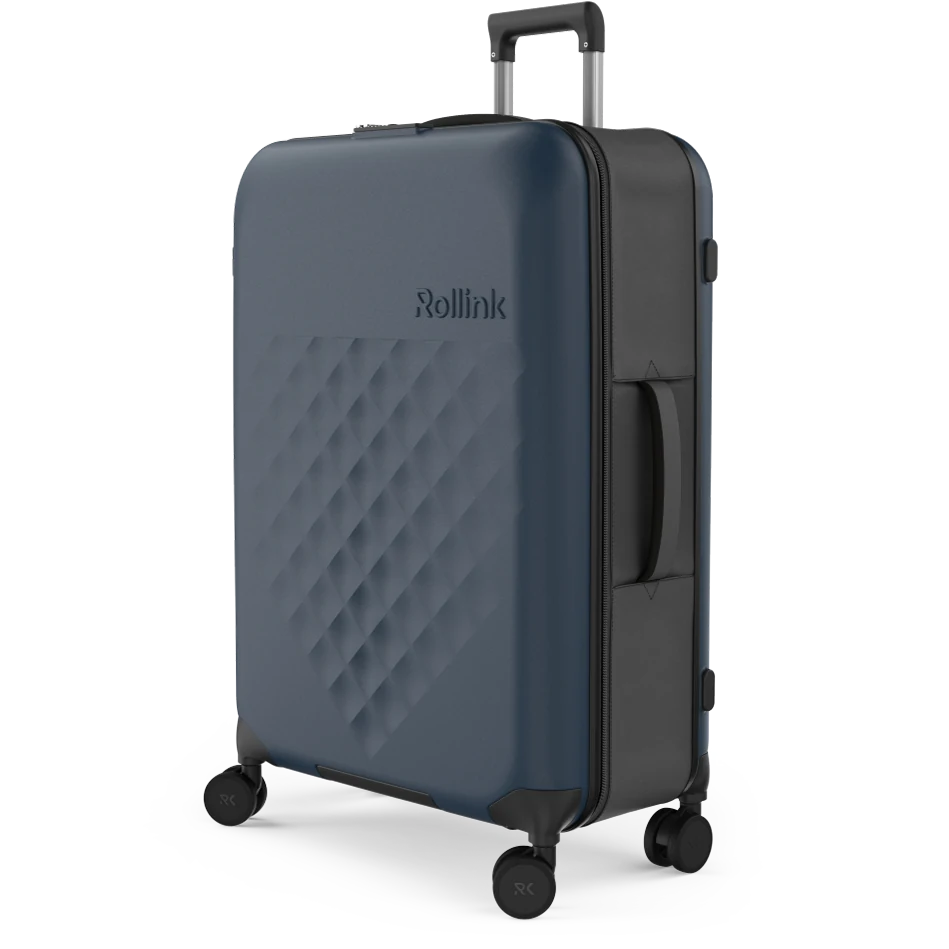
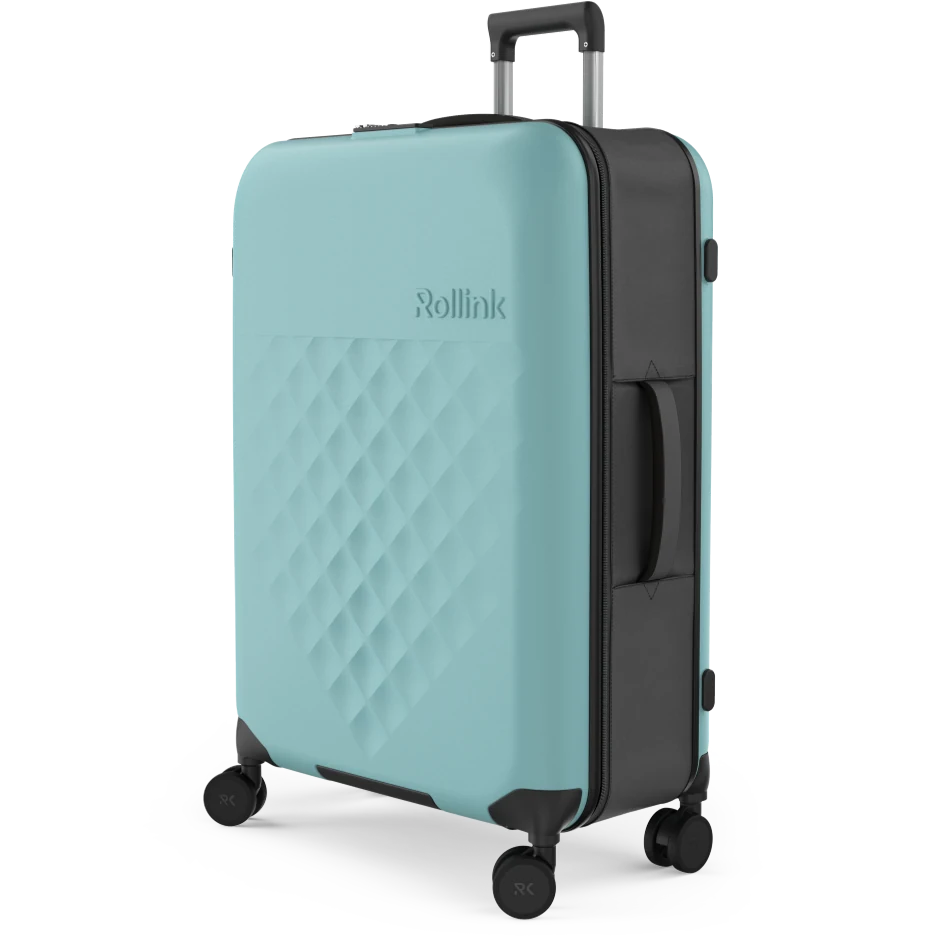
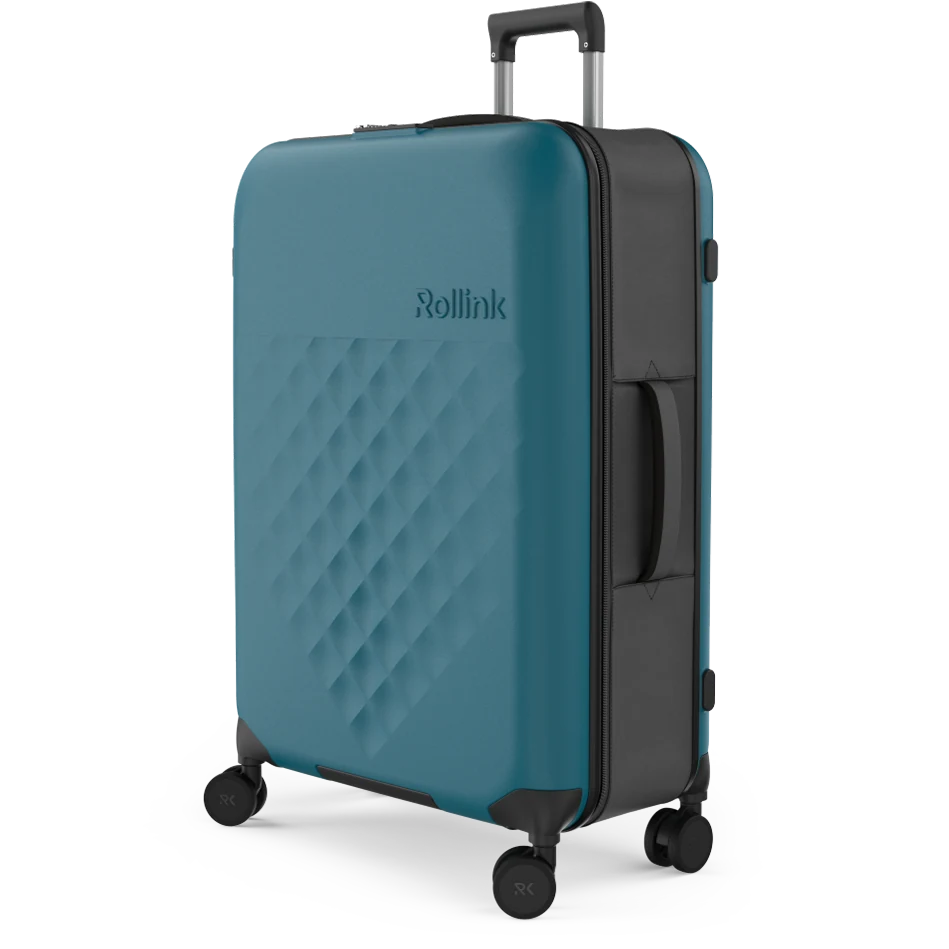
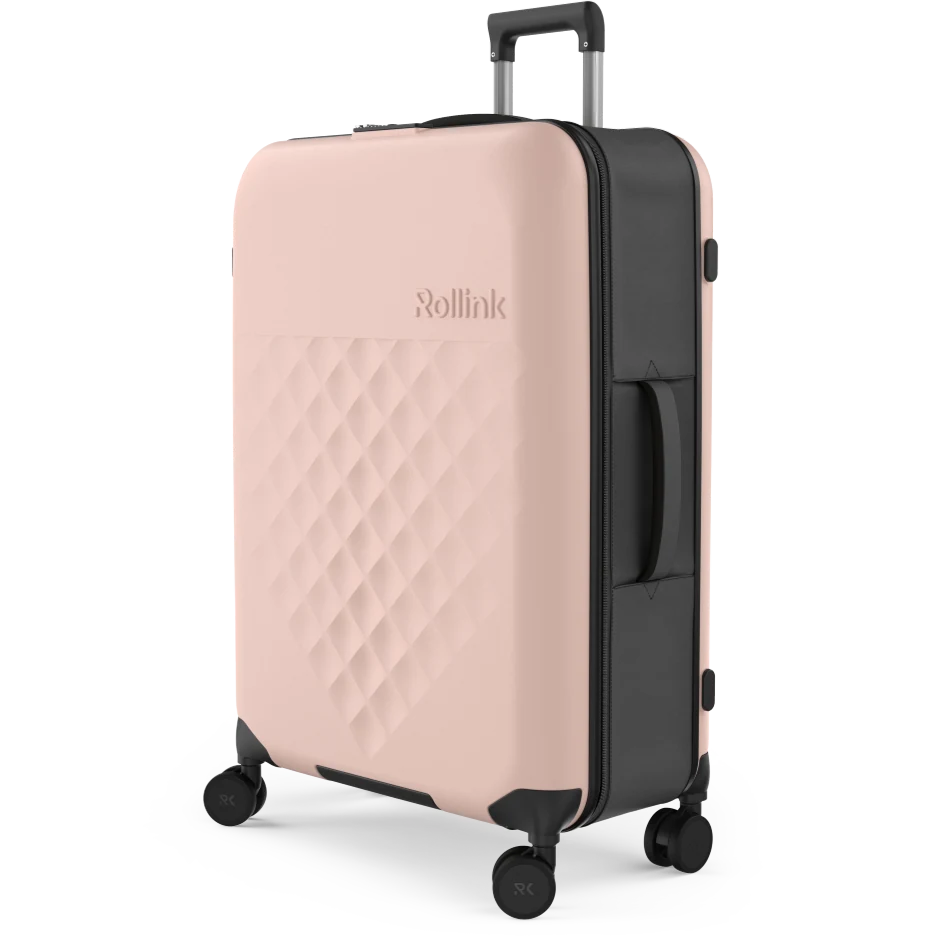
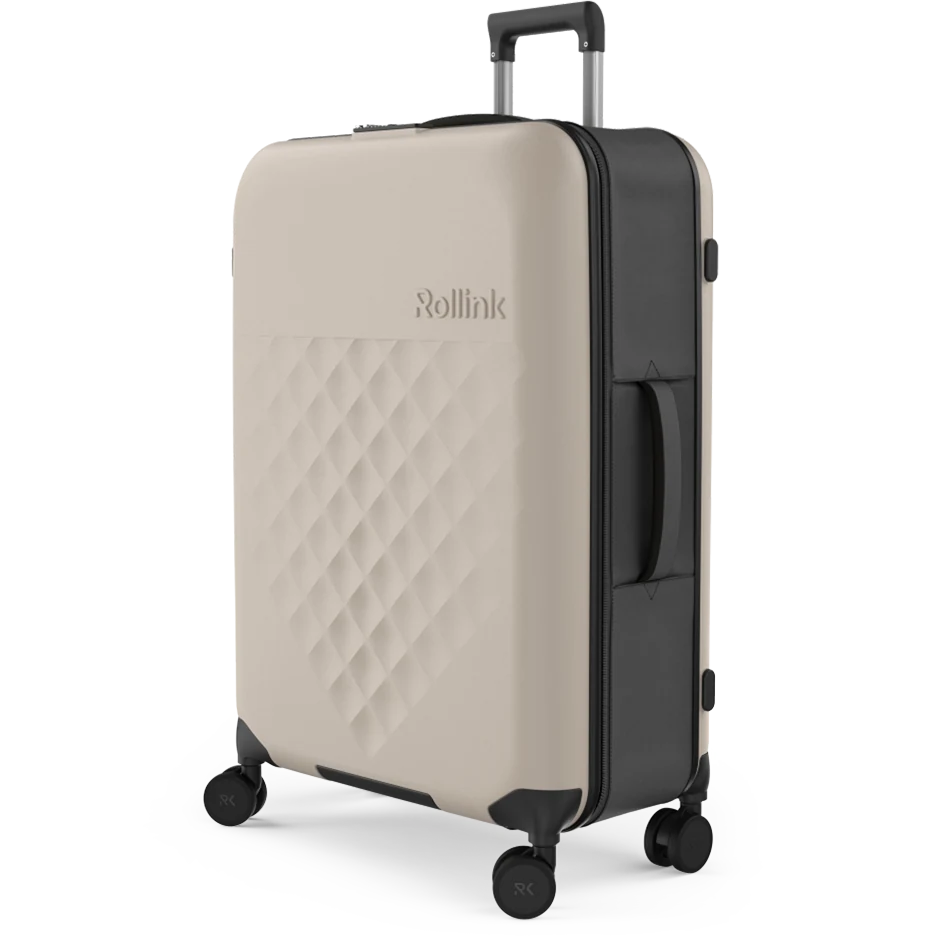
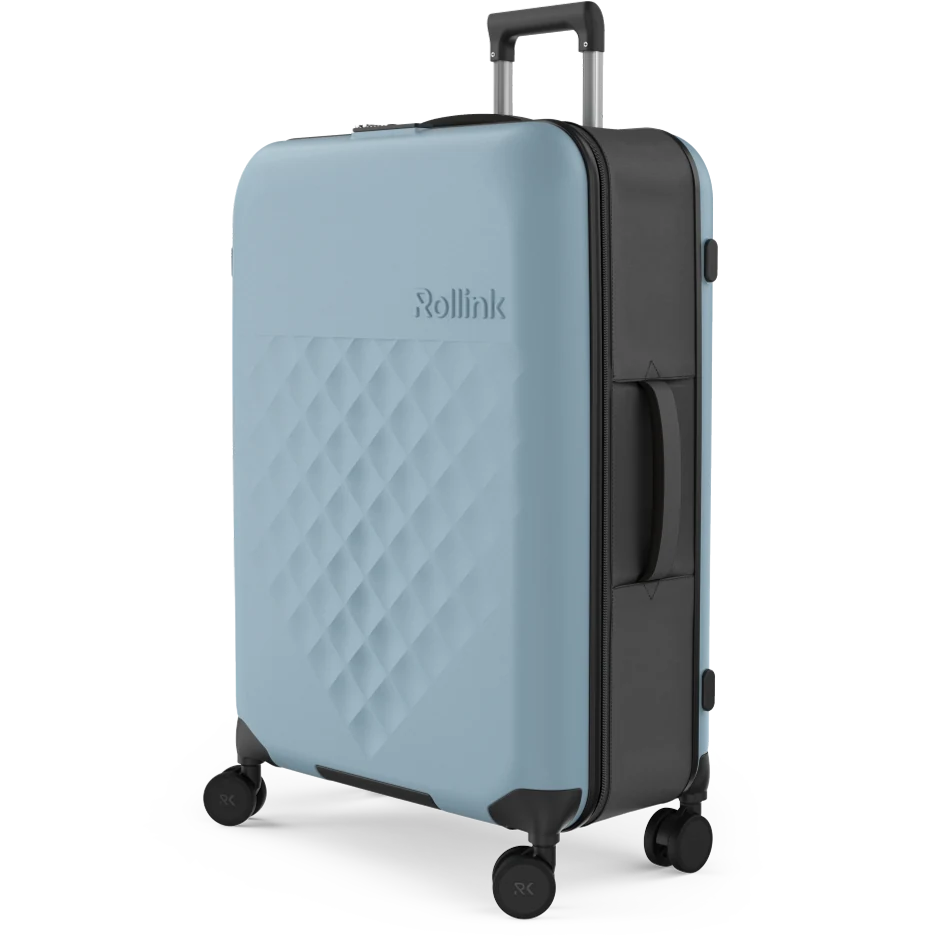
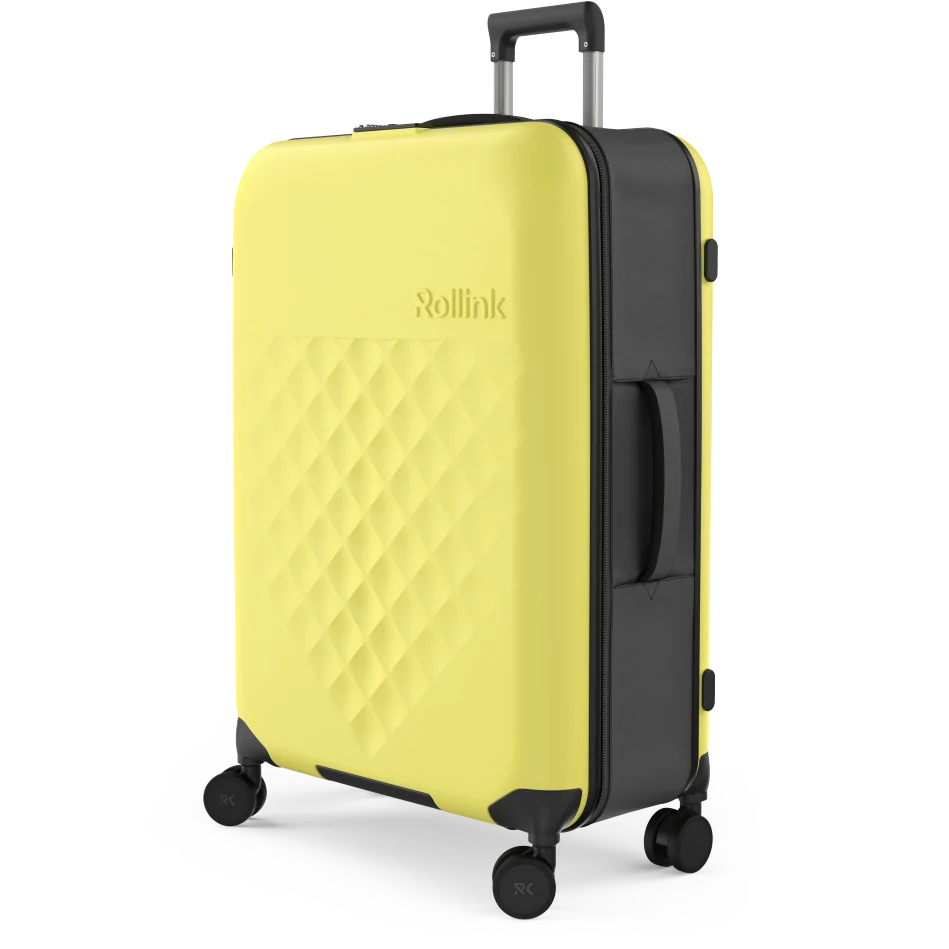
An approved 3D model can support several outputs while keeping product geometry and visual direction consistent. Each new view, material treatment or interactive asset still needs production and review. See the Rollink Flex 360 project for the colourway work shown below. For the stills themselves, see how 3D product rendering works.
Marketplace requirements come first. Amazon's current US product image guide requires realistic, accurate product representation alongside its framing, background and category rules. A white background alone does not establish compliance. Check the requirements for your marketplace and agree the intended placements before building the asset list. For the brand content below an Amazon listing, see A+ content modules and sizes.
Use our CGI briefing guide to organise the product references and delivery requirements. For a customer-controlled view, explore Product Interactives. For colourway libraries and 360 views built from one model, see our 3D product visualisation studio. For product listings, read our guide to silo and white-background images.
Proof at scale
A product range delivered at scale.
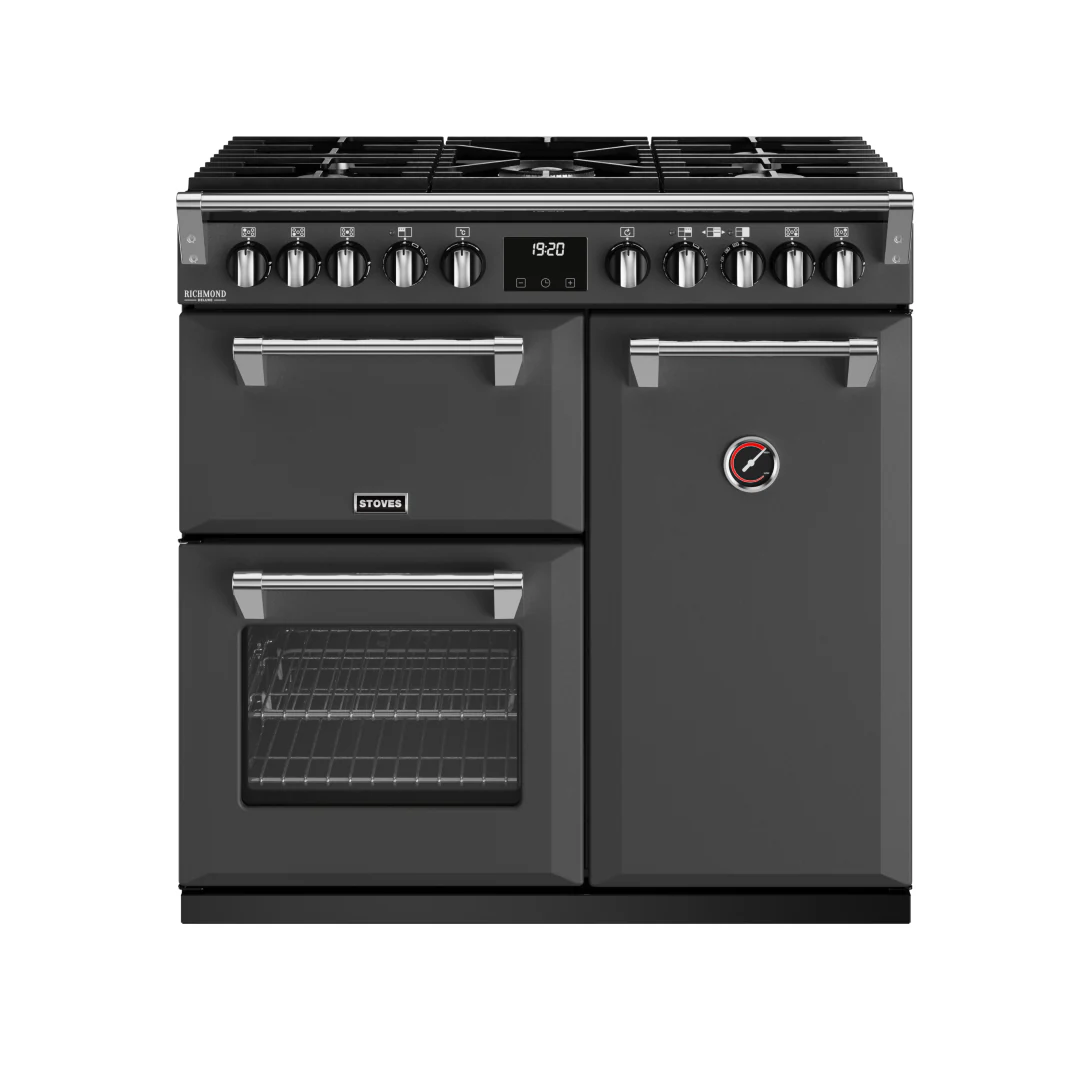
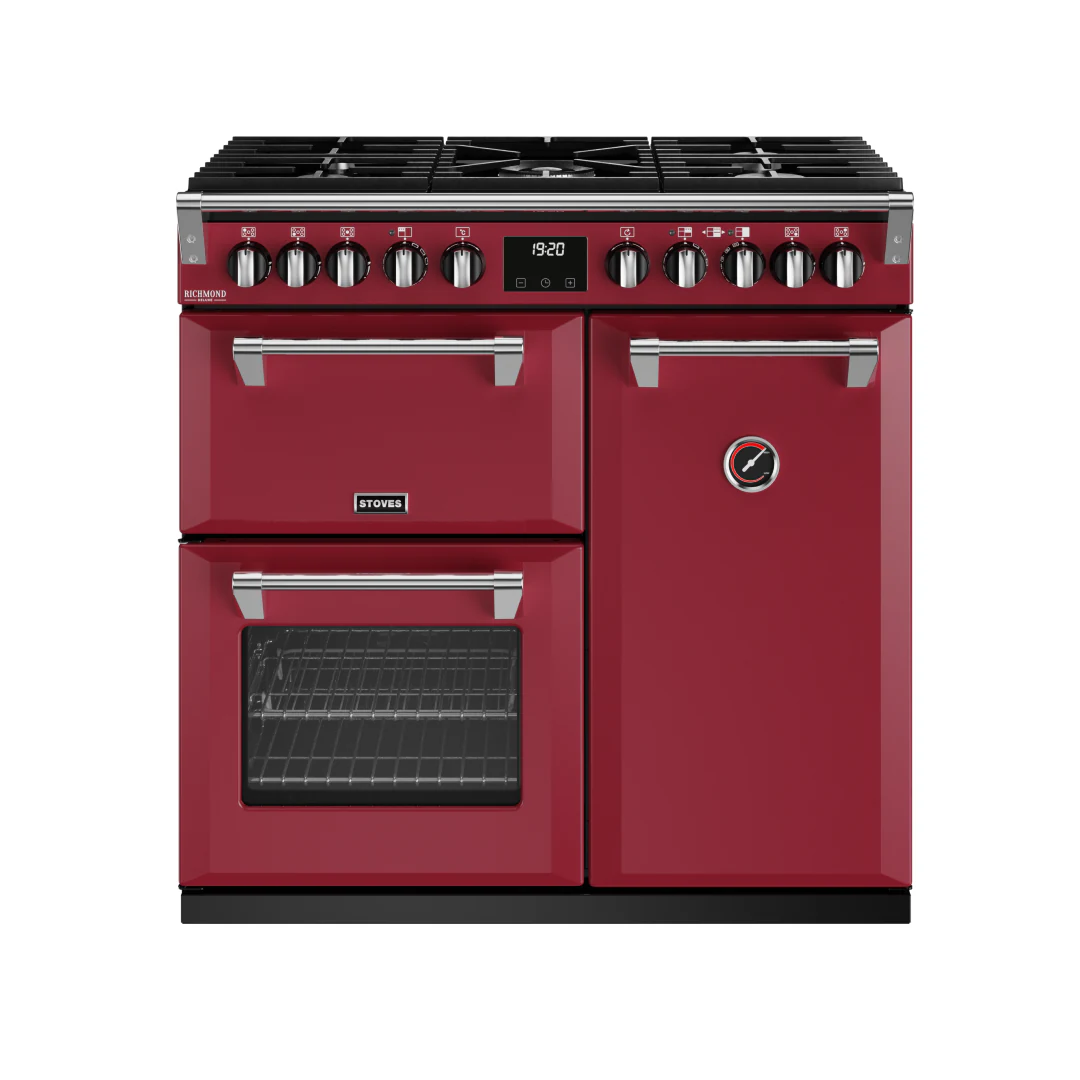
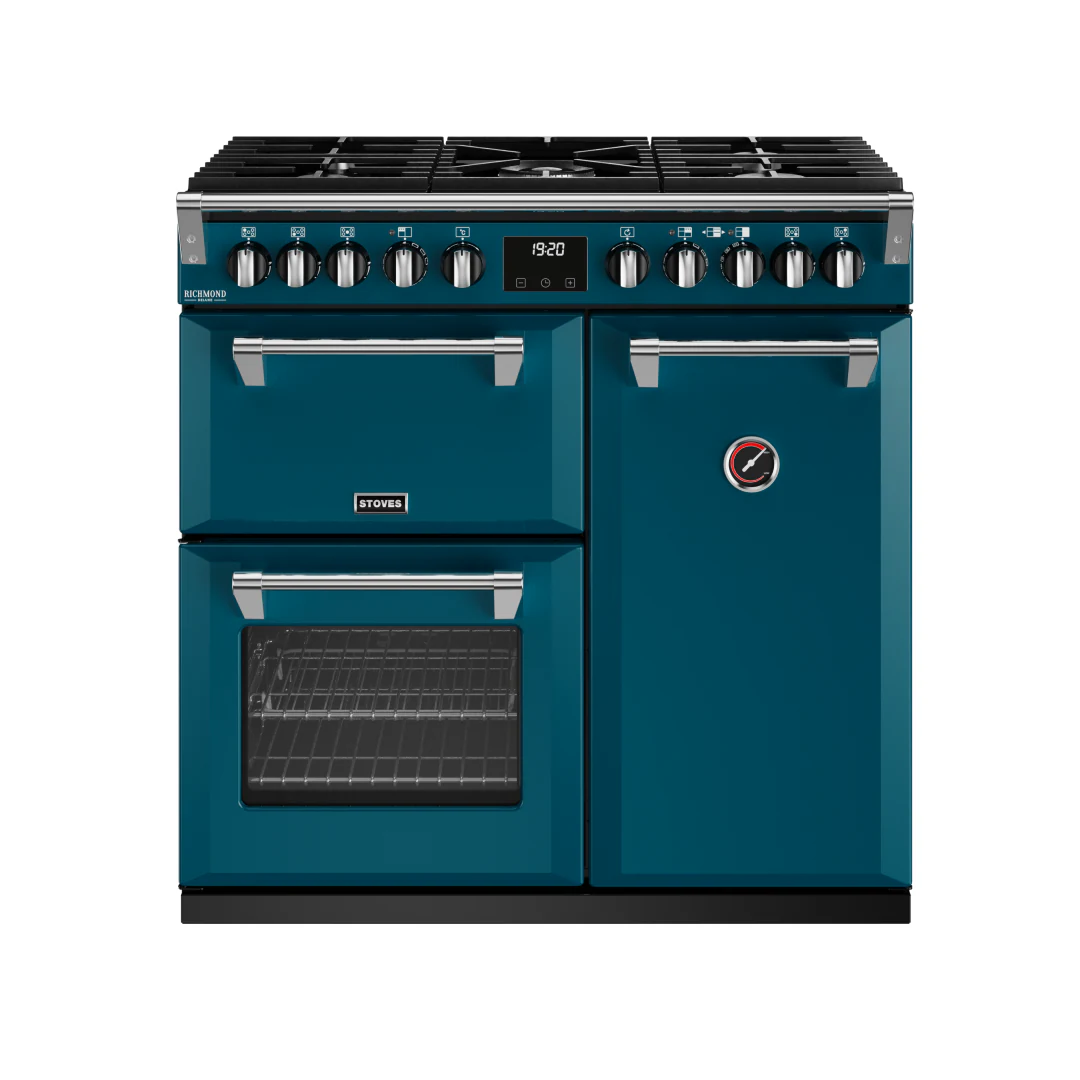
For Glen Dimplex and Stoves UK, XO3D produced a library of 650 finished images across 42 range cookers in eleven colourways. The case study records how the set was kept consistent: one source model per product, one lighting rig locked early, and colourway and angle variants produced from those fixed starting points. Because the light and the cameras did not change between products, every image reads as part of the same product family.
The figures describe what was delivered on that project. They are not a fixed studio capacity, a turnaround or a budget. Your range needs its own plan, built from its own product list, finishes and destinations. The three stills below are front views of one cooker, the Richmond DF DX 900, in three of the eleven finishes.
Choosing the route
CGI or photography for a range?
The choice depends on three things. Do finished products exist to photograph? How many variants and views does the range need? How consistent must the set be? Photography suits finished products in a small set. CGI suits a range still in development, or one where many variants must match each other. The two can also be combined. Our guide to CGI versus product photography sets out the trade-offs in more detail.
One build, every colourway
Eight colourways from one 3D asset.
The eight Rollink Flex 360 colourways, each rendered from the same source model. Working from one model avoids a reshoot or a sample for every colour, but each new finish still needs its own material reference and review.
Plan the deliverables
A product range, seen from every useful angle.
Illustrative output specifications for briefing. Final sizes, formats and permitted placements are checked against your website, marketplace and campaign requirements.
| Deliverable | Illustrative spec | Platform | From CGI | Published evidence |
|---|---|---|---|---|
| Product packshot | 2000×2000px, white bg | Brand website; marketplace rules checked separately | Native CGI output | Glen Dimplex range library |
| Lifestyle composite | 2000×2000px, 1:1 | Shopify, Instagram | Same model, new environment | Not shown on this page |
| Multi-angle views | 4–8 angles at 2000px+ | Check the destination specification | Camera repositions, same build | Glen Dimplex hero and detail views |
| Colourway variants | Same spec, all colours | Check the destination specification | Material change on an approved model | Rollink Flex 360 colourways |
| Interactive product view | Image selector, image-sequence spin or real-time model | Depends on the interaction and the site platform | Rendered images, or a model optimised for real time | Rollink colourway imagery |
| Social format video | 9:16, 1:1, 4:5 | Meta, TikTok | Animation from same model | G-Lab launch film and cuts |
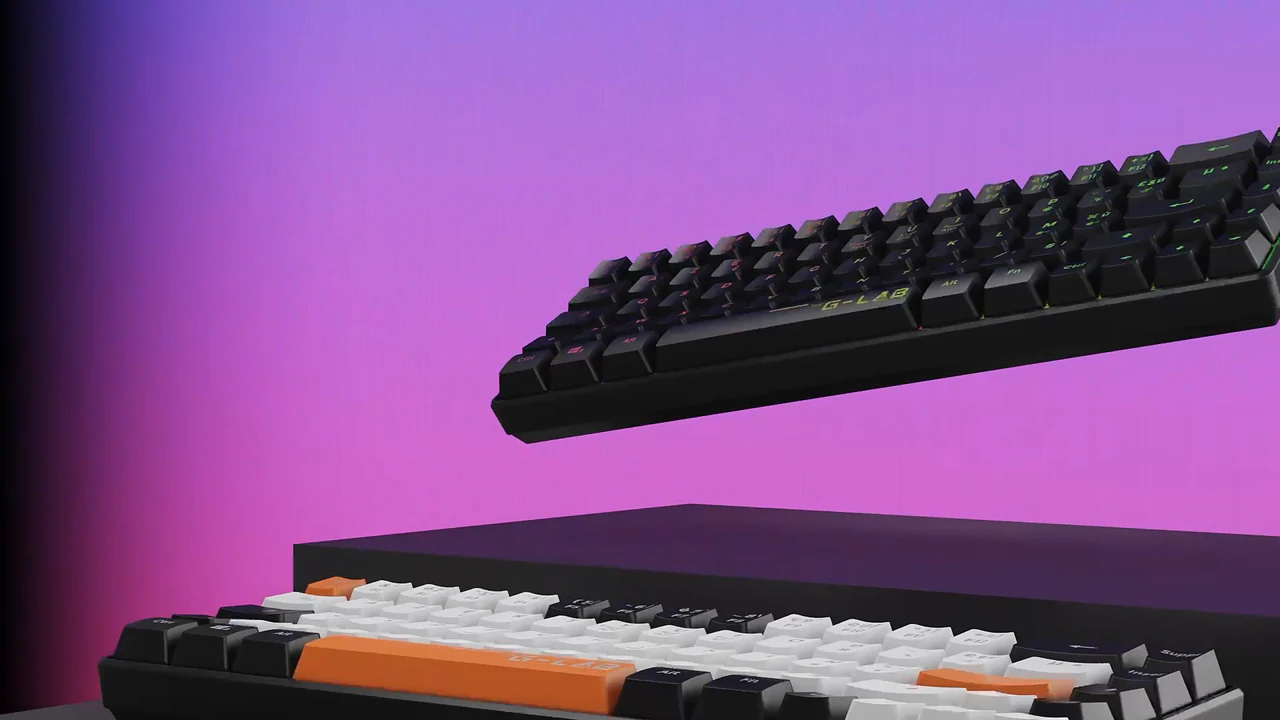
The pixel sizes are briefing choices, not rules; the right size comes from the destination's own specification. The evidence column points to a published project for each kind of output. Range consistency and multi-angle views come from the Glen Dimplex library. Colourway variants come from the Rollink Flex 360 project. A film and its channel cuts come from the G-Lab keyboard launch. Each project delivered its own scope, so no single project here covers every row, and a row without evidence is a planning option rather than a shown example.
Interactive views
Three ways to make a product interactive.
"Interactive" covers different deliverables. A rendered image selector swaps between finished stills, for example one per colourway. An image-sequence spin plays a set of rendered frames as the shopper drags. An optimised real-time model lets the shopper turn the product freely, and it needs a lighter model built for the web. The right route depends on what the interaction should help the shopper decide, and on the platform that will host it.
On the Rollink Flex 360 project, XO3D supplied the colourway imagery and Rollink built the colour selector on its own site. XO3D separately built its own interactive version to show the full colour range. To match the route to your product, choose an appropriate product interaction.
Review decisions
Approve the product before scaling the range.
A range stays consistent when the first product is right before it is repeated. These are the review decisions to agree in the brief. The number of rounds and the dates are set for each project.
- Product reference. The model is checked against CAD, drawings, photographs or a sample, so the shape and the parts are right.
- Material and lighting sample. One finish, under the chosen light, is approved before it is applied across the range.
- SKU and variant matrix. The full list of products, finishes and angles is agreed, so nothing is missed or duplicated.
- Final output checks. Each delivered file is checked for size, format, naming and destination before release.
Before you brief
A range brief in six items.
- Product list. Every product and SKU in scope, with priorities.
- Geometry differences. Which products share a body and which need their own model.
- Approved finishes. Each colour and material, with a reference or sample.
- Required angles. The views each product needs, and any detail shots.
- Destinations. The storefronts, marketplaces and campaigns the images will run on.
- Review owners and dates. Who approves each stage, and by when.
Prepare the product range brief with our briefing guide, or start from the CGI brief template.
FAQ
Common questions, answered.
Does CGI scale for large SKU ranges?
How many products can you handle in a single e-commerce CGI project?
Does a white-background CGI render automatically qualify as an Amazon main image?
Should a product range be shot or rendered in CGI?
Your next project
Give every product view a job.
Plan the first impression, the detail views and the explanation of use as one product-page sequence. Agree retailer requirements and crops before producing the final frames.
A route to consider
CGI stills and campaign visuals
Directed product stills with an agreed shot list, material references, environments and delivery formats.
Bring these three things.
- Which buyer questions remain unanswered?
- What variants and views are required?
- Which storefront specifications apply?
Start with an outline. We review the product, intended outputs and timing before agreeing the production scope.