XO3D Studio · 3D Rendering
Teaser Renders: Pre-Launch Product Reveals
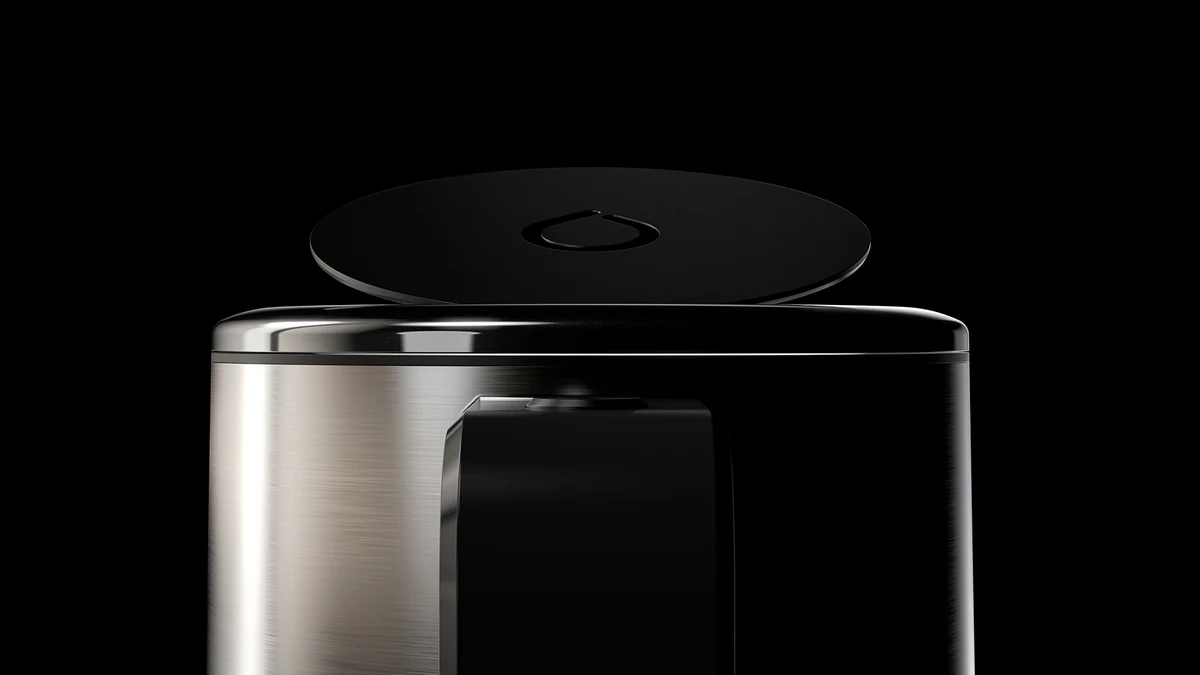
The product, partly revealed.
Teaser renders show part of a product before launch: a shape, a detail, a colour. They run on social, pre-order pages and embargoed press material ahead of the full reveal. What each one may show is agreed before it is made.
Overview
Anticipation, in one still.
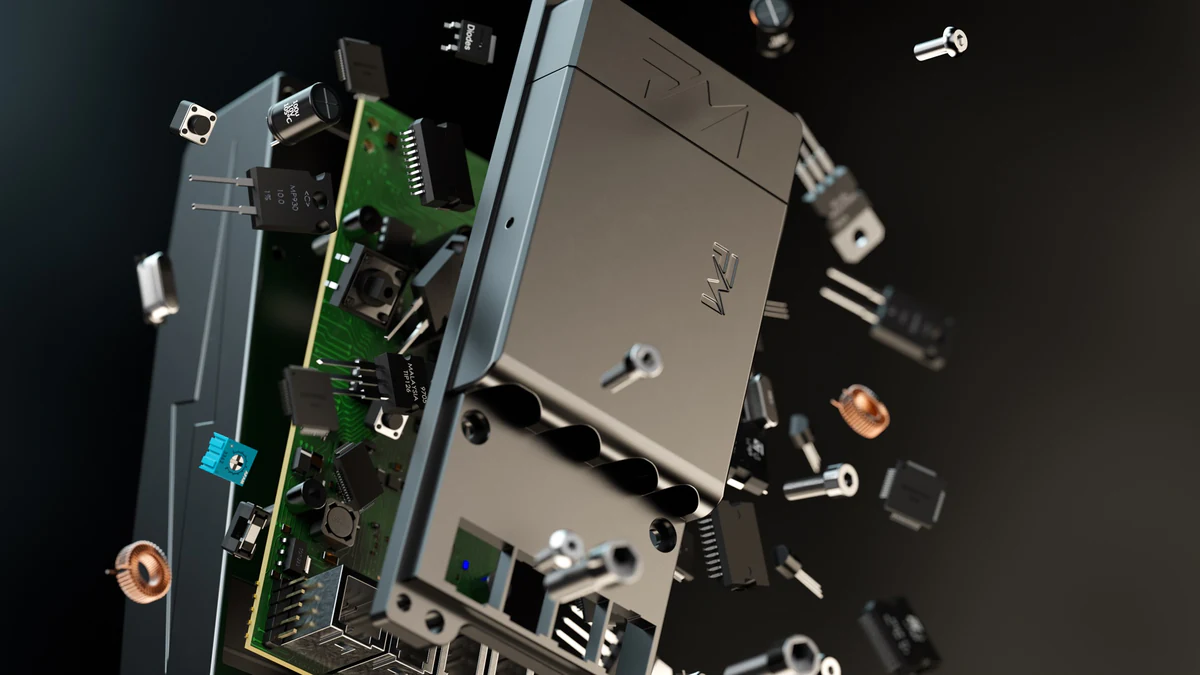
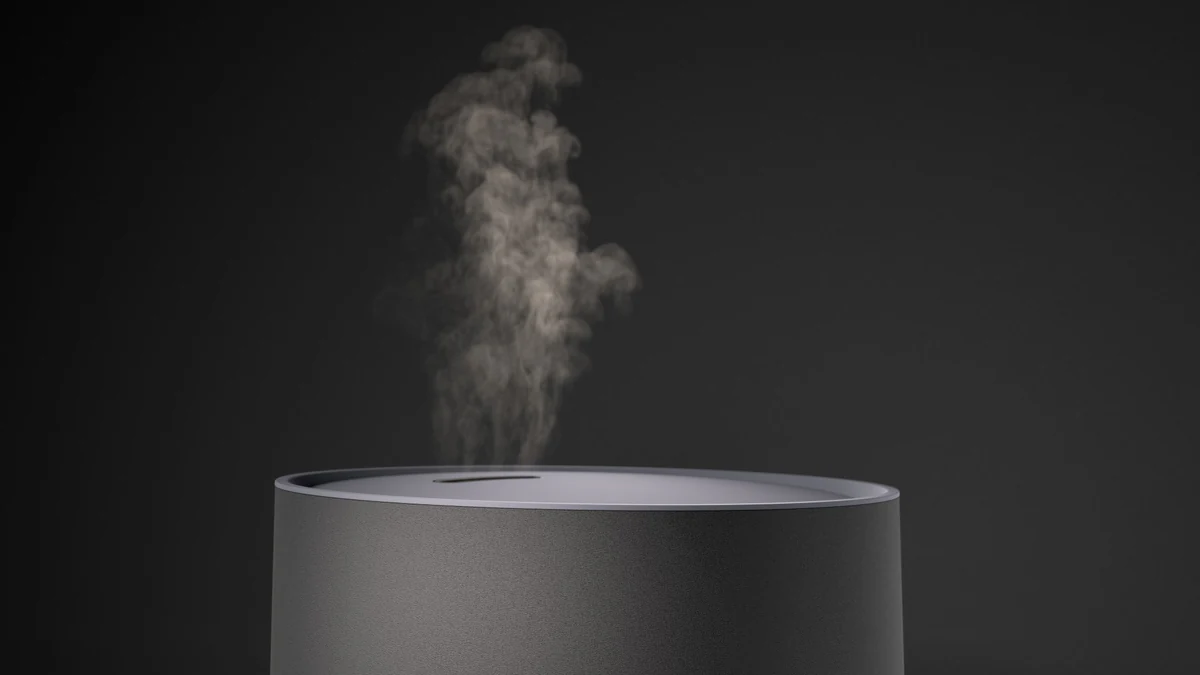
Teaser renders live before the full reveal. Silhouette in shadow, partial illumination, macro on one specific detail. Each one gives the audience a planned clue and holds the rest back.
They suit launches with a pre-order window, an embargo or a long run-up. A teaser is often simple in composition, but it still needs an approved source, lighting, review and sign-off on what it gives away.
Choose the clue
Start with what to show before launch, and what to hold back. A pre-launch teaser works when each image gives away one planned clue. The ladder below is a generic illustration, not a client campaign. Most launches use only some of the steps.
| Step | What the viewer may learn | What stays hidden |
|---|---|---|
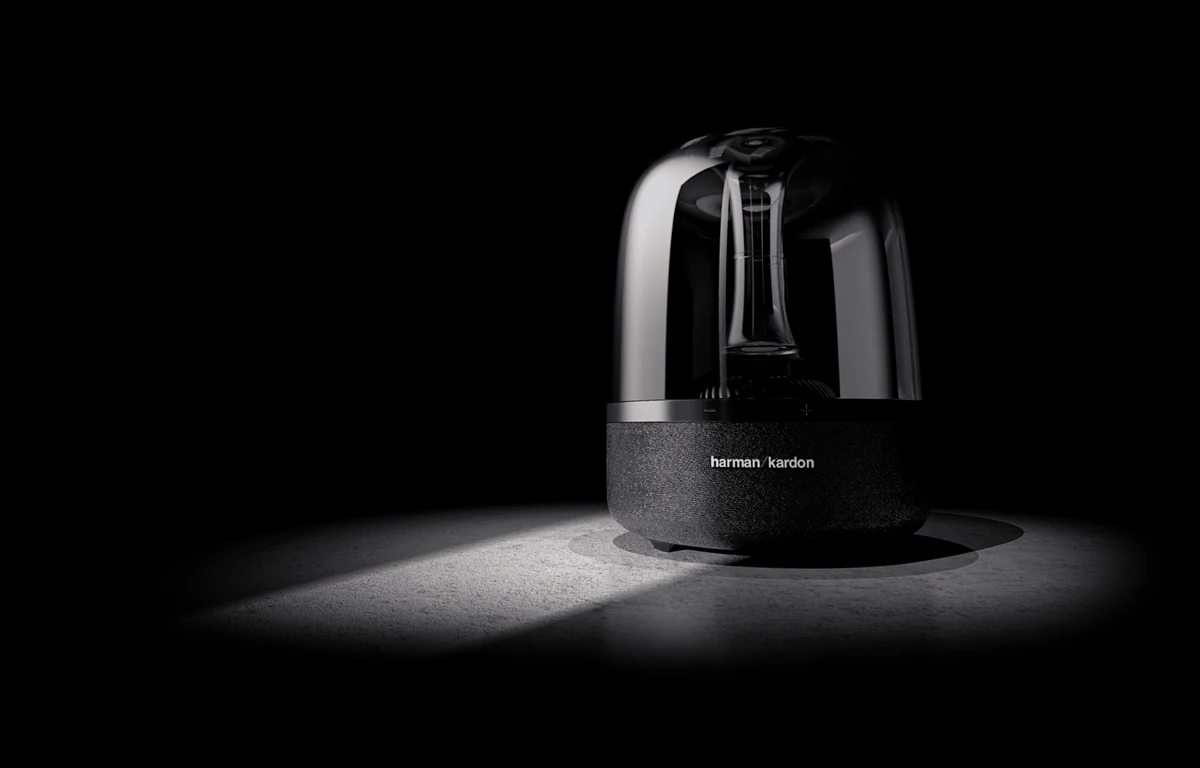
| 1. Silhouette | The outline and the size of the product | Finish, colour, controls and features |
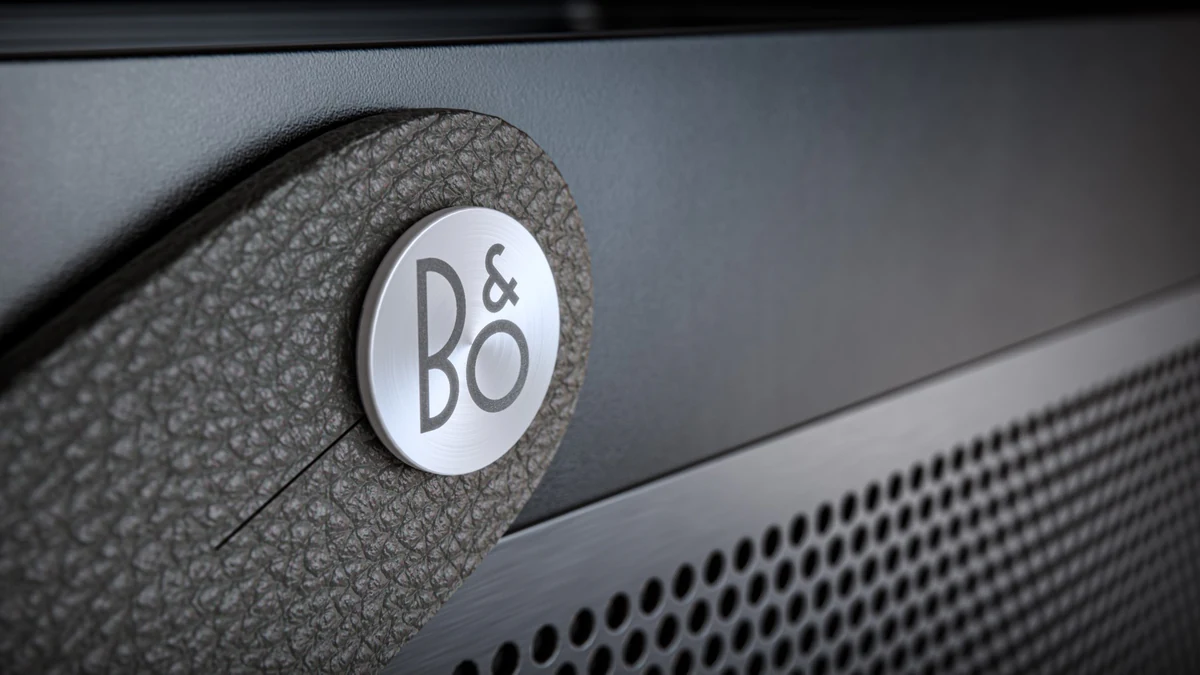
| 2. Material or detail | One surface, part or feature, close up | The overall form and how it works |
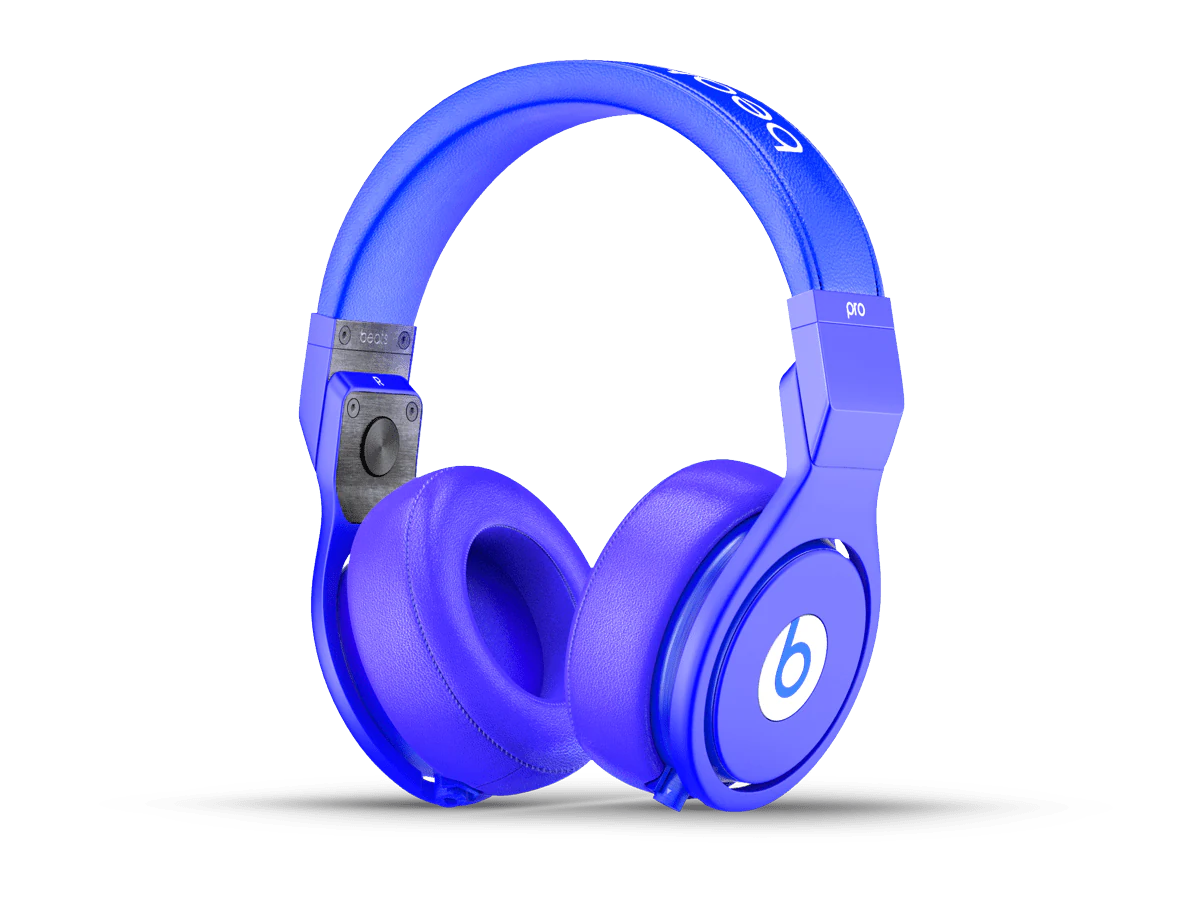
| 3. Colour | A colourway or finish | The full design, or which product carries it |
| 4. Partial reveal | Part of the product in light | The rest of the design and the feature story |
| 5. Full reveal | The whole product and its message | Nothing that is approved for launch |
A silhouette can still reveal a distinctive design. No partial view guarantees that a hidden feature cannot be worked out, so check each step against what must stay confidential.
Record what may be shown
Before anything is scheduled, keep a pre-launch reveal record. One row per teaser, plus the full reveal. It makes clear what each image gives away, who approved it and who publishes it. Approval for one channel does not cover every channel, and a later design revision needs a fresh check.
| Field | Teaser 1 | Teaser 2 | Full reveal |
|---|---|---|---|
| Asset and source revision | |||
| Visible clue | |||
| What stays hidden | |||
| Embargo or first-use date | |||
| Placement | |||
| Wording or caption | |||
| Owner | |||
| Reviewer and status | |||
| Who publishes it | |||
| Where it leads |
Download the blank reveal record (CSV). To list every teaser and reveal asset alongside the rest of the launch, use the Labs product launch asset checklist.
Plan the timing around your approvals
There is no standard teaser schedule. The run-up depends on four things: when the source revision is approved, when your reviewers are available, the embargo, and the date the first asset must go out. Plan backwards from the first public date. Leave time for a design change to reach every teaser that shows it.
From teaser to the final launch set
An approved launch model can often support teasers, the full reveal and the wider set of stills and motion. New framing, lighting, product changes and extra outputs still need production and review. Plan the reveal shot with the teasers, so the payoff matches what they held back. Our notes on hero-shot planning cover the final frame.
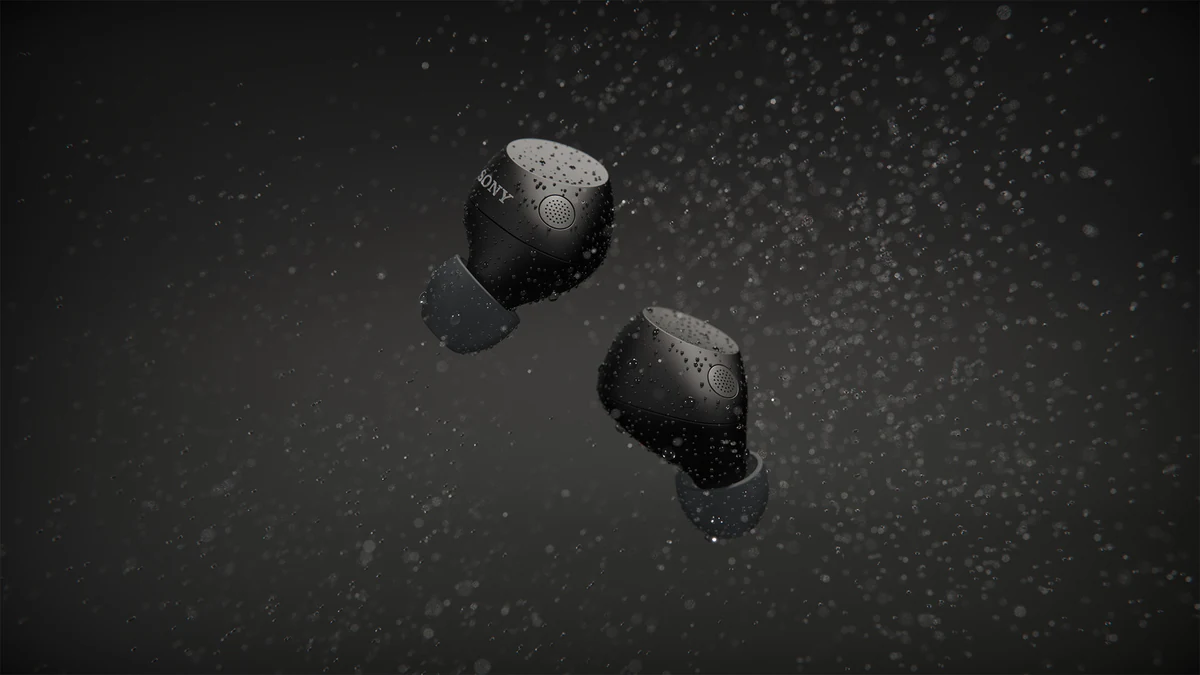
To scope everything together, plan the pre-launch and launch set with Launch Visuals, or read pre-launch planning for the whole launch. For a stills-only brief, see 3D product rendering. On the Sony card below, the commercial was ImageNova’s; XO3D made two animated segments and the colourways.
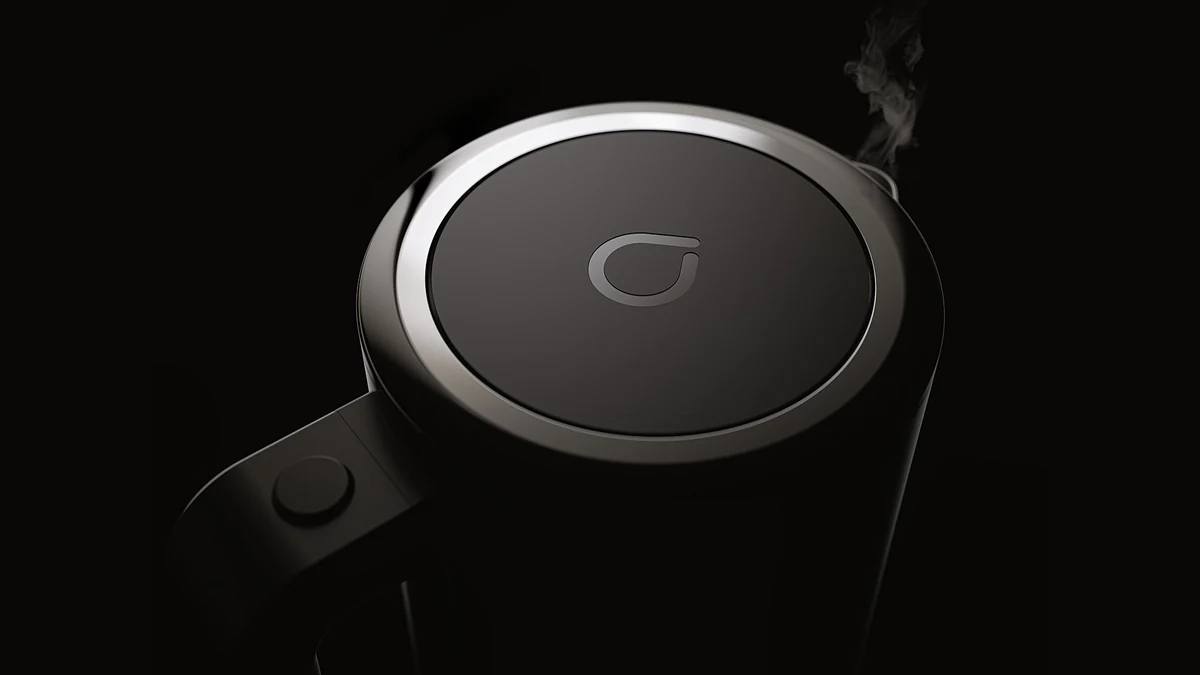
For sibling topics, see product rendering and the iKettle project.
What's covered
The main varieties, in detail.
Advantages
Why brands commission it.
Simple to compose, still reviewed.
A teaser is often one product, one light and one angle. It still needs an approved source, careful masking and sign-off on what it reveals.
Can extend the pre-launch window.
Teasers give marketing something to publish in the run-up to the full reveal, when the reveal date allows it.
Made for feed formats.
Vertical, square and landscape versions can be planned with the shot for social, email and press.
Can run before manufacture.
Teaser stills can be produced from approved CAD before the physical product exists.
Trade-offs
What to plan for.
Over-teasing risks fatigue.
Too much teaser dilutes the reveal. Balance the tease against the payoff.
A clear announcement can serve better.
If the audience needs the facts straight away, a teaser can delay the message. Decide whether a partial reveal helps before planning one.
Timing coordination.
Teasers must land in the right order across social, PR and PDP. Coordination matters.
Design leak risk.
Even silhouettes leak design cues, and no partial view guarantees a hidden feature cannot be worked out. Confirm legal and product sign-off before scheduling.
Process
An illustrative teaser workflow.
These steps describe how a teaser sequence is typically produced. The stages, review points and who publishes each file are agreed for your project.
- STAGE 1
Brief and reveal calendar.
Full reveal date, teaser beats, platforms and embargo dates agreed.
- STAGE 2
Storyboard tease sequence.
Silhouette, partial detail, motion glimpse, colour drop sequenced across the calendar.
- STAGE 3
Rendering.
Individual teaser stills rendered from the approved launch 3D asset.
- STAGE 4
Cut-downs for platforms.
Vertical, square and 16:9 crops for platform delivery.
- STAGE 5
Delivery and hand-off.
Files go to the person who publishes them, with the agreed embargo and first-use dates.
- STAGE 6
Reveal integration.
The final reveal still or film shows what the teasers held back.
Who this is for
Built for teams shipping the launch.
Brand marketing and PR teams at product launch brands. Communications teams running embargoed launches.
Direct-to-consumer brands driving pre-orders. Agencies delivering integrated launch campaigns.
Case studies
Adjacent launch work.
Each card describes the project as its case study records it. These are launch projects, not records of a pre-launch teaser campaign.
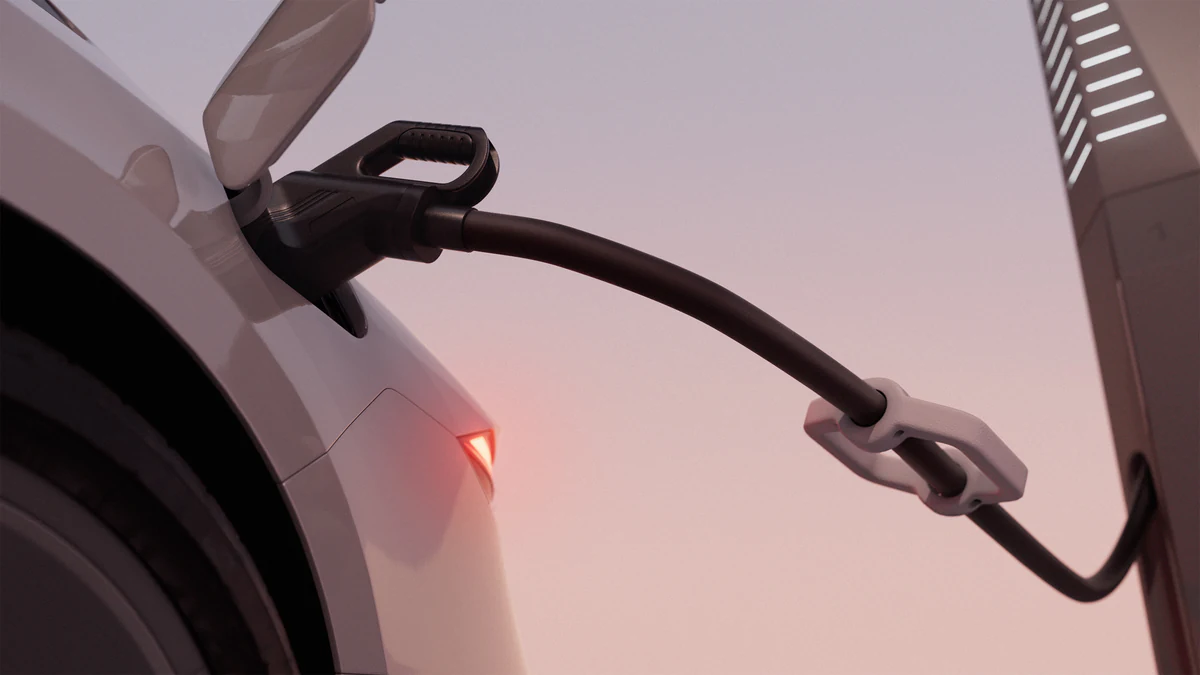

Petalite EV charger launch: one Master Asset produced five animations and 13 stills across 16:9, 1:1 and 9:16.
View case study

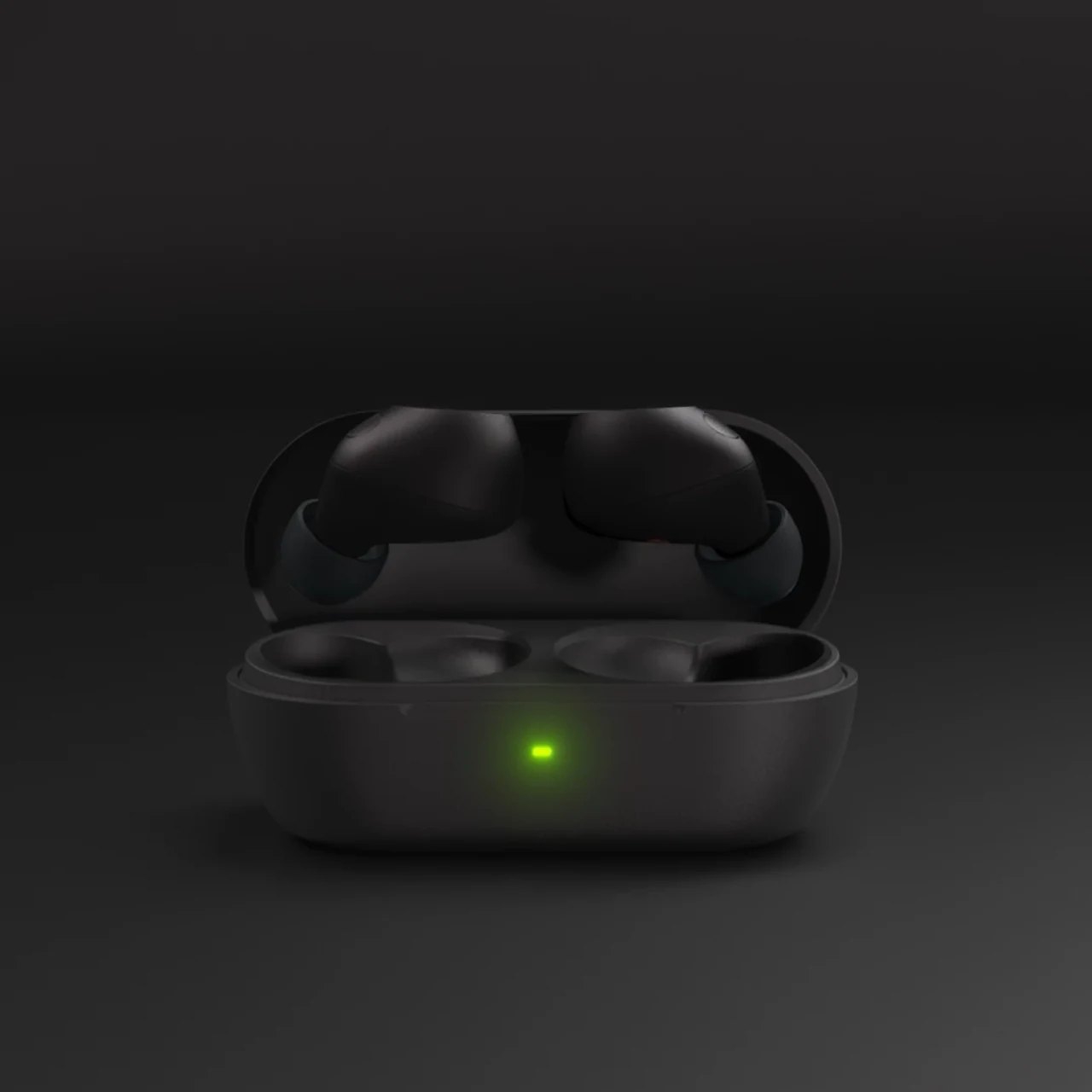
Sony WF-C710 for ImageNova: two short animated segments for the launch commercial, plus rendered colourways composited into product photography.
View case study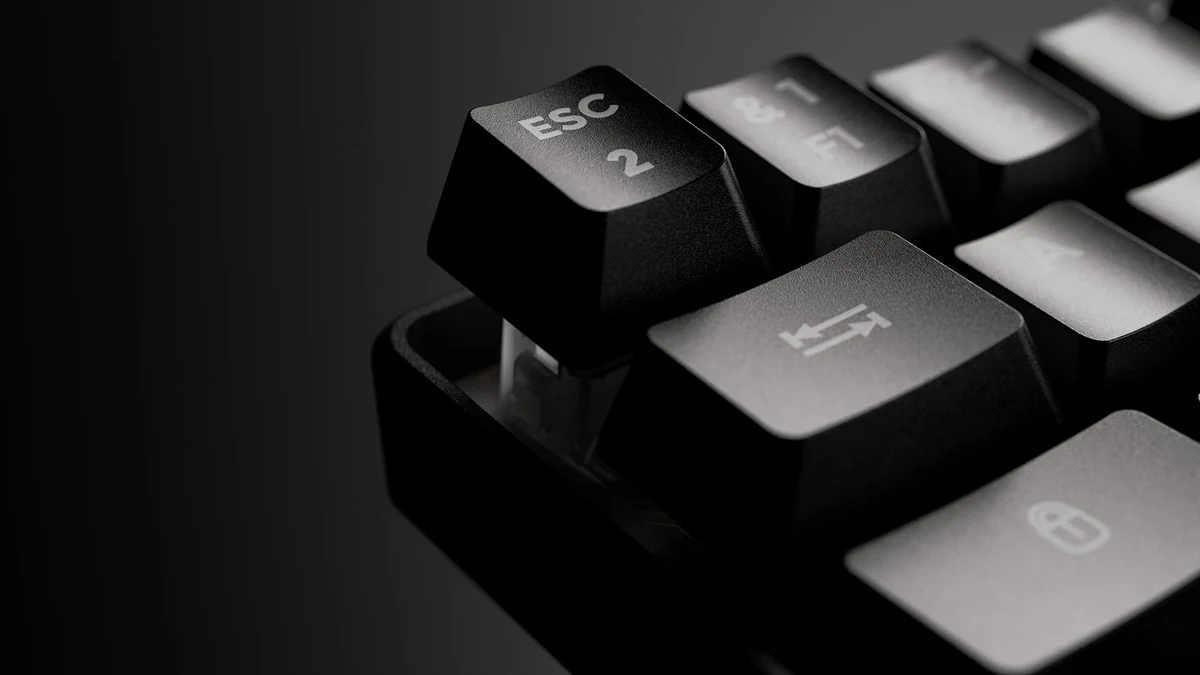
G-Lab Keyz Hydrogen keyboard launch: a 40-second animation, lighting sequences and colourway stills from one Master Asset.
View case studyTestimonial
The team at XO3D were a pleasure to work with on one of our big projects. They rendered, batched, and saved out literally thousands of images for us. Every single one of these images came out perfect.

FAQ
Common questions, answered.
How early should teaser renders start?
There is no fixed lead time. Work back from the first public date: when the source revision is approved, who has to review each teaser, the embargo, and the date the first asset must run. Those set the start, not a standard number of weeks.
Can teasers use the launch 3D asset?
A launch model may support silhouette, partial or backlit teaser views. Agree what can be revealed, then develop and review the teaser composition.
How many teasers should a launch have?
There is no standard number. Each teaser should give away one planned clue, so the count follows the clues you have approved and the length of the pre-launch window. More teasers than clues risks fatigue.
Are teaser renders shown in stills only, or animation too?
Both. Static teaser renders on social feed and email, short teaser animation for reels and PR embargo material.

Your next project
Control the reveal.
Select the silhouette, texture or detail that can introduce the product without revealing more than the campaign allows. Agree the full-launch relationship before producing a teaser set.
A route to consider
CGI stills and campaign visuals
Directed product stills with an agreed shot list, material references, environments and delivery formats.
Bring these three things.
- What can be revealed now?
- What is the intended launch sequence?
- Which channels need teaser imagery?
5.0 from 76 Google reviewsLovie Awards 2026: Bronze and People's Lovie
Pick a time that suits you. Open the calendar on its own page
Start with an outline. We review the product, intended outputs and timing before agreeing the production scope.