XO3D Studio · Augmented Reality
What Is Augmented Reality? Product, Retail and Brand Uses
Digital objects, anchored to real space.
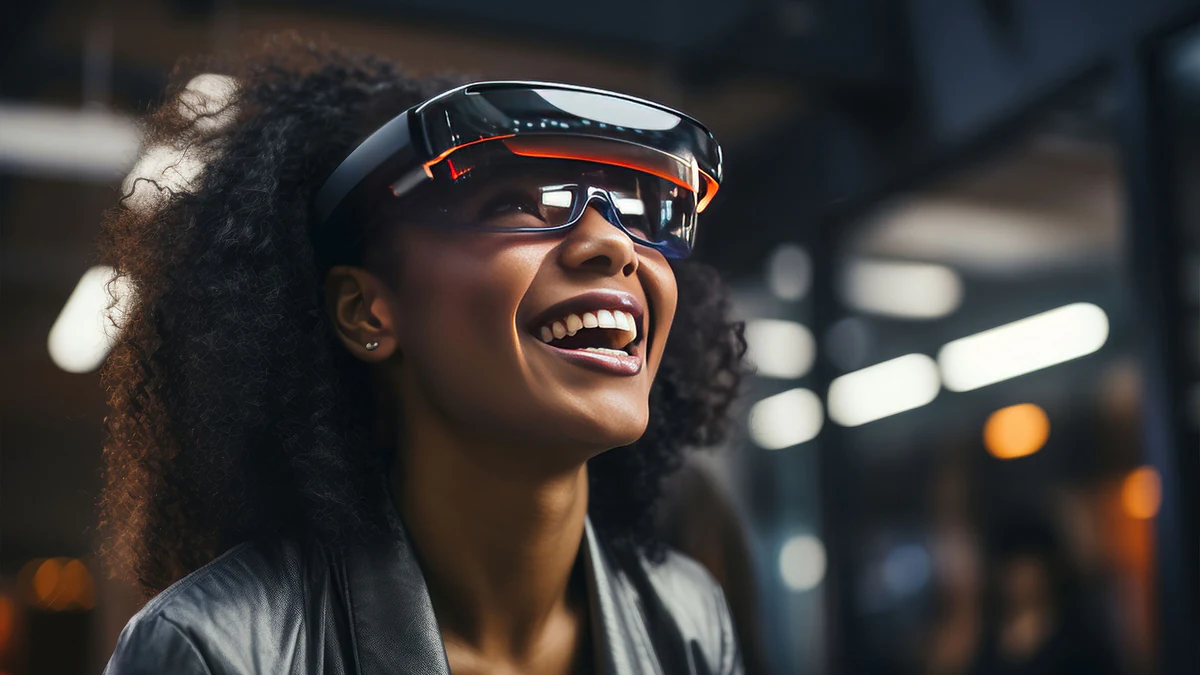
Augmented reality places a 3D representation into a camera view or supported environment. For product work, define the intended interaction, scale reference, supported devices and fallback before production.
Why AR
The proven wins are commercial, not futuristic.
AR headlines tend to focus on glasses and mixed reality. The proven commercial wins for brands are more grounded, product AR on ecommerce pages, retail activations, packaging AR and brand experiences on mobile.
Underneath every AR experience sits a 3D asset. That asset is the same source that feeds your stills, animation and configurator work. A well-built launch pipeline treats AR as another downstream deliverable, not a separate project.
On building AR models that load quickly
When we made AR models for Sony's web pages, working for ImageNova, we had to bring in Sony's CAD and remodel everything to get it down to a set file size, so the models would load quickly on phones and on any desktop. The model has to be extremely low in file size.
What's covered
The main varieties, in detail.
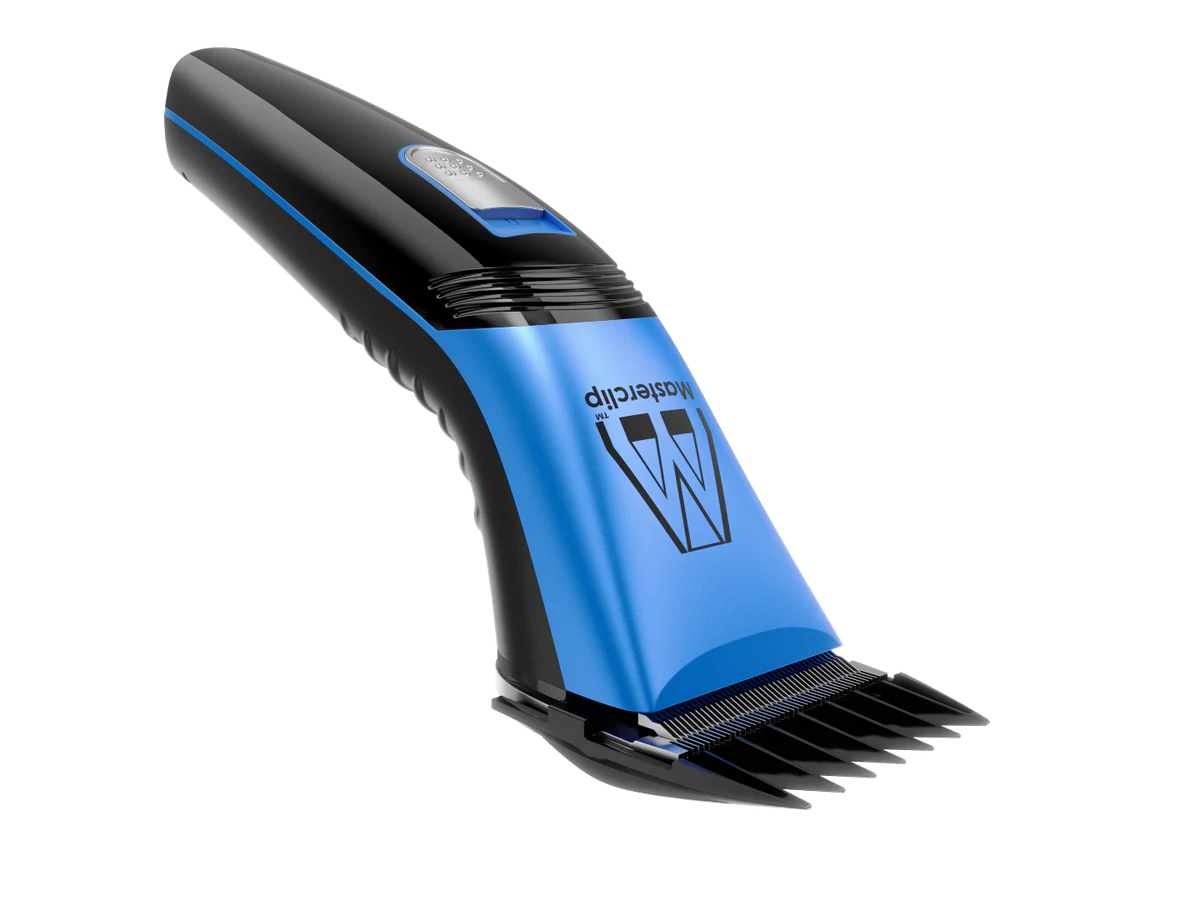
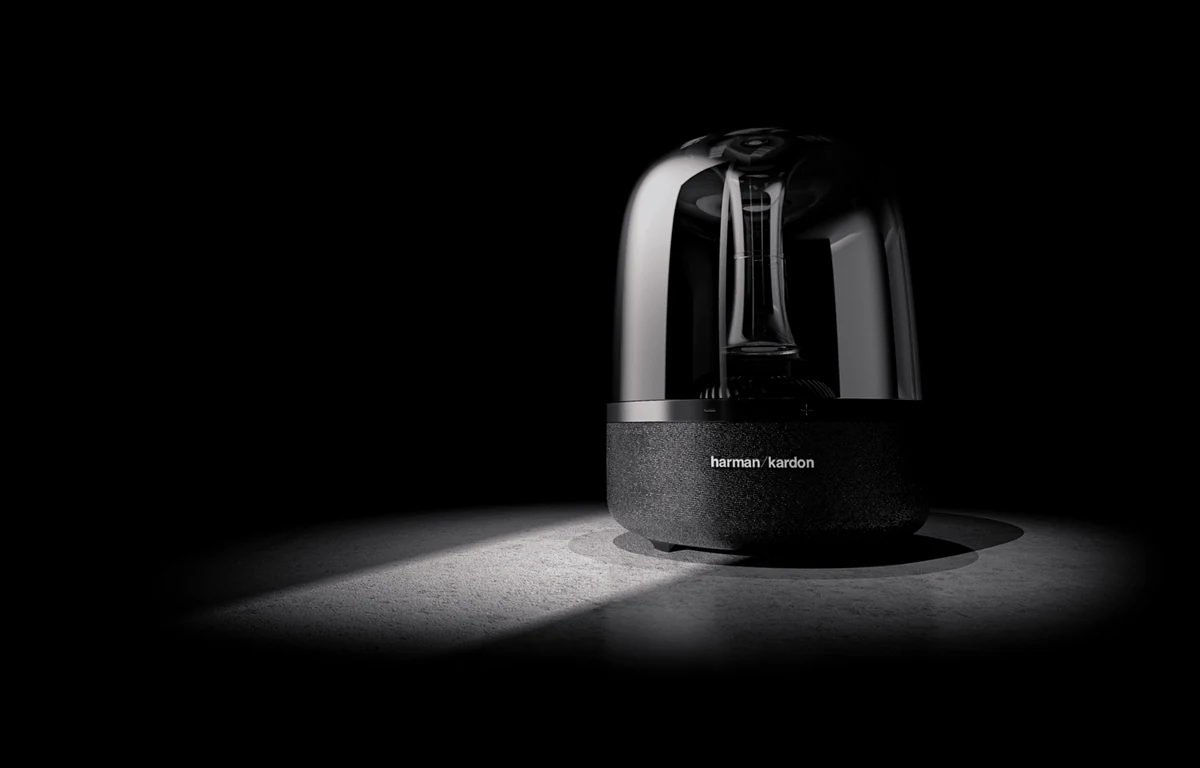
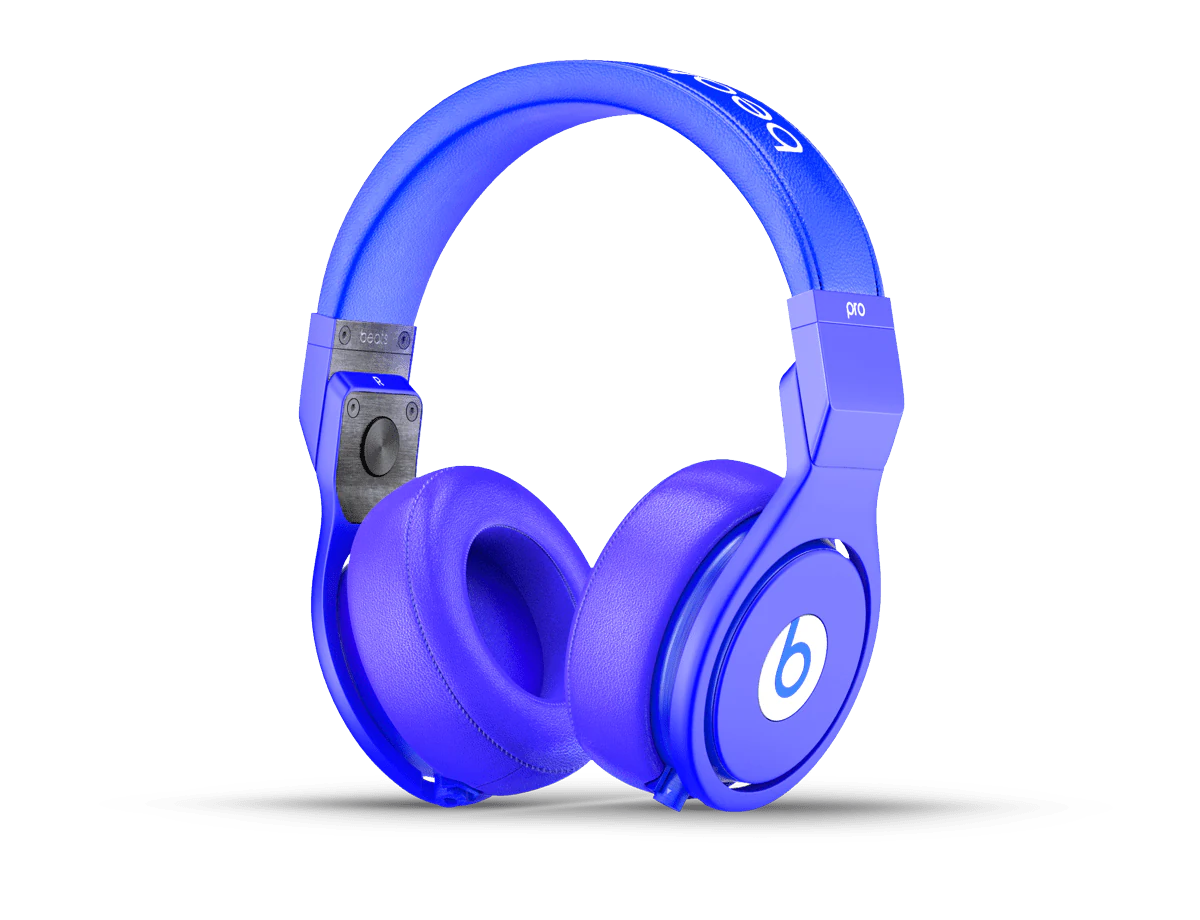
Advantages
Why brands commission it.
Show the product in context.
A placement preview can help a buyer assess scale and context. Its effect on purchasing or returns needs to be measured in the actual storefront; it is not established by the viewer alone.
Support product inspection.
AR-enabled product pages consistently outperform static PDPs, especially on categories where scale, finish or fit are decision factors.
Reach across iOS and Android without an app.
One model-viewer embed delivers native AR through iOS Quick Look and Android Scene Viewer. No app install, no login, no download friction.
Reuse your existing 3D assets.
AR is another downstream deliverable from a production-ready 3D asset. The model powering your stills and animation is optimised and re-exported for AR.
Free discovery in Google search.
A useful product experience starts with accessible product information and a tested viewer. A 3D embed does not by itself guarantee an enhanced search appearance.
Trade-offs
What to plan for.
Model needs to be AR-optimised.
AR models must be lightweight, correctly scaled and have baked PBR materials. A hero-render model rarely ships to AR unchanged, retopology and material baking are usually required.
iOS and Android formats differ.
iOS Quick Look uses USDZ, Android uses GLB. Both must be produced and kept in sync when the model changes. model-viewer wraps this into one embed but the assets are still separate.
CORS on cross-origin AR assets.
When GLB files are served from a different origin to the page, CORS headers must be configured on the asset host. Same-origin serving avoids this entirely.
AR does not replace stills.
AR sits alongside stills, animation and product film, it does not replace them. The product page still needs strong hero imagery to earn the click into AR.
Retail and packaging AR needs a launch plan.
Marker-based retail and packaging AR is only useful if users know it exists. Budget for the launch mechanic, print CTAs, in-store signage, on-page prompt, alongside the AR build itself.
Before you start
Project checklist.
You do not need all of these on day one. But the more of this we have at brief, the faster the project moves and the fewer clarifying rounds it needs.
Source 3D model or CAD.
A production-ready model, or CAD (STEP, IGES, SolidWorks, Parasolid). Photography-only source is possible but slower to build from.
Real-world dimensions.
The product's true dimensions in millimetres or metres. AR must preview at correct scale, and small errors show up immediately.
Material and finish spec.
Colour codes (Pantone), material types and any physical swatches or reference imagery.
Variants and launch mechanic.
Every colourway or configuration the AR viewer needs to switch, plus the plan for how users find and use the AR experience.
01
Product source
Confirm the approved revision, dimensions and material references.
02
Purpose and format
Agree what the audience needs to see and where the work will appear.
03
Review and delivery
Name the reviewers and record the outputs and approval dates.
Process
How the work is produced.
- STAGE 1
Source model or CAD.
Start from a production-ready 3D model, or from CAD if this is a launch build. AR usually reuses the model already produced for stills and animation.
- STAGE 2
Retopology and scale.
Geometry is retopologised for real-time performance and scale is anchored to real-world units so the AR preview lands at true size.
- STAGE 3
Materials and baking.
PBR materials are set up (base colour, normal, roughness, metalness) and baked into map textures. Detail from a high-poly source is preserved through normal maps.
- STAGE 4
GLB and USDZ export.
The model is exported as GLB for web and Android, and USDZ for iOS Quick Look.
- STAGE 5
Embed and test.
model-viewer is embedded on the target page with AR entry buttons, and a hosted link or QR code lets your team check scale, orientation and materials on your own devices.
- STAGE 6
Launch and iterate.
The AR asset ships behind the product page. Analytics feed the next iteration, colourway additions, size variants and material refinements.
Workflow
How we run the engagement.
- STEP 1
Starting a project
You send the source data, dimensions, materials and target platforms. Early confirmation of variants and launch mechanic is critical to sizing scope.
- STEP 2
Reviewing information
We review the source, confirm scope, and align on AR flow, embed points and any configurator behaviour.
- STEP 3
Execution
We prep the model, bake materials, export the platform pair (GLB + USDZ) and stage the embed. Progress lands at agreed milestones.
- STEP 4
Reviewing
We share a staging embed for you to test on real iOS and Android devices. You mark up scale, material, colour and interaction feedback.
- STEP 5
Approval and handover
You sign off, we hand over the final GLB, USDZ and embed code, ready for the target product pages, campaign or retail installation.
Who commissions AR
Built for teams shipping ecommerce, retail and launch content.
Ecommerce and marketing leads at furniture, appliance, homeware, jewellery, tech hardware and beauty brands. Retail marketing teams running store activations. Product marketing at premium consumer brands driving launch content.
Advertising and design agencies delivering integrated launch campaigns where AR is one of the deliverables. Direct-to-consumer brands on Shopify or bespoke storefronts scaling their PDP experience.
Case studies
Recent work.
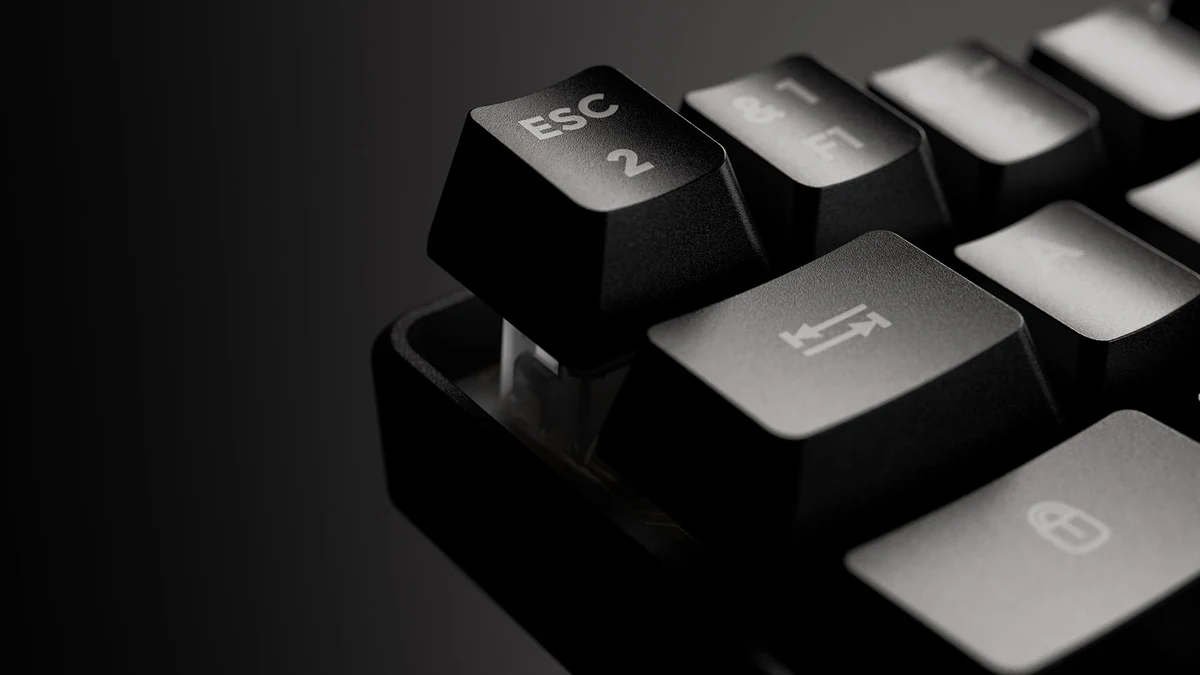

G-Lab gaming keyboard. A 40-second launch film, 4K stills for every colourway and macro close-ups, all from one 3D build.
View case study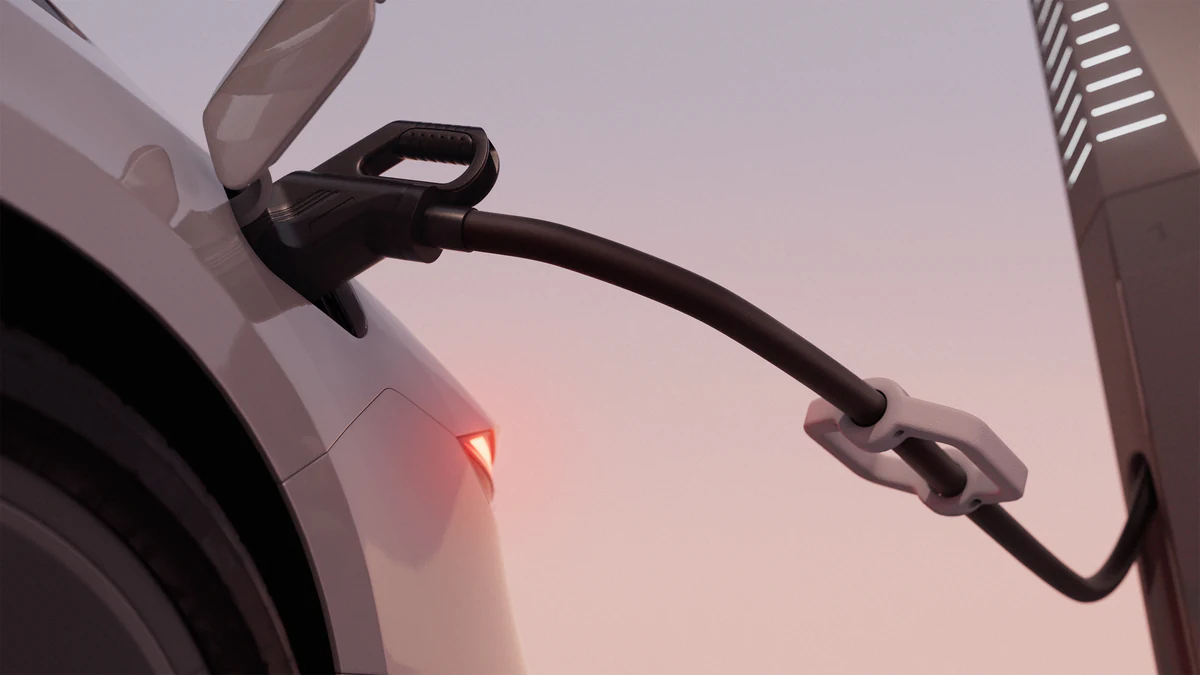

Petalite EV charger. Studio hero stills, lifestyle stills and engineering animation, all built from one production-ready 3D asset.
View case study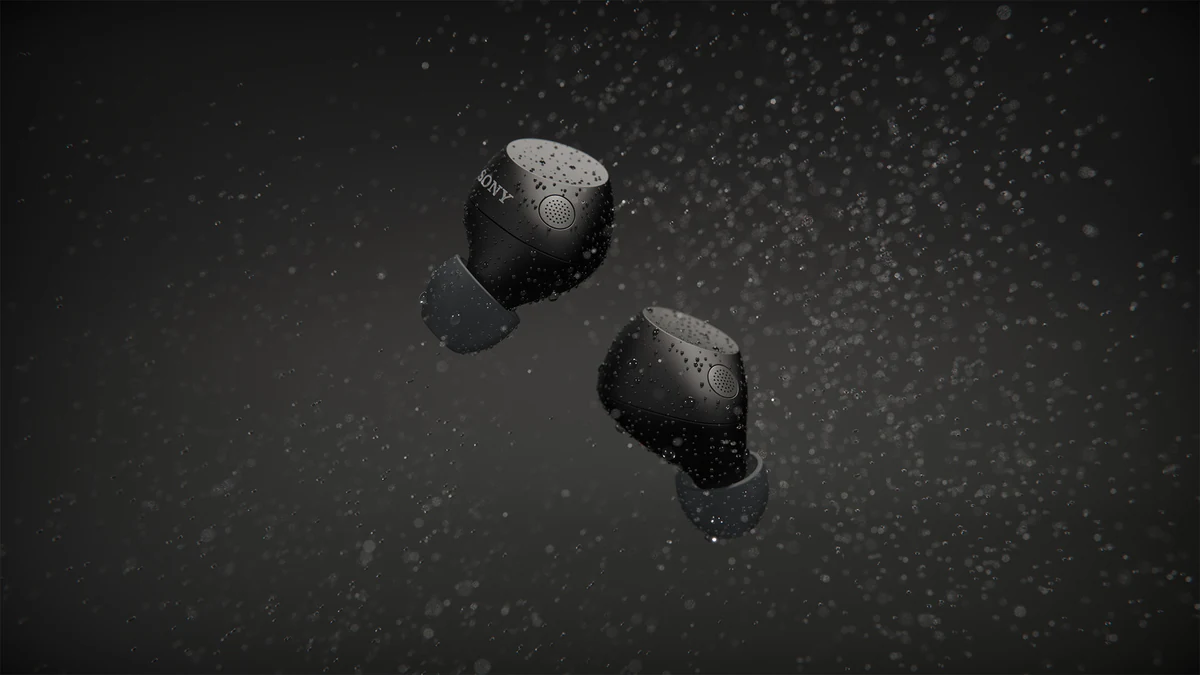


Sony WF-C710 for ImageNova: two short animated segments for the launch commercial, plus rendered colourways composited into product photography.
View case studyTestimonial
The team at XO3D were a pleasure to work with on one of our big projects. They rendered, batched, and saved out literally thousands of images for us. Every single one of these images came out perfect.
For a commercial brief, the next step is to define the products and formats that need AR (product page, configurator, retail, packaging), and how AR sits inside your broader launch content set. Then scope director-led AR around that job. For the broader system, see Launch Visuals. For the fully immersive sibling format, see virtual reality.

FAQ
Common questions, answered.
What is augmented reality?
AR overlays computer-generated 3D content onto the real world, viewed through a phone, tablet or headset. Unlike VR, the user still sees their real environment, with digital objects placed inside it.
What is the difference between AR and VR?
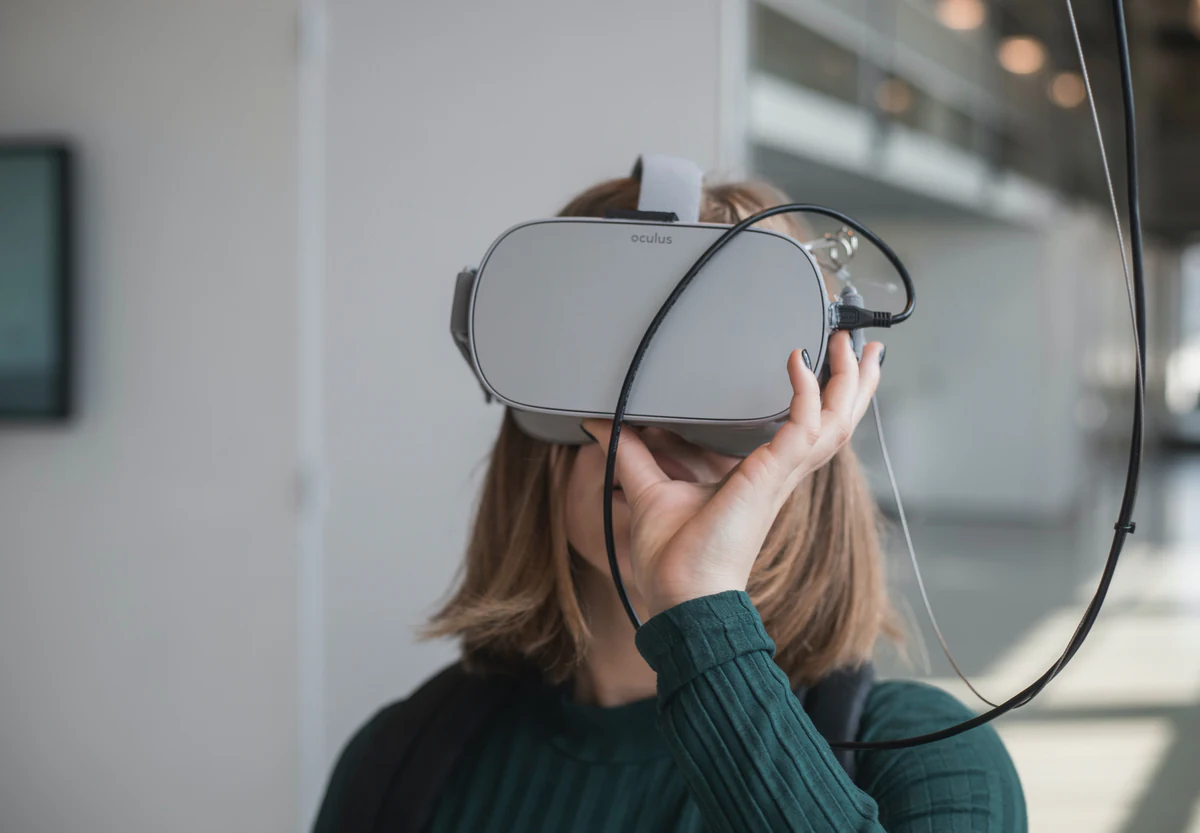
AR augments the real world with digital content. VR replaces the user's view of the real world with a fully computer-generated one. Both use 3D content, but the experience and hardware differ significantly.
Do buyers need an app to use product AR?
No, in almost every case. Web AR via model-viewer uses iOS Quick Look and Android Scene Viewer, both native, no-install experiences launched from the mobile browser.
Which industries get the biggest lift from AR?
Products where dimensions, placement or permitted options are difficult to judge may benefit from AR. Test whether it answers a real buyer question on the intended devices.
Can we produce AR content before the product is manufactured?
Yes. With CAD or a design intent 3D model, AR can be produced before the physical product exists, which is how many launch campaigns and pre-orders are supported.
How long does an AR project take?
AR is scoped at feasibility, against the platform and devices. As a guide, a web-embedded interactive 3D viewer typically takes 3 to 5 weeks, and a model build from CAD is scoped individually.
Your next project
Choose the experience to test.
Room placement, rotation and tracked try-on are distinct briefs. Define one useful interaction and test a representative asset on the intended devices. The linked film illustrates spatial storytelling, not AR delivery.
A route to consider
Product interactives
A product experience scoped around a useful interaction, supported devices, model performance and a clear fallback.
Bring these three things.
- What should the user do?
- Which devices are required?
- What is the fallback experience?
Start with an outline. We review the product, intended outputs and timing before agreeing the production scope.