Service
3D Modelling Services.
XO3D builds product models from CAD, drawings and references for directed stills, film and interactive delivery. Agree the source detail, review stages and intended outputs before the build.
Start a conversationSelected clients







Sony work via ImageNova. Ferrari and Burberry work via KCD.
A product model built for its intended use.
XO3D is a UK director-led studio that builds production-grade 3D product models from your CAD, drawings and reference, then uses that one model for launch films, stills, interactive and AR. It suits consumer technology, industrial, engineering and medical products where the model has to match the product and hold up in a close-up. The model is a visual asset, not an engineering sign-off. 3D modelling is also written 3D modeling; it is the same service.
Topology, level of detail and export format are agreed around the intended output before work begins. Each model is reviewed through structured stages so one approved asset can support finished CGI stills, film, interactive delivery and AR.
Starting with one product? A Master Asset Build pairs the model with one directed hero deliverable, built to the same production standard.
On remodelling a product from its CAD
Brands always underestimate how long it takes to remodel something from scratch. It's one of the longest processes in 3D modelling.
Proof
From CAD to the finished model.
A product model is judged on two things: whether it matches the product, and whether it holds up in a close-up. These frames come from two live projects, shown at the grey stage and as finished renders, with each step described as the case study records it.
On Petalite, XO3D rebuilt the client's engineering CAD for production: repairing topology, resolving overlaps, setting real-world scale and establishing a clear naming and grouping system that kept the project stable as the design evolved. On ROEST, the supplied CAD included internal geometry the shots did not need, so internal parts were removed, some exterior surfaces remeshed and details including the hopper remodelled before lighting.
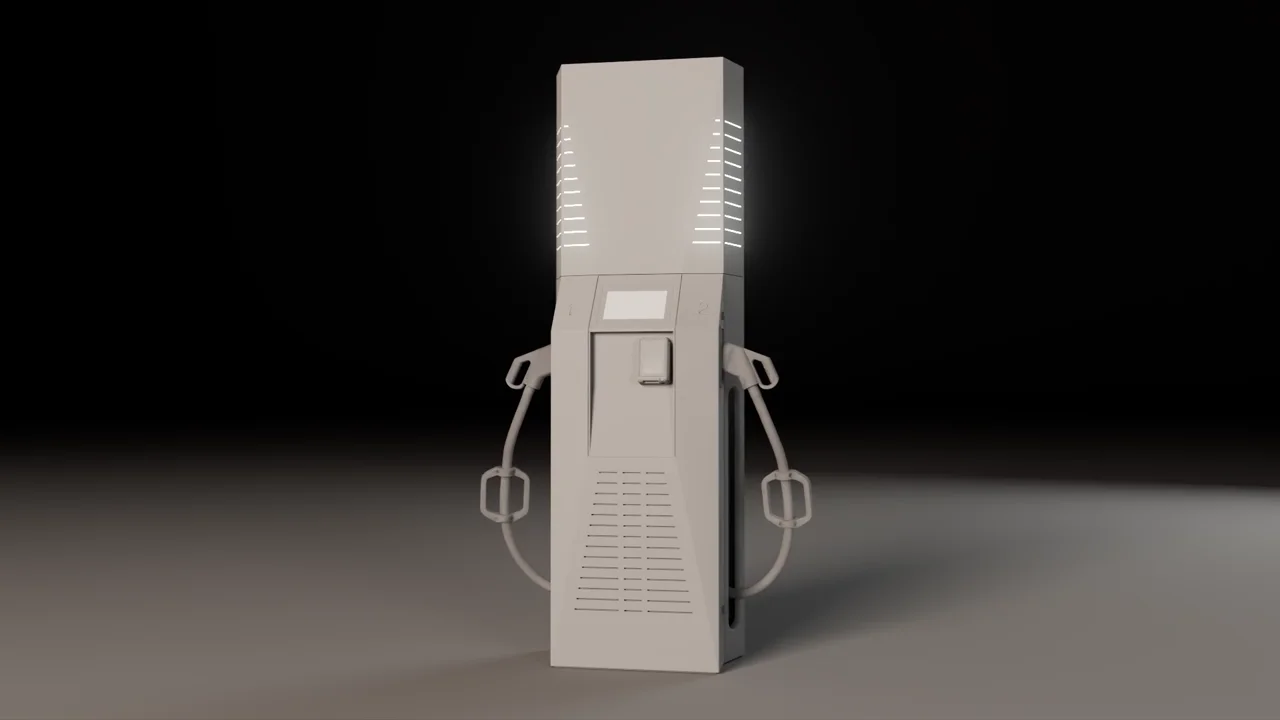
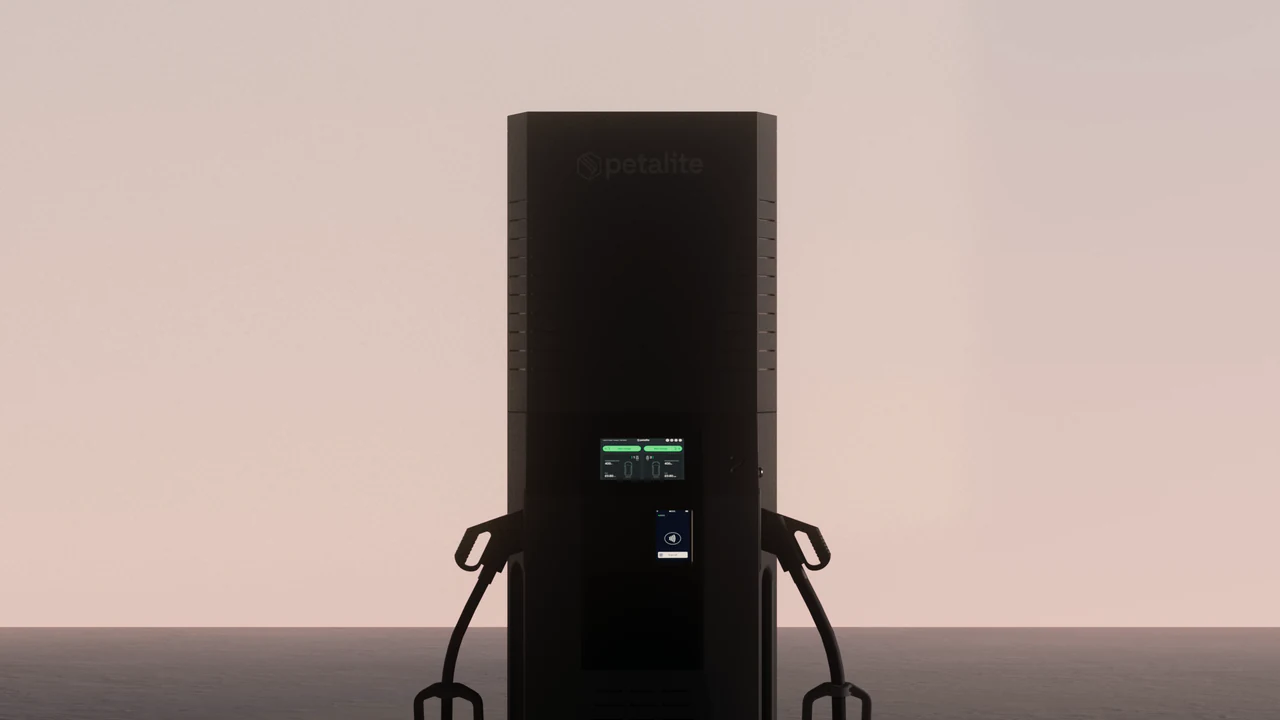
Petalite, greycard Every cable beat was reviewed in greycard with the client: sag, weight, bend radius and contact. 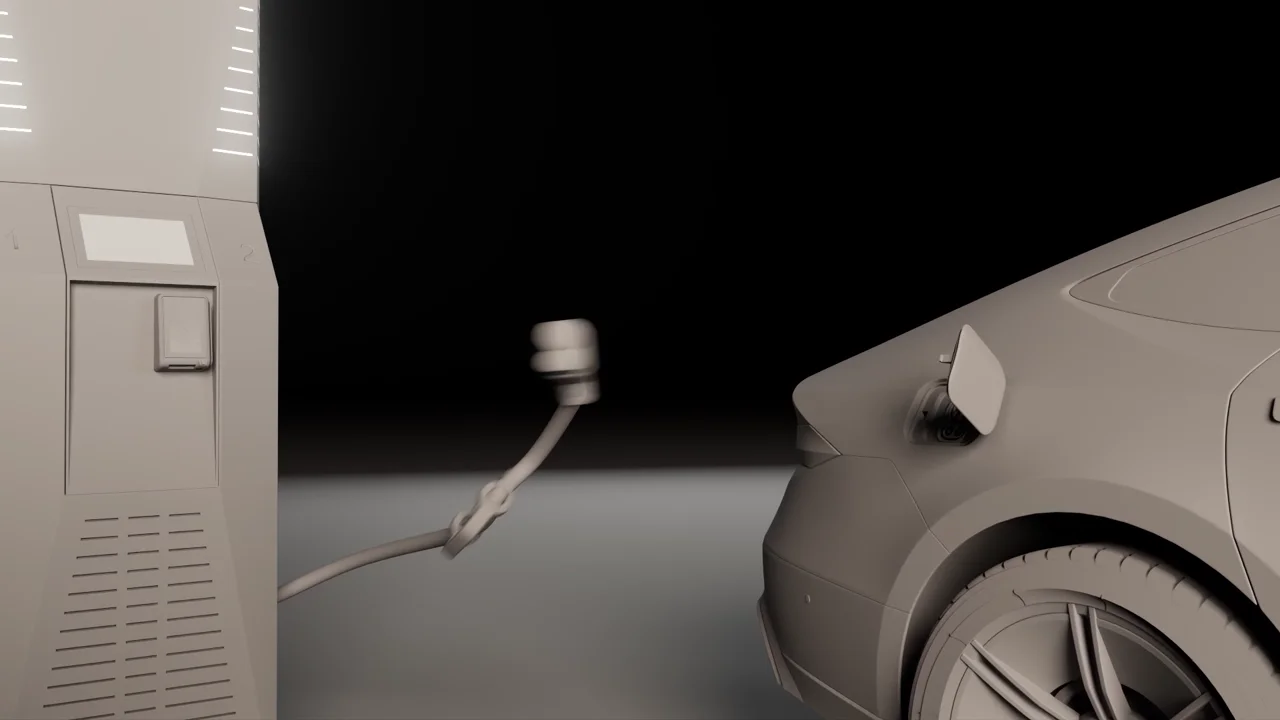
Petalite, greycard Cable behaviour treated as R&D, locked in grey before the final film. 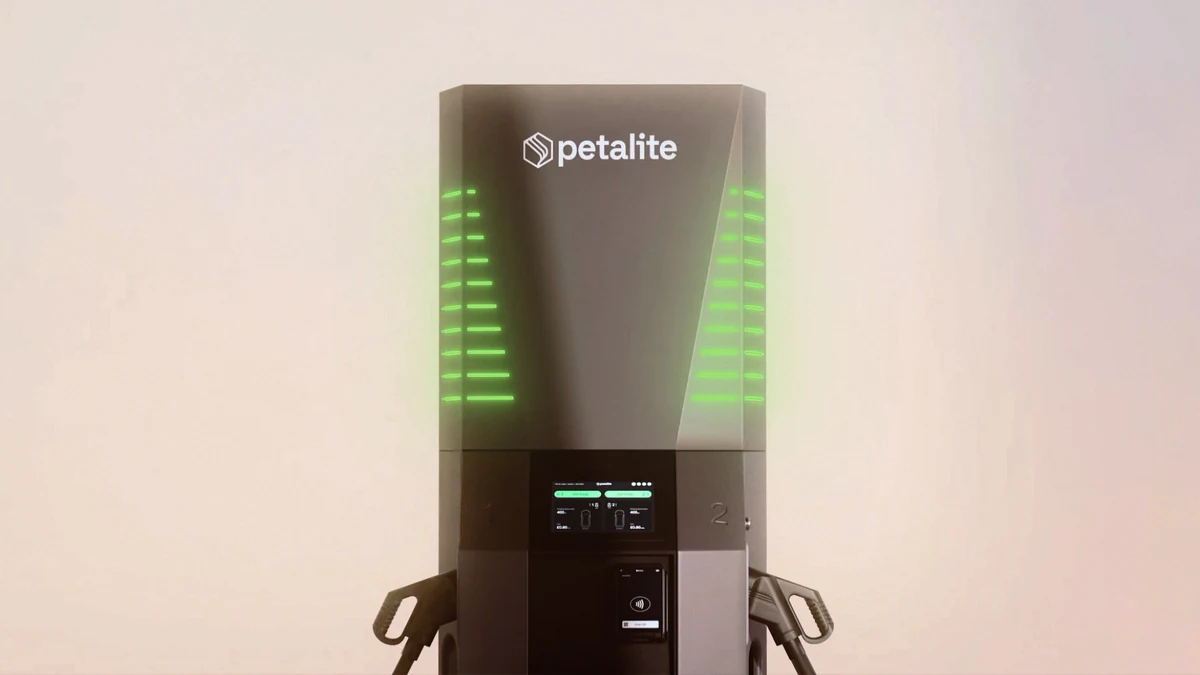
Petalite, final One of seven 4K studio renders from the same rebuilt model, made before a single unit was manufactured. 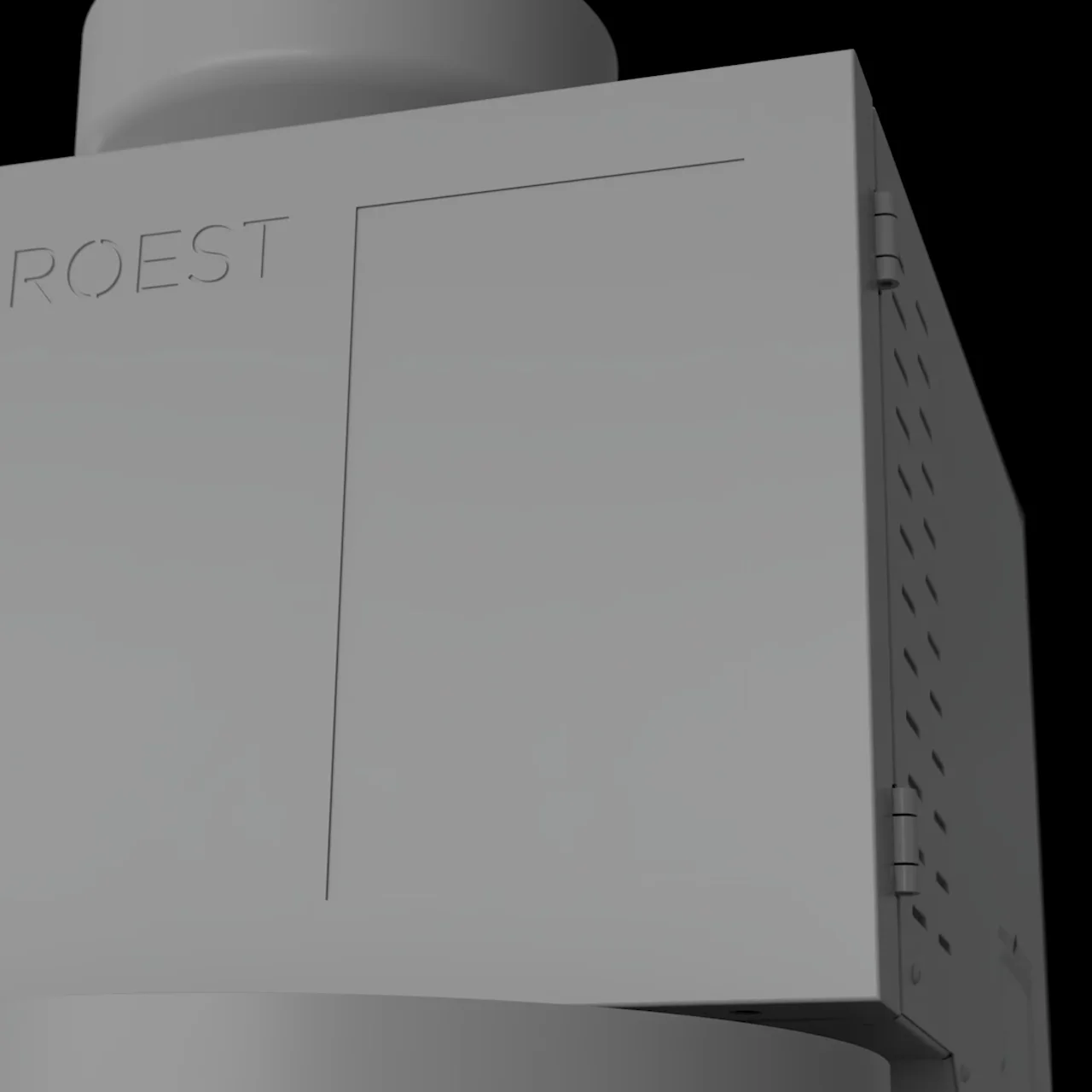
ROEST, grey model Every shot blocked out in clay-grey passes to lock timing, camera and motion. 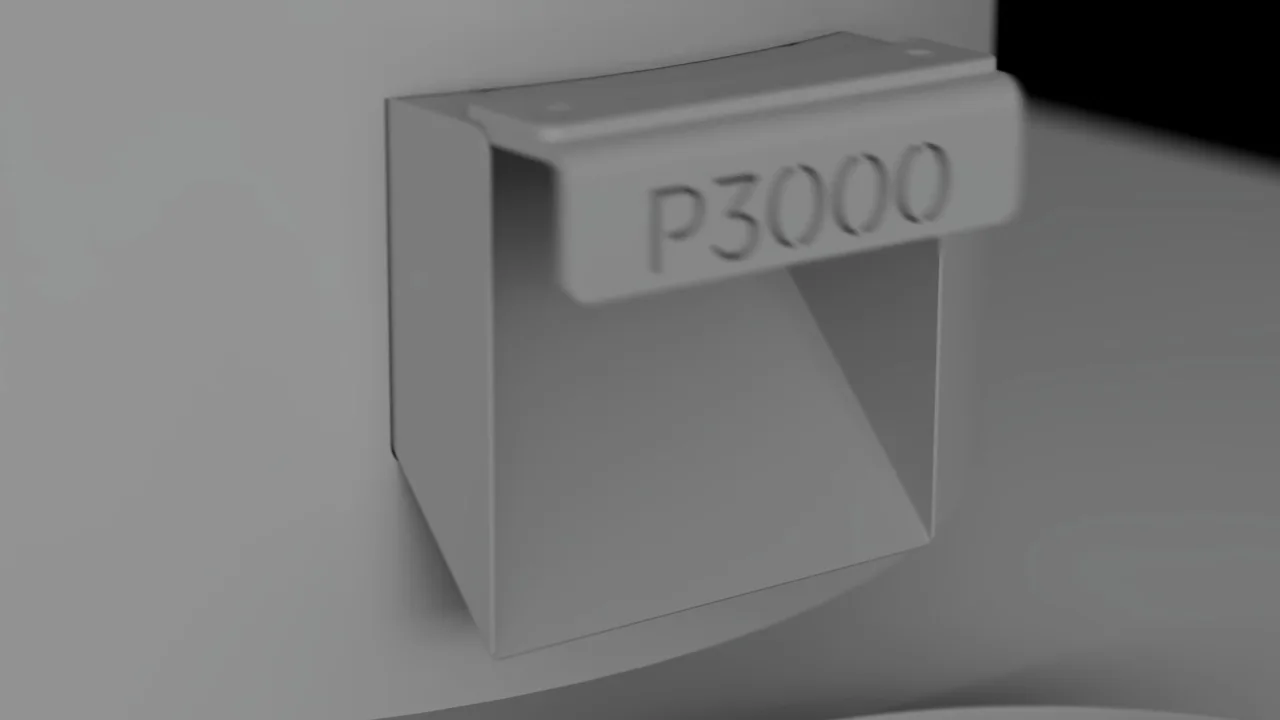
ROEST, grey model The P3000 in grey, before final materials and lighting were developed. 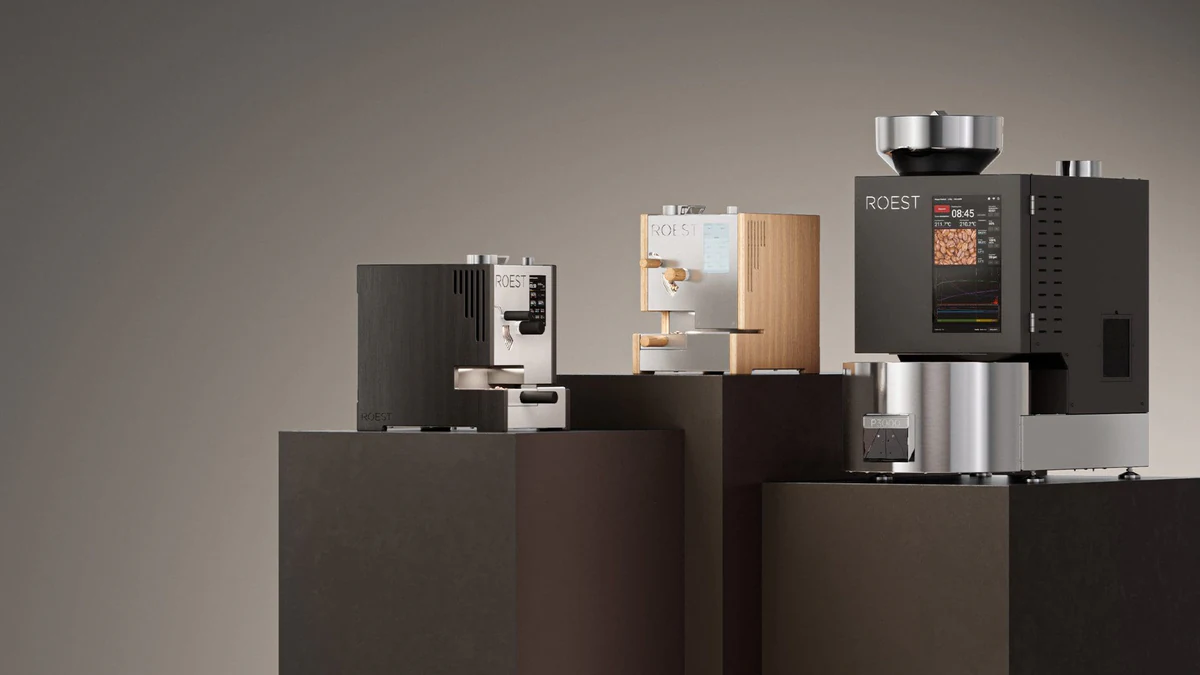
ROEST, final The finished range render, lit after internal parts were removed and the hopper remodelled.
Why it works
Why brands use 3D modelling.
The foundation of every output.
Every render, animation, AR experience and configurator starts with a 3D model, get the model right and every downstream output benefits.
Built from technical inputs.
We work from CAD files, drawings and reference material, accurate models before physical samples exist.
Production-ready topology.
Clean, deformation-ready geometry that holds up across rendering, animation and real-time use.
Pre-launch ready.
Build your visual library from CAD before manufacturing, your launch is ready when the product ships.
What we deliver
Scope the right outputs.
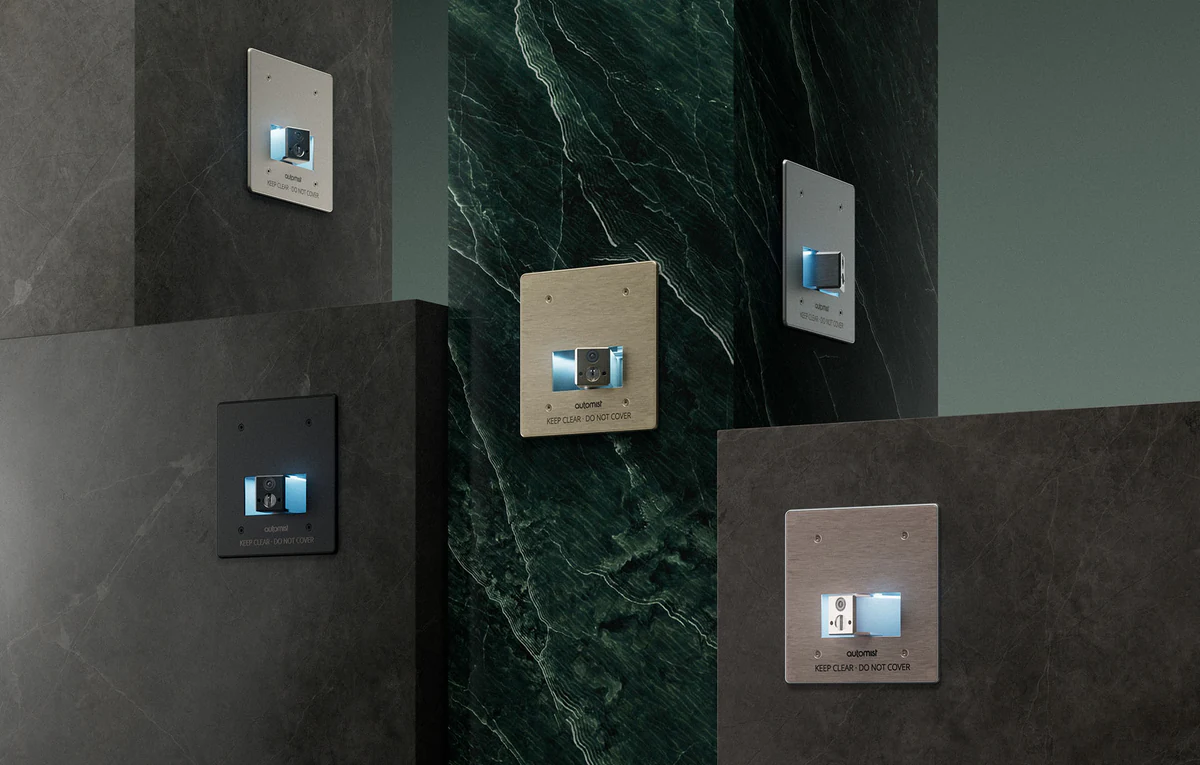
Technical 3D Modelling
Visualisation models built from supplied CAD, with the visible geometry and component hierarchy reviewed against the agreed references. Used for technical CGI and exploded views; a visualisation model is not engineering certification.
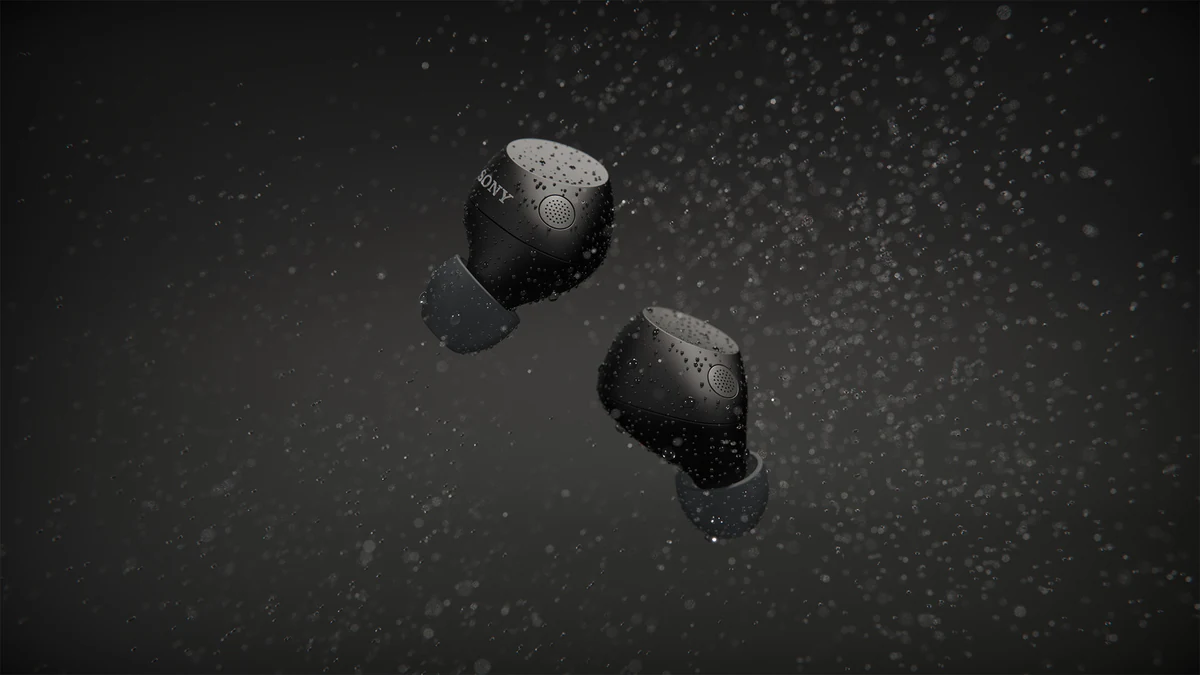
Product 3D Modelling
Product geometry prepared for campaign cameras, close-ups and material development. Review silhouette, proportion and visible detail before lighting and finished imagery.
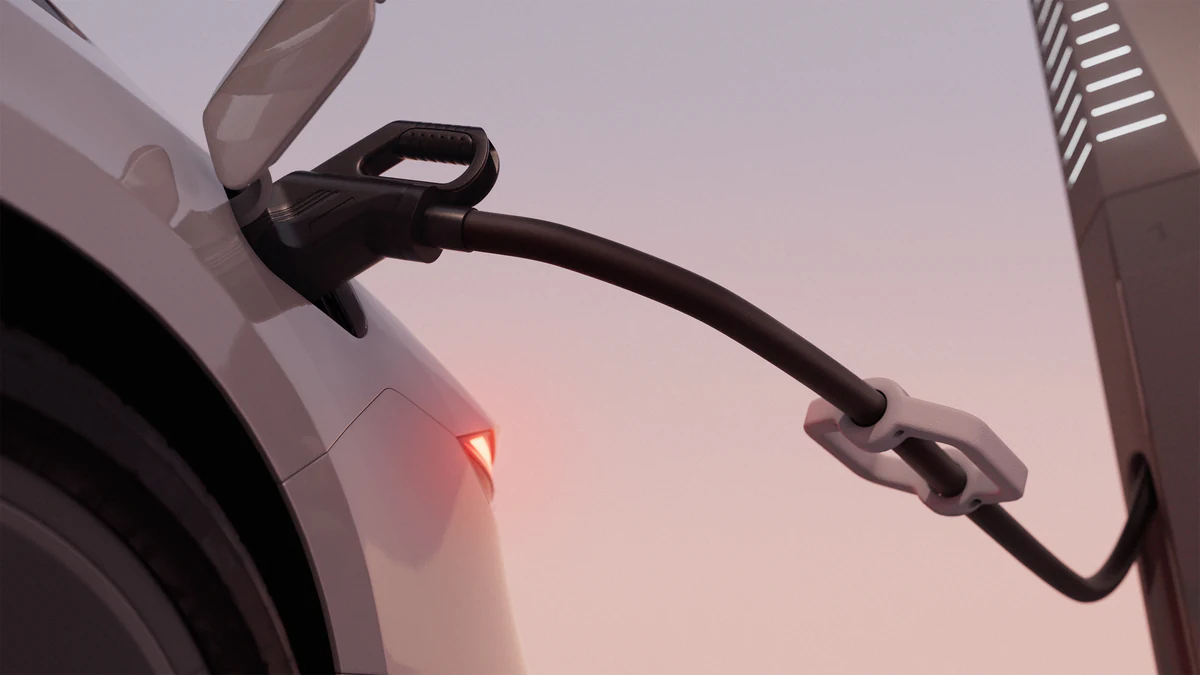
Industrial Product Modelling
Prepare engineering assemblies for product communication. Agree which components must remain separate for animation, cutaways or an exploded view before simplifying the source geometry.
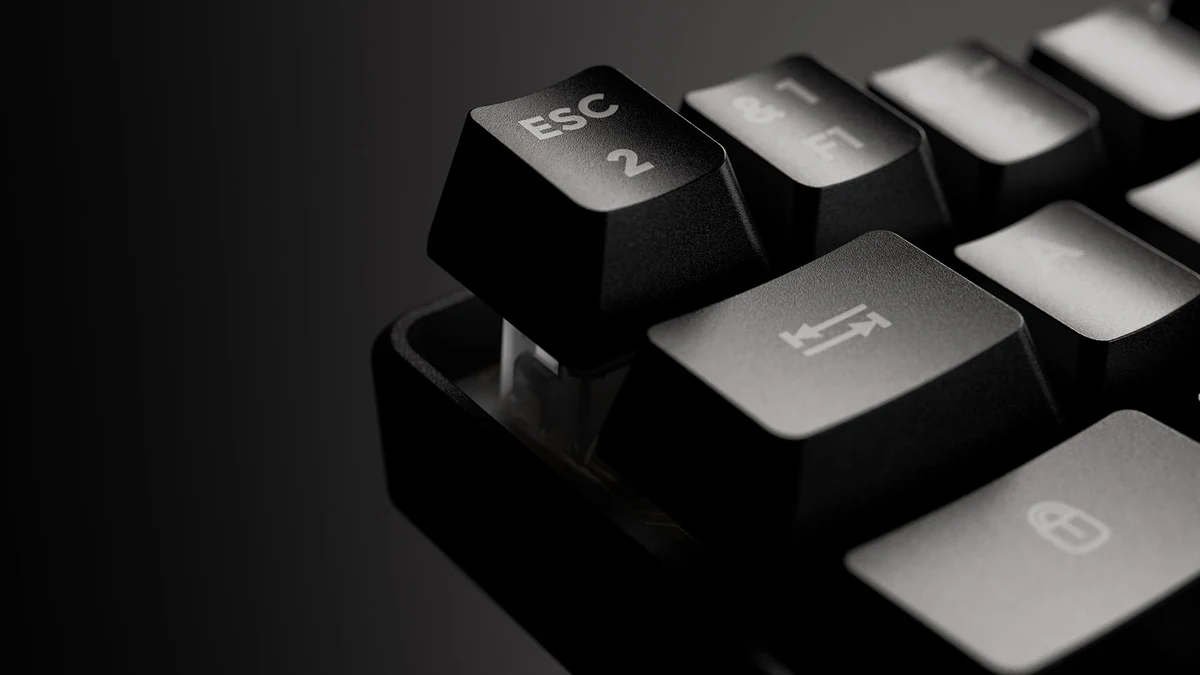
Consumer Technology Modelling
Build visible details such as keys, ports, seams and markings around the camera distance and the approved product reference. Keep variants organised for the agreed campaign outputs.
Modelling proof
Models that carried real launches.

Petalite's engineering CAD was rebuilt for production, with topology repaired, overlaps resolved, real-world scale set and a naming system that kept every component consistent across stills, turntables and animation.
How the model was built
For the ROEST P3000, internal parts were removed, some exterior surfaces remeshed and details including the hopper remodelled before lighting, with every shot first blocked out in grey.
How the model was built
For the G-Lab Keyz Hydrogen launch, product modelling supported an exploded escape-key sequence and close-ups of the keyboard construction inside the 40-second launch film.
How the model was builtTwo exploded animations, Inigma and Boron, were built from Squire's engineering data, so every component lifts, separates and reseats with engineering accuracy.
How the model was built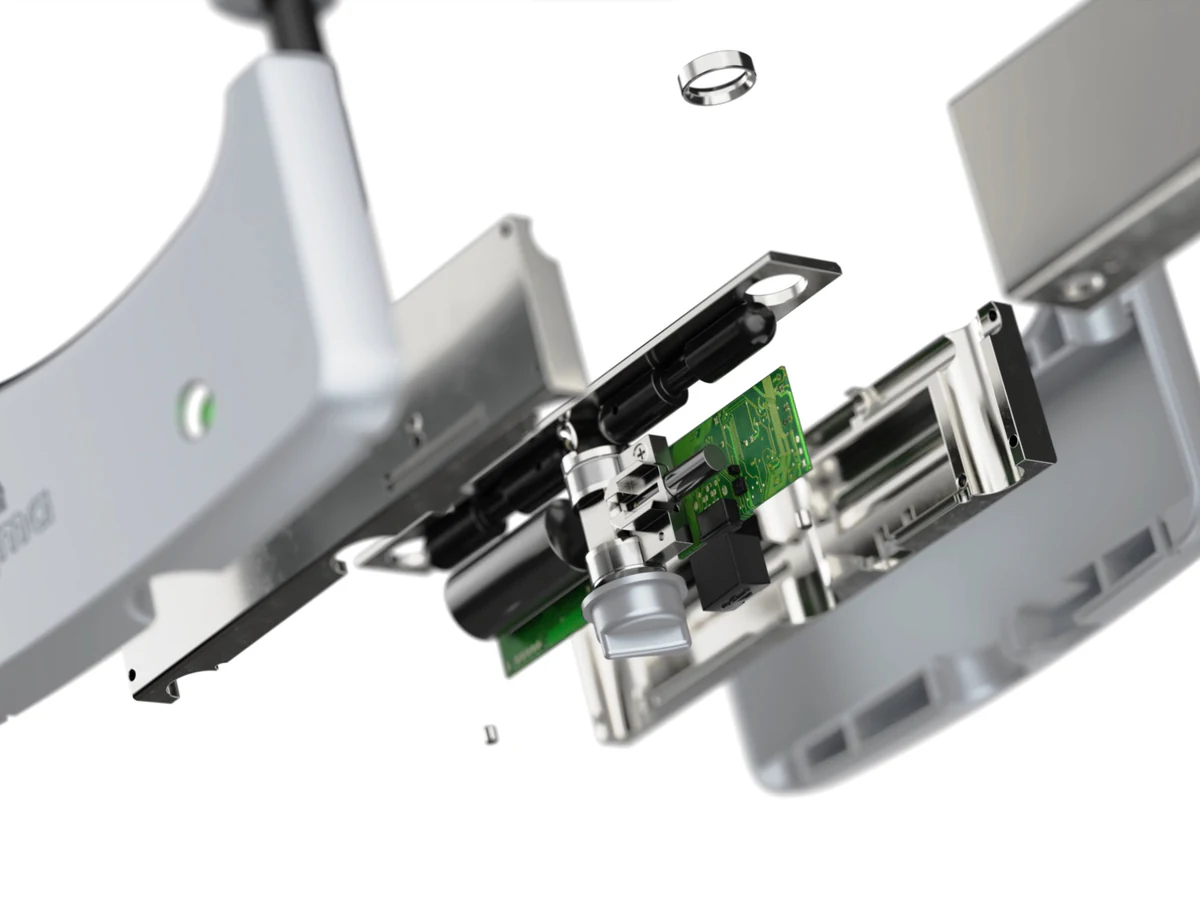

A systematised product modelling foundation let the team batch hundreds of SKU variations across reed types, strengths, instruments and packaging for the Organic Reeds launch.
How the model was built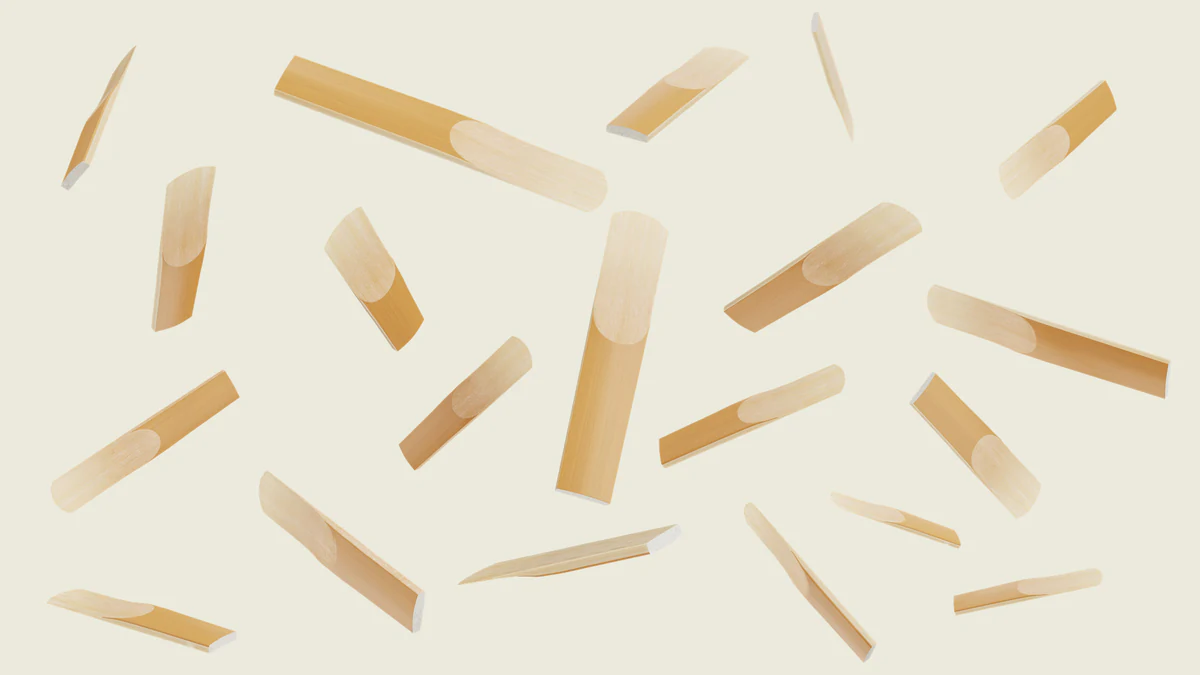
Process
Our 3D modelling process.
- 01
Share the brief.
Send CAD files, sketches, reference imagery or a written brief outlining the product and intended use.
- 02
Define the model.
We agree topology requirements, level of detail, naming hierarchy and export format before modelling starts.
- 03
Create and refine.
Models built and reviewed through structured stages, silhouette, topology, detail, before sign-off.
- 04
Final delivery.
Approved 3D models delivered in every format needed for rendering, animation, AR and interactive use.
Checks
What we check before you see the model.
1. Source review.
The CAD revision is checked first, along with missing views, unresolved parts and anything that needs an answer from your product team before the build.
2. Grey card against your CAD.
Accuracy is checked against the supplied CAD or drawings at the grey-card stage, before any material or light is added.
3. Light on faces and edges.
The model goes into the renderer so the team can see how light falls across its faces and edges: realistic bounces, no facets, no incorrect edges.
4. Your approval.
The grey cards go to your team for approval. Nothing moves on to materials, lighting and finished outputs until they are approved.
5. Delivery in the agreed formats.
The approved model is delivered in the formats agreed at the start, for rendering and film, or as GLB and USDZ for real-time and AR.
XO3D builds models to support close-up product CGI, animation, variants and interactive use, treating topology, hierarchy, materials and downstream reuse as one asset decision. The D’Addario case study shows one systematised modelling foundation used to batch-render thousands of product images.
Brands working from engineering data before a sample exists should also review the pre-manufacture CGI workflow. Where dimensional accuracy and mechanism explanation are the main requirements, continue to Technical CGI.
Formats and delivery
Formats are confirmed against the actual files at intake, not promised for every application. Everything below comes from the Product CGI specifications.
| Stage | What we work with or deliver |
|---|---|
| Source accepted | STEP is the safest default for CAD. Native SolidWorks, Rhino or Inventor files preserve more. FBX or OBJ for a product that exists only as a mesh. |
| Real-time delivery | GLB with Draco-compressed geometry and KTX2 textures, typically around 10 MB or less, with lower-detail versions for the target devices. |
| AR | USDZ for AR Quick Look on iPhone and iPad, GLB for Android and the web, and a hosted link or QR code that opens the model. |
| Hand-over | The 3D asset as glTF, FBX or OBJ. |
| Limits | No universal file-size or assembly limit; large or complex source files are reviewed case by case. The model is not a manufacturing reference. |
Which route is yours?
The model is the foundation of every route below. Pick the one that matches what the launch needs.
- Master Asset Build: one product, built to full production standard, with one directed hero deliverable, a short film or a stills set. On full payment you own the delivered work and the commissioned model.
- Technical CGI: exploded views, cutaways and mechanism sequences, where the model has to show how the product works.
- Launch Visuals: the complete launch suite from one Master Asset: film, campaign stills, social formats, press and interactive.
- Product CGI Films: a directed film built on the model, from a launch film to a feature explainer.
| 3D modelling | Master Asset Build | Launch Visuals | |
|---|---|---|---|
| What it is | The product model, built from your CAD, drawings or reference and reviewed at grey card | One product built once to full production standard, plus one directed hero deliverable | The complete launch suite produced from one Master Asset |
| What you get | The approved model in the formats agreed for stills, film, real-time and AR | The Master Asset and a short film or a stills set | Film, campaign stills, social formats, press and interactive in one visual language |
| When it fits | The brief starts with the product geometry | One product and one launch moment, with room to build on the same asset | The launch needs several deliverables across several channels |
What to send for a product modelling brief
Send the current CAD revision or dimensioned drawings, views of the product, material and finish references, and the outputs you need. Identify any confidential or unfinished components and the person who can approve product details. For animation, note moving parts and the mechanism to explain. For interactive use, include the target platform and its delivery requirements. Before you export, the CAD to 3D Prep Checklist on XO3D Labs walks through clean-up, scale, topology, material IDs and export format, and the CAD to CGI guide explains what survives the move from engineering data to imagery.
CAD preparation, modelling and finished imagery
| Starting point | Work to agree | Review before production |
|---|---|---|
| Engineering CAD | Prepare visible geometry, component hierarchy and surfaces for the campaign | Revision, silhouette, proportions and retained details |
| Drawings and photographs | Construct the model and resolve missing views or dimensions | Assumptions and areas needing product-team confirmation |
| Existing visualisation model | Check geometry, materials and suitability for new camera distances | Whether the asset supports the intended stills, film or real-time use |
A model approved for a distant still may need further detail for a macro shot. A film asset may need optimisation for a browser. The Product truth standard explains how product references and visual decisions stay connected. Explore 3D product rendering for the stages between an approved model and a finished image.
For The G-LAB Keyz Hydrogen launch, product modelling supported an exploded switch sequence and close-ups of the keyboard construction. The case study shows the finished film and the component detail prepared for those shots. For mechanisms shown in motion, the Squire Locks and ROEST case studies show how the model was built.
FAQ
Common questions, answered.
Can a model for close-up CGI also be used in a browser or AR experience?
What file formats do you work from and deliver?
Can AI generate the 3D model?
Is the model dimensionally accurate?
What does a model need that CAD does not have?
What is the difference between 3D modelling and 3D rendering?
What is 3D modelling?
Is 3D modeling the same as 3D modelling?
What are 3D models used for?
What determines 3D modelling scope?
Can you work without CAD?
Do you use the CAD file exactly as it is supplied?
So at XO3D we remodel every single piece of CAD we receive because a lot of the time it very rarely looks good in 3D rendering.
How do you check a model before calling it photorealistic?
The checks that go into a 3D model before calling it photorealistic are: it will go into a 3D rendering software and we will check how the lighting interacts with the faces and the edges to make sure we're getting realistic light bounces off the surfaces and there's no facets or incorrect edges.
Why work with a specialist 3D modelling team?
Your next project
Build for the intended output.
A model for a close film shot and a model for a browser experience have different requirements. Review the source, viewing distance and intended reuse before deciding how the asset should be constructed.
A route to consider
Master Asset Build
One product built to production standard, with materials, lighting and a directed hero deliverable. Further uses are scoped around that foundation.
Bring these three things.
- What source files are available?
- Where will the model be used?
- Which details must hold in close-up?
Start with an outline. We review the product, intended outputs and timing before agreeing the production scope.
About the studio
XO3D is a director-led product CGI studio. Founded by Thomas Howcroft in 2017 and incorporated as XO3D Ltd (UK Companies House 11876020) in 2019, when Alex Mann joined as co-founder. Based at the Business and Technology Centre in Stevenage, UK, with representation at 244 Fifth Avenue, New York. We work with tech, industrial and premium consumer brands on product films, launch stills and interactive experiences.